ImageWell4.0.7 for macOS
Add text, shapes and frames to images on a Mac
Trial · Proprietary
You are on Windows — this is the macOS version.
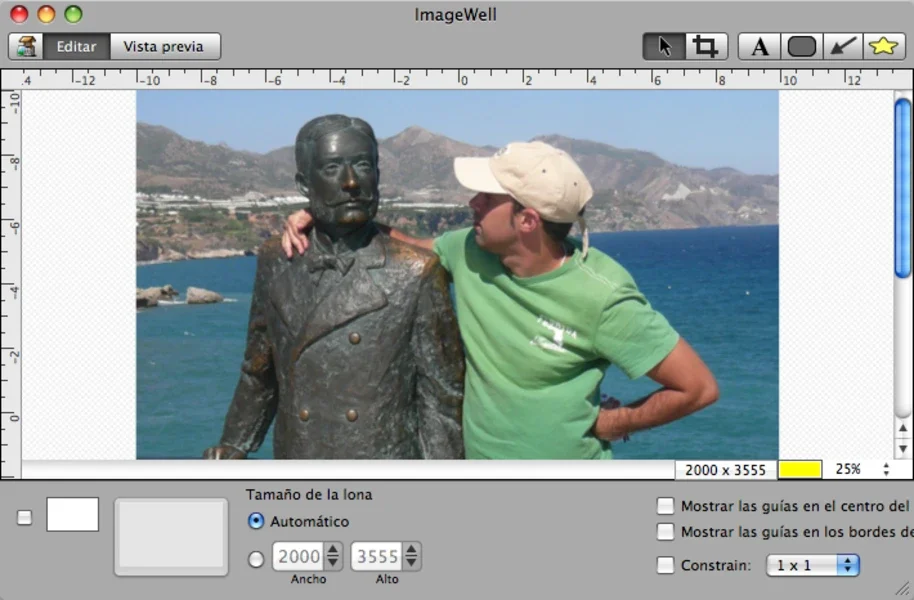
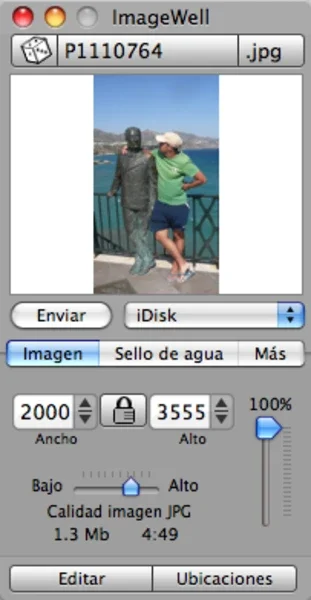
ImageWell is a Mac image editor for quick changes. Use it when you want to resize, rotate or crop a picture, or add text, a watermark, shading or a frame. The program works with JPEG, TIFF and PNG files, and it also has speech bubbles, arrows and geometric shapes for marking things up.
Editing stays simple. You open an image, apply the changes you need, and save it again. Resizing and rotating are there for fixing orientation or fitting a picture to a spot. Cropping trims the edges. Text and watermarks go on top, shading darkens or lightens, and frames put a border around the whole thing. The speech bubbles, arrows and shapes are for pointing at something or adding a comment. There is no layer stack to manage and no complicated tool palette.
It requires Mac OS X 10.4 or later. If you are on Mac OS X Panther (10.3.9), you need ImageWell 3.5.4 instead.
[Release notes coming soon]
Verify the file
Compare the SHA-256 of the file you downloaded with the value below. Files exactly as the publisher released them.
-
4.0.7
4.0.7 · DMG · 929.1 KB
SHA-256
3868a4226d0eb32726f599d76ccaa02411426a9e39c6316264e11df81cb99d0aCheck on VirusTotal Get
Files exactly as the publisher released them.
Information
- Seller
- XtraLean Software
- Size
- 929.1 KB
- Category
- Capture & editing
- Compatibility
macOS Mac OS X or later
- Languages
- Age rating
- All ages
- License
- Proprietary
- Price
- Trial