Iriun Webcam2.9.1 for macOS
Turns an Android phone into a webcam over Wi-Fi for a Mac
Free · Proprietary
You are on Windows — this is the macOS version. See the Windows version
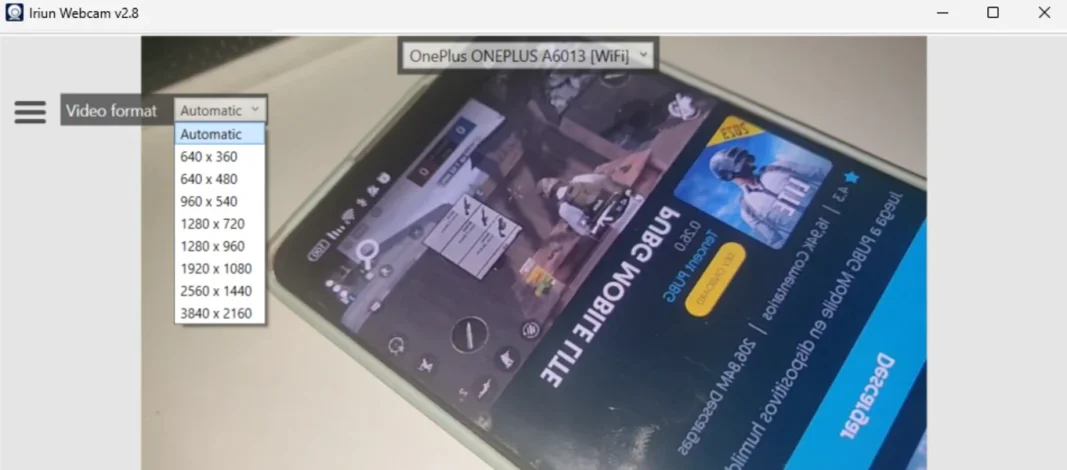
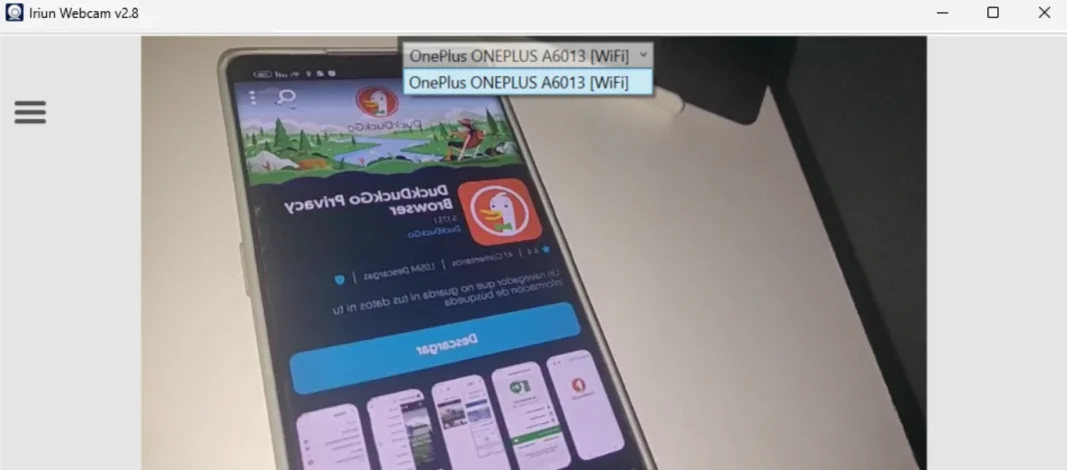
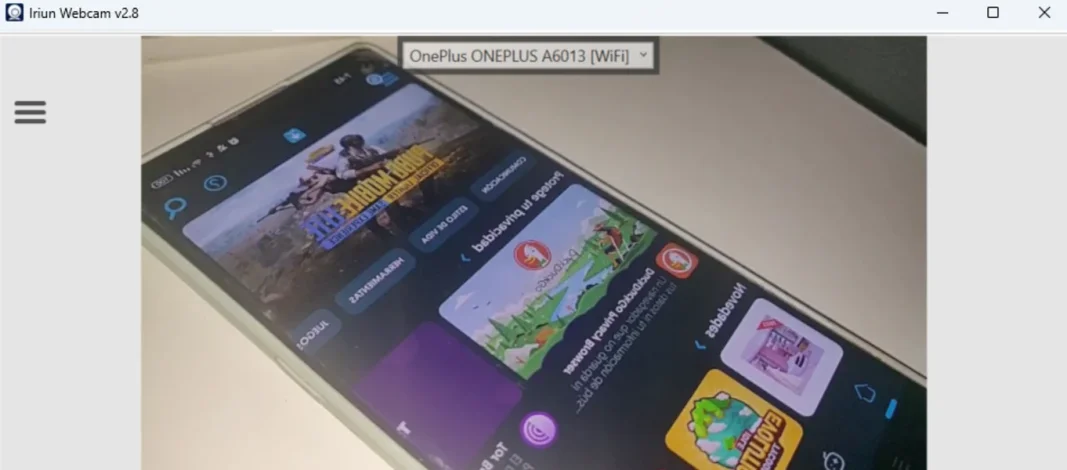

Iriun Webcam lets you use an Android smartphone as a webcam for a Mac. You install the app on both the phone and the computer, put both on the same Wi-Fi network, and then point your video call program at it. That means Zoom or Skype, say, gets a camera feed without an external camera on the desk.
Resolution goes up to 4K. The phone does the capturing, so the picture you get out of it depends on the lens on the handset. A good camera module in the phone is what determines what the other side sees.
Setting it up comes down to picking Iriun Webcam in the video call program's settings, where it shows up in the camera list like any other device. Once that selection is made, the phone supplies the video and the Mac treats it as the camera it should use. Both installs are required, one on each side of the connection.
[Release notes coming soon]
Verify the file
Compare the SHA-256 of the file you downloaded with the value below. Files exactly as the publisher released them.
-
2.9.1
2.9.1 · PKG · 8.9 MB
SHA-256
8aedd68699f0ba53f45ff2dafa4462f4dc0145c460808230b828e2638a2e2332Check on VirusTotal Get
Files exactly as the publisher released them.
Information
- Seller
- Iriun
- Size
- 8.9 MB
- Category
- Utilities
- Compatibility
macOS
- Languages
English
- Age rating
- 3+
- License
- Proprietary
- Price
- Free
- Platform
- Also available on Windows