Skip to content

Joplin3.7.24 for macOS

Takes notes and tasks, files them in folders, and syncs them across devices

Laurent Cozic

Free · MIT

Download 3.7.24 · 202.2 MB
  • Age rating
    3+
  • Category
    Text & documents
  • Developer
    Laurent Cozic
  • Languages
    2
    English
  • Size
    202.2
    MB

Mac

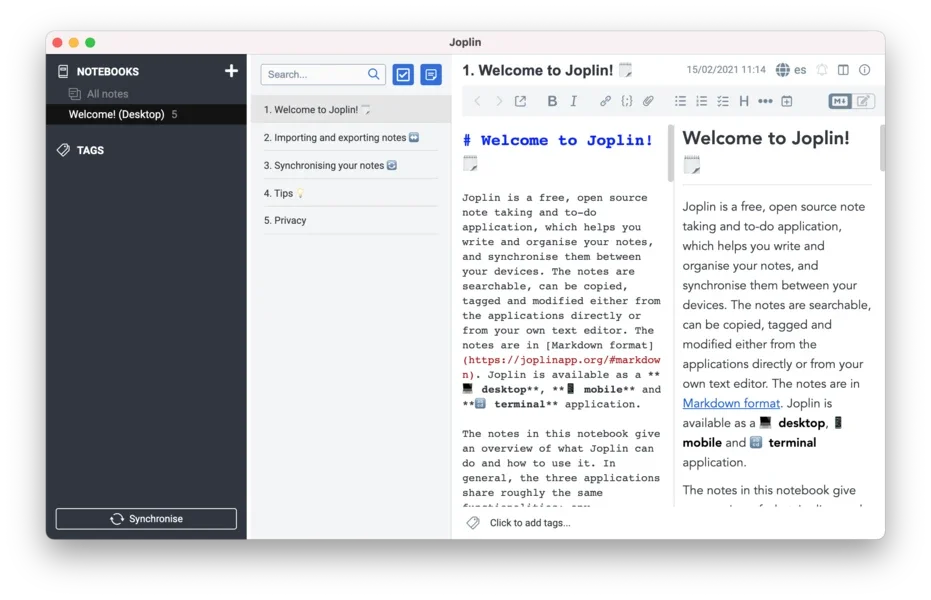
Joplin stores notes and tasks and keeps them in folders you set up. It is an open source note-taking utility. A note can carry any number of tags, and a quick search on those tags brings it back later.

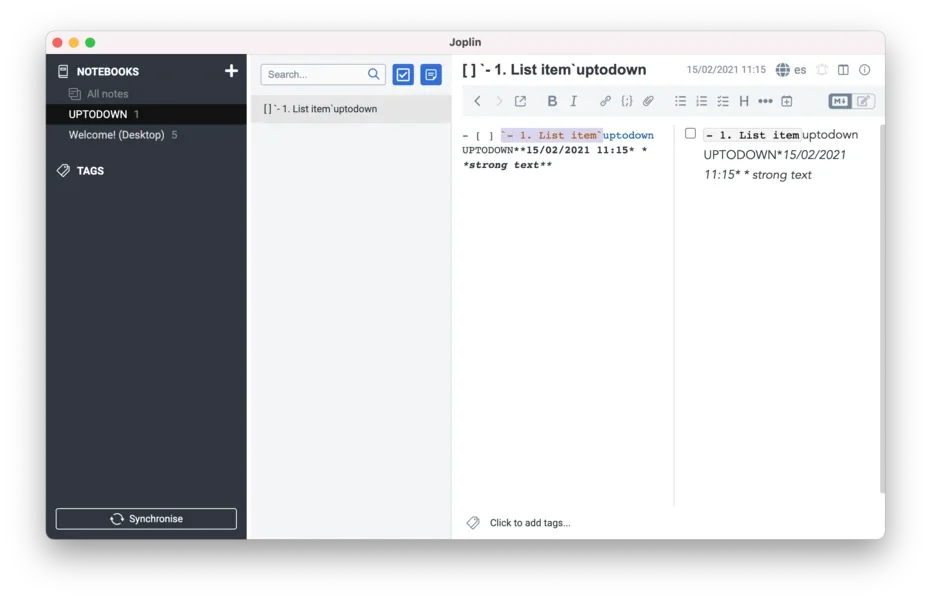
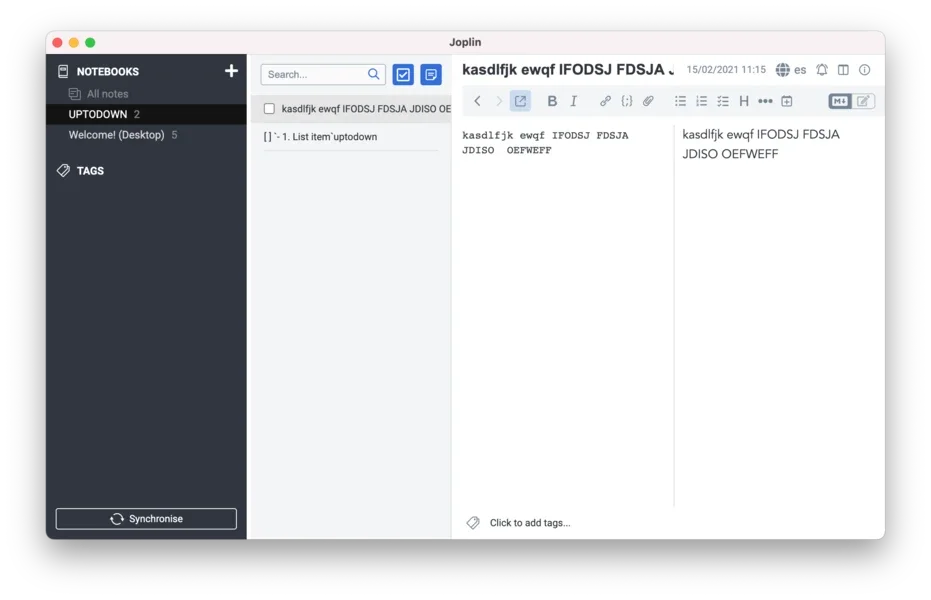
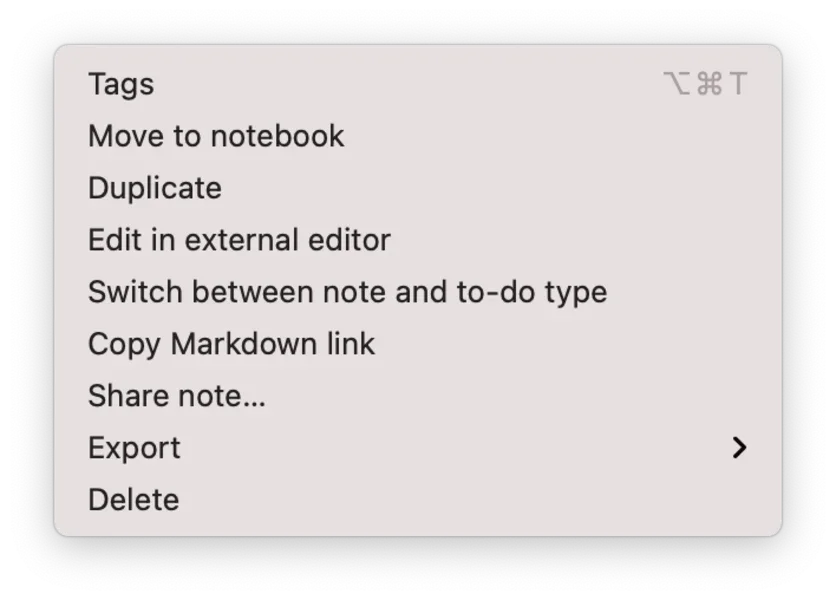
Formatting a note covers font size and typography changes, and notes accept indentations, inserted links and attached elements. You can open, edit, delete and move notes and folders with a click. For tasks, press the '+' button at the top of the screen; you can have as many open as you need, and they go into folders too.

Content written on a Mac can be read on an Android device, and anything you save is reachable from any platform. The program is free.

[Release notes coming soon]

Version 3.7.24

Verify the file

Compare the SHA-256 of the file you downloaded with the value below. Files exactly as the publisher released them.

  • joplin-3-7-24.dmg

    3.7.24 · DMG · 202.2 MB

    SHA-256

    d95c2376035c7630dfb94f6eecca2f6edb3a27531626553a344f2b2308a5830e Check on VirusTotal Get

Files exactly as the publisher released them.

Information

Size
202.2 MB
Compatibility
macOS 12.0 Monterrey or later
Languages
English, Slovenian
Age rating
3+
License
MIT
Price
Free

Version history

  • [Release notes coming soon]

    3.7.24
  • [Release notes coming soon]

    3.7.22
  • [Release notes coming soon]

    3.7.21
  • [Release notes coming soon]

    3.7.18
  • [Release notes coming soon]

    3.7.16
  • [Release notes coming soon]

    3.6.16
  • [Release notes coming soon]

    3.6.15
  • [Release notes coming soon]

    3.6.14
  • [Release notes coming soon]

    3.6.13
  • [Release notes coming soon]

    3.6.11
  • [Release notes coming soon]

    3.5.13
  • [Release notes coming soon]

    3.5.12
  • [Release notes coming soon]

    3.5.11
  • [Release notes coming soon]

    3.4.12
  • [Release notes coming soon]

    3.4.10
  • [Release notes coming soon]

    3.4.7
  • [Release notes coming soon]

    3.4.6
  • [Release notes coming soon]

    3.3.13
  • [Release notes coming soon]

    3.3.12
  • [Release notes coming soon]

    3.2.13
  • [Release notes coming soon]

    3.2.12
  • [Release notes coming soon]

    3.2.11
  • [Release notes coming soon]

    3.1.24
  • [Release notes coming soon]

    3.1.23
  • [Release notes coming soon]

    3.1.22
  • [Release notes coming soon]

    3.1.20
  • [Release notes coming soon]

    3.0.15
  • [Release notes coming soon]

    3.0.14
  • [Release notes coming soon]

    3.0.13
  • [Release notes coming soon]

    3.0.12
  • [Release notes coming soon]

    2.14.22
  • [Release notes coming soon]

    2.14.20
  • [Release notes coming soon]

    2.14.19
  • [Release notes coming soon]

    2.14.17
  • [Release notes coming soon]

    2.13.15
  • [Release notes coming soon]

    2.13.14
  • [Release notes coming soon]

    2.13.13
  • [Release notes coming soon]

    2.13.12
  • [Release notes coming soon]

    2.13.11
  • [Release notes coming soon]

    2.13.10
  • [Release notes coming soon]

    2.13.9
  • [Release notes coming soon]

    2.12.19
  • [Release notes coming soon]

    2.12.18
  • [Release notes coming soon]

    2.12.17
  • [Release notes coming soon]

    2.12.15
  • [Release notes coming soon]

    2.12.10
  • [Release notes coming soon]

    2.11.11
  • [Release notes coming soon]

    2.10.19
  • [Release notes coming soon]

    2.10.18
  • [Release notes coming soon]

    2.9.17

All versions ›