Skip to content

LibreWolf160.0.1 for macOS

Firefox-based browser with privacy defaults and uBlock Origin

LibreWolf Community

Free · MPL 2.0

Download 160.0.1 · 127.7 MB
  • Age rating
    3+
  • Category
    Web Browsers
  • Developer
    LibreWolf Community
  • Languages
    48
    Afrikaans
  • Size
    127.7
    MB

Mac

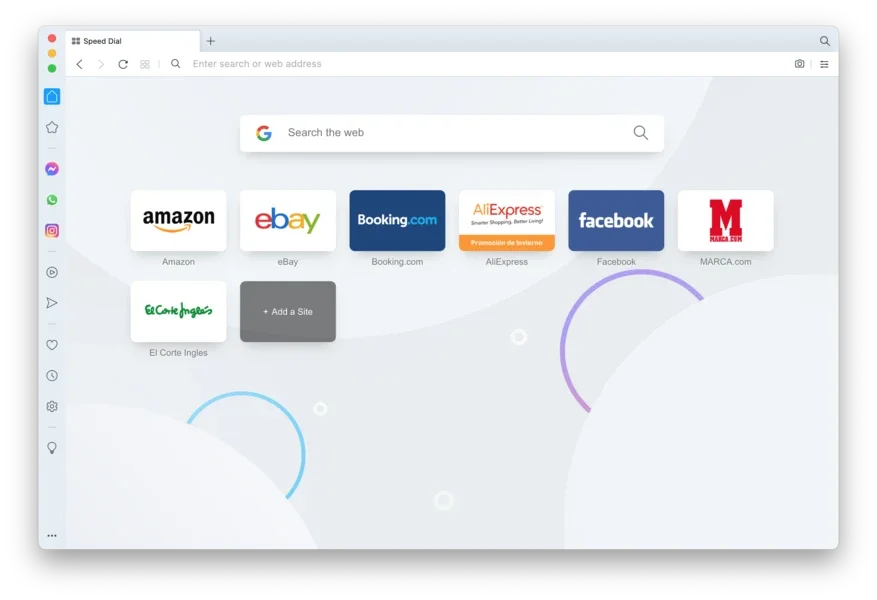
LibreWolf is a web browser built on Firefox, and the most specific thing about it is a privacy stance that goes further than the browser it derives from. It blocks telemetry and stops third parties from collecting data. Some components and features that could put data or the computer at risk are removed.

  • uBlock Origin comes included for blocking ad content
  • Private search through DuckDuckGo, Searx, or Qwant
  • Adware removal

Updates follow the latest stable Firefox version with added features. The interface is simple and intuitive, and the browser is open source, customizable, and independent. A large developer community maintains it.

[Release notes coming soon]

Version 160.0.1

Verify the file

Compare the SHA-256 of the file you downloaded with the value below. Files exactly as the publisher released them.

  • librewolf-160-0-1.dmg

    160.0.1 · DMG · 127.7 MB

    SHA-256

    63fecdaff40925486c1c5023c651b61a0858e49847ea338a64d6e47d517f774c Check on VirusTotal Get

Files exactly as the publisher released them.

Information

Size
127.7 MB
Category
Web Browsers
Compatibility
macOS 10.15 Catalina or later
Age rating
3+
License
MPL 2.0
Price
Free

Version history

  • [Release notes coming soon]

    160.0.1
  • [Release notes coming soon]

    159.0.1
  • [Release notes coming soon]

    159.0
  • [Release notes coming soon]

    158.0.1
  • [Release notes coming soon]

    158.0
  • [Release notes coming soon]

    157.0.1
  • [Release notes coming soon]

    157.0
  • [Release notes coming soon]

    156.0
  • [Release notes coming soon]

    156.0.1
  • [Release notes coming soon]

    155.0-1
  • [Release notes coming soon]

    154.0.1-3
  • [Release notes coming soon]

    154.0.1
  • [Release notes coming soon]

    154.0
  • [Release notes coming soon]

    153.0.4-1
  • [Release notes coming soon]

    153.0.3-1
  • [Release notes coming soon]

    152.0.5-1
  • [Release notes coming soon]

    152.0.2-1
  • [Release notes coming soon]

    152.0-1
  • [Release notes coming soon]

    151.0.4-1
  • [Release notes coming soon]

    151.0.2
  • [Release notes coming soon]

    151.0.3.1
  • [Release notes coming soon]

    151.0
  • [Release notes coming soon]

    151.0.1
  • [Release notes coming soon]

    150.0.3
  • [Release notes coming soon]

    150.0.1
  • [Release notes coming soon]

    150.0
  • [Release notes coming soon]

    149.0.2
  • [Release notes coming soon]

    148.0.2
  • [Release notes coming soon]

    148.0
  • [Release notes coming soon]

    147.0.4-1
  • [Release notes coming soon]

    147.0.4
  • [Release notes coming soon]

    147.0.3
  • [Release notes coming soon]

    147.0.2
  • [Release notes coming soon]

    147.0.1
  • [Release notes coming soon]

    147.0
  • [Release notes coming soon]

    146.0-2
  • [Release notes coming soon]

    145.0.2-2
  • [Release notes coming soon]

    145.0.1-2
  • [Release notes coming soon]

    144.0.2-1
  • [Release notes coming soon]

    144.0-1
  • [Release notes coming soon]

    143.0.4-1
  • [Release notes coming soon]

    143.0.1-1
  • [Release notes coming soon]

    143.0-1
  • [Release notes coming soon]

    142.0.1-1
  • [Release notes coming soon]

    141.0.3-1
  • [Release notes coming soon]

    141.0.2-1
  • [Release notes coming soon]

    140.0.4-1
  • [Release notes coming soon]

    141.0-1
  • [Release notes coming soon]

    140.0.2-1
  • [Release notes coming soon]

    139.0.1-1

All versions ›