
Logitech Gaming Software9.02.65 for macOS
Tunes Logitech gaming gear settings and keeps them in profiles
Free
You are on Windows — this is the macOS version. See the Windows version
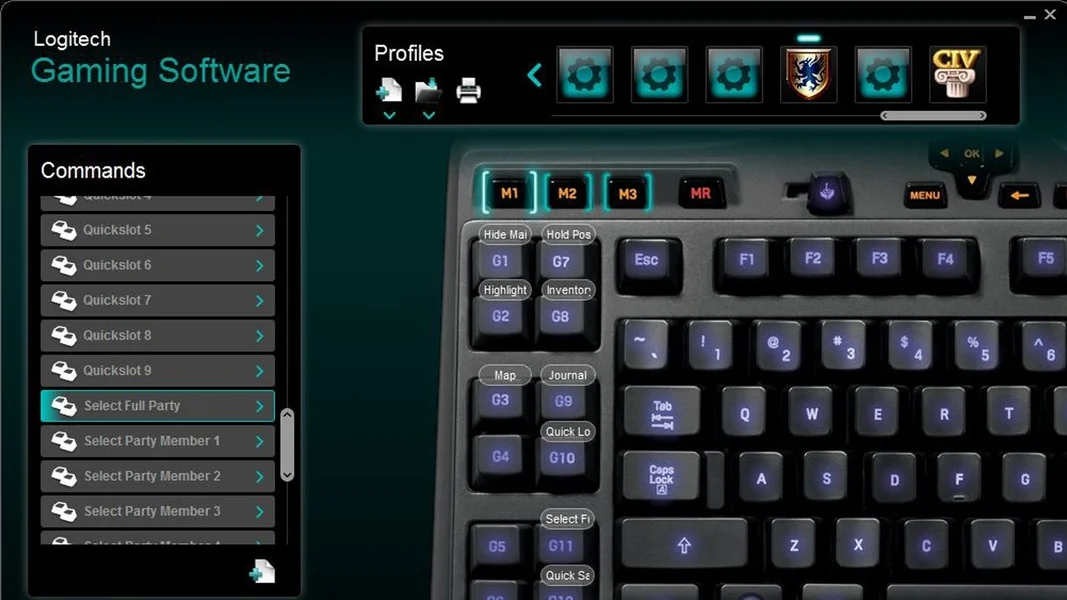
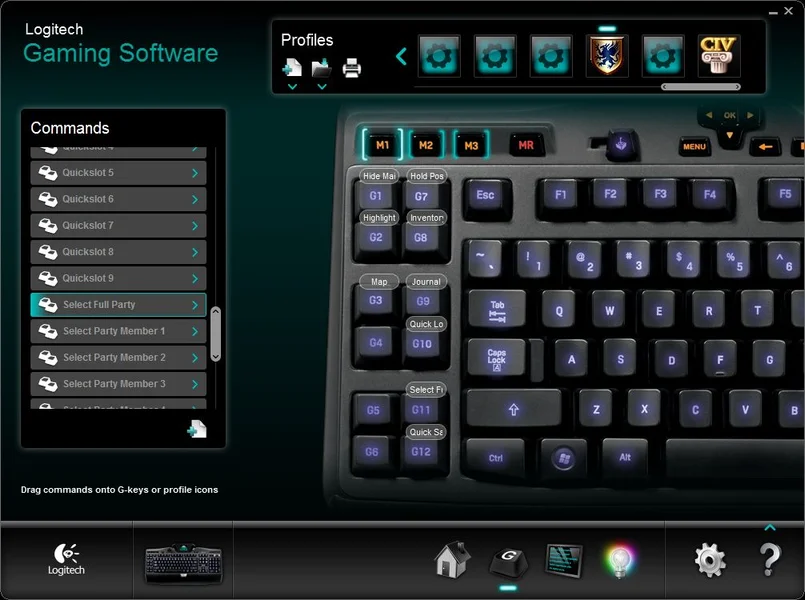
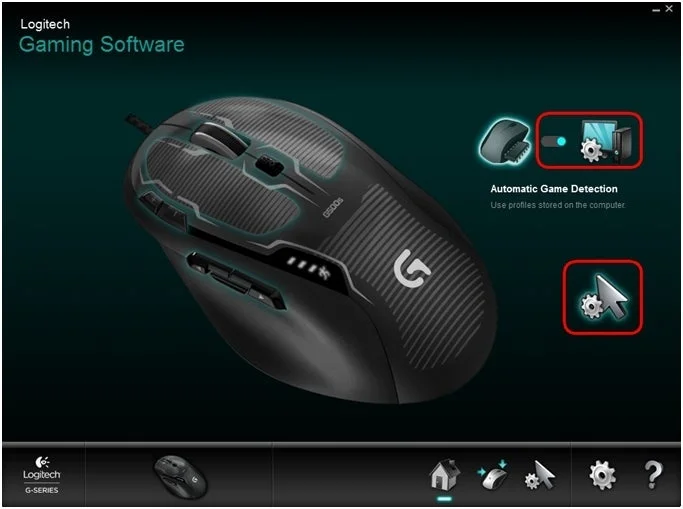
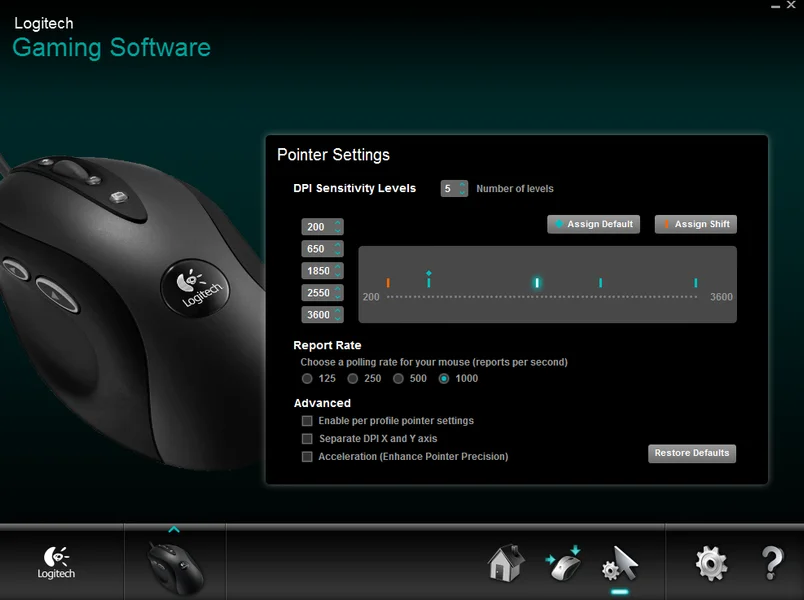

Logitech Gaming Software manages Logitech gaming hardware. Settings for each Logitech device are adjusted in the interface, and the result can be saved to a profile. A profile can be tied to a specific game title, so the settings come back when that game does.
The interface is where most of the work happens, and it covers each connected device separately. You adjust what you need, save it as a profile, and link that profile to a game if you want it to switch on its own. Logitech Gaming Software also has a companion on phones: Arc Control, which runs on Android and iOS. That app monitors how your Mac is performing, so the phone can show what the machine is doing while you play. Setup may be fiddly at first. It is worth the effort if you own many Logitech devices.
The software is free and the latest version is 9.02.65.
[Release notes coming soon]
Verify the file
Compare the SHA-256 of the file you downloaded with the value below. Files exactly as the publisher released them.
-
LGS_9.02.65_x64_Logitech.exe
9.02.65 · EXE · Intel chip · 120.0 MB
SHA-256
e037727f2e571f41864d93fbcc094e124eda3e1dcd2d56973f1f65c5a577bf55Check on VirusTotalSigned by Logitech Inc · valid until May 29, 2019
Get
Files exactly as the publisher released them.
Information
- Seller
- Logitech
- Size
- 120.0 MB
- Compatibility
macOS Mac OS X or later
- Price
- Free
- Platform
- Also available on Windows