
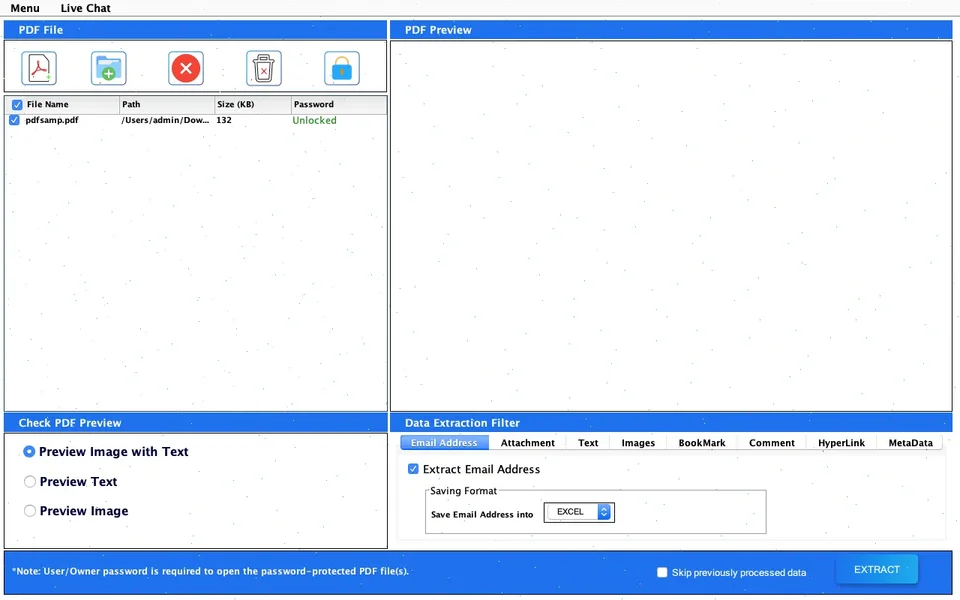
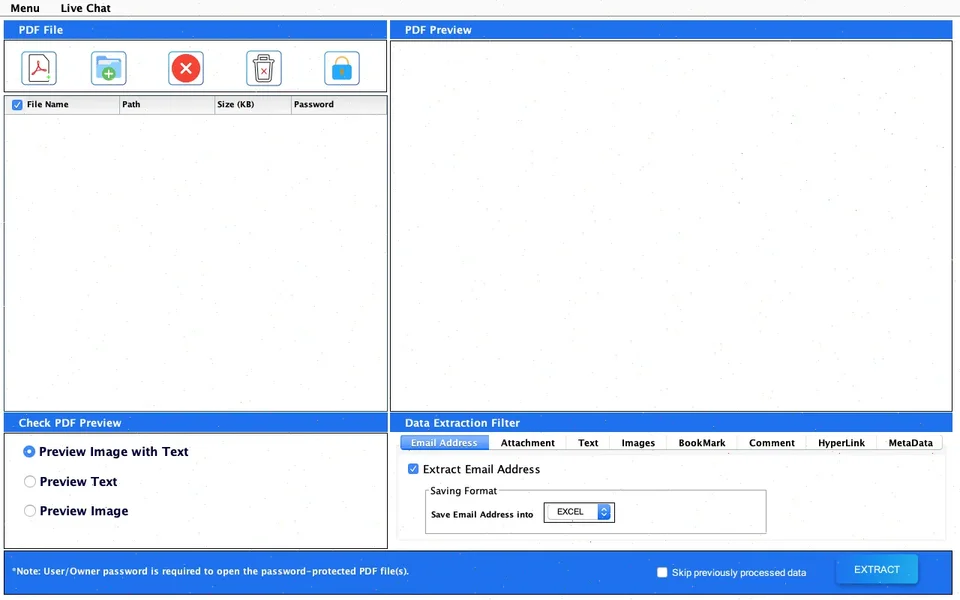
MacSonik PDF Data Extraction pulls text, images, attachments, bookmarks, hyperlinks, comments, and metadata out of PDF documents. It keeps the original structure and quality of whatever you select.
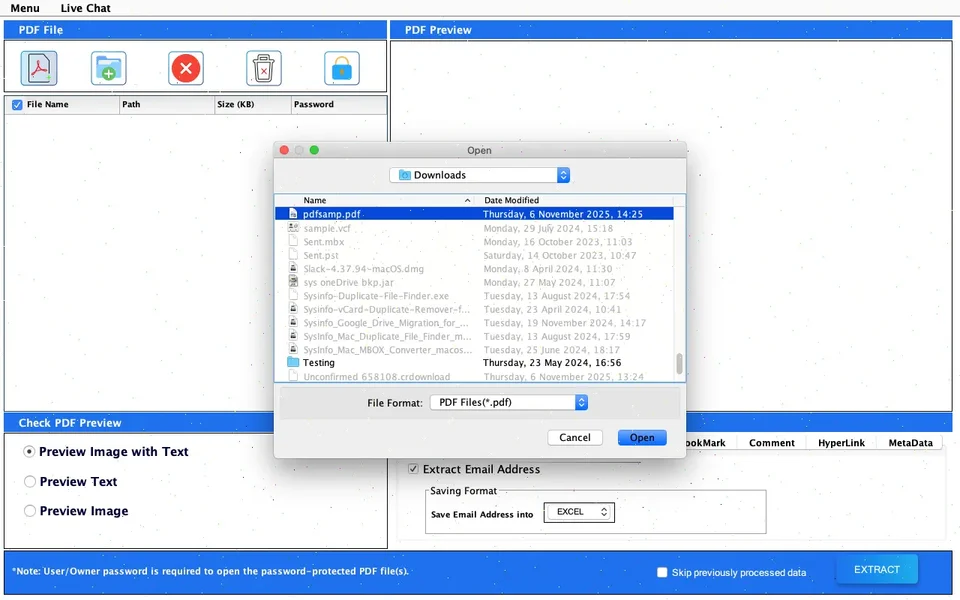
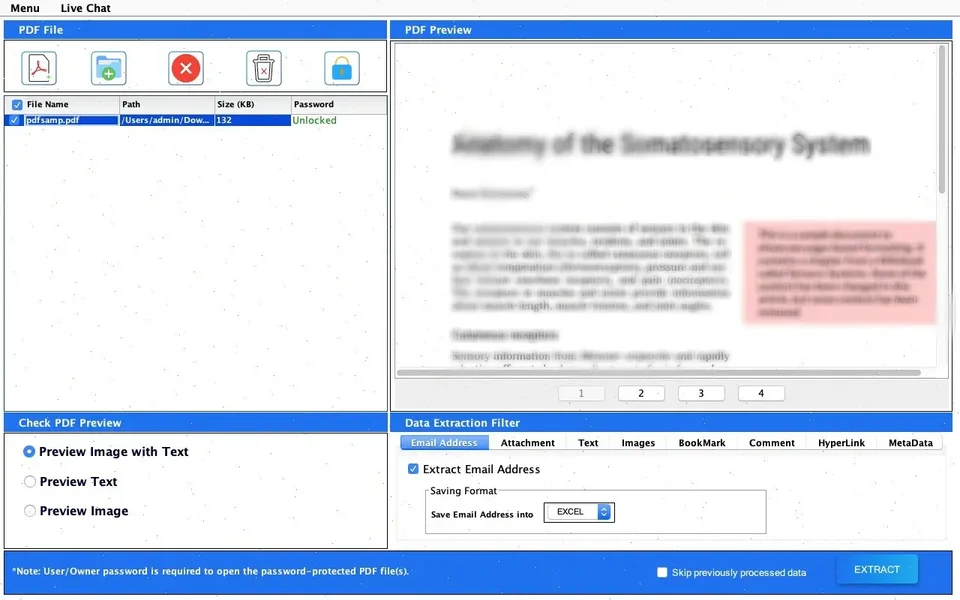
You can choose to take content from every page, a specific range, only the odd or even pages, or a list of individual page numbers. Multiple PDFs can be processed at once, and password-protected ones are unlocked with the correct password before extraction. A built-in preview shows text, images, or both so you can check before starting. Embedded attachments come out into separate folders.
Extracted images save as JPEG, PNG, BMP, or GIF. Text can be saved as DOC, DOCX, PDF, HTML, or TXT. The interface needs no technical expertise, and it runs on Apple Silicon-based devices as well as older macOS and Windows versions. It works with standard and password-protected files.
[Release notes coming soon]
Verify the file
Compare the SHA-256 of the file you downloaded with the value below. Files exactly as the publisher released them.
-
1773913776443-416091398-pdf-extractor.dmg
25.5.0 · DMG · 234.1 MB
SHA-256
ee3506c9138b52631d604955169fc5e36bfc0ea8472cc217bd0cd2b8e434304eCheck on VirusTotal Get
Files exactly as the publisher released them.