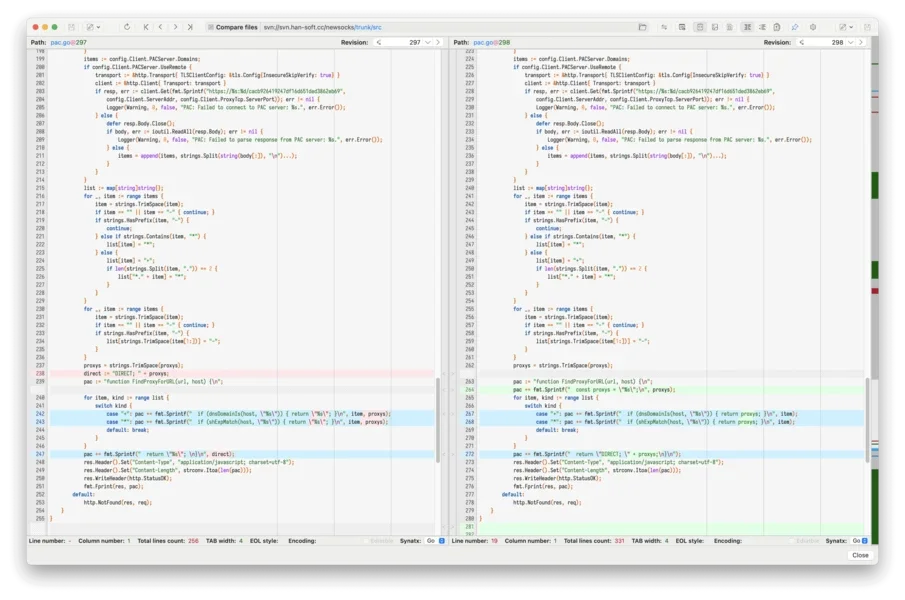
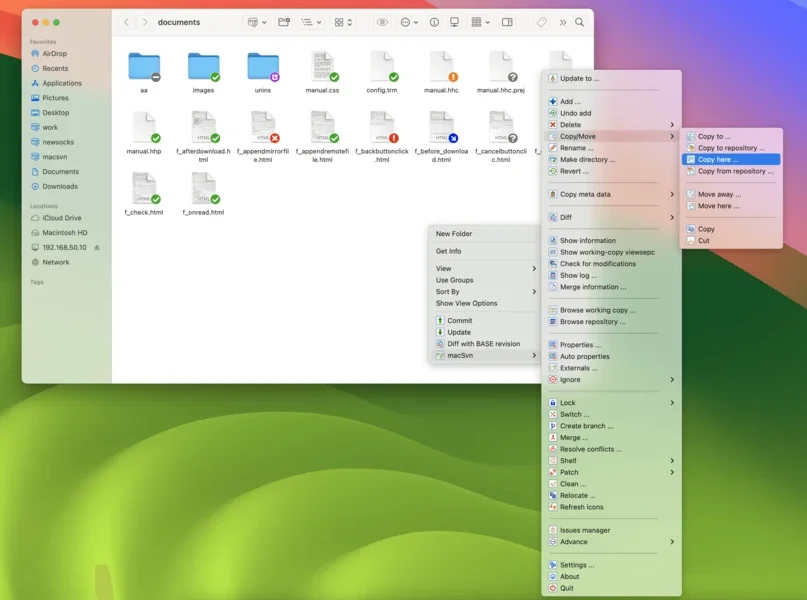
macSvn is a Subversion client that runs as a Finder sync extension. You work with your working copy from the Finder itself, without opening another app.
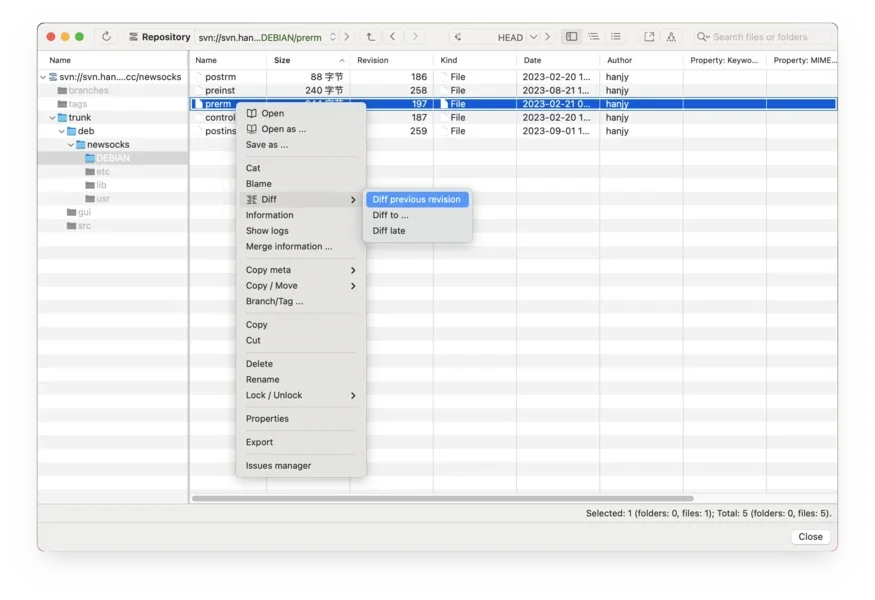
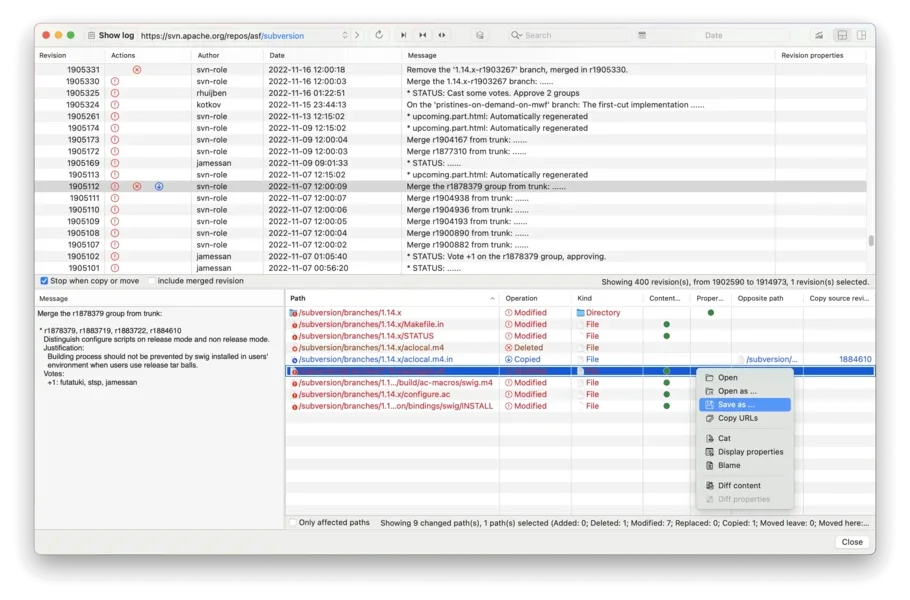
Every svn command is reachable in three places: the menu that appears when you right-click, the toolbar, and the sidebar. The Subversion command line does not have to be installed for any of it to work. Hovering over code brings up syntax highlighting. A built-in comparison tool opens two versions of a file side by side, and it handles text, images and binaries. When the file is text, you can edit the differences in place rather than only reading them.
The macOS Finder is where the whole thing lives, so the menus above are the interface you get.
[Release notes coming soon]
Verify the file
Compare the SHA-256 of the file you downloaded with the value below. Files exactly as the publisher released them.
-
macSvn_v2.6.0.7545.dmg
2.6.0.7545 · DMG · 134.8 MB
SHA-256
3976bb772870c86c25a68a75a3118442c689c7df5043c6dd89c3564b71192cc5Check on VirusTotal Get
Files exactly as the publisher released them.
Information
- Seller
- macSvn
- Size
- 134.8 MB
- Category
- Development
- Compatibility
macOS macOS 10.15 or later
- Languages
English
- Age rating
- All ages
- License
- Proprietary
- Price
- Freemium