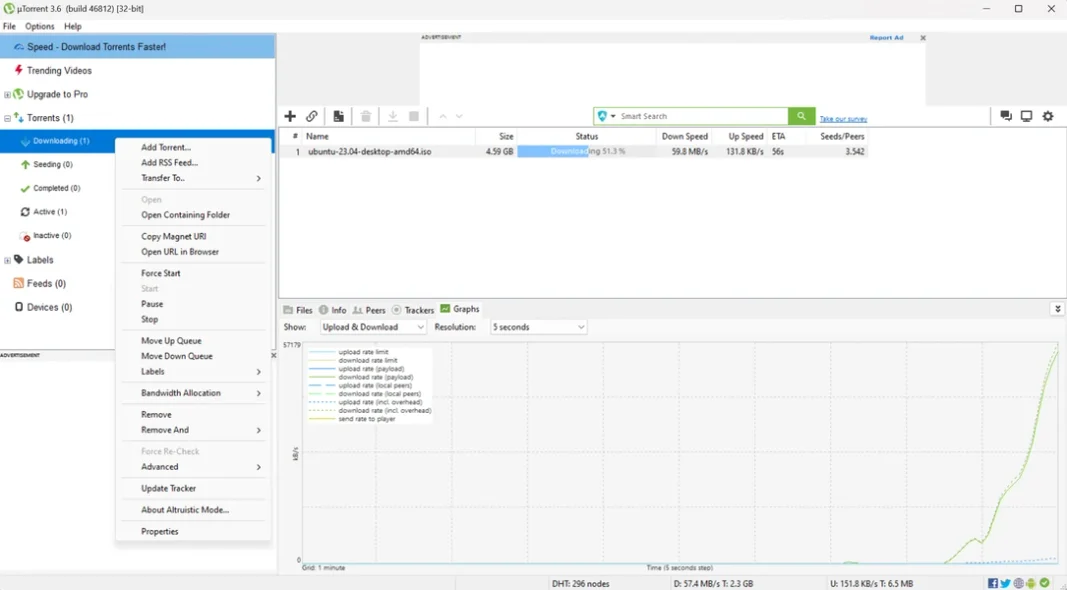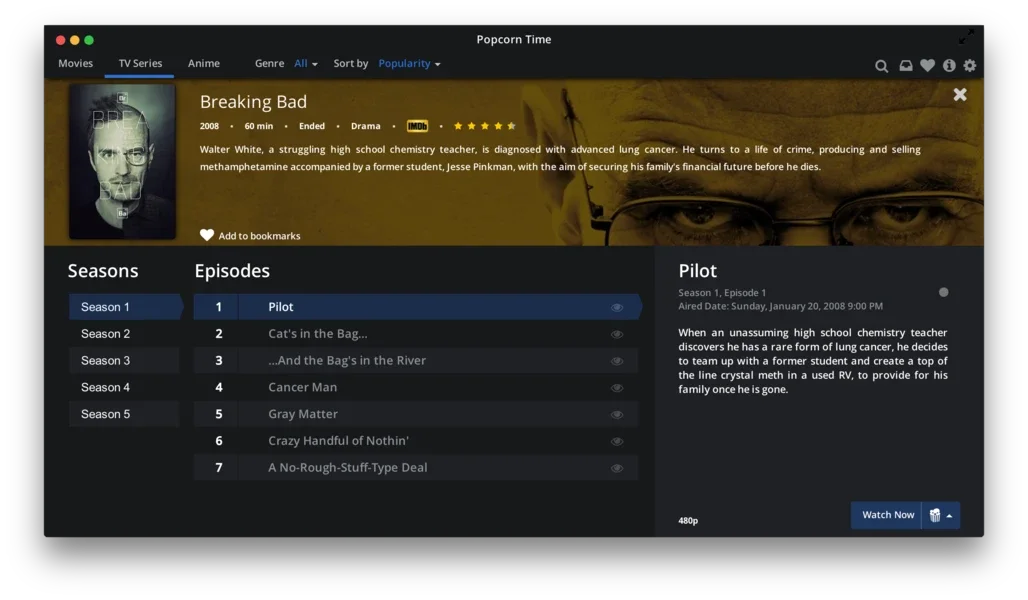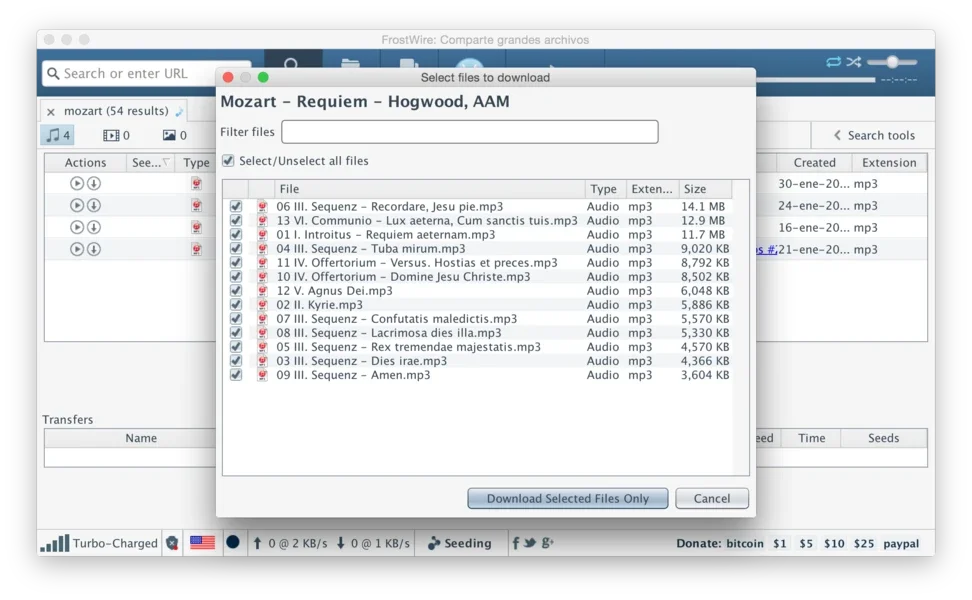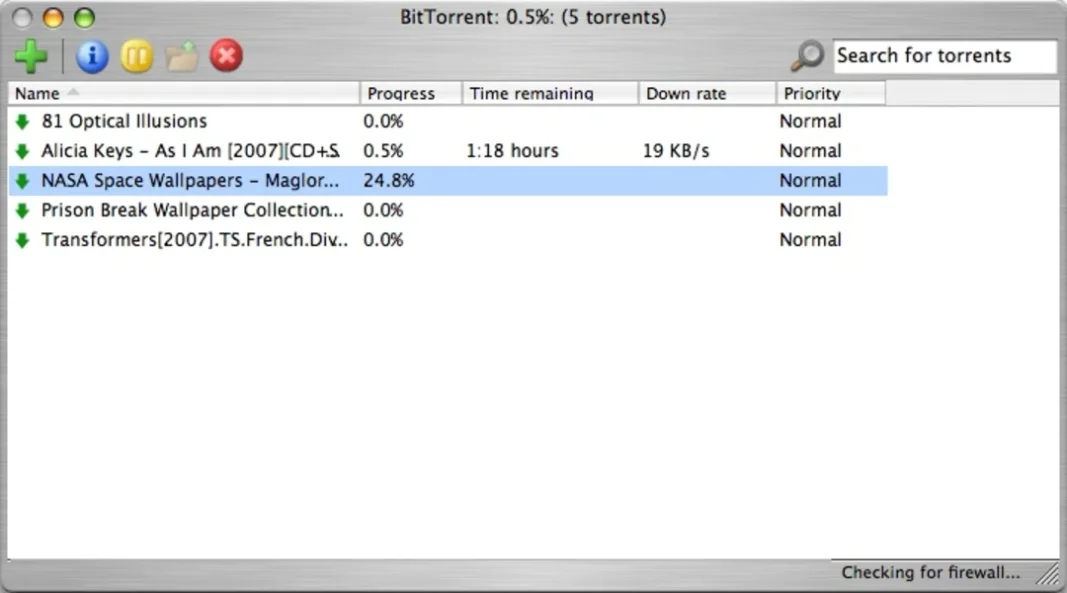
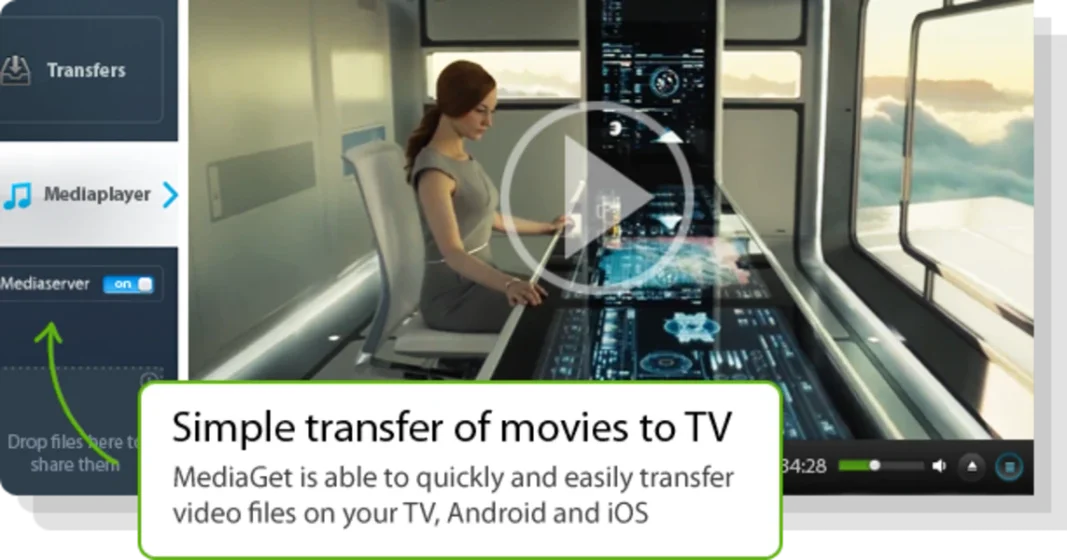
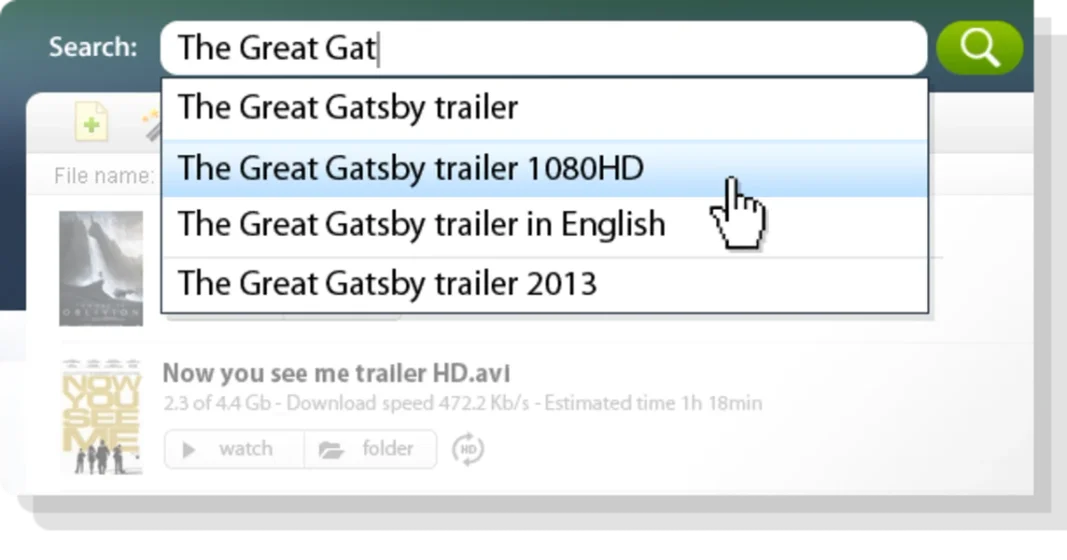
MediaGet searches torrent trackers for a file by name and downloads it. Type the name of a book, movie, song, or video game after installation, and results appear within a few seconds. Clicking a result starts the download.
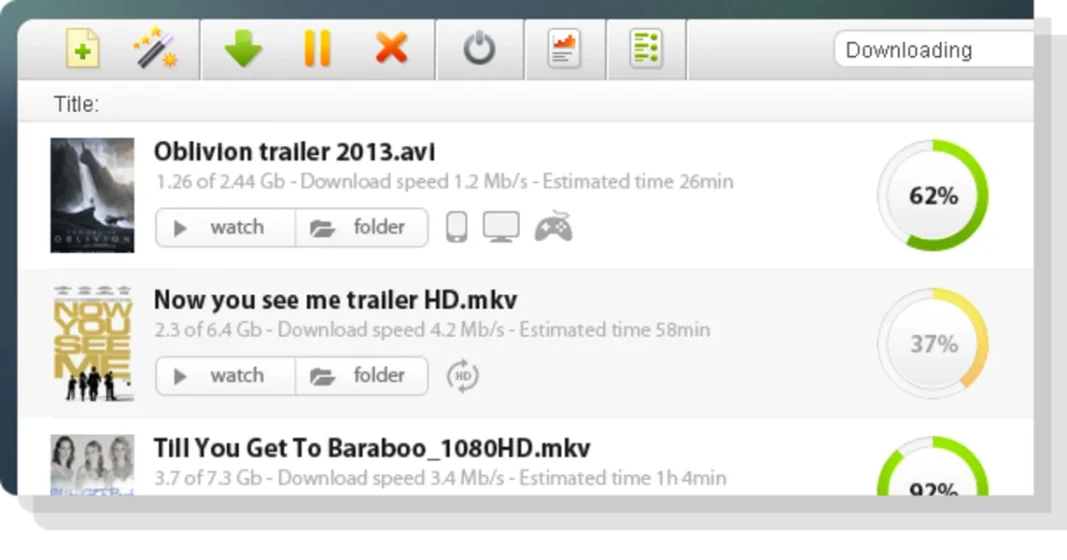
The interface has four tabs: catalogue, downloads, player, and media library. The catalogue shows everything available to download and lets you search it. The downloads tab shows download speed. The player tab plays media, and the media library automatically sorts downloaded content. In settings you can configure which trackers MediaGet searches and limit upload and download speed. Search is where it tends to freeze, though restarting the application usually fixes the freeze. The application can be quite unstable.
It is a torrent client for internet and P2P use. The latest version is 3.1.4333.
[Release notes coming soon]
Verify the file
Compare the SHA-256 of the file you downloaded with the value below. Files exactly as the publisher released them.
-
3.1.4333
3.1.4333 · DMG · 177.9 MB
SHA-256
8d16480662ca89d125fe54babd7546e6ba2bdfe7e263507046f8a25201c0fedbCheck on VirusTotal Get
Files exactly as the publisher released them.
Information
- Seller
- MediaGet
- Size
- 177.9 MB
- Category
- P2P
- Compatibility
macOS 10.4 Tiger or later
- Languages
- Age rating
- 7+
- License
- Proprietary
- Price
- Free