
Microsoft Remote Desktop11.4.4 for macOS
Control a Windows PC from a Mac with encrypted remote sessions
Free
You are on Windows — this is the macOS version. See the Windows version
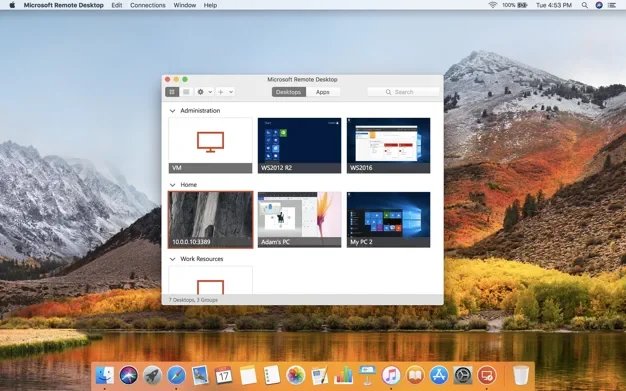
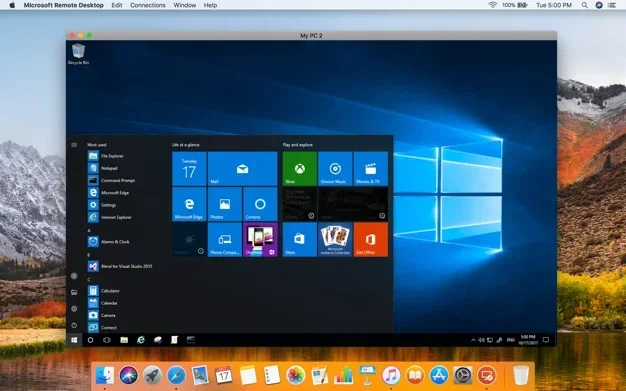
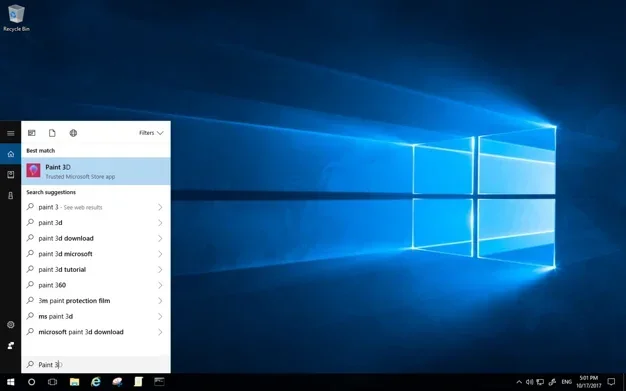
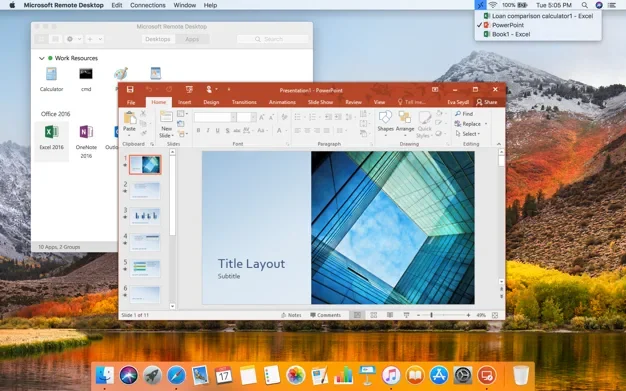
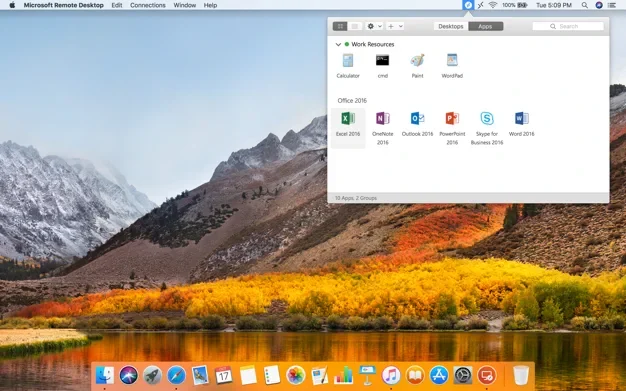
Microsoft Remote Desktop for Mac lets you control a computer at a remote location, connecting to Windows desktops, apps, and resources. Open the app and click Add PC on the home screen. You type the PC name and IP address, and a username and password if you want. In general, display, and other settings you can adjust how the connection behaves, then click Add. The PC then sits on the home screen and opens on a double-click. One app can show one or more screens at once. Files move between the local and remote machines, and so does clipboard data, including copied text and images. Data on the wire is encrypted, and connections use end-to-end encryption and multi-factor authentication. RemoteFX keeps video and sound smoother on slow or low-bandwidth links.
Before you connect
The host computer needs remote access switched on under System Settings so it accepts remote connections. The Mac needs macOS 10.14 (Mojave) or later, 4 GB of RAM, and 10 GB of free storage. Administrators get session control for overseeing user sessions and resource access.
- Originally built for Windows, now available on Mac
- Works the same way on both
- Part of the Microsoft 365 suite, with Microsoft 365 integration
- Free, from Microsoft Corporation
[Release notes coming soon]
Verify the file
Compare the SHA-256 of the file you downloaded with the value below. Files exactly as the publisher released them.
-
Remote_Desktop_Mobile_V11.4.4.pkg
11.4.4 · PKG · 101.5 MB
SHA-256
70041210ec1c40cbcc1913010fb9a7de7e2b0c8d9f336777775789ae65bc9cabCheck on VirusTotal Get
Files exactly as the publisher released them.
Information
- Seller
- Microsoft Corporation
- Size
- 101.5 MB
- Compatibility
macOS Mac OS X or later
- Languages
- Price
- Free
- Platform
- Also available on Windows