Notesnook3.4.14 for macOS
Encrypted note-taking with word-processor features
Free · GPL 3.0
You are on Windows — this is the macOS version. See the Windows version
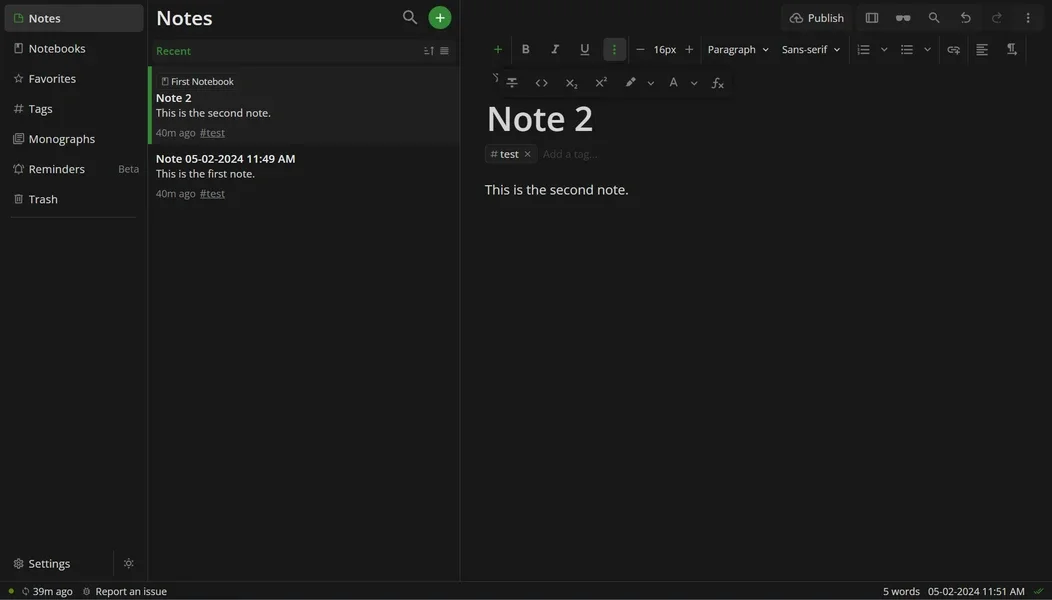
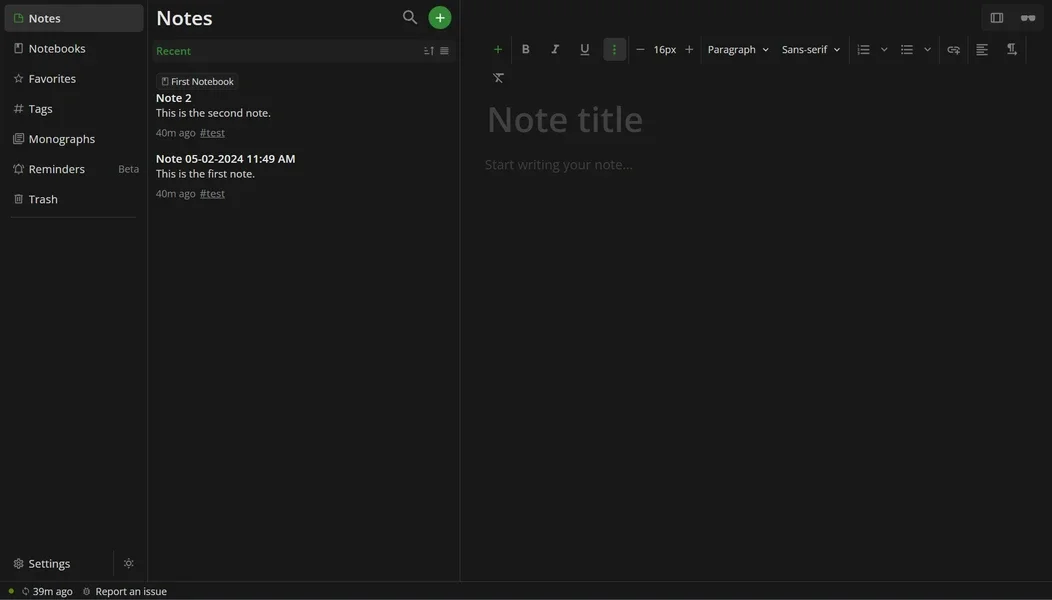
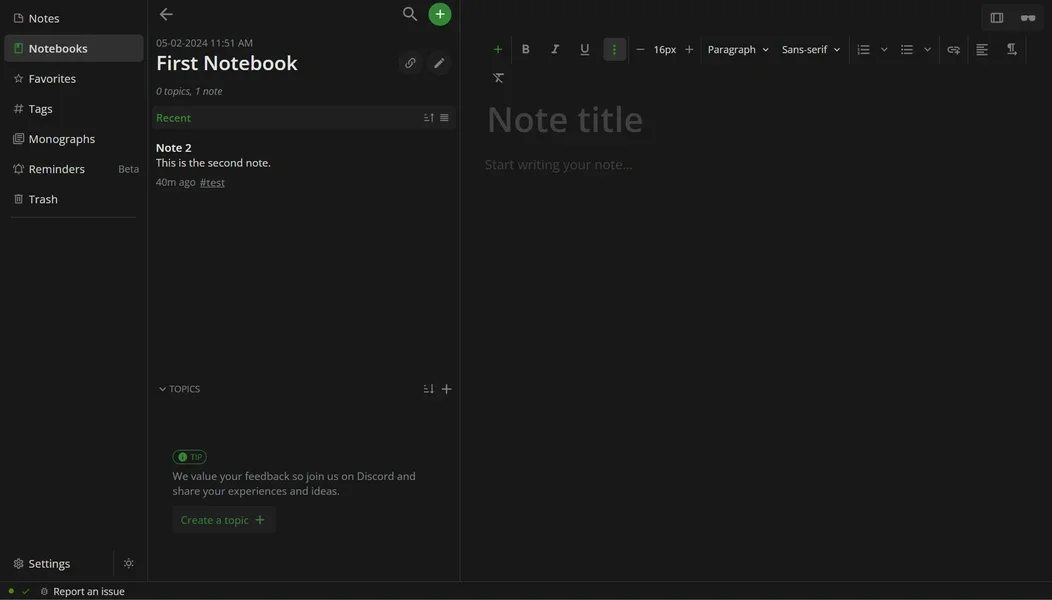
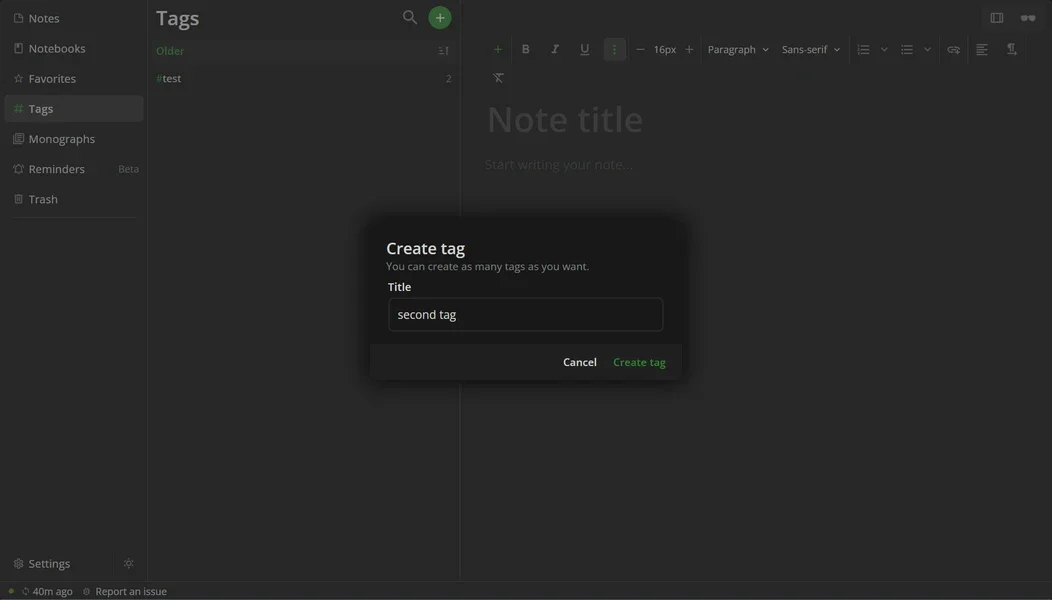
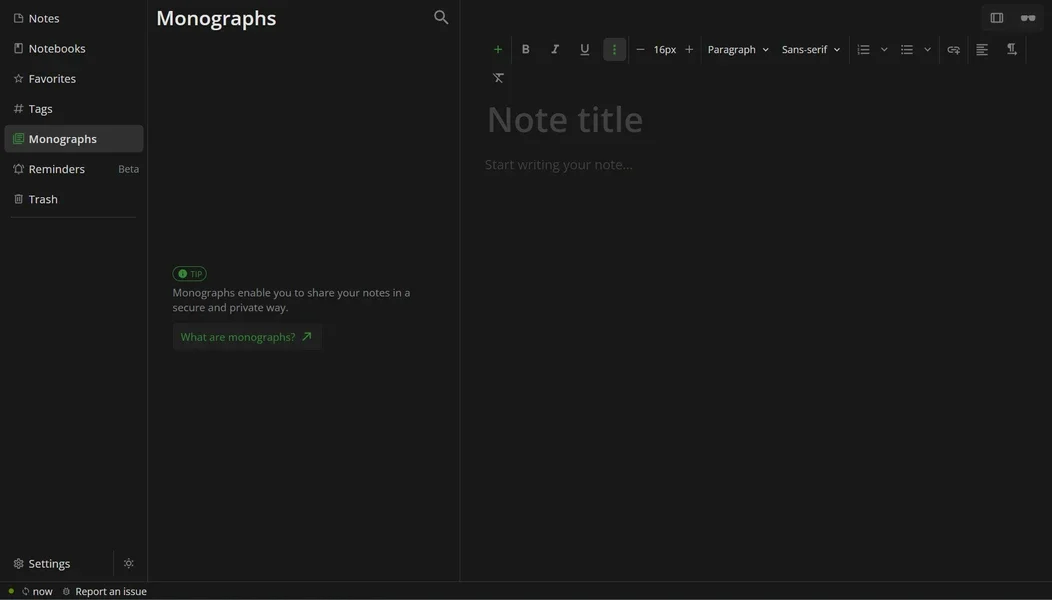
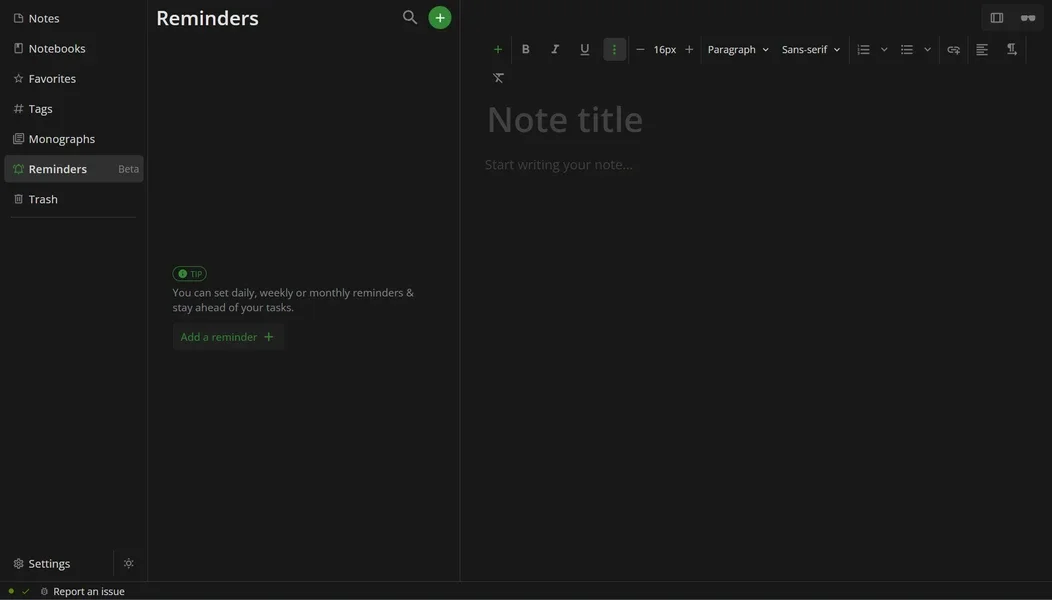
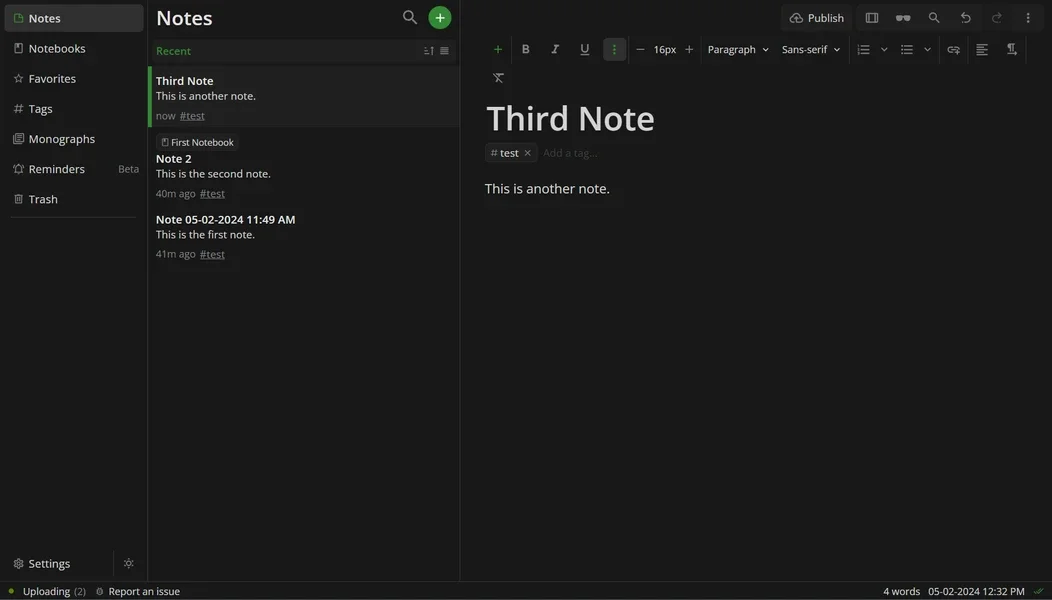
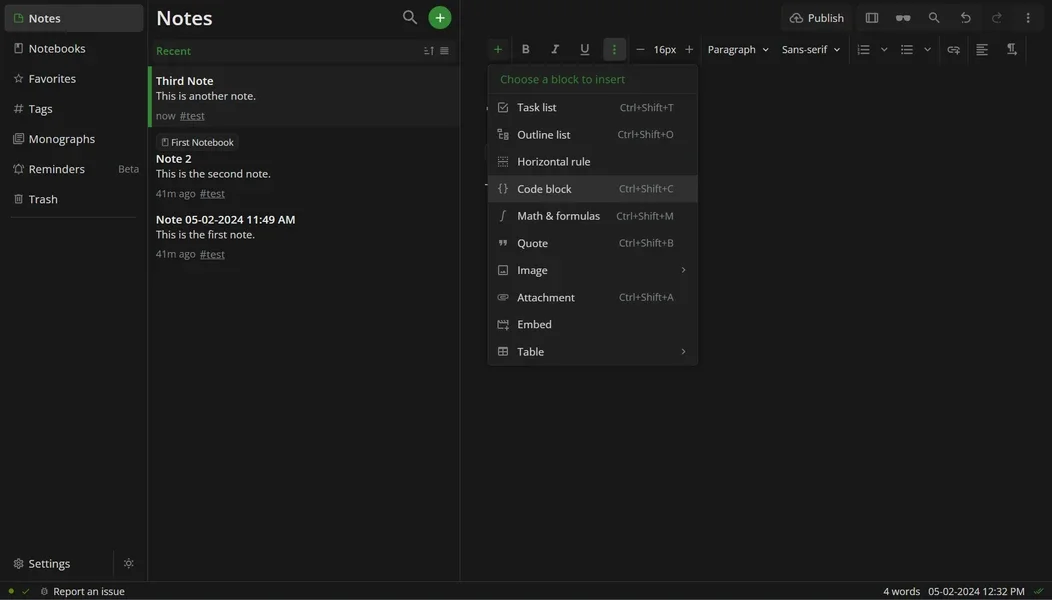
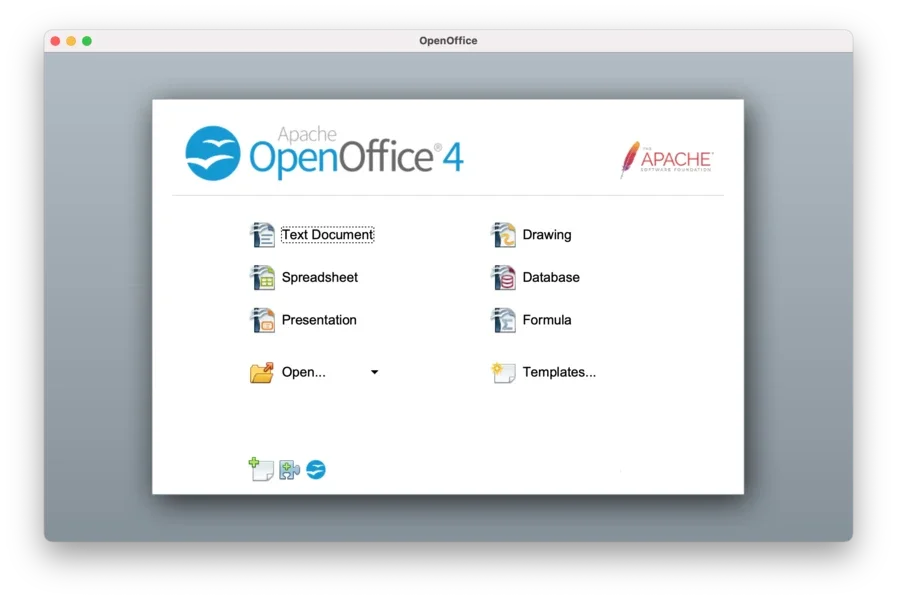
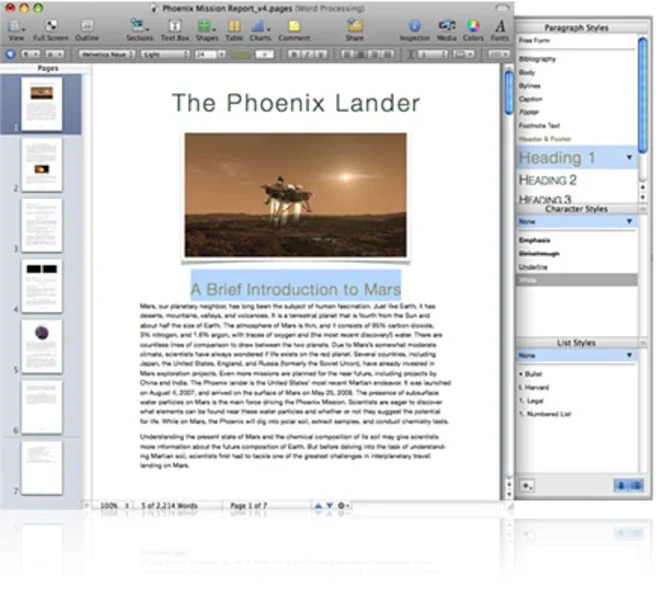
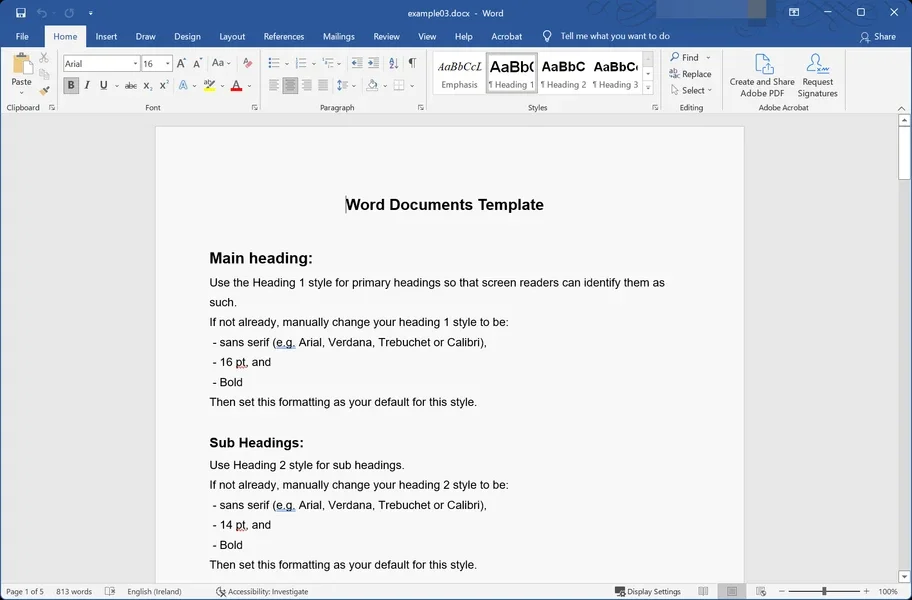
Notesnook encrypts your notes before they leave the device, and only you can access them. It works as a word processor with features like Microsoft Word or Google Docs, so you can write and format text as you would in those programs. Registration is required to use the program, and two-step authentication is supported.
You can add links, quotes and code blocks to notes. Font size and type can be changed, as can paragraph style. Notes are saved in folders called Notebooks, and tags can be added for organization. Notes can be synced between devices through your account.
The program is open source and free to use, with a paid premium version offering extra features. It is also available for Android and Windows.
[Release notes coming soon]
Verify the file
Compare the SHA-256 of the file you downloaded with the value below. Files exactly as the publisher released them.
-
notesnook-3-4-14.dmg
3.4.14 · DMG · 119.7 MB
SHA-256
fe1223184ed5cef97386bd26c9e7ffea018257862ff82b53d72838aed3100dfdCheck on VirusTotal Get
Files exactly as the publisher released them.
Information
- Seller
- Streetwriters (Private) Ltd.
- Size
- 119.7 MB
- Category
- Text & documents
- Compatibility
macOS
- Languages
Afrikaans and 47 more
- Afrikaans, Amharic, Arabic, Armenian, Belarusian, Bulgarian, Catalan, Chinese, Croatian, Czech, Danish, Dutch, English, Estonian, Farsi, Finnish, French, German, Greek, Hebrew, Hindi, Hungarian, Icelandic, Indonesian, Italian, Japanese, Kazakh, Korean, Latvian, Lithuanian, Malay, Norwegian, Polish, Portuguese, Romanian, Russian, Serbian, Slovak, Slovenian, Spanish, Swahili, Swedish, Tagalog, Thai, Turkish, Ukrainian, Vietnamese, Zulu
- Age rating
- 3+
- License
- GPL 3.0
- Price
- Free
- Platform
- Also available on Windows