Nuclear Music Player1.55.0 for macOS
Free macOS player that pulls songs from online sources and your local library
Free · Proprietary
You are on Windows — this is the macOS version. See the Windows version
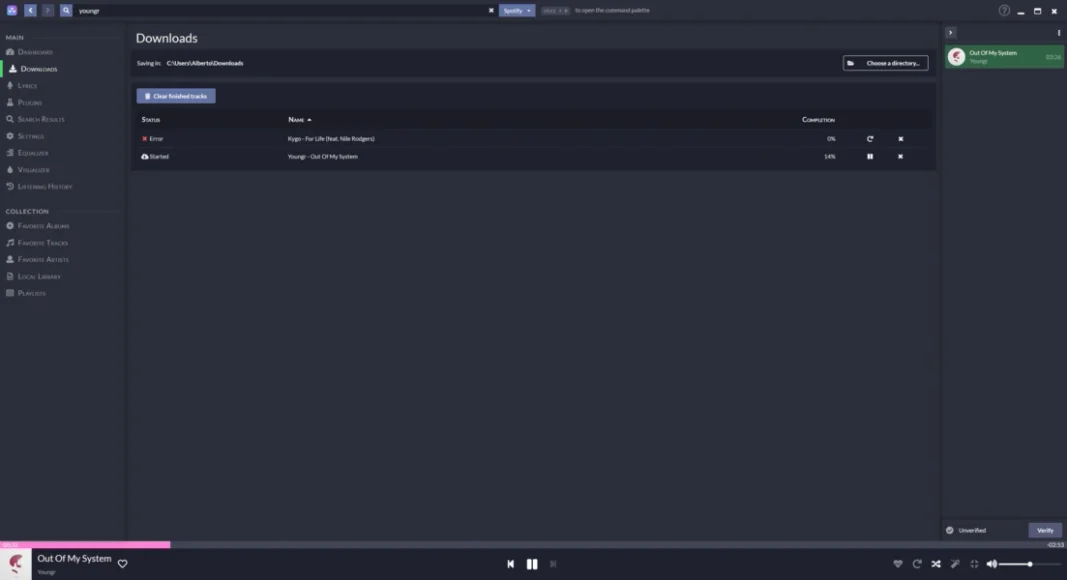
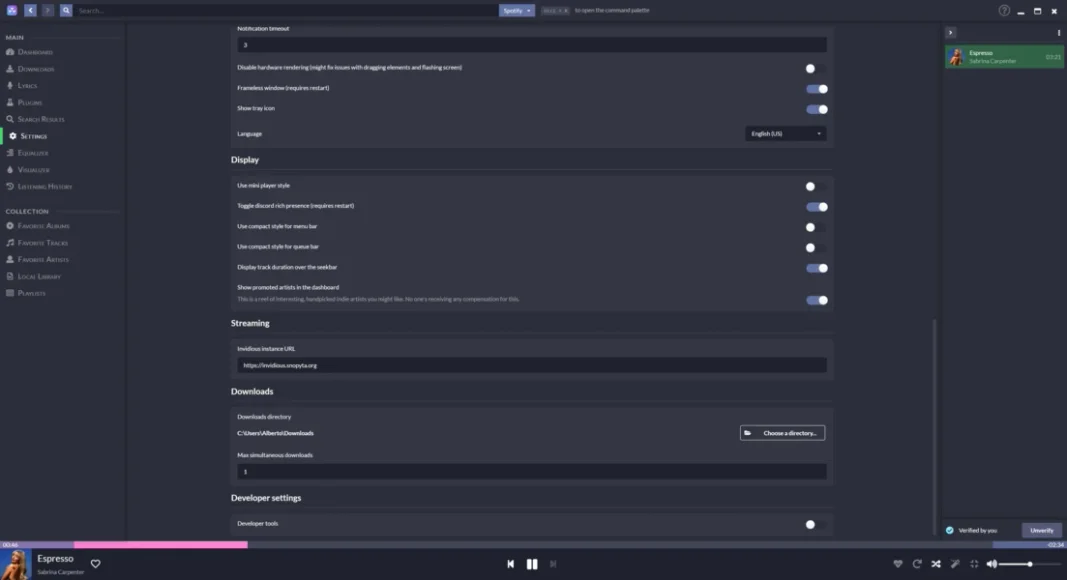
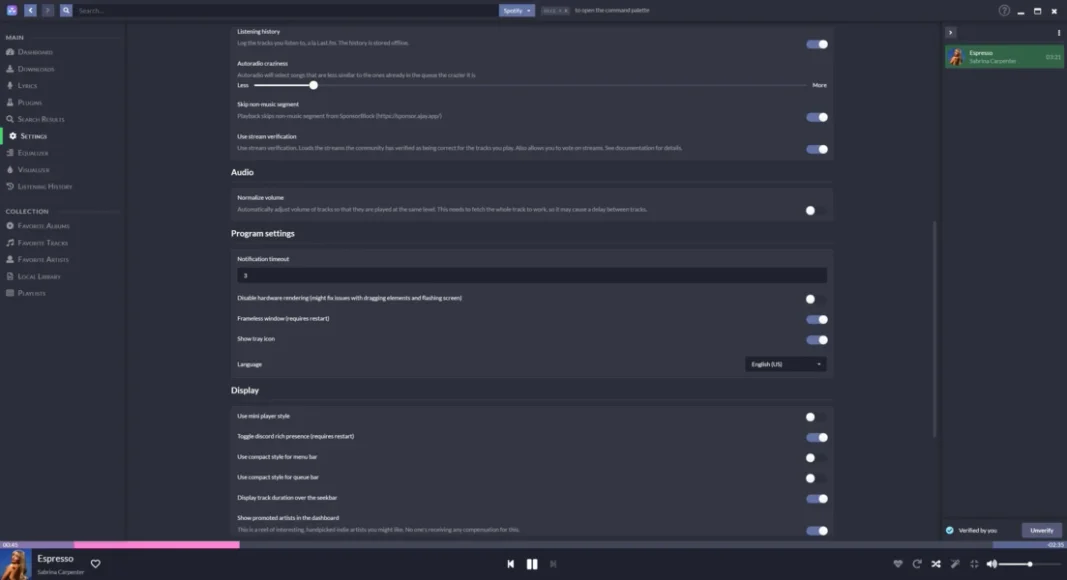
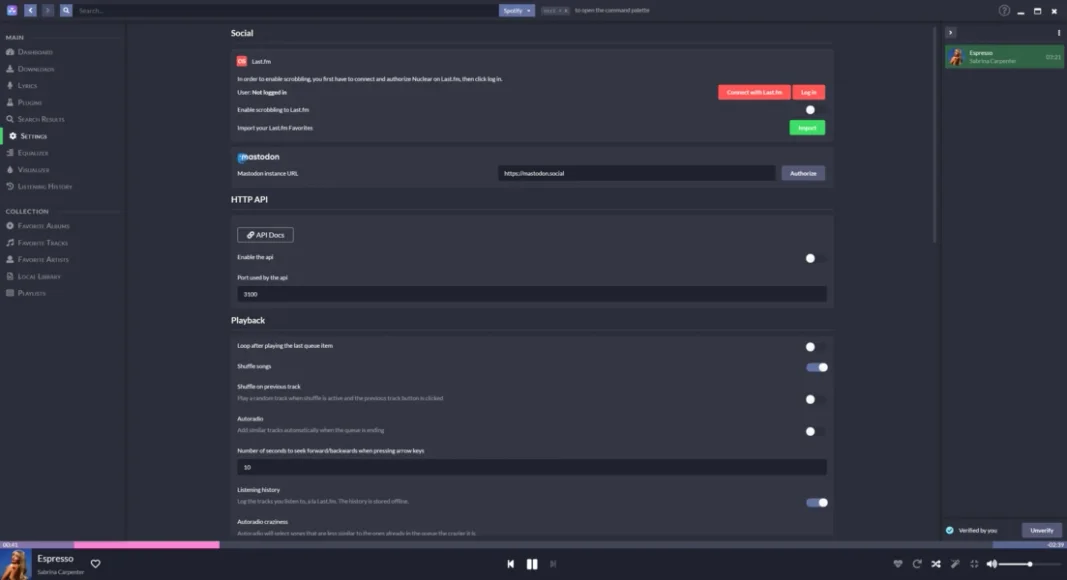
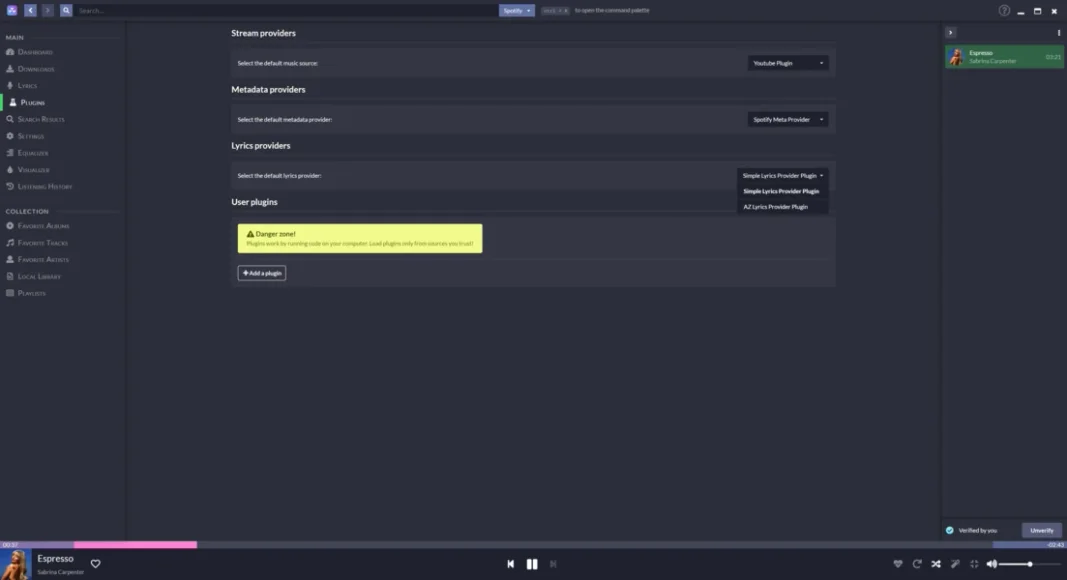
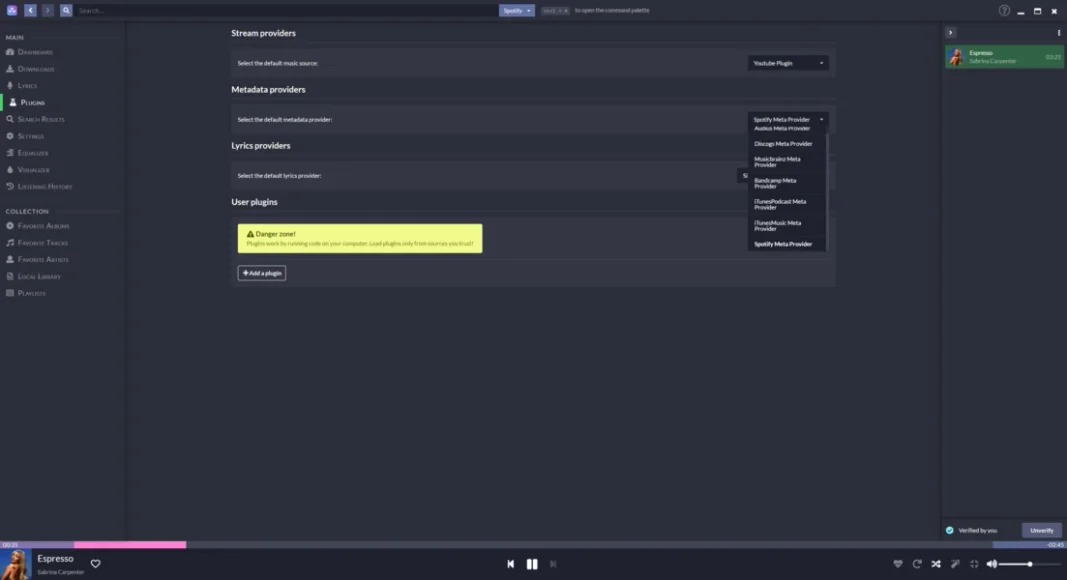
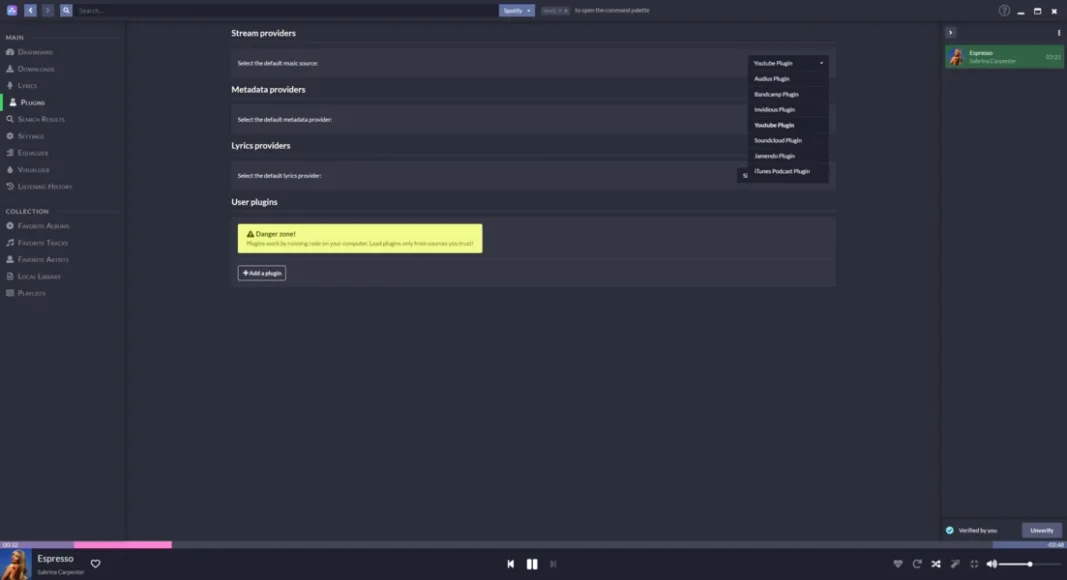
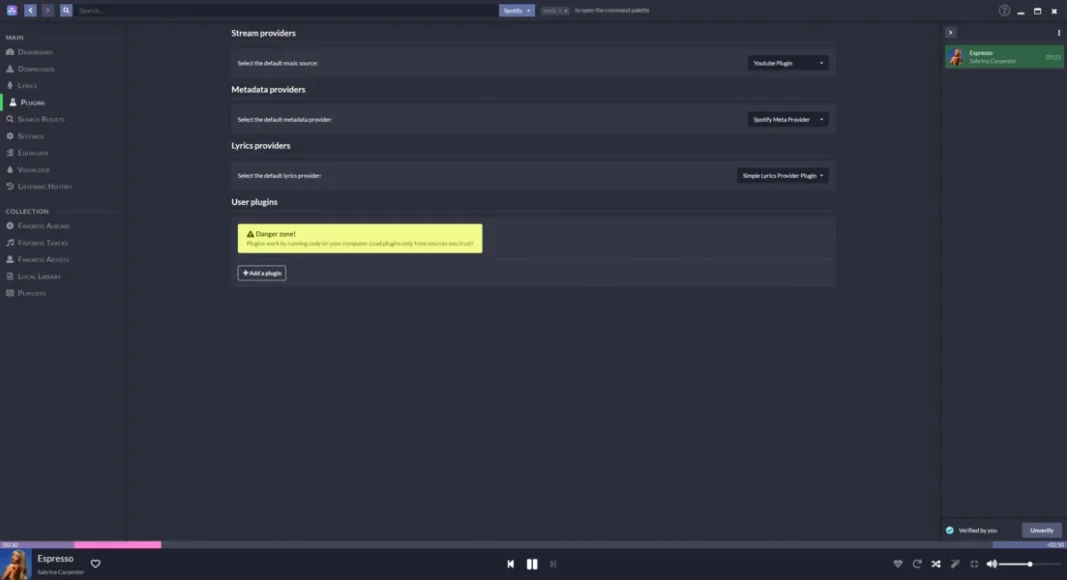
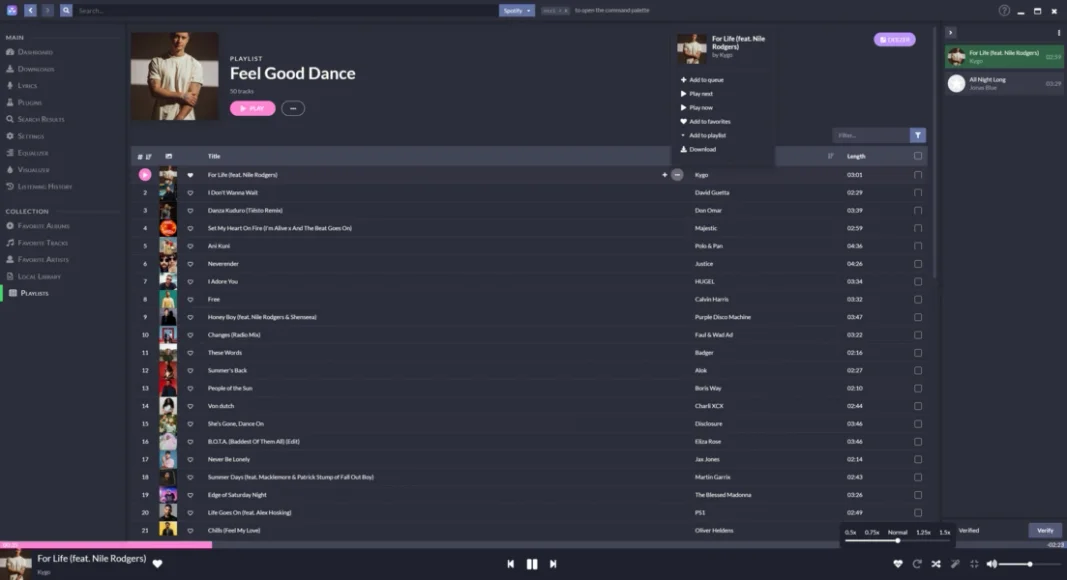
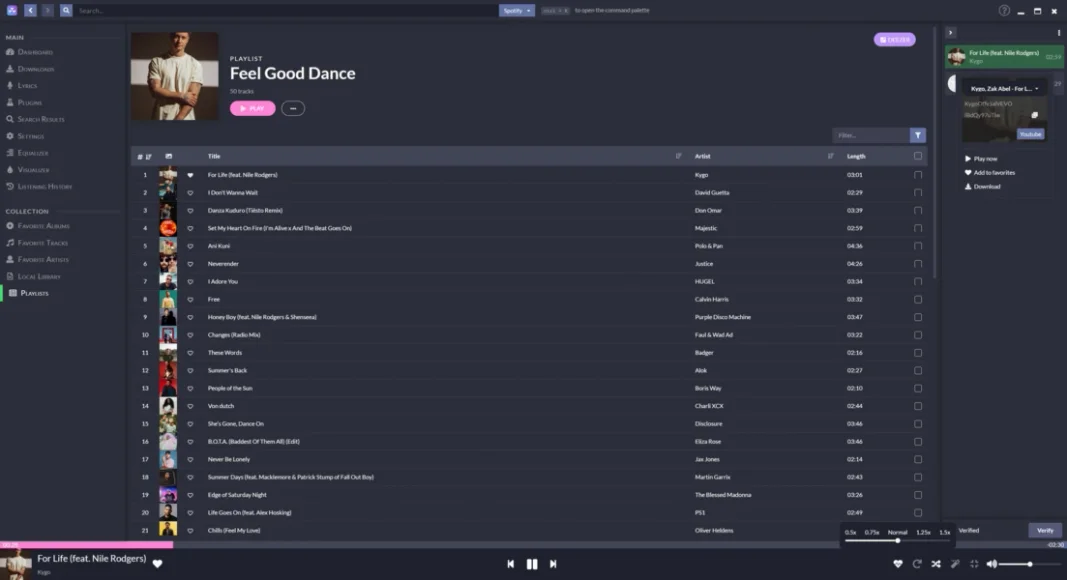
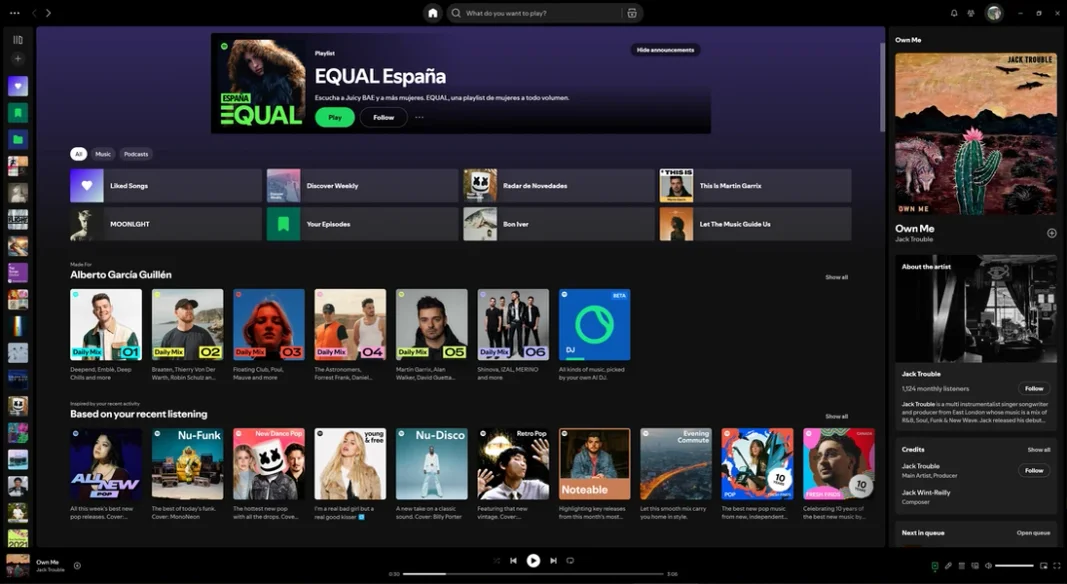
Nuclear Music Player pulls songs from several online sources at once and mixes them with music already stored on your Mac. When you pick a track, you can choose among the available sources and compare how each one sounds before settling on a copy.
Opening the app shows what is popular right now, along with trending artists and albums. Picking a song also builds a radio of similar tracks around it. There is no behavioral recommendation engine behind any of this: what gets displayed depends on total plays across users and on liked songs. The app carries no ads and does not track you.
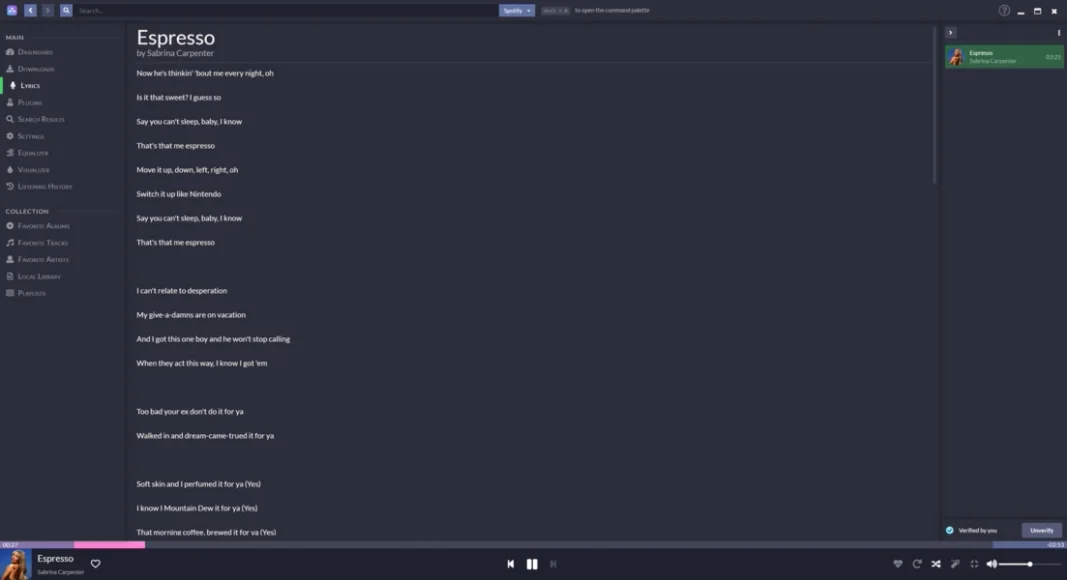
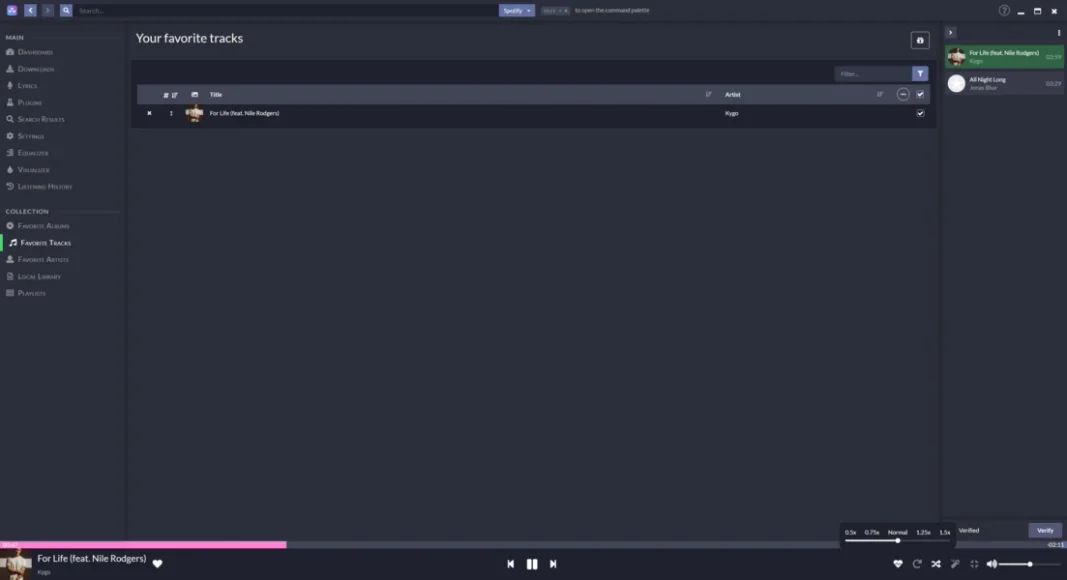
Likes drop a song into a favorites section, and artists and albums get their own sections you can arrange. Playlists are yours to build, mixing genres, moods or occasions as you like, and they can be imported from Spotify, Deezer or YouTube. A queue shows what plays next. Lyrics load automatically for supported songs from recognized sites such as AZLyrics and stay on screen while the track runs. Songs download as MP3 into a folder you choose, for offline listening or a local copy.
[Release notes coming soon]
Verify the file
Compare the SHA-256 of the file you downloaded with the value below. Files exactly as the publisher released them.
-
nuclear-music-player-1-55-0.dmg
1.55.0 · DMG · 22.5 MB
SHA-256
b1dd1851319cc5fffbddcf81aae4945a7ef9639392c18a4457e9a2a587bbaa6eCheck on VirusTotal Get
Files exactly as the publisher released them.
Information
- Seller
- nukeop
- Size
- 22.5 MB
- Category
- Media Players
- Compatibility
macOS
- Languages
Afrikaans and 47 more
- Afrikaans, Amharic, Arabic, Armenian, Belarusian, Bulgarian, Catalan, Chinese, Croatian, Czech, Danish, Dutch, English, Estonian, Farsi, Finnish, French, German, Greek, Hebrew, Hindi, Hungarian, Icelandic, Indonesian, Italian, Japanese, Kazakh, Korean, Latvian, Lithuanian, Malay, Norwegian, Polish, Portuguese, Romanian, Russian, Serbian, Slovak, Slovenian, Spanish, Swahili, Swedish, Tagalog, Thai, Turkish, Ukrainian, Vietnamese, Zulu
- Age rating
- All ages
- License
- Proprietary
- Price
- Free
- Platform
- Also available on Windows