OmniDiskSweeper1.16 for macOS
Finds the files eating your disk space and lets you delete them
Free · Proprietary
You are on Windows — this is the macOS version.
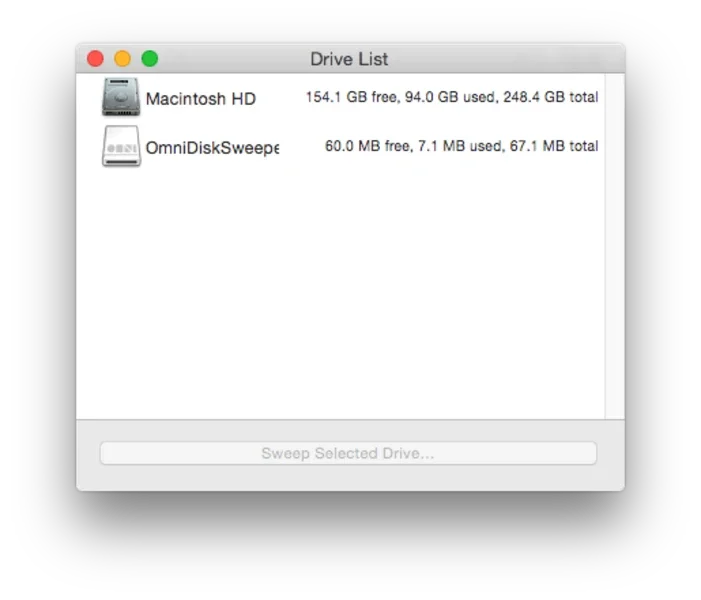
OmniDiskSweeper is built around one job: finding the largest files when a hard drive is too full. On launch it lists every drive connected to the Mac, and you pick the one to analyze.
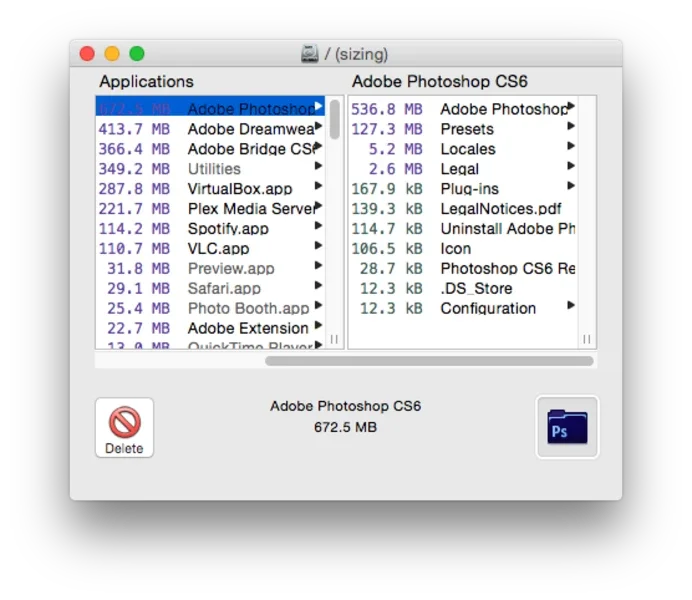
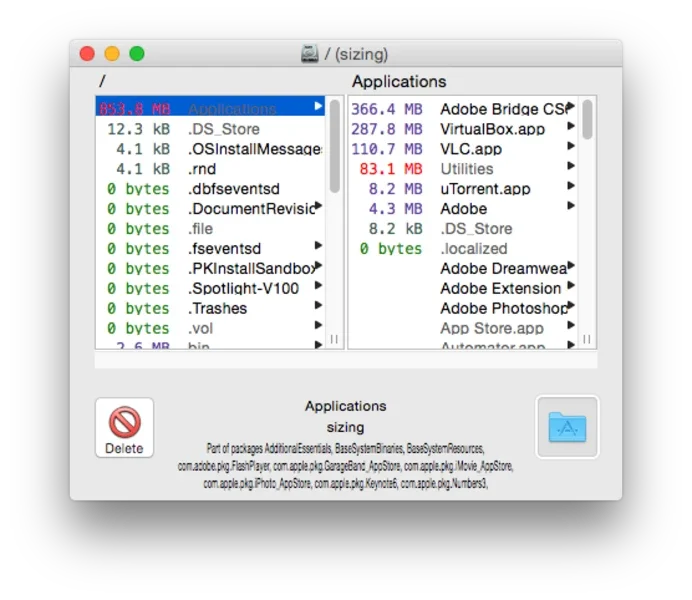
After you pick a drive, the program shows its folders sorted by increasing size. That ordering puts the space hogs at the bottom, so you can work your way down the list to see which files and folders are using a lot of space. From there it lets you delete files you no longer need, and it lets you copy files to other hard drives instead. Deleted files cannot be recovered by the program, so a deletion is final as far as it is concerned.
It is a free tool from The Omni Group. This is the Mac version.
[Release notes coming soon]
Verify the file
Compare the SHA-256 of the file you downloaded with the value below. Files exactly as the publisher released them.
-
1.16
1.16 · DMG · 8.0 MB
SHA-256
cea5153769290a17c11c58696ac9e32423e4128cec6565ef9a9b5f2c73b0df5cCheck on VirusTotal Get
Files exactly as the publisher released them.
Information
- Seller
- The Omni Group
- Size
- 8.0 MB
- Category
- Disc/Files
- Compatibility
macOS macOS 10.15 or later
- Languages
English
- Age rating
- All ages
- License
- Proprietary
- Price
- Free