OpenVINO3.7.1-R4.2 for macOS
AI plugin that brings stem splitting, noise reduction and transcription to Audacity
Free · Apache 2.0
You are on Windows — this is the macOS version. See the Windows version
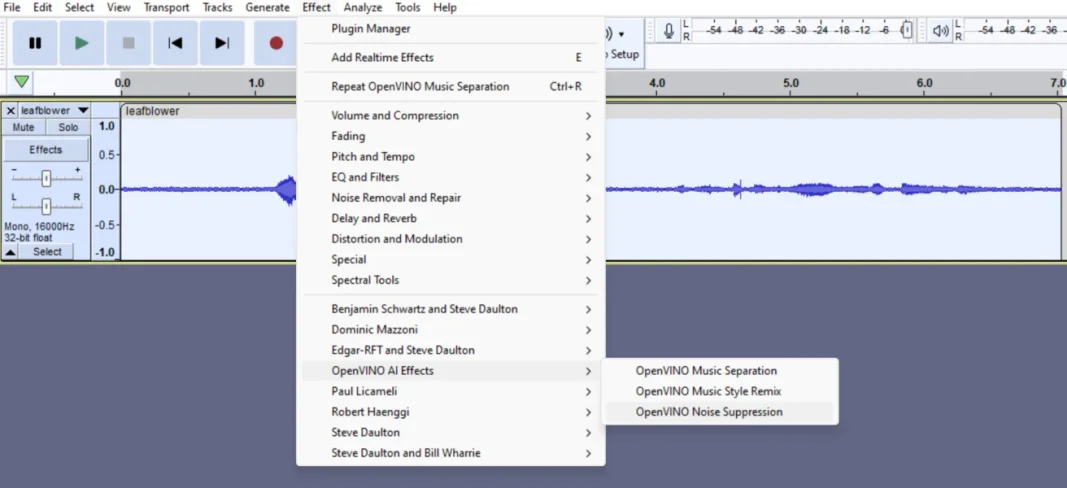
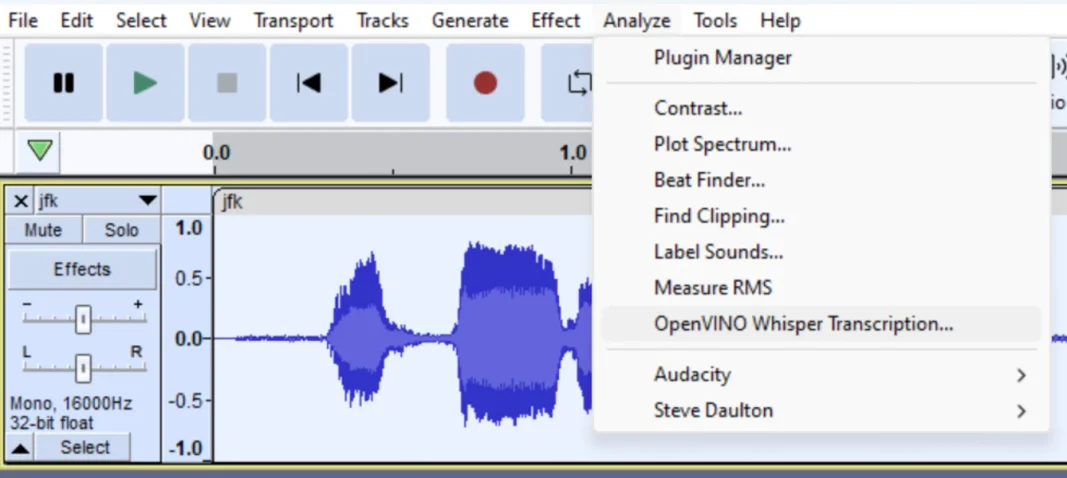
OpenVINO for Audacity installs into the audio editor and gives it a set of AI-based tools. Once it is in place, you work with them the way you work with anything else in Audacity: you open the audio, pick a task, and let it run. Everything is processed locally on the Mac, with no files sent to the Internet. That matters for long recordings and for material you would rather not upload.
Splitting a song into vocals, drums, bass and other instruments is one of the main jobs. Each of the resulting tracks can be edited on its own. The same tools reduce background noise, sharpen definition for a cleaner sound, and restore damaged files. Speech recognition handles transcription, turning conversations or voiceovers into text. There is also integration with music generation systems, which produce new audio clips or extend a composition you already have. All of this happens inside Audacity, so noise removal, instrument separation and transcription no longer need a second application.
Some of these tasks ask a lot of the processor, so how quickly they finish depends on the Mac's hardware. The extension itself costs nothing.
[Release notes coming soon]
Verify the file
Compare the SHA-256 of the file you downloaded with the value below. Files exactly as the publisher released them.
-
openvino-3-7-1-r4-2.pkg
3.7.1-R4.2 · PKG · 247.4 MB
SHA-256
ed0370535f04072549add9b118388dc15a31d8060a5cdab095e0e40f32940df0Check on VirusTotal Get
Files exactly as the publisher released them.
Information
- Seller
- openvinotoolkit
- Size
- 247.4 MB
- Category
- Utilities
- Compatibility
macOS
- Languages
English
- Age rating
- All ages
- License
- Apache 2.0
- Price
- Free
- Platform
- Also available on Windows