Pixelmator3.9.11 for macOS
Mac image editor for retouching photos and working with layered files
Trial · Proprietary
You are on Windows — this is the macOS version.
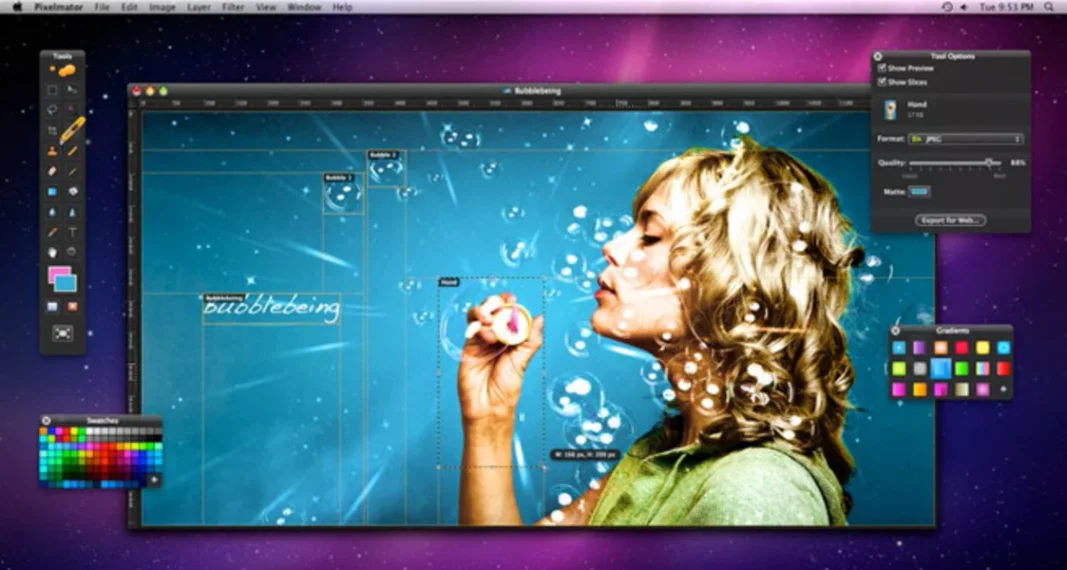
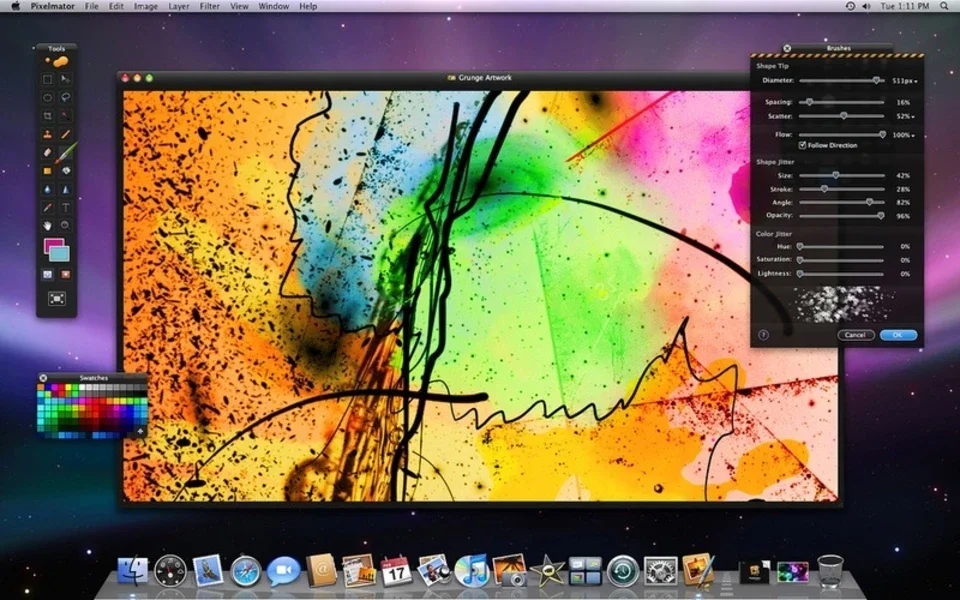
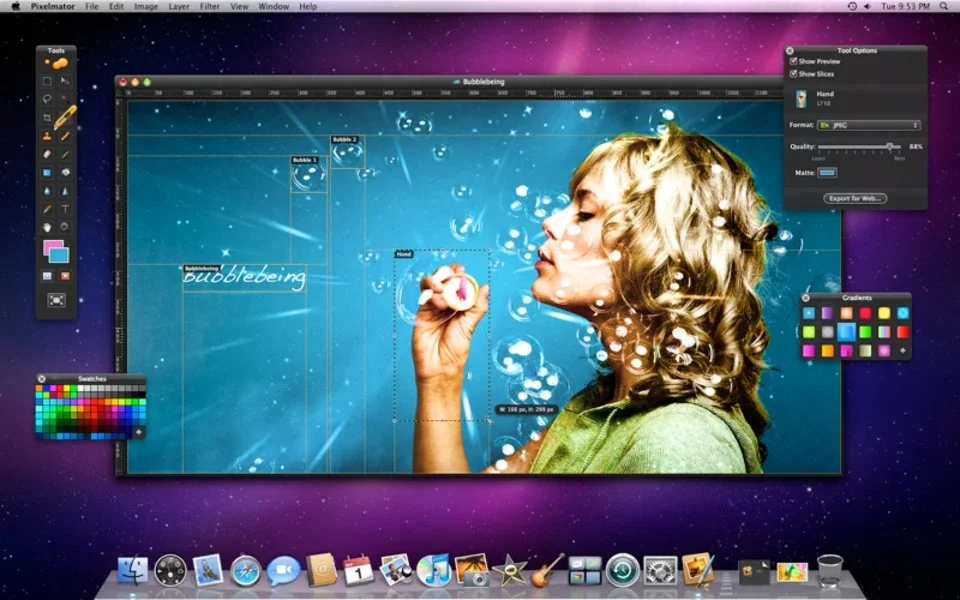
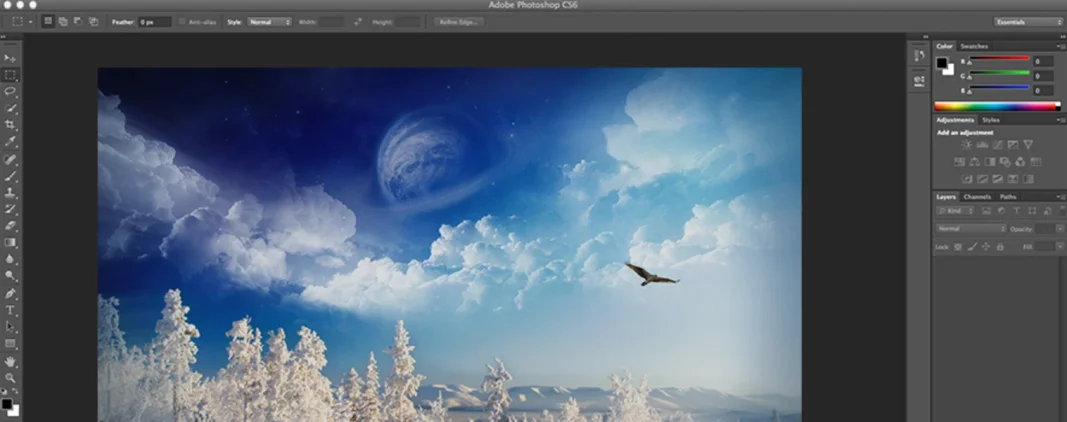
Pixelmator is image editing software for the Mac, used to create and retouch photographs. The interface follows Photoshop closely and shares some of its keyboard shortcuts, so people coming from that program will recognize the layout. Pixelmator opens and saves PSD files and reads their layers. Files can also be opened and saved in 100 formats in all, among them TIFF, JPEG, PNG, PDF and EPS.
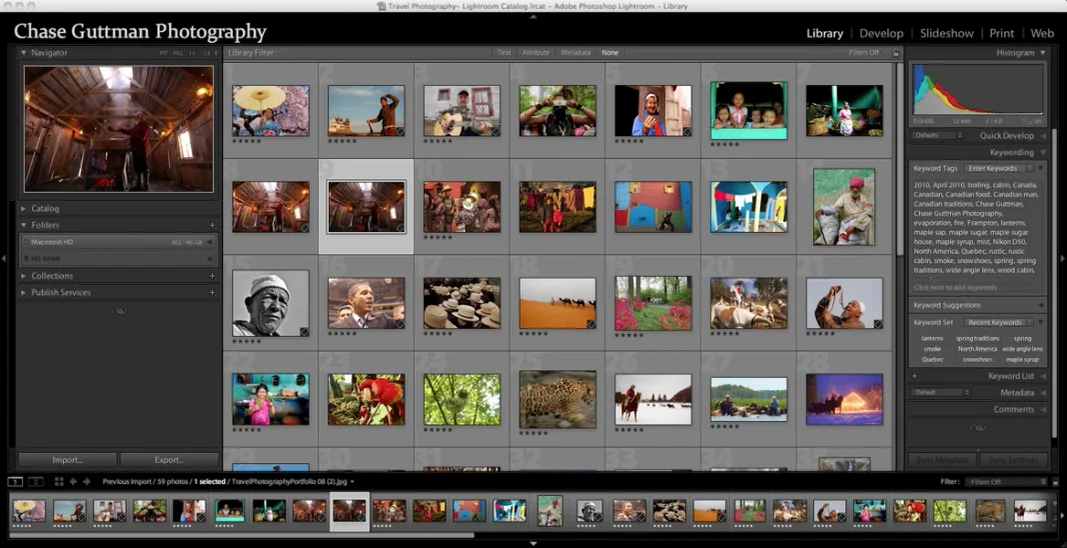
The layer system lets you reorder layers, change their transparency, link them together and build masks. Selection tools are precise, come in several kinds and can be saved for later use. Drawing and retouching tools are available in different sizes and thicknesses, and gradients are included.
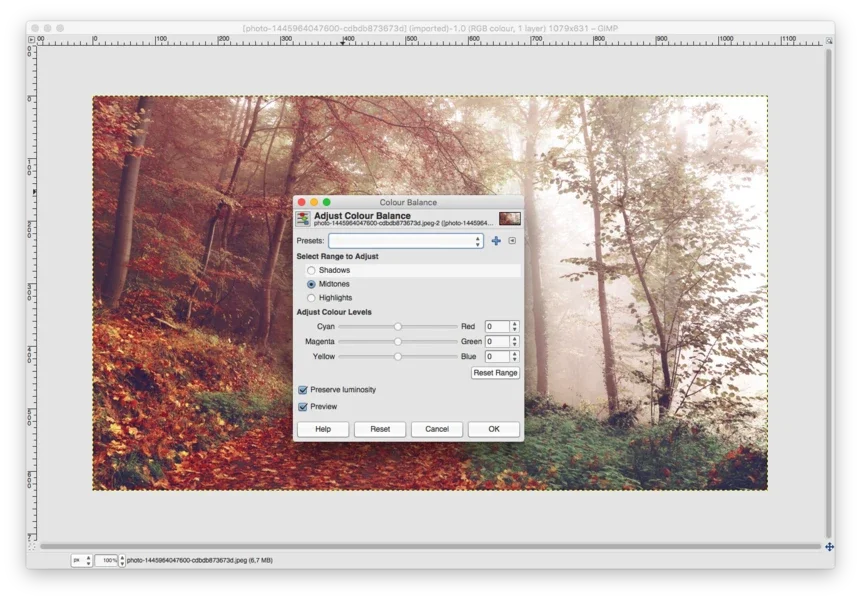
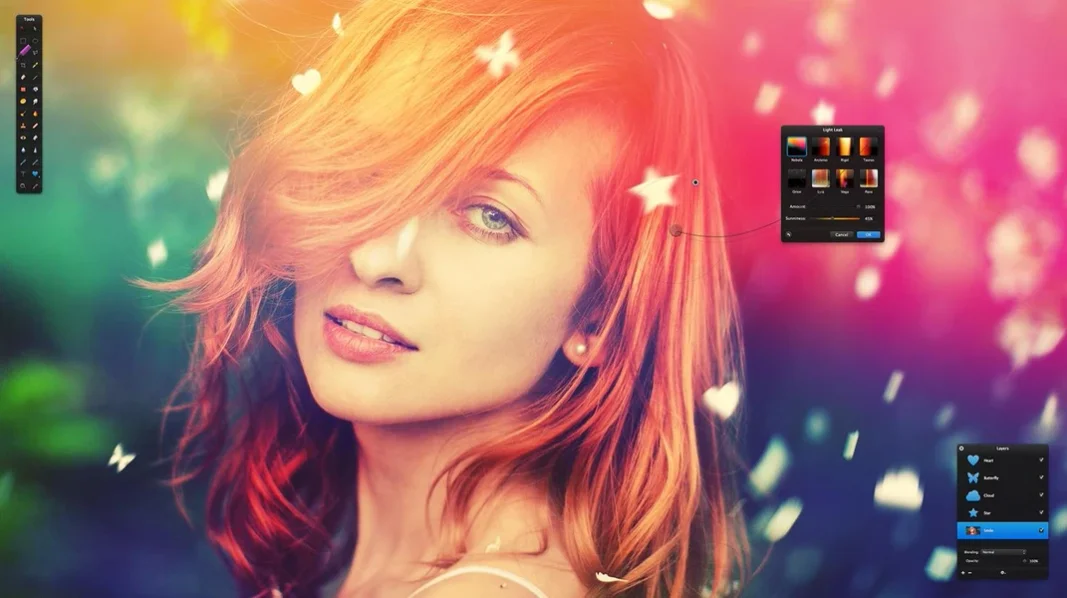
There are over 130 filters and effects, covering colour adjustment, hue, saturation, exposure, levels for brightness, curves, brightness and contrast, a channel mixer, distort, soften and midtones. Quartz Composer effects are also present. Basic and advanced features sit side by side, so a simple adjustment and a deeper one are both within reach.
[Release notes coming soon]
Verify the file
Compare the SHA-256 of the file you downloaded with the value below. Files exactly as the publisher released them.
-
Pixelmator_V3.9.11.zip
3.9.11 · ZIP · 49 B
SHA-256
ad6b1fad68dcd681d19e9e025e76a1f229d7f455d01faea5f21f9118fa1ae17aCheck on VirusTotal Get
Files exactly as the publisher released them.
Information
- Seller
- Pixelmator Team Ltd.
- Size
- 49 B
- Category
- Capture & editing
- Compatibility
macOS Mac OS X or later
- Age rating
- All ages
- License
- Proprietary
- Price
- Trial