Safe Exam Browser3.7.2 for macOS
Locks a Mac into a kiosk for high-stakes exams
Free · Proprietary
You are on Windows — this is the macOS version. See the Windows version
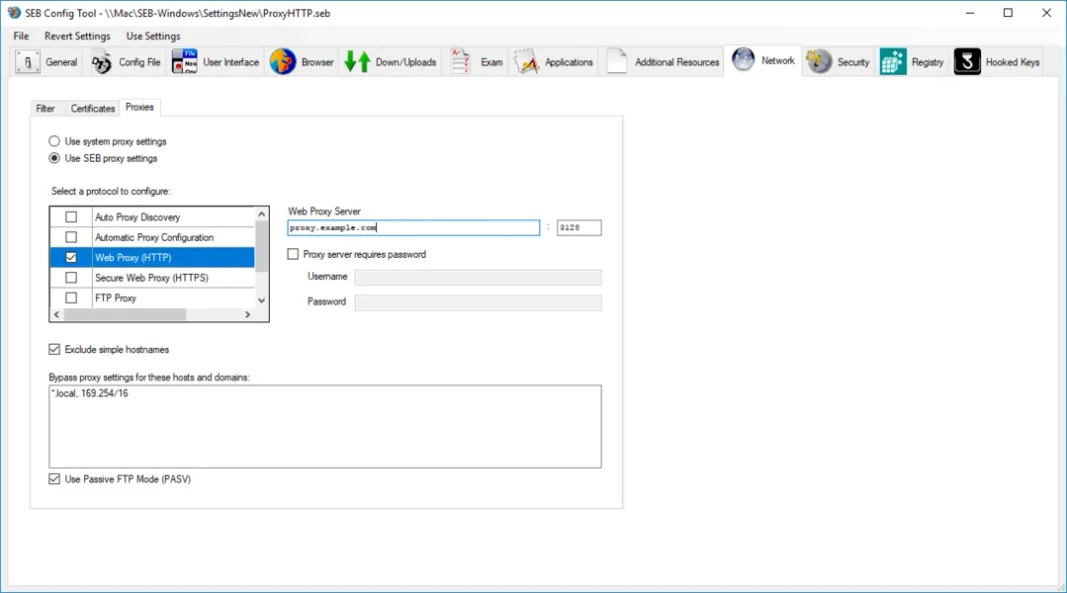
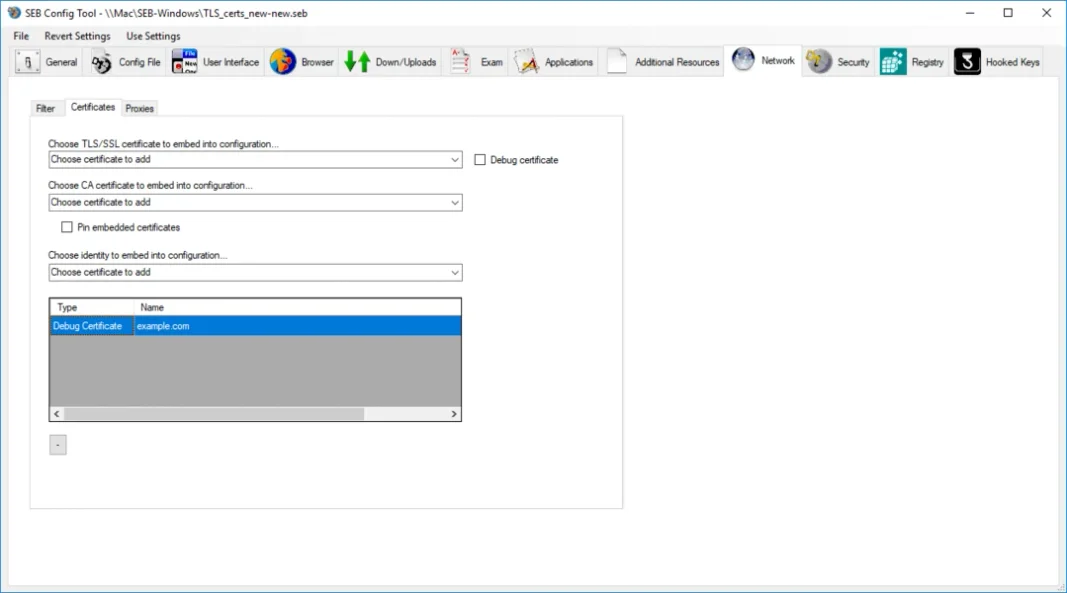
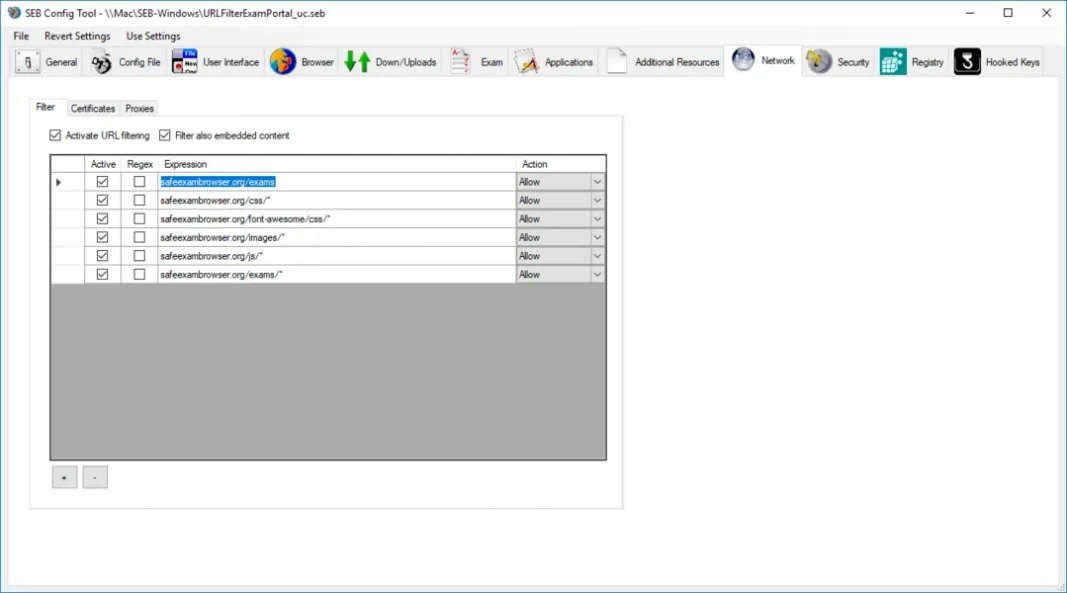
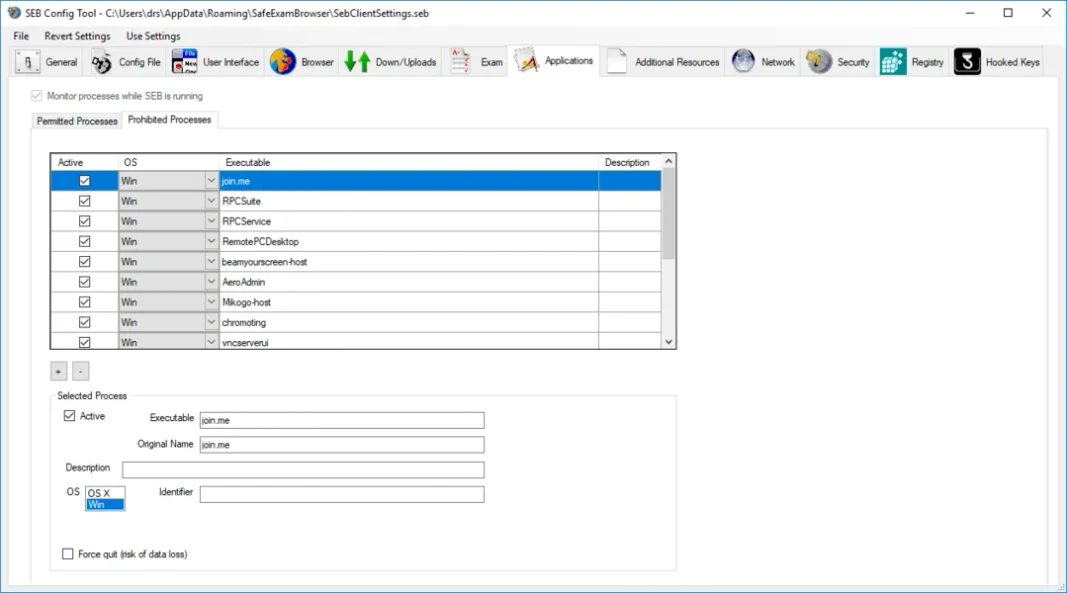
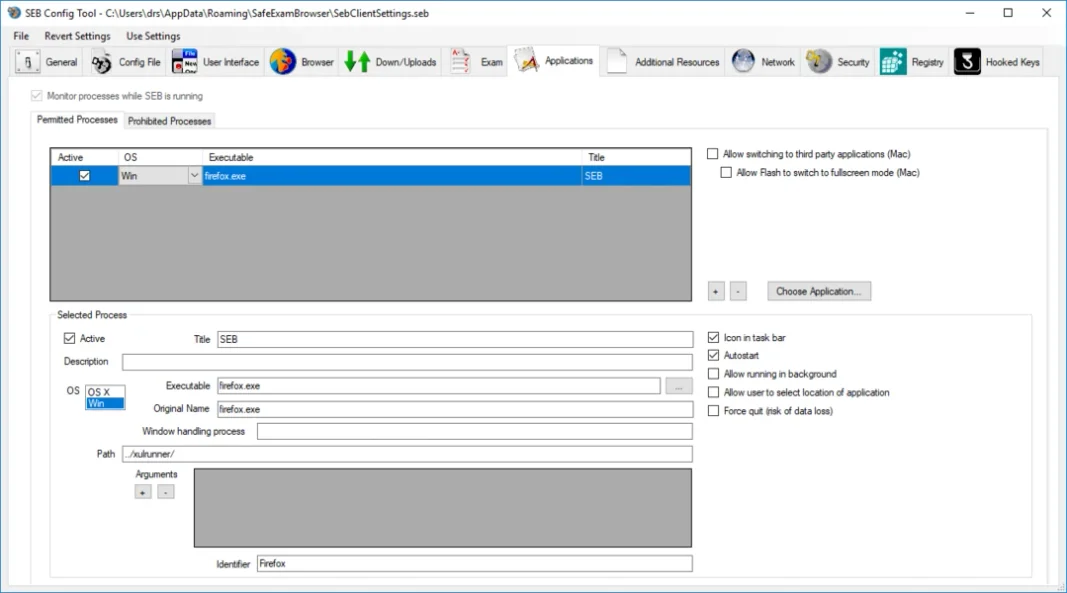
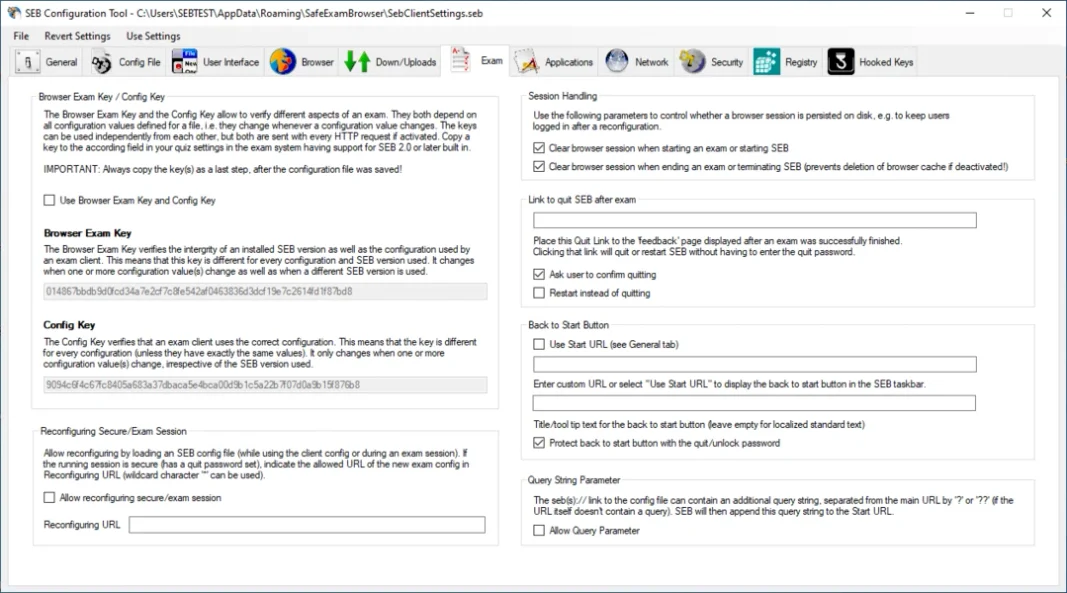
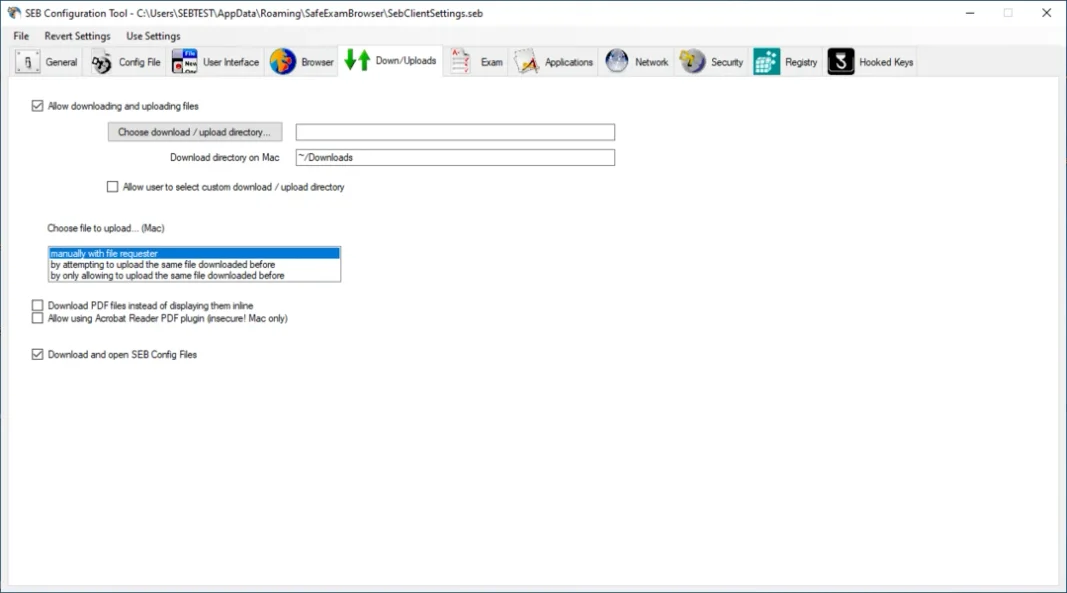
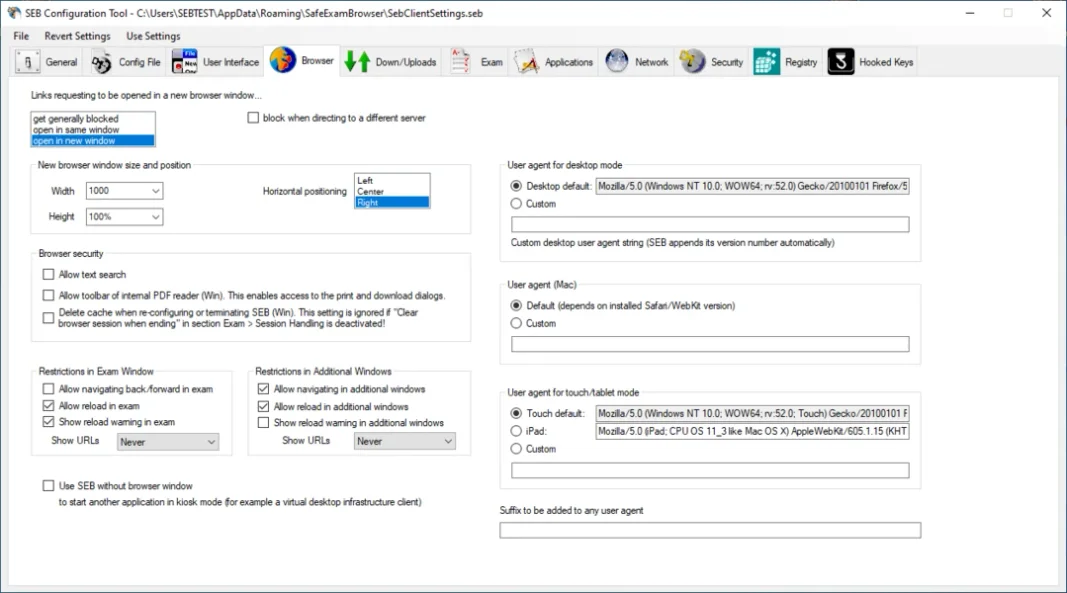
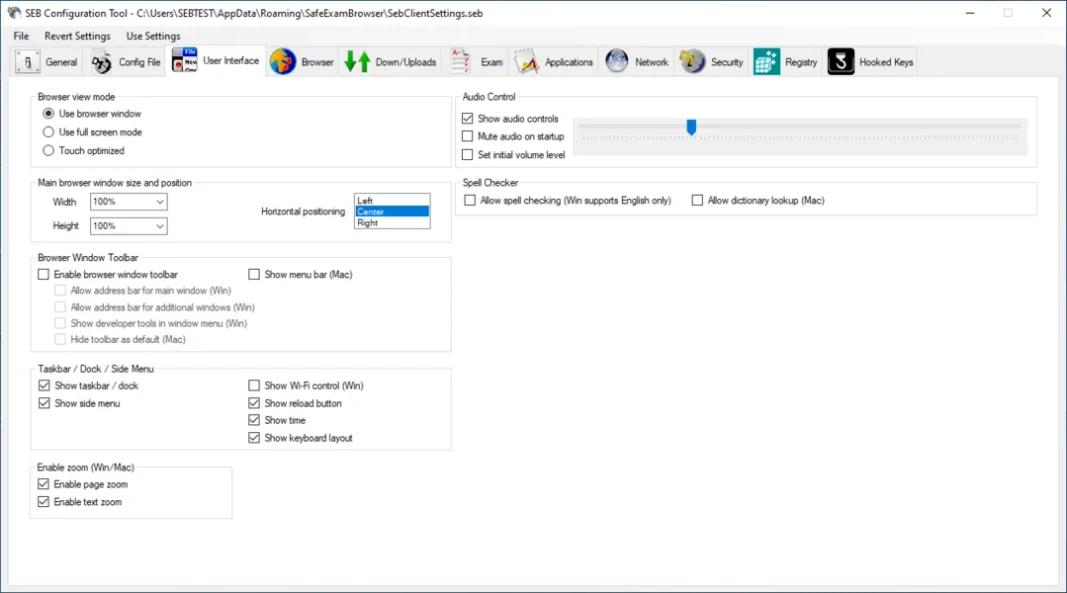
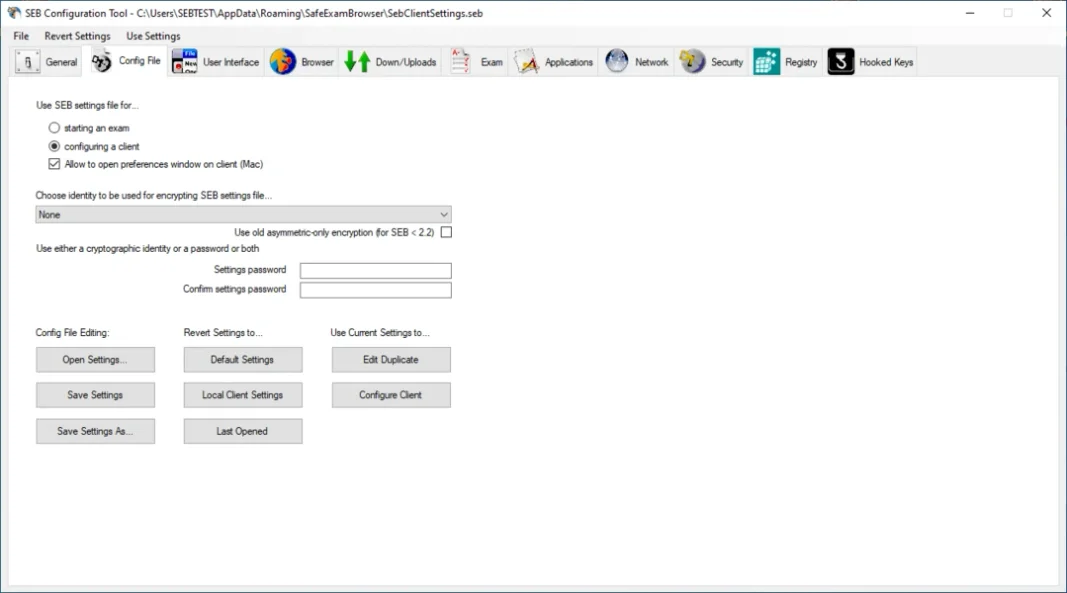
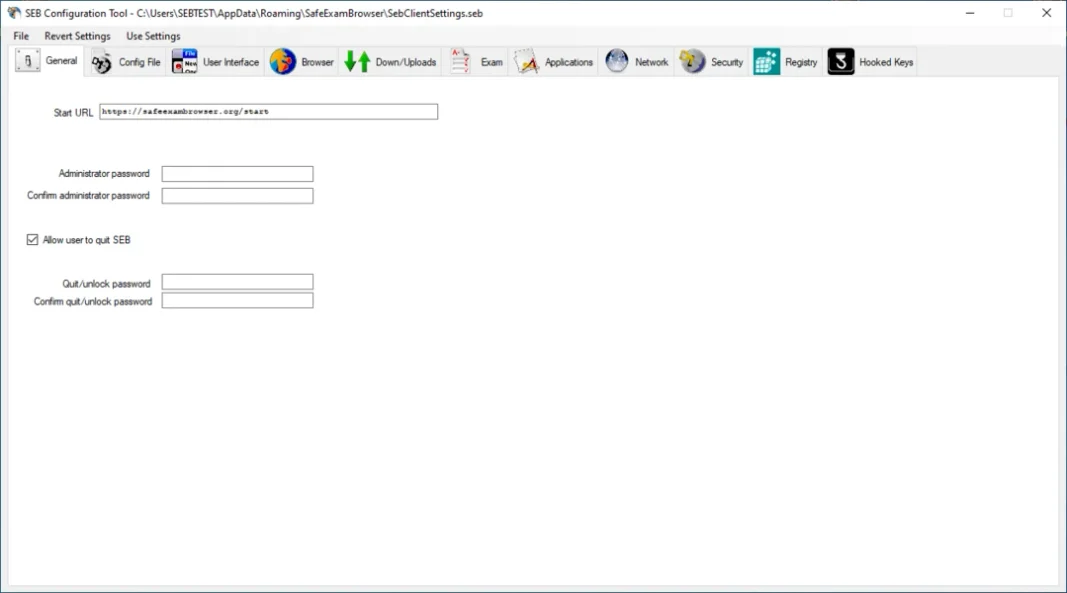
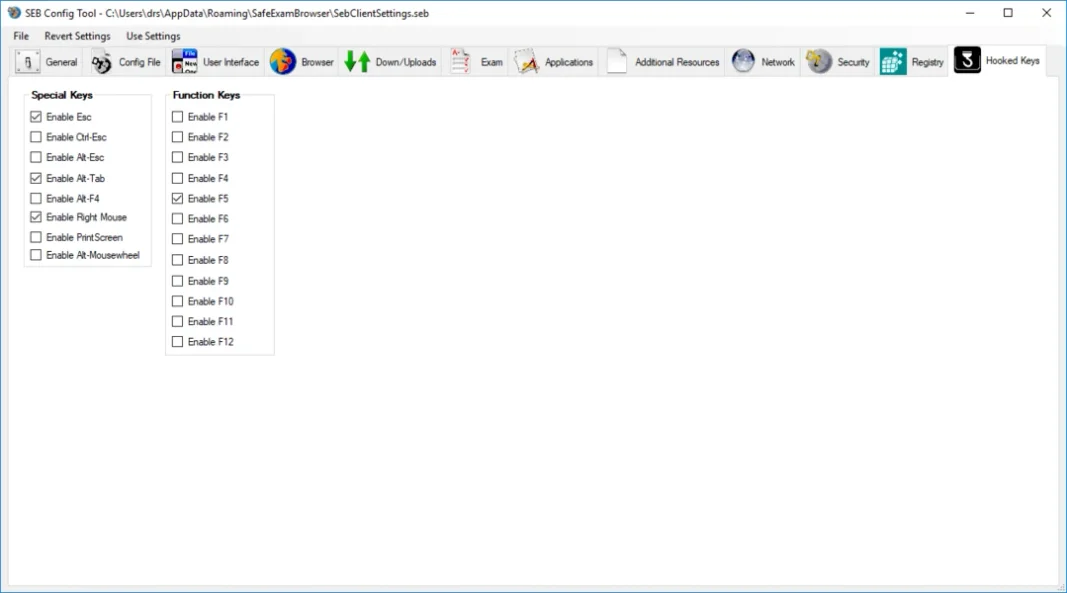
Safe Exam Browser turns a computer into a restricted, secure workstation for high-stakes testing. The kiosk layer takes control of the operating system, disabling shortcuts such as ALT+F4 and blocking unauthorized background processes.
The program has a dual-component architecture: a kiosk application and a browser engine. On macOS and iOS it is a monolithic application based on WebKit, while the Windows build uses a Firefox-based runtime and a more complex setup. It includes certificate pinning and VM detection. It integrates with Moodle and OpenOlat, and proctoring through Zoom or Jitsi has to be configured manually by the administrator. The decentralized approach benefits privacy but adds administrative work, and the initial setup is complex, requiring you to manage encrypted configuration files. It lacks built-in cloud synchronization.
Safe Exam Browser is free. The current release is 3.7.2.
[Release notes coming soon]
Verify the file
Compare the SHA-256 of the file you downloaded with the value below. Files exactly as the publisher released them.
-
safe-exam-browser-3-7-2.dmg
3.7.2 · DMG · 10.8 MB
SHA-256
a3e1936174a3e75bbe013f5aaf8a9af9d66c3a6d6ddaced608d0223837f0a8abCheck on VirusTotal Get
Files exactly as the publisher released them.
Information
- Seller
- Safe Exam Browser
- Size
- 10.8 MB
- Category
- Web Tools
- Compatibility
macOS macOS 10.15 or later
- Languages
English
- Age rating
- All ages
- License
- Proprietary
- Price
- Free
- Platform
- Also available on Windows