Savvyshot1.4.3 for macOS
Capture and annotate screenshots on a Mac
Freemium · Proprietary
You are on Windows — this is the macOS version. See the Windows version
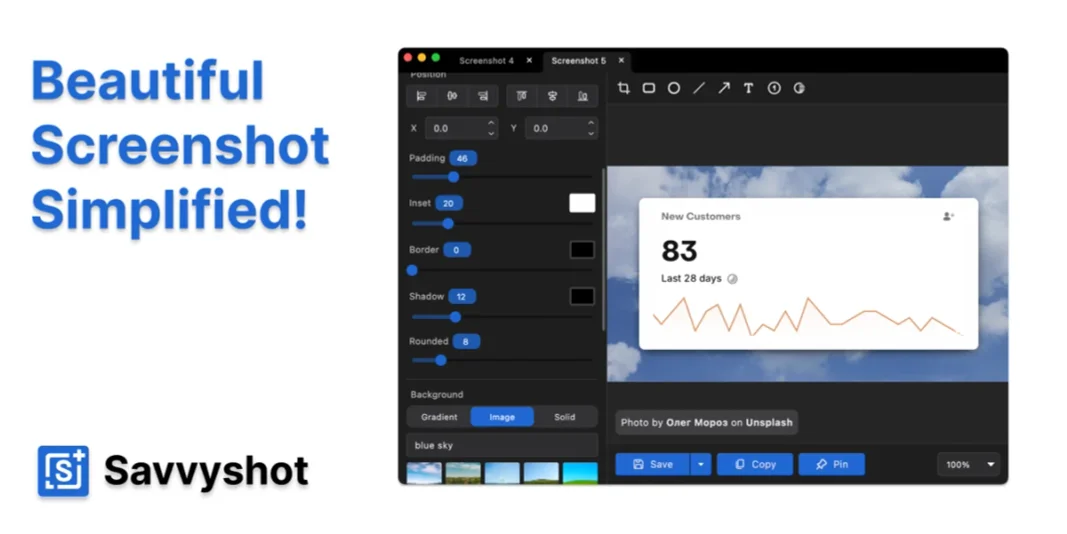
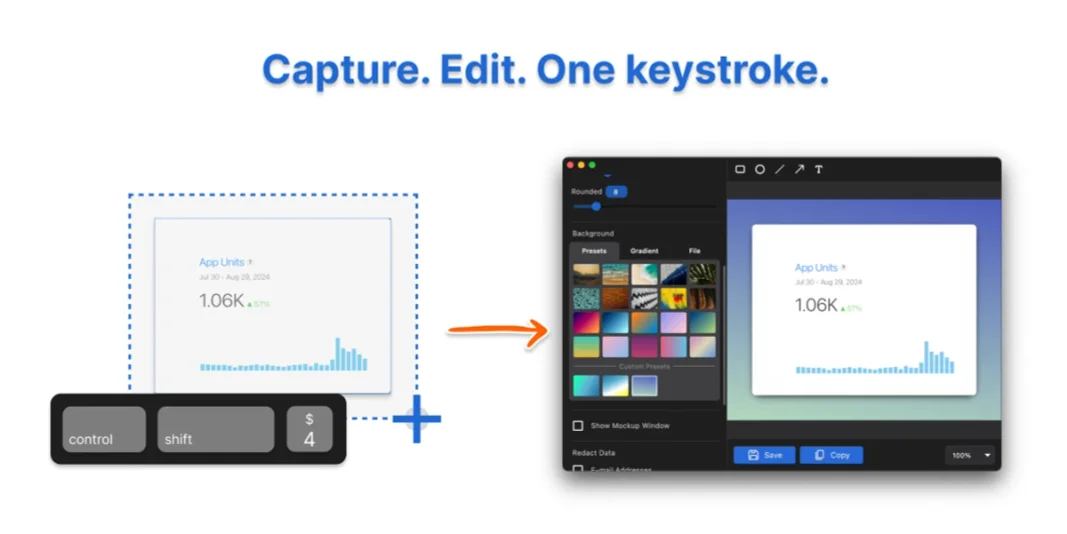
Savvyshot takes screenshots by area, window, or full screen, and a keyboard shortcut starts a capture. The editor opens right away so you can mark up what you just grabbed. Screenshots can be copied straight to the clipboard, and several can be edited at the same time.
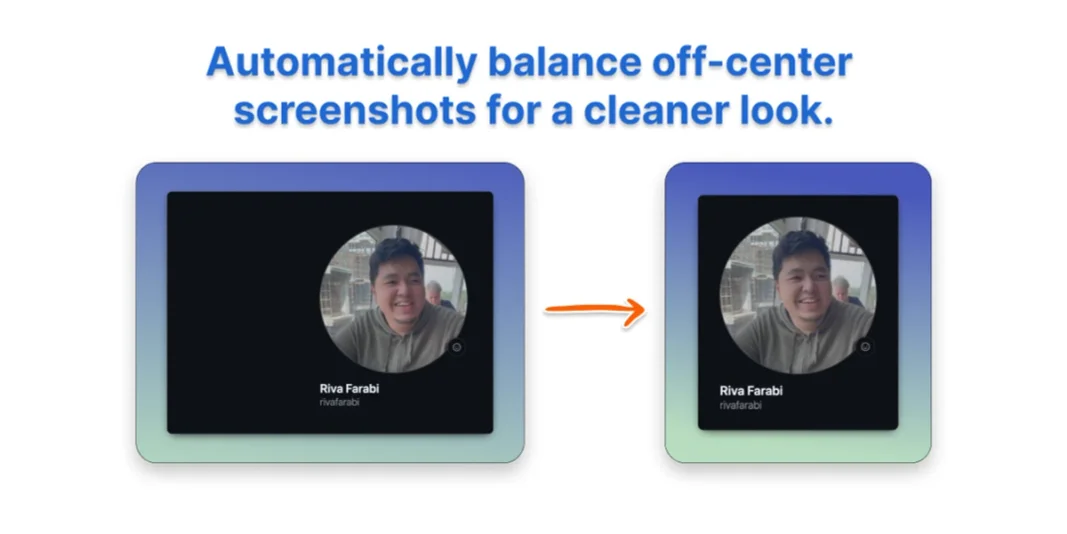
Annotations cover arrows, shapes, lines, and text, and you can duplicate or remove any object you place. Shortcuts speed up that work and can be customized to your own keys. Padding, shadows, borders, and aspect ratios are adjustable, with quick resize presets for 1:1, 16:9, and 4:3. Backgrounds can be a solid color, a gradient, a preset, or a custom image, and an optional watermark can go on for branding. For sensitive content, on-device OCR finds emails and credit card numbers and redacts them automatically, while any other area can be blurred or hidden by hand. Smart image balancing centers off-center screenshots.
Screenshots can be pinned in floating windows for quick reference, and the program can start minimized to the tray for instant access. All processing happens on the device and nothing is uploaded. It is a Mac program by Bigvaria, version 1.4.3.
[Release notes coming soon]
Verify the file
Compare the SHA-256 of the file you downloaded with the value below. Files exactly as the publisher released them.
-
savvyshot-1-4-3.dmg
1.4.3 · DMG · 32.7 MB
SHA-256
aa675a8c414911a833f7e8764dd97613e08409cd109632c0b8c1f1d5719b75ffCheck on VirusTotal Get
Files exactly as the publisher released them.
Information
- Seller
- Bigvaria
- Size
- 32.7 MB
- Category
- Capture & editing
- Compatibility
macOS
- Languages
English
- Age rating
- All ages
- License
- Proprietary
- Price
- Freemium
- Platform
- Also available on Windows