Screenshot Scrop1.3 for macOS
Crops an image the moment it lands on the clipboard
Freemium · Proprietary
You are on Windows — this is the macOS version.
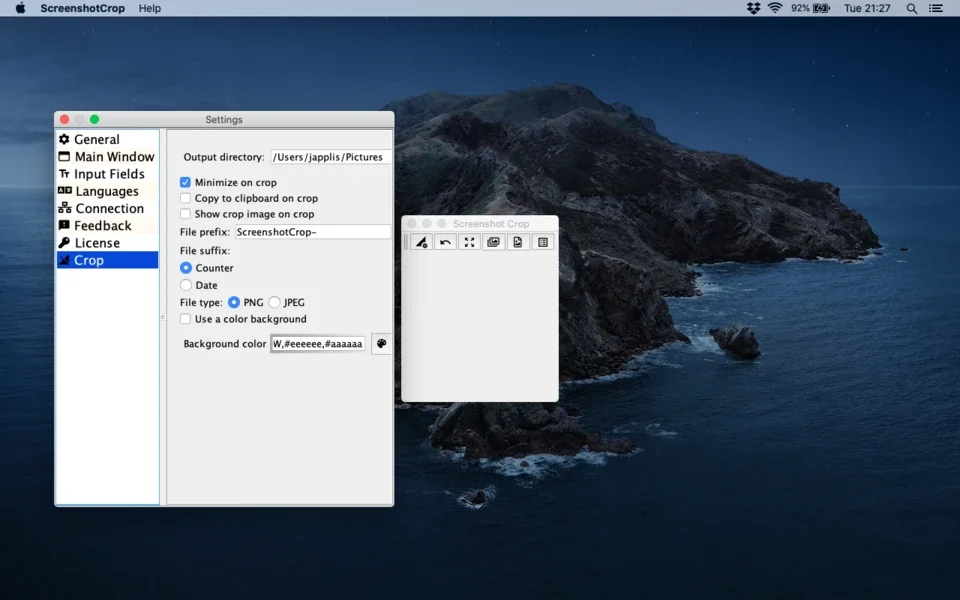
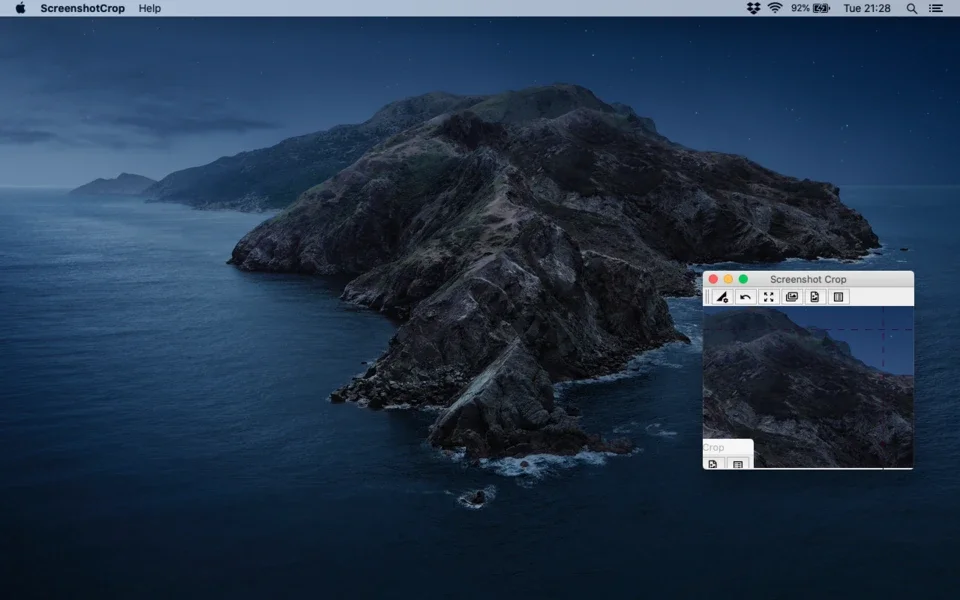
Screenshot Scrop is a multimedia capture tool for the Mac, and its sharpest trick is that it watches the clipboard. Copy an image, and it notices on its own.
Guided lines show you which parts of the image to keep, so you can set the crop by eye rather than by numbers. You do the work in the same window you copied into, without leaving your workflow for another program. Once the crop is done, the program minimizes itself and you can go back to whatever you were doing, which is usually the application the screenshot was taken from. Nothing needs to be pasted anywhere first. That is the point of it: the switching between programs that cropping normally costs you is gone.
It is a free multimedia application for Mac. Japplis com builds it for video content creators and people who often work with images.
[Release notes coming soon]
Verify the file
Compare the SHA-256 of the file you downloaded with the value below. Files exactly as the publisher released them.
-
1.3
1.3 · DMG · 36.6 MB
SHA-256
ac2d0cbe70738ea02cbf2f3b3698aae1f5266614f24642b8953b7ffd3a8816e4Check on VirusTotal Get
Files exactly as the publisher released them.
Information
- Seller
- Japplis com
- Size
- 36.6 MB
- Category
- Capture
- Compatibility
macOS
- Languages
English
- Age rating
- All ages
- License
- Proprietary
- Price
- Freemium