Shape Collage3.1 for macOS
Free Mac app that arranges your photos into shaped collages automatically
Free · Proprietary
You are on Windows — this is the macOS version. See the Windows version
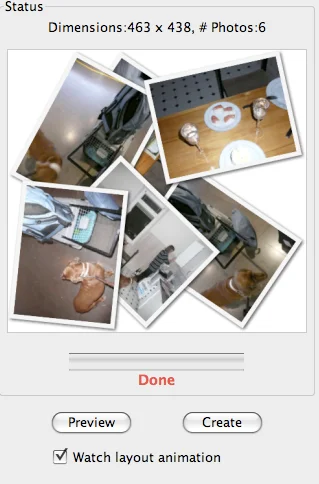
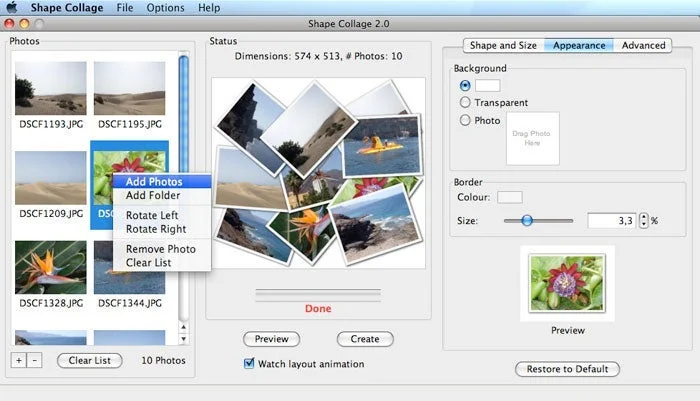
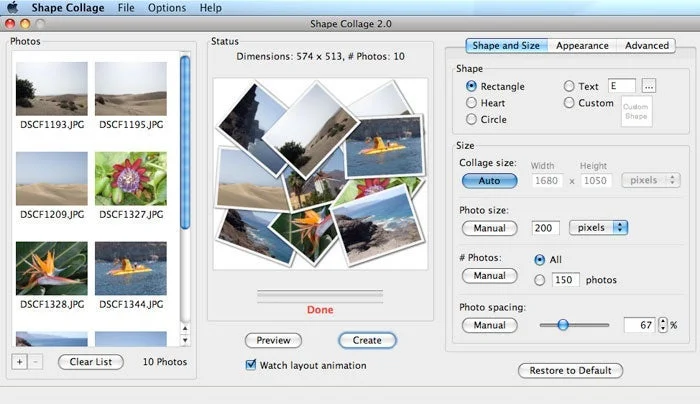
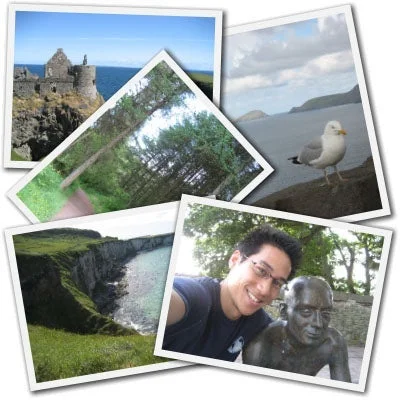
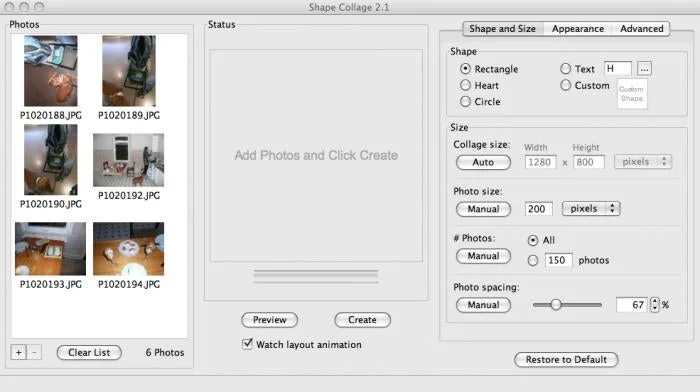

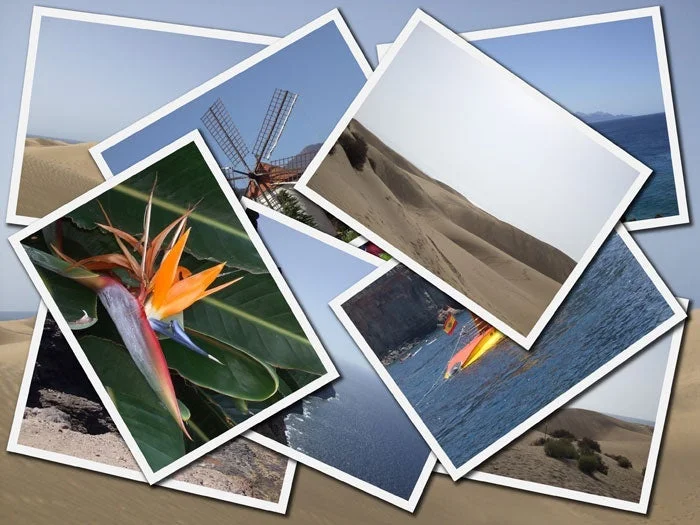
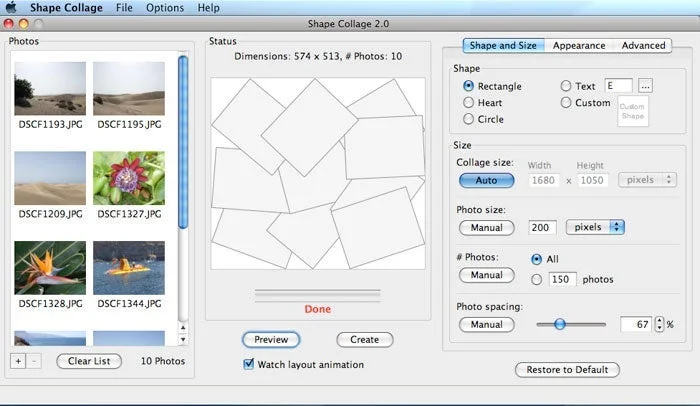
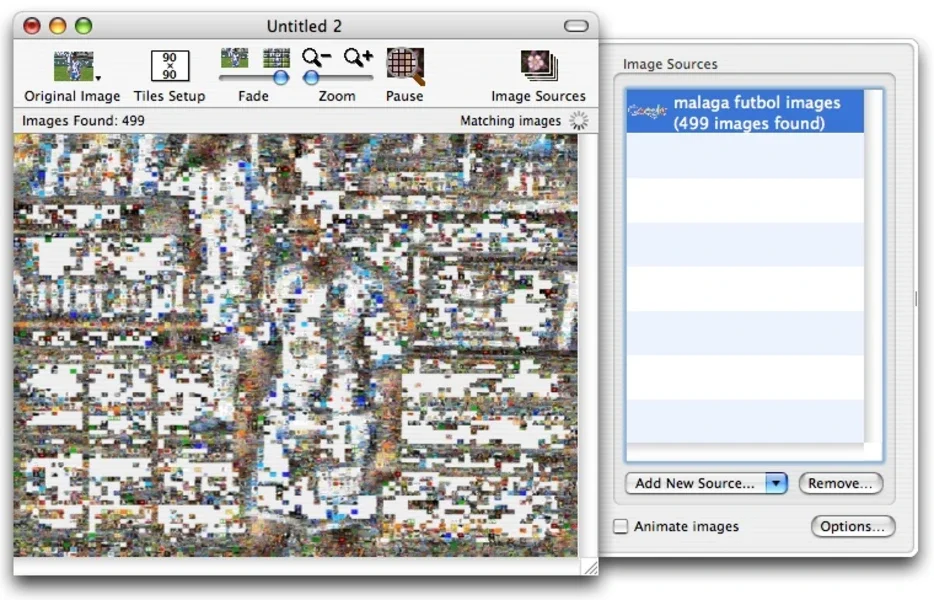
Pick the photos you want, choose a shape, and click preview. Shape Collage arranges those photos into a collage by itself. The shapes include a circle, a rectangle and a heart, and you can draw a shape of your own. There is also a text option that builds a collage around the words you type in.
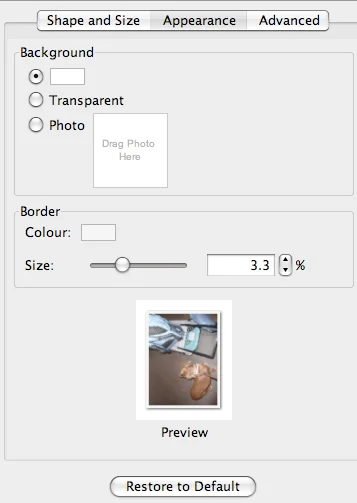
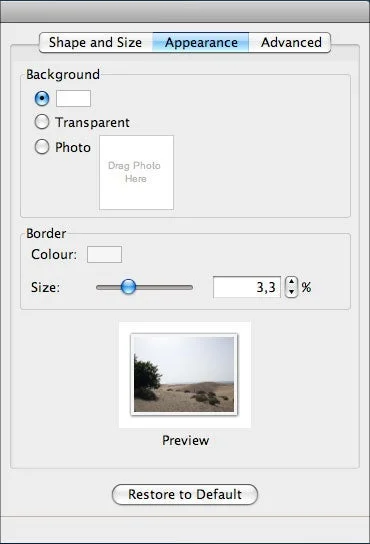
Once the photos are in, the spacing between them, the border colour and the border size are all yours to set. So are the collage dimensions and the number and size of the photos. Each change shows up in the preview.
It is a Mac application and it is free. The current version is 3.1, from Vincent Cheung.
[Release notes coming soon]
Verify the file
Compare the SHA-256 of the file you downloaded with the value below. Files exactly as the publisher released them.
-
ShapeCollage-3.1.dmg
3.1 · DMG · 16.0 MB
SHA-256
7ac143ba2fc4949595f3aa30979f891bf9f638b443b57a42fd4cd9c8304e3a97Check on VirusTotal Get
Files exactly as the publisher released them.
Information
- Seller
- Vincent Cheung
- Size
- 16.0 MB
- Category
- Photo Utilities
- Compatibility
macOS Mac OS X or later
- Age rating
- All ages
- License
- Proprietary
- Price
- Free
- Platform
- Also available on Windows