Skip to content

Smultron14.5.1 for macOS

Mac text editor with split-view compare and syntax coloring

Peter Borg

Free · Apache 2.0

Download 14.5.1 · 8.0 MB
  • Age rating
    0+
    All ages
  • Category
    Development
  • Developer
    Peter Borg
  • Languages
    13
    Danish
  • Size
    8.0
    MB

Mac

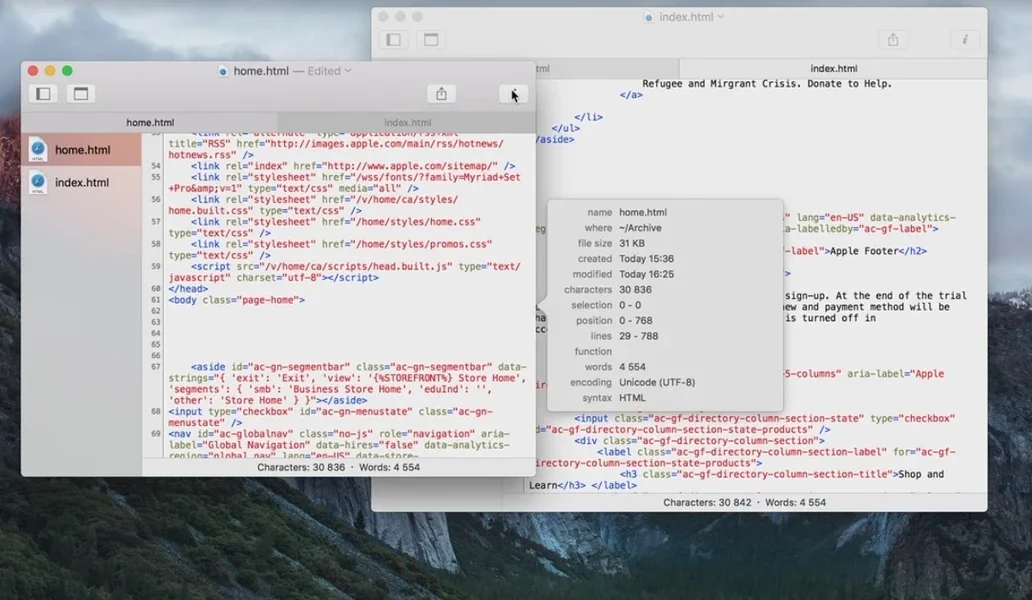
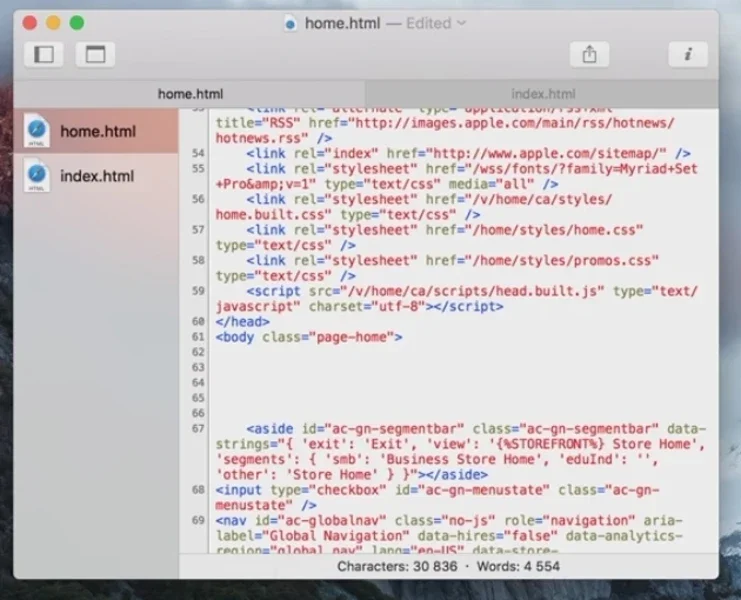
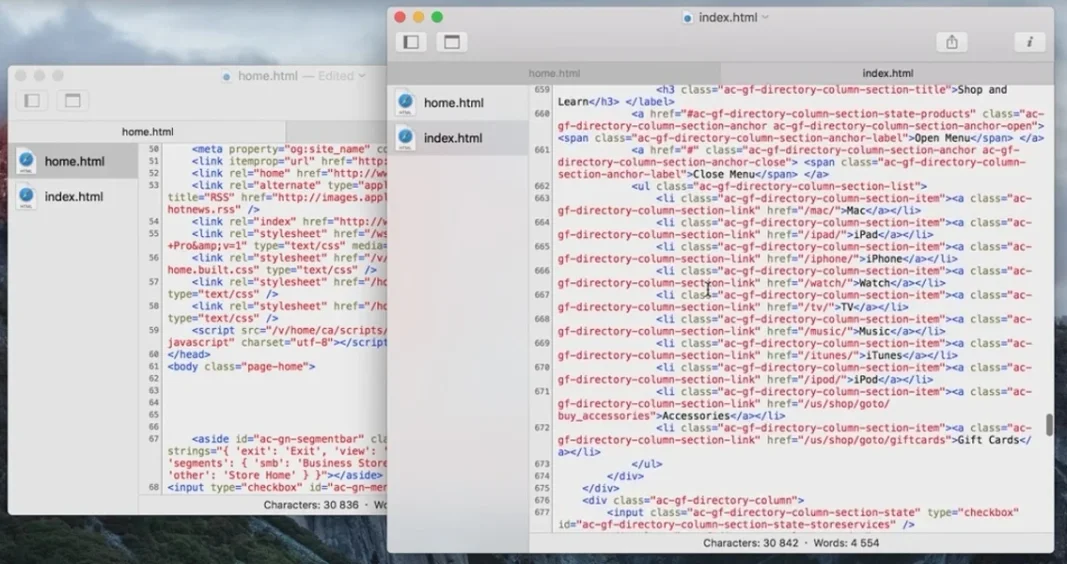
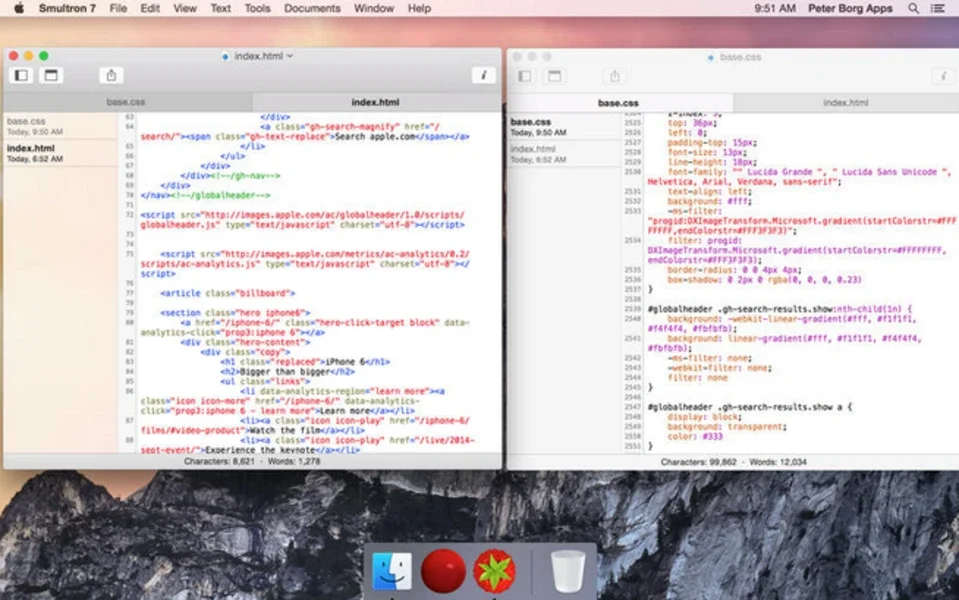
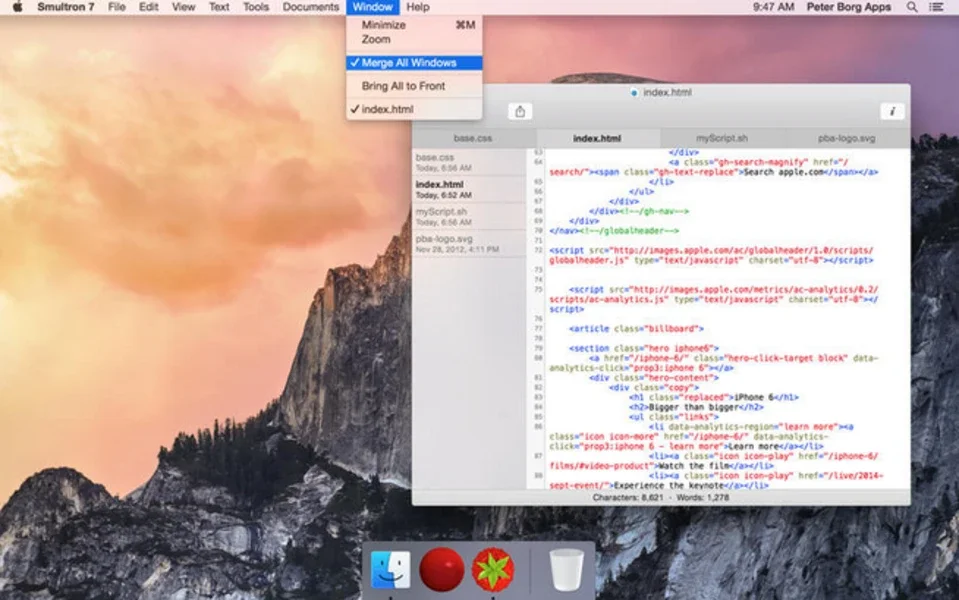
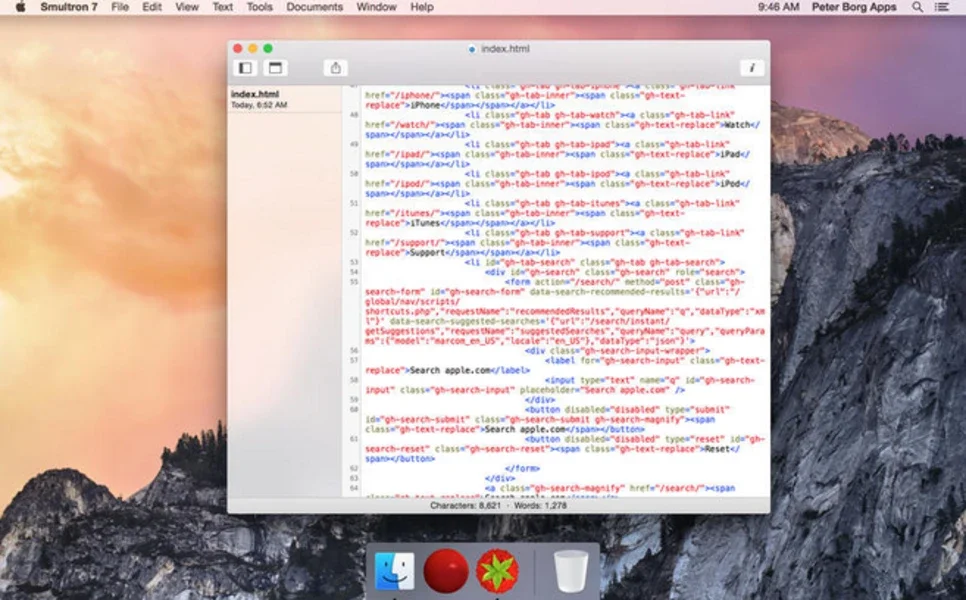
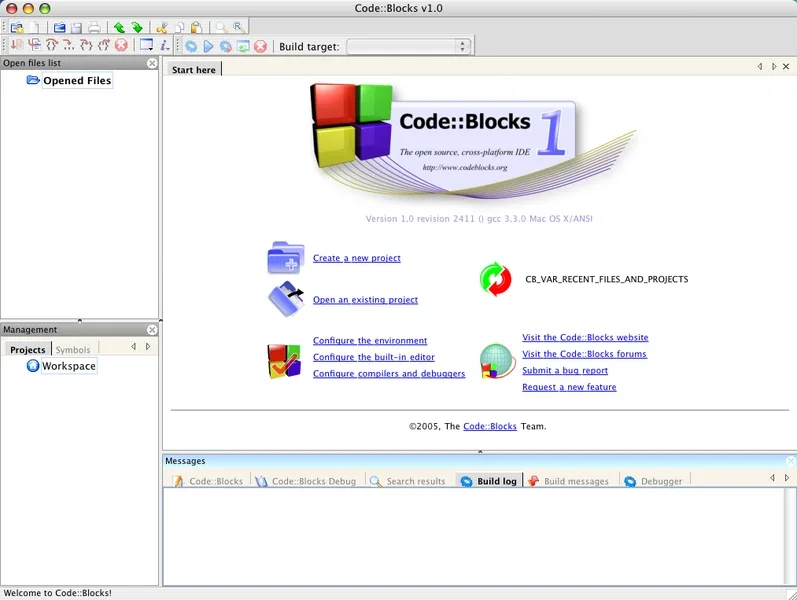
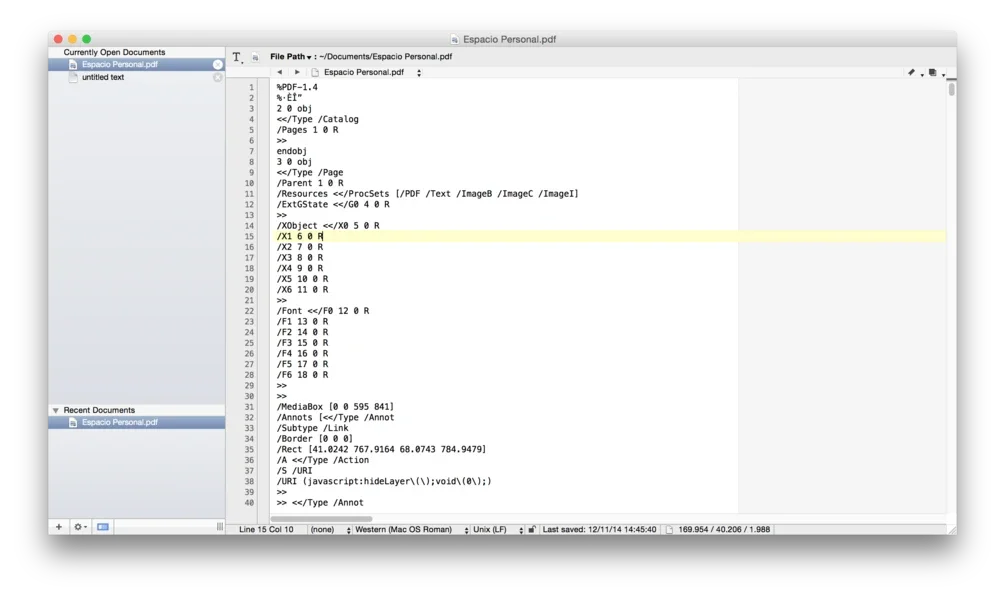
Smultron opens with a split-view window for comparing two pieces of code or text side by side. It colors code according to what each language element represents. You can preview HTML before publishing it to the web. The editor covers web programming, script editing, and to-do lists, and its documents can be switched with an iTunes-style viewer or shown as tabs.

Versions and availability

The latest version is paid and only available on the Mac App Store. It includes some small bug fixes. Version 4 works only on Lion, while versions exist for Mountain Lion and Mavericks. Smultron is a simple text editor intended for users ranging from scriptwriters to programmers. Peter Borg develops it under the Apache 2.0 license, and it is free.

[Release notes coming soon]

Version 14.5.1

Verify the file

Compare the SHA-256 of the file you downloaded with the value below. Files exactly as the publisher released them.

  • smultron-14-5-1.zip

    14.5.1 · ZIP · 8.0 MB

    SHA-256

    200c72af2002e55d093ddc36edc45c531f49e53eec507e99986e9e12565e545b Check on VirusTotal Get

Files exactly as the publisher released them.

Information

Seller
Peter Borg
Size
8.0 MB
Category
Development
Compatibility
macOS
Age rating
All ages
License
Apache 2.0
Price
Free

Version history

  • [Release notes coming soon]

    14.5.1
  • [Release notes coming soon]

    14.5
  • [Release notes coming soon]

    14.4.9
  • [Release notes coming soon]

    14.4.7
  • [Release notes coming soon]

    14.4.6
  • [Release notes coming soon]

    14.4.5
  • [Release notes coming soon]

    14.4.4
  • [Release notes coming soon]

    14.4.3
  • [Release notes coming soon]

    14.4.2
  • [Release notes coming soon]

    14.4.1
  • [Release notes coming soon]

    14.4
  • [Release notes coming soon]

    14.3.1
  • [Release notes coming soon]

    14.3
  • [Release notes coming soon]

    14.2.3
  • [Release notes coming soon]

    14.2.2
  • [Release notes coming soon]

    14.2.1
  • [Release notes coming soon]

    14.1.2
  • [Release notes coming soon]

    14.1
  • [Release notes coming soon]

    14.0.9
  • [Release notes coming soon]

    14.0.8
  • [Release notes coming soon]

    14.0.7
  • [Release notes coming soon]

    14.0.2
  • [Release notes coming soon]

    14.0.1
  • [Release notes coming soon]

    13.3.8
  • [Release notes coming soon]

    13.3.7
  • [Release notes coming soon]

    13.3.1
  • [Release notes coming soon]

    13.2.2
  • [Release notes coming soon]

    13.1.2
  • [Release notes coming soon]

    13.1.1
  • [Release notes coming soon]

    13.0.6
  • [Release notes coming soon]

    13.0.4
  • [Release notes coming soon]

    13.0.3
  • [Release notes coming soon]

    13.0.1
  • [Release notes coming soon]

    12.5.2
  • [Release notes coming soon]

    12.5
  • [Release notes coming soon]

    12.4.5
  • [Release notes coming soon]

    12.4.4
  • [Release notes coming soon]

    12.4.3
  • [Release notes coming soon]

    12.4.2
  • [Release notes coming soon]

    12.4.1
  • [Release notes coming soon]

    12.3
  • [Release notes coming soon]

    12.2.6
  • [Release notes coming soon]

    12.2.5
  • [Release notes coming soon]

    12.2.4
  • [Release notes coming soon]

    12.2.3
  • [Release notes coming soon]

    12.1.2
  • [Release notes coming soon]

    12.1.1
  • [Release notes coming soon]

    12
  • [Release notes coming soon]

    11.2.5
  • [Release notes coming soon]

    11.1.1

All versions ›