Skip to content

SnapDownloader1.15.43 for macOS

Grabs videos from many sites in the resolution and format you pick

SnapDownloader

Trial · Proprietary

Download 1.15.43 · 159.7 MB
  • Age rating
    0+
    All ages
  • Category
    Converters
  • Developer
    SnapDownloader
  • Languages
    1
    English
  • Size
    159.7
    MB

Mac

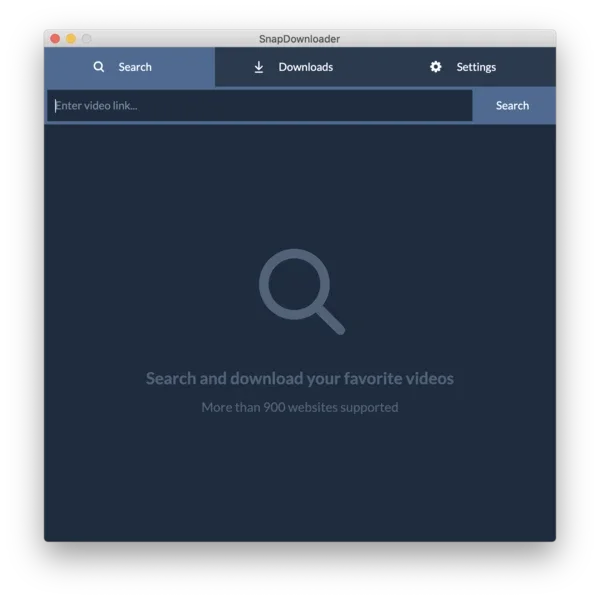
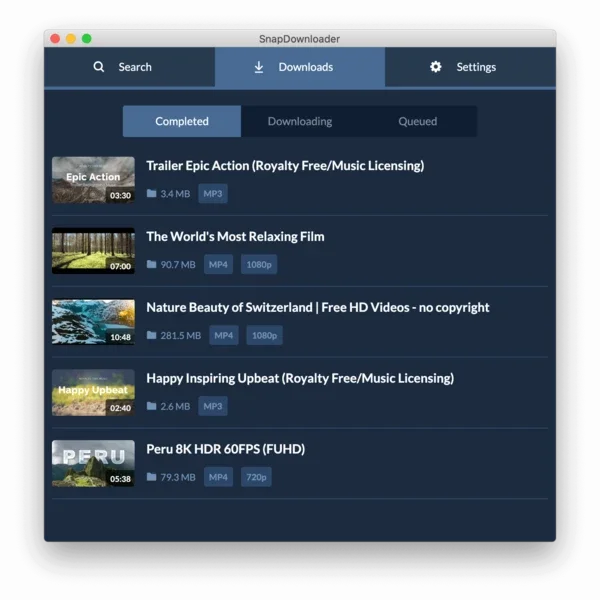
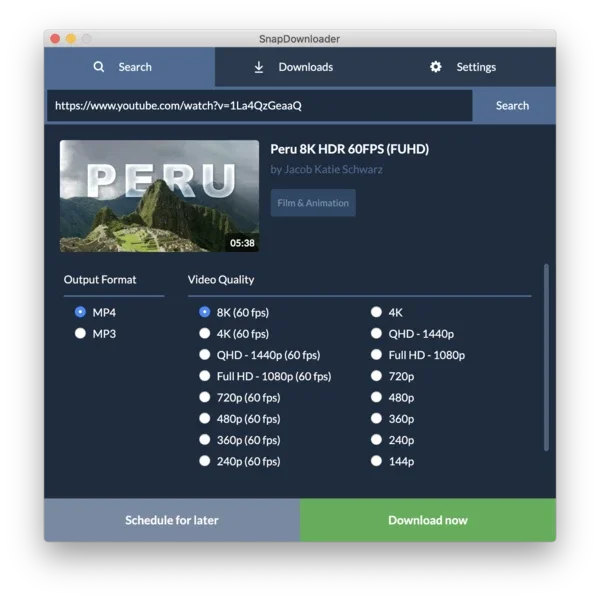
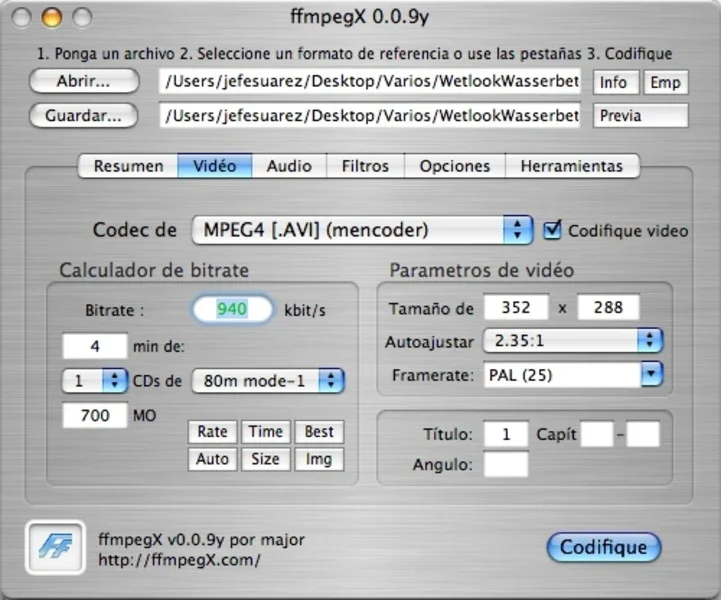
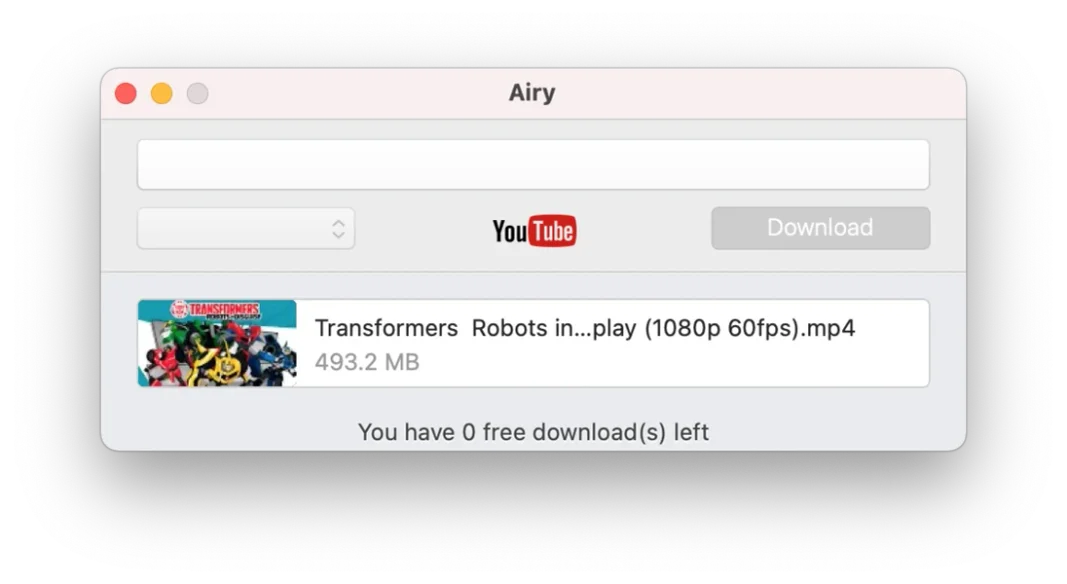
SnapDownloader saves videos for offline viewing, and it does the job at high quality without much fuss. You pick a video, choose a resolution and a format, and it downloads.

Downloads are the main function, and the program takes them from a variety of online platforms. Several resolutions are supported, so you can go for a smaller file or keep the original quality. The saved file can come out in more than one video format, which helps when the target device is picky. The program works with a broad spread of devices, from phones to computers, so the output usually fits wherever you plan to watch. Casual users get through the process in a few clicks, and there is enough control for people with more advanced needs. Everything happens on a Mac.

SnapDownloader is a free multimedia application for Mac, and it sits in the Multimedia and Converters categories.

[Release notes coming soon]

Version 1.15.43

Verify the file

Compare the SHA-256 of the file you downloaded with the value below. Files exactly as the publisher released them.

  • snapdownloader-1-15-43.dmg

    1.15.43 · DMG · 159.7 MB

    SHA-256

    3b8a3d95b5eb68fe128ce559f0d26a434042e31c1747c158715b58ecd7b7c1c5 Check on VirusTotal Get

Files exactly as the publisher released them.

Information

Size
159.7 MB
Category
Converters
Compatibility
macOS
Languages
English
Age rating
All ages
License
Proprietary
Price
Trial

Version history

  • [Release notes coming soon]

    1.15.43
  • [Release notes coming soon]

    1.15.42
  • [Release notes coming soon]

    1.15.41
  • [Release notes coming soon]

    25.2.2
  • [Release notes coming soon]

    1.15.30
  • [Release notes coming soon]

    1.15.29
  • [Release notes coming soon]

    1.15.28
  • [Release notes coming soon]

    1.15.27
  • [Release notes coming soon]

    1.15.26
  • [Release notes coming soon]

    1.15.25
  • [Release notes coming soon]

    1.15.24
  • [Release notes coming soon]

    1.15.22
  • [Release notes coming soon]

    1.15.21
  • [Release notes coming soon]

    1.15.20
  • [Release notes coming soon]

    1.15.19
  • [Release notes coming soon]

    1.15.18
  • [Release notes coming soon]

    1.15.17
  • [Release notes coming soon]

    1.15.16
  • [Release notes coming soon]

    1.15.14
  • [Release notes coming soon]

    1.15.13
  • [Release notes coming soon]

    1.15.6
  • [Release notes coming soon]

    1.15.5
  • [Release notes coming soon]

    1.15.4
  • [Release notes coming soon]

    1.15.3
  • [Release notes coming soon]

    1.15.1
  • [Release notes coming soon]

    1.15.0
  • [Release notes coming soon]

    1.14.7
  • [Release notes coming soon]

    1.14.4
  • [Release notes coming soon]

    1.14.0
  • [Release notes coming soon]

    1.13.1
  • [Release notes coming soon]

    1.12.4
  • [Release notes coming soon]

    1.12.2
  • [Release notes coming soon]

    1.11.0
  • [Release notes coming soon]

    1.10.4
  • [Release notes coming soon]

    1.9.0
  • [Release notes coming soon]

    1.5.11
  • [Release notes coming soon]

    1.5.0
  • [Release notes coming soon]

    1.5.1

All versions ›