Sonos57.23-74170 for macOS
Controls Sonos speakers, streaming and multi-room audio from a Mac
Free · Proprietary
You are on Windows — this is the macOS version.
Setup starts by connecting the speakers to a power supply and joining them to a Wi-Fi network. After that, Sonos manages them over the Mac's Wi-Fi connection.
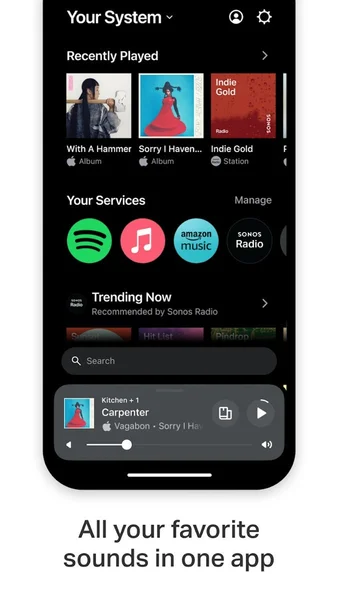
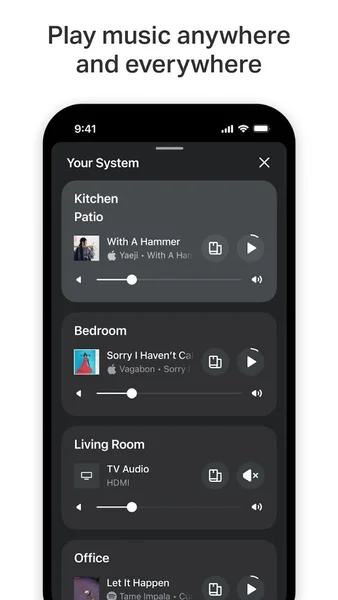
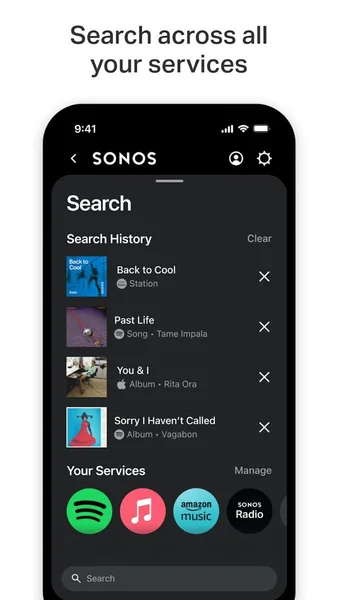
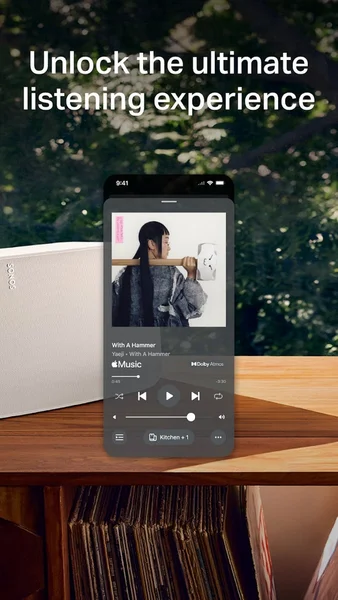
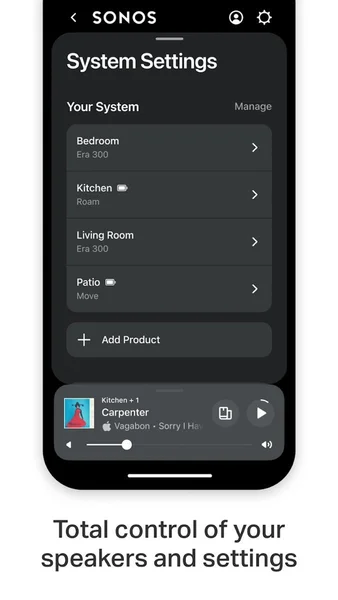
Volume, song skipping and personalized playlists are handled from the app, and so are EQ, speaker names, alerts and timers. EQ and room acoustics settings live in the same place, with Trueplay adjusting the audio to the acoustics of the space. Multi-room audio lets you link several speakers together or play different sources in separate rooms. Music streams from services such as Spotify, Apple Music and Amazon Music, and lossless audio was added to Apple Music. A swipe up from the Home screen shows the system, and its status can also be opened by picking the system name in the top left corner. One thing to know: speakers are optimized for the app, so a streaming service Sonos does not support may be unusable. Weather conditions and forecasts can be requested by voice.
The interface was redesigned in a major update to be more personalized, and that update also carried some bug fixes. A new Message Center feeds product tips and system recommendations. Upgrades install automatically, so new features and enhancements arrive without you doing anything.
[Release notes coming soon]
Verify the file
Compare the SHA-256 of the file you downloaded with the value below. Files exactly as the publisher released them.
-
sonos-57-23-74170.dmg
57.23-74170 · DMG · 46.8 MB
SHA-256
3f3495441881b7767d1724aeabed595aa053cdf4780b156dbece56943f023377Check on VirusTotal Get
Files exactly as the publisher released them.
Information
- Seller
- Sonos, Inc
- Size
- 46.8 MB
- Category
- Media Players
- Compatibility
macOS Mac OS X or later
- Languages
English
- Age rating
- 3+
- License
- Proprietary
- Price
- Free