Splitcam1.23 for macOS
Records and live-streams webcams, screens, plugins and more
Free · Proprietary
You are on Windows — this is the macOS version. See the Windows version
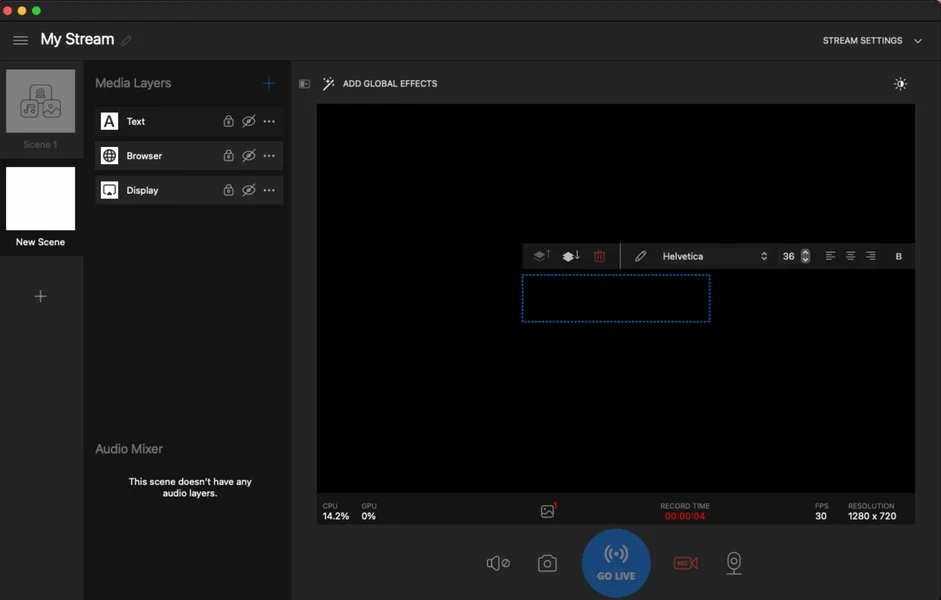
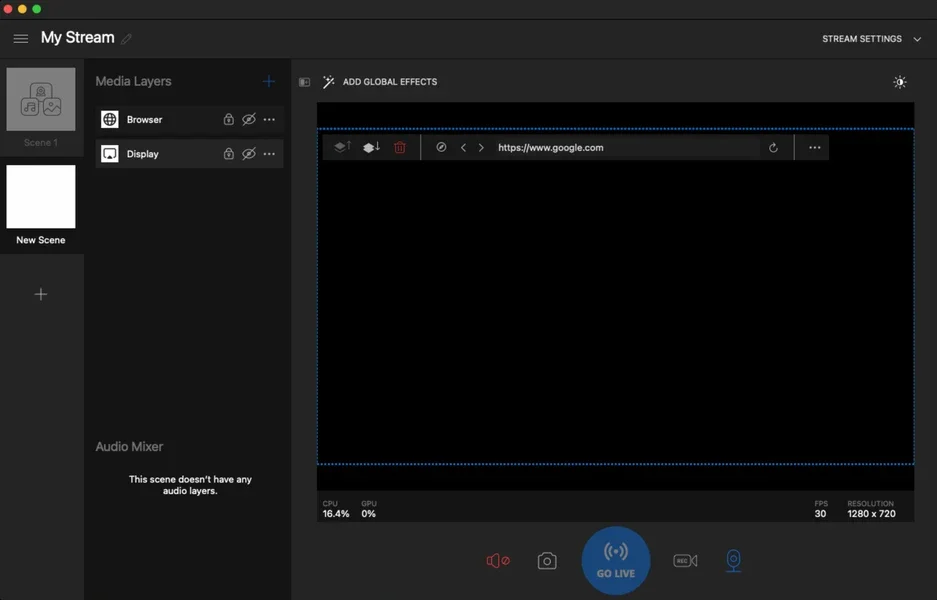
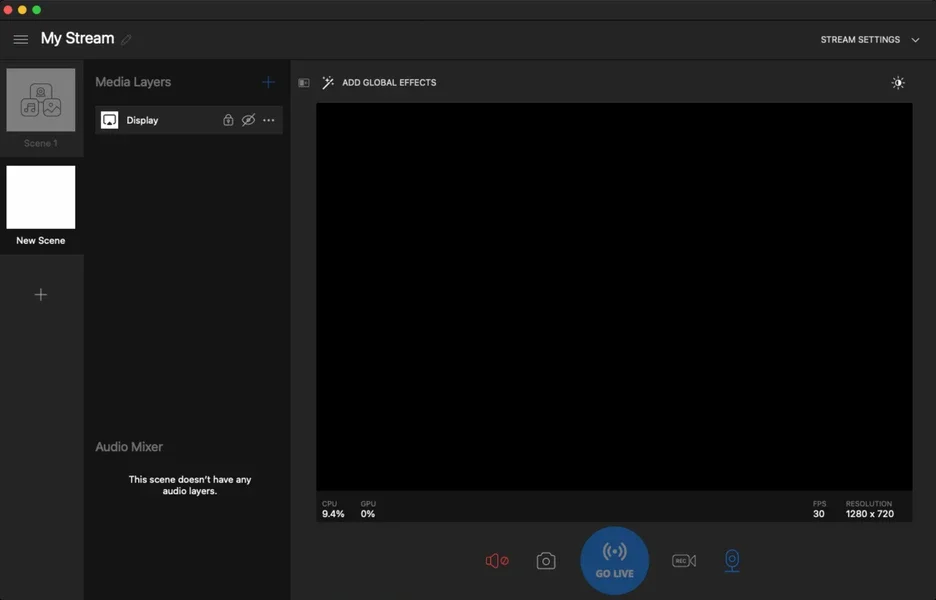
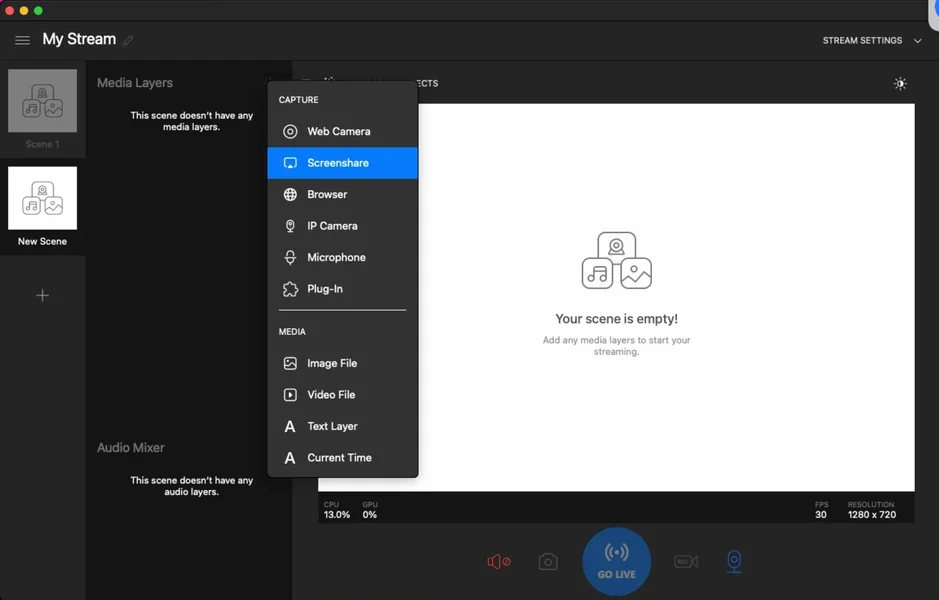
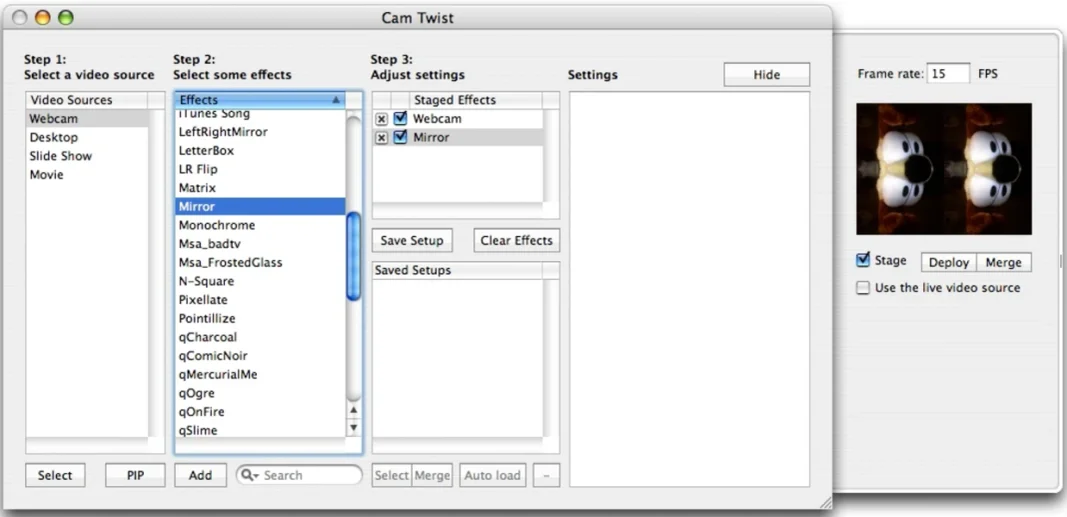
Splitcam records live video and sends it out to streaming platforms. Sources for a recording include a webcam, a security camera, a microphone, whatever is on the screen, and a browser. A plug-in can be a source as well. It also captures the screen of another computer or an external device.
Scenes and stream settings
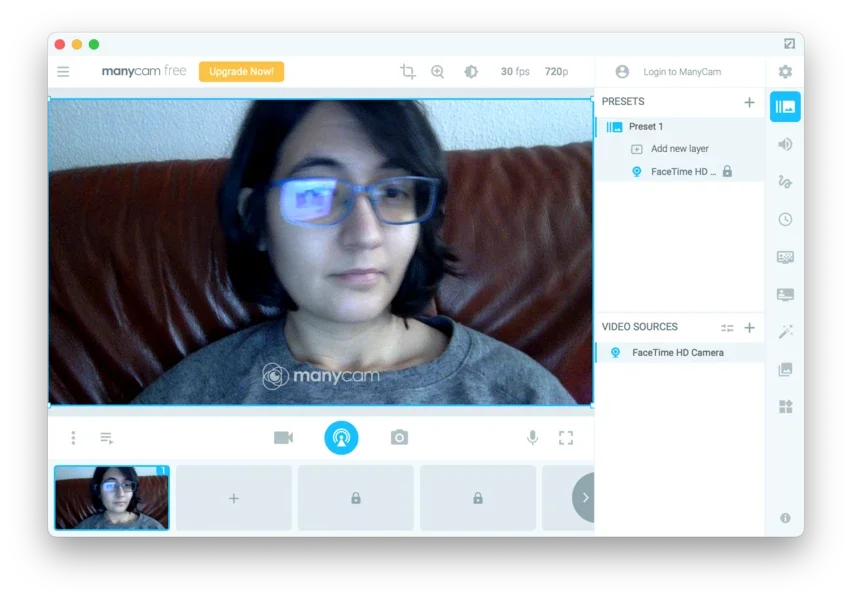
Set up a few scenes, one per kind of content or platform. Image settings apply per scene, so a talking layout and a gaming layout can each look the way you want. In the top right, Stream Settings is where you add a YouTube or Twitch channel. From there you can run several channels at once and stream to all of them together. A button along the bottom starts the broadcast. The remaining parameters live in the stream settings.
Overlays sit on top of the picture. Add text, or the current time, and it stays visible. An image or a video file can also be pinned so it always shows above the content.
An area of the program holds the quick controls: mute the sound, switch the camera off, or grab a screenshot.
[Release notes coming soon]
Verify the file
Compare the SHA-256 of the file you downloaded with the value below. Files exactly as the publisher released them.
-
splitcam-1-23.dmg
1.23 · DMG · 304.2 MB
SHA-256
0c466efd0aef0f0e9cc4ae60e702270dbdffdaeb3ed932e76cf2299153ddf459Check on VirusTotal Get
Files exactly as the publisher released them.
Information
- Seller
- Splitcamsoft
- Size
- 304.2 MB
- Category
- Capture
- Compatibility
macOS
- Languages
English
- Age rating
- All ages
- License
- Proprietary
- Price
- Free
- Platform
- Also available on Windows