
SysInfo Mac OST Viewer Tool26.0.6 for macOS
Opens Outlook OST files on a Mac and shows what is inside
Demo
You are on Windows — this is the macOS version.
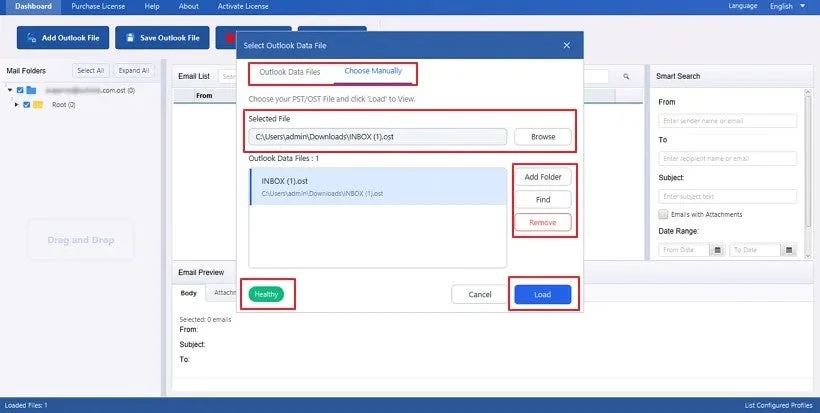
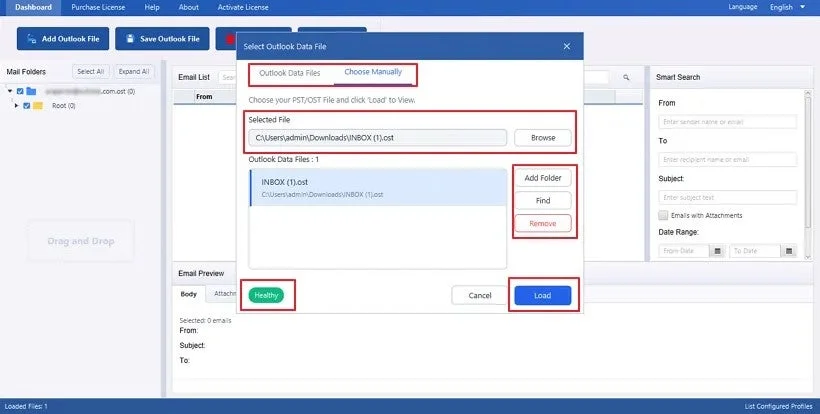
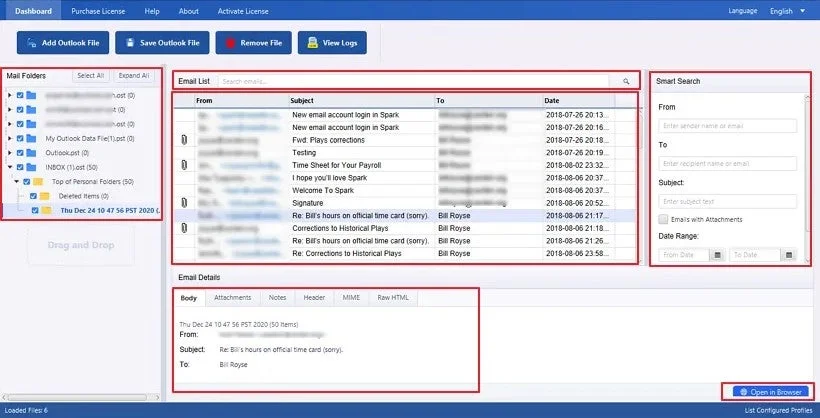
SysInfo Mac OST Viewer opens Microsoft Outlook Offline Storage Table files and lets you look through what they hold. It reads, browses and examines OST content on a Mac desktop, and every bit of processing happens on the machine itself. You do not need Microsoft Outlook installed, and no Exchange account is involved.
The folder tree mirrors the original mailbox structure, down to the hierarchy of subfolders. Large OST files open and stay explorable, and the software handles OST files made by several versions of Outlook. ANSI and Unicode formats are both supported where they apply. Since it works read-only, the source file is never touched. A built-in preview panel shows the selected item in readable form, so you can check subject lines, timestamps, message headers and any attachments before going further. Sender and recipient details are there to read on each message. Beyond mail, the viewer covers inbox items, sent messages, drafts, deleted items, and the contact, calendar, task, journal and note sections of the mailbox. It loads healthy or otherwise accessible OST files and leaves them as they were.
The interface is built for macOS, with quick navigation between mailbox folders and viewing of attachments. The demo is version 26.0.6 from SysInfoTools.
[Release notes coming soon]
Verify the file
Compare the SHA-256 of the file you downloaded with the value below. Files exactly as the publisher released them.
-
1783945166983-630100095-SysInfo-mac-ost-viewer.dmg
26.0.6 · DMG · 273.8 MB
SHA-256
b11eea88ea921016142484cabbf4ece418f005b6daa88aff1f30db16ad6eb5feCheck on VirusTotal Get
Files exactly as the publisher released them.
Information
- Seller
- SysInfoTools
- Size
- 273.8 MB
- Compatibility
macOS
- Languages
English
- Price
- Demo