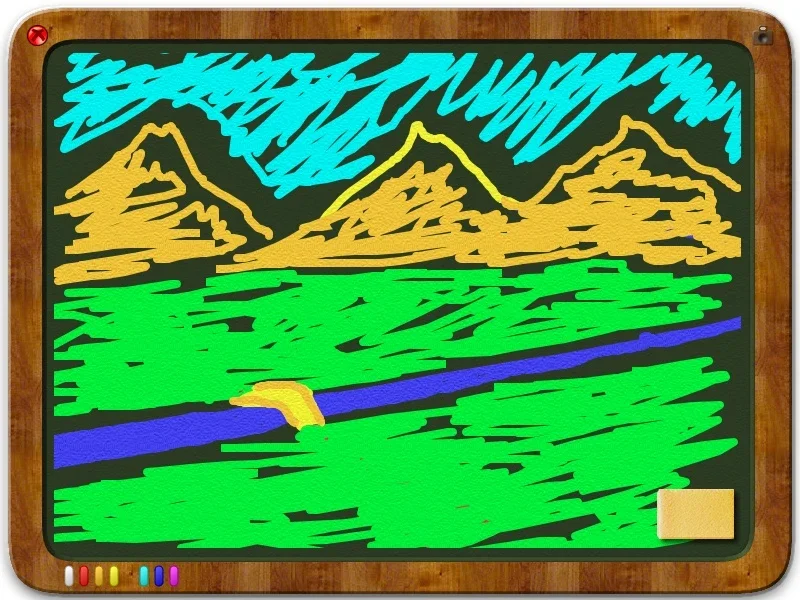
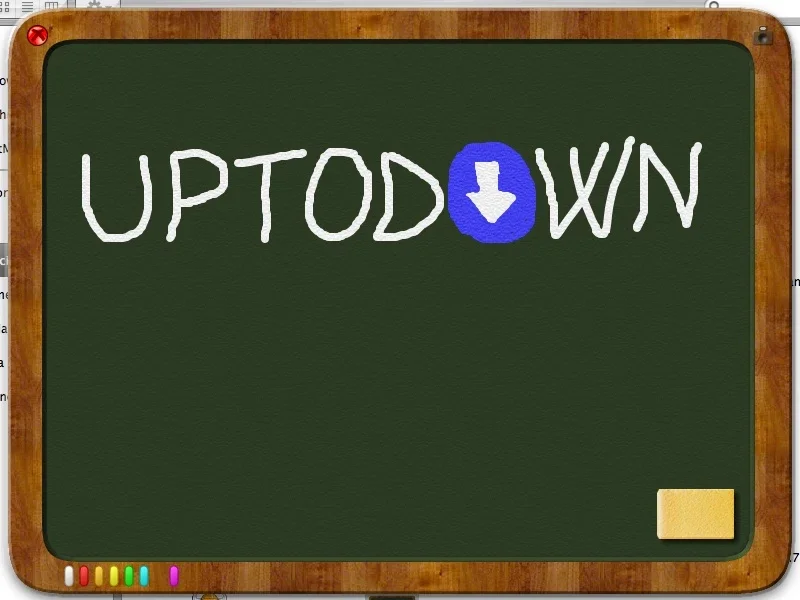
Tabula Rasa is a virtual blackboard for the Mac. You write and draw on it with a small piece of chalk, and the strokes closely resemble real ones. Sounds play as you write, matching those of a real blackboard.
The app has an eraser at the bottom right that clears the part of the blackboard you choose; move it over the surface to remove what you don't want. Double-clicking the eraser clears the whole blackboard. A small control clip at the bottom changes the drawing color: white, red, blue, light blue, green, yellow, violet and orange are available.
The drawing can be saved as a PNG image file.
[Release notes coming soon]
Verify the file
Compare the SHA-256 of the file you downloaded with the value below. Files exactly as the publisher released them.
-
1.1
1.1 · DMG · 3.4 MB
SHA-256
505688756fa3fcba1ba36ef3d8063926cc8a66fb92d100d79271ecdf90e37d29Check on VirusTotal Get
Files exactly as the publisher released them.