Tencent Weiyun5.2.1611 for macOS
Syncs files to the cloud so they stay reachable on every device
Free · Proprietary
You are on Windows — this is the macOS version. See the Windows version
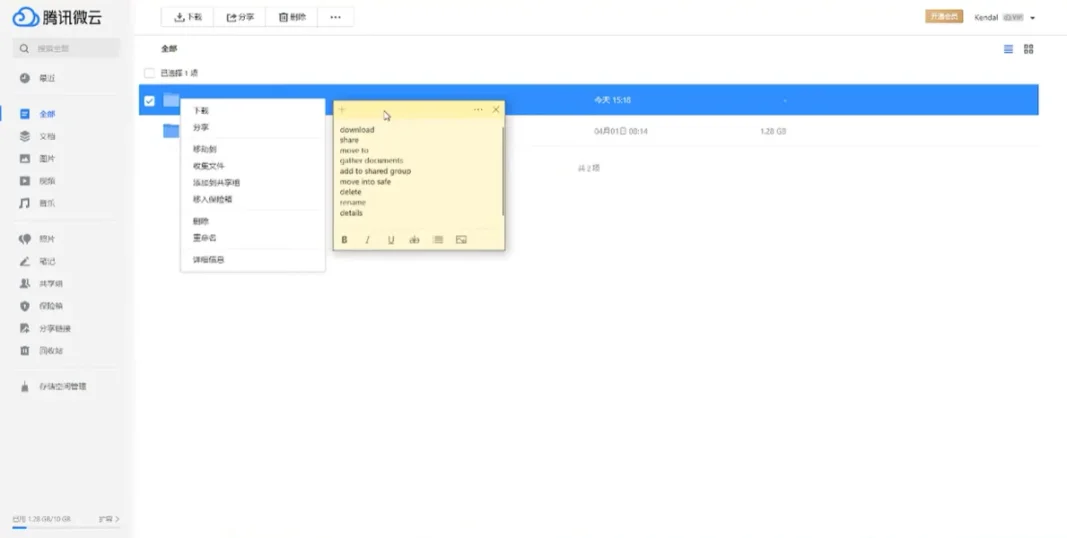
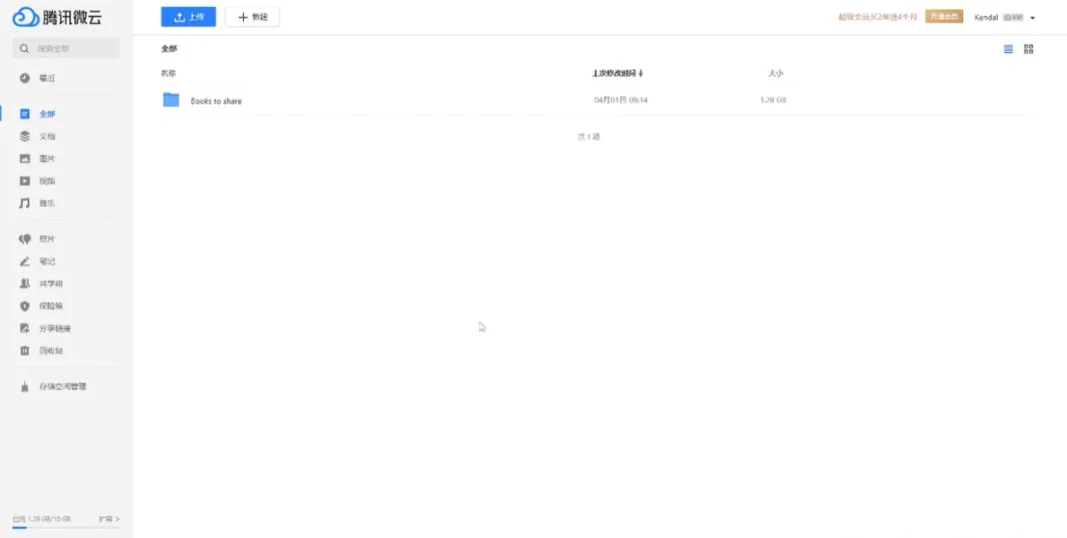
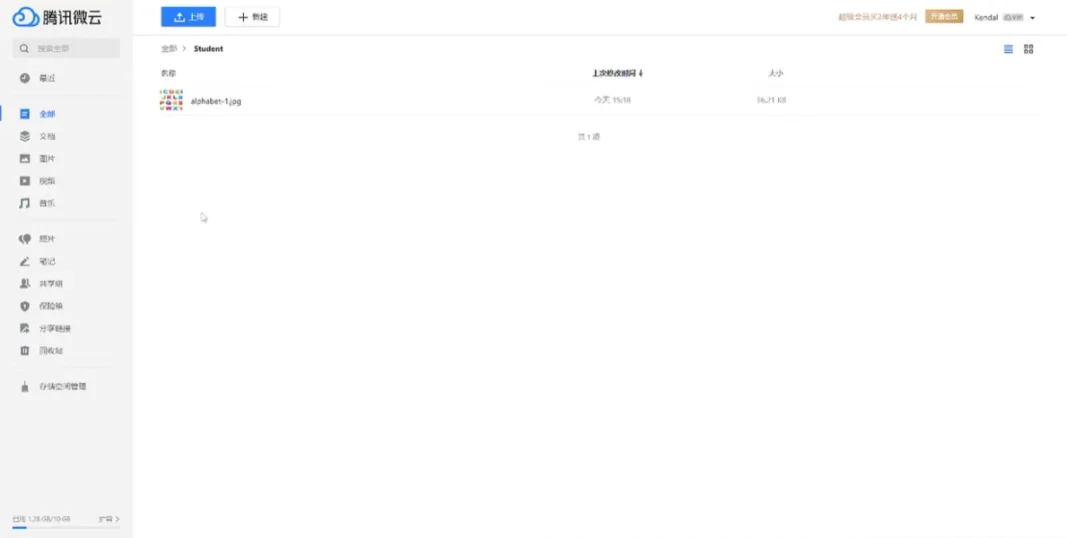
Tencent Weiyun syncs files to the cloud from a Mac, so you do not keep manual copies around to stay current. Drop a file into a folder in your personal space and it uploads and syncs across your devices automatically. The program is also called Tencent Drive.
Registration comes with free space for syncing a lot of files at no cost. Files and documents can be shared, and you can store, organize and access them from anywhere. Uploaded data is encrypted to keep third parties out. Paid plans add online server capacity, and space limits apply much as they do with any similar cloud service, Dropbox included.
An Android version lets you look at your items from a phone without a computer. The Mac side needs an Internet connection.
[Release notes coming soon]
Verify the file
Compare the SHA-256 of the file you downloaded with the value below. Files exactly as the publisher released them.
-
tencent-weiyun-5-2-1611.dmg
5.2.1611 · DMG · 126.8 MB
SHA-256
7c1cc9e0c4563aee070f00ba06309cecf1b57f6e35500cc4d4cb0638b2b6dd83Check on VirusTotal Get
Files exactly as the publisher released them.
Information
- Size
- 126.8 MB
- Category
- Text & documents
- Compatibility
macOS
- Languages
Afrikaans and 47 more
- Afrikaans, Amharic, Arabic, Armenian, Belarusian, Bulgarian, Catalan, Chinese, Croatian, Czech, Danish, Dutch, English, Estonian, Farsi, Finnish, French, German, Greek, Hebrew, Hindi, Hungarian, Icelandic, Indonesian, Italian, Japanese, Kazakh, Korean, Latvian, Lithuanian, Malay, Norwegian, Polish, Portuguese, Romanian, Russian, Serbian, Slovak, Slovenian, Spanish, Swahili, Swedish, Tagalog, Thai, Turkish, Ukrainian, Vietnamese, Zulu
- Age rating
- All ages
- License
- Proprietary
- Price
- Free
- Platform
- Also available on Windows