Topaz Video AI7.1.5 for macOS
AI video editor for upscaling, denoising, stabilization, and frame interpolation
Free · Proprietary
You are on Windows — this is the macOS version. See the Windows version
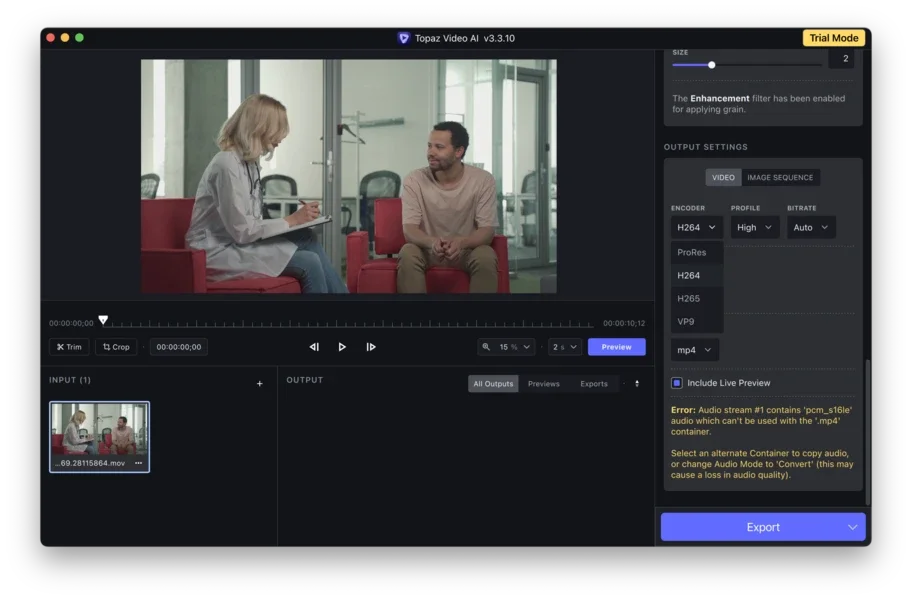
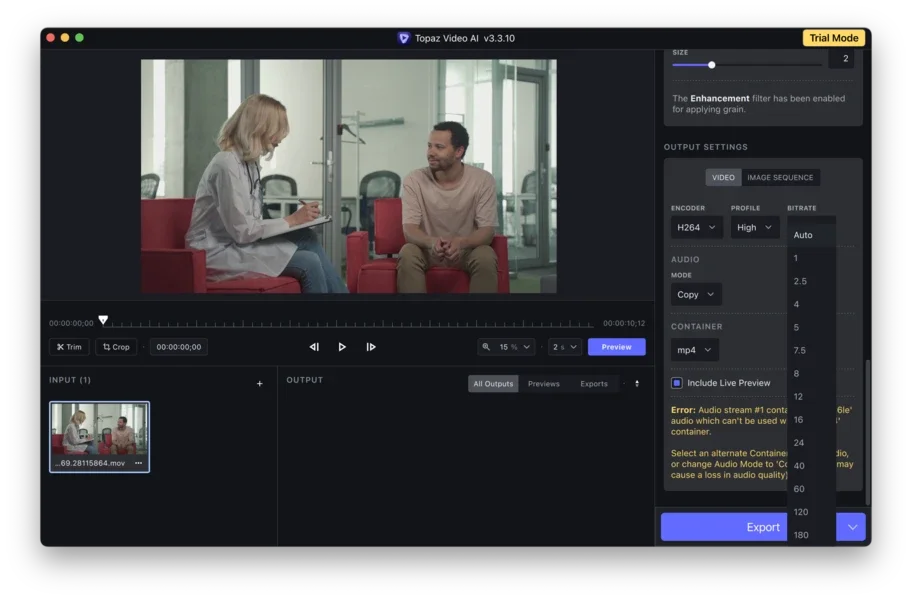
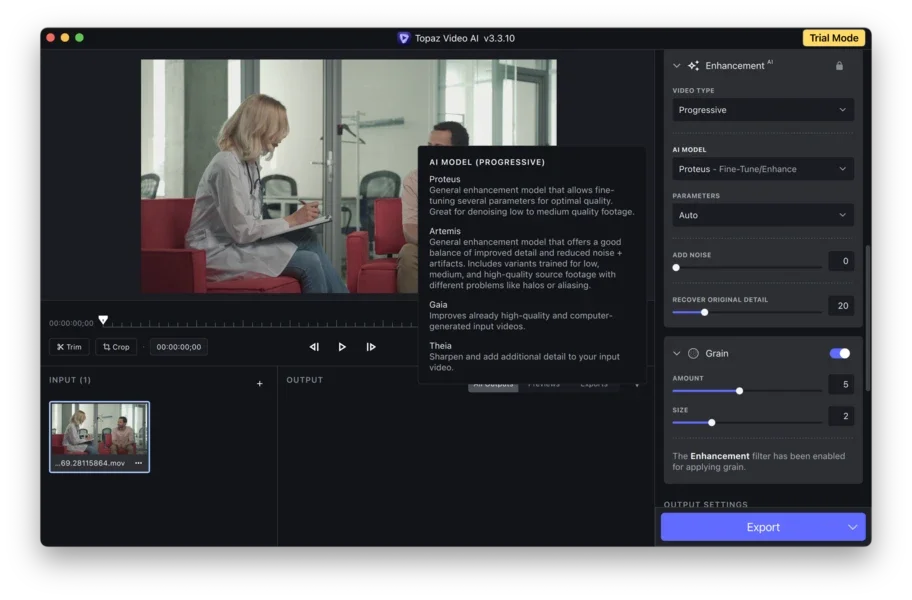
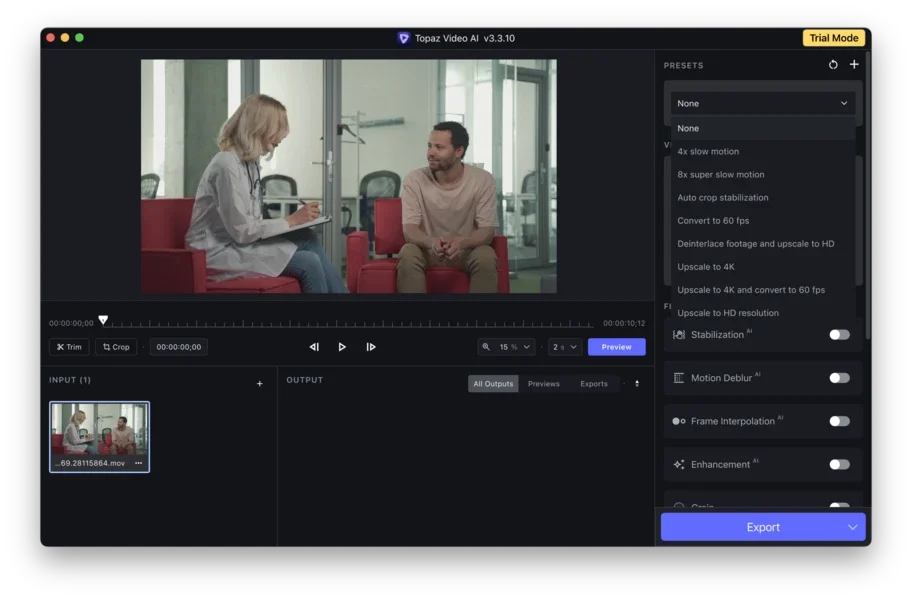
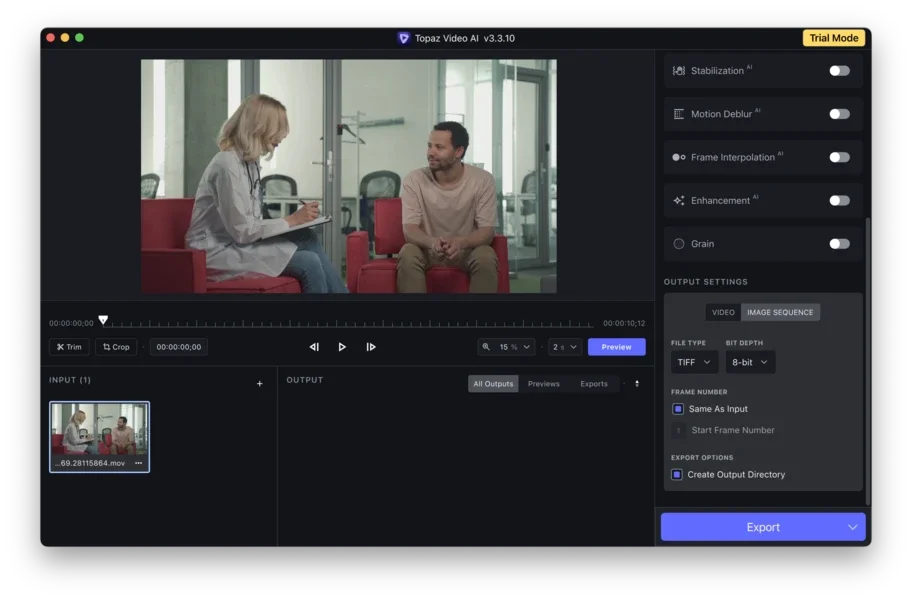
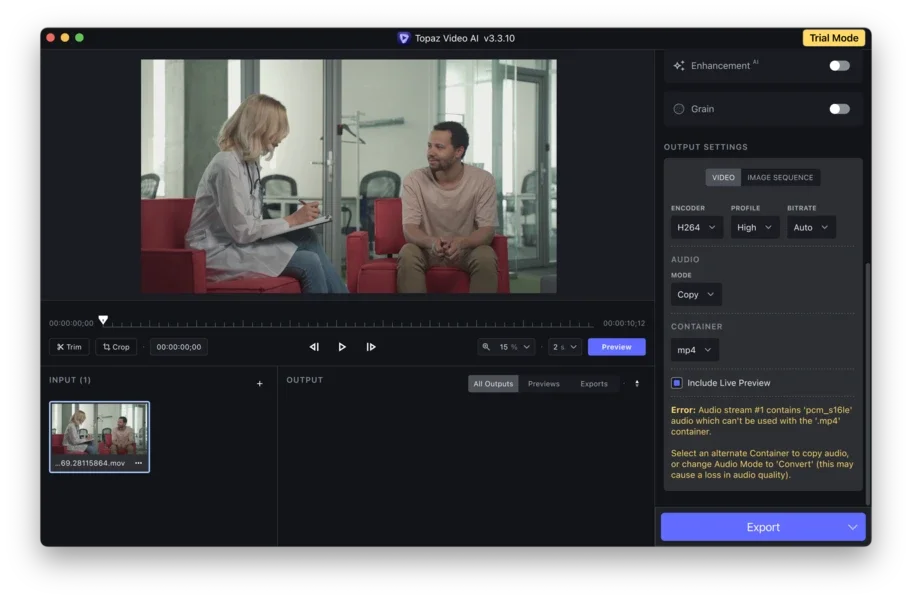
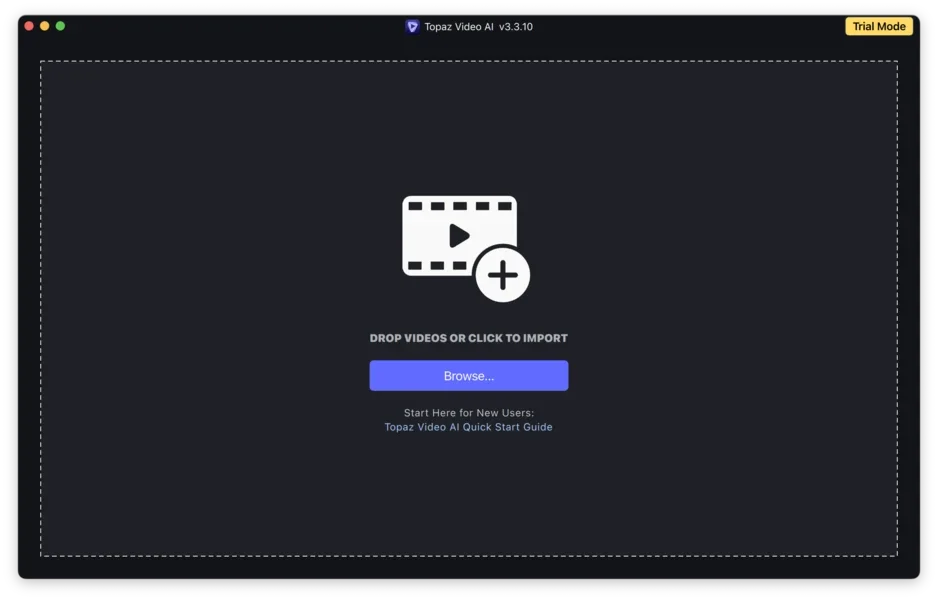
Topaz Video AI is used on a local workstation to perform upscaling, denoising, stabilization, and frame interpolation. It has six models aimed at different quality improvements, along with automatic modes for quick processing and manual controls when you need to adjust details.
- Upscaling to 16K in one click while preserving quality.
- Denoising that separates noise from detail, including iris MQ for face recovery.
- Stabilization with auto-crop and full-frame modes, plus rolling shutter correction.
- Frame interpolation using models such as Apollo and Chronos, for smooth motion and slow-motion effects.
- Pipelines for interlaced and telecined content.
The program also includes motion deblur, extensive export options, and custom modes for specific scenarios. It handles varied visual content such as deserts and portraits. It can be memory-intensive and requires 32GB of RAM.
[Release notes coming soon]
Verify the file
Compare the SHA-256 of the file you downloaded with the value below. Files exactly as the publisher released them.
-
topaz-video-ai-7-1-5.pkg
7.1.5 · PKG · 1.2 GB
SHA-256
4e3721d5605c36cbf872573471a5bbc5eb63860404c939f889251311135090baCheck on VirusTotal Get
Files exactly as the publisher released them.
Information
- Seller
- Topaz Labs, LLC.
- Size
- 1.2 GB
- Category
- Utilities
- Compatibility
macOS
- Languages
Afrikaans and 47 more
- Afrikaans, Amharic, Arabic, Armenian, Belarusian, Bulgarian, Catalan, Chinese, Croatian, Czech, Danish, Dutch, English, Estonian, Farsi, Finnish, French, German, Greek, Hebrew, Hindi, Hungarian, Icelandic, Indonesian, Italian, Japanese, Kazakh, Korean, Latvian, Lithuanian, Malay, Norwegian, Polish, Portuguese, Romanian, Russian, Serbian, Slovak, Slovenian, Spanish, Swahili, Swedish, Tagalog, Thai, Turkish, Ukrainian, Vietnamese, Zulu
- Age rating
- All ages
- License
- Proprietary
- Price
- Free
- Platform
- Also available on Windows