Skip to content

Typora1.14.16 for macOS

Markdown editor with a live preview instead of a separate window

Abner Lee

Free · Proprietary

Download 1.14.16 · 15.0 MB
  • Age rating
    0+
    All ages
  • Category
    Text & documents
  • Developer
    Abner Lee
  • Languages
    1
    English
  • Size
    15.0
    MB

Mac

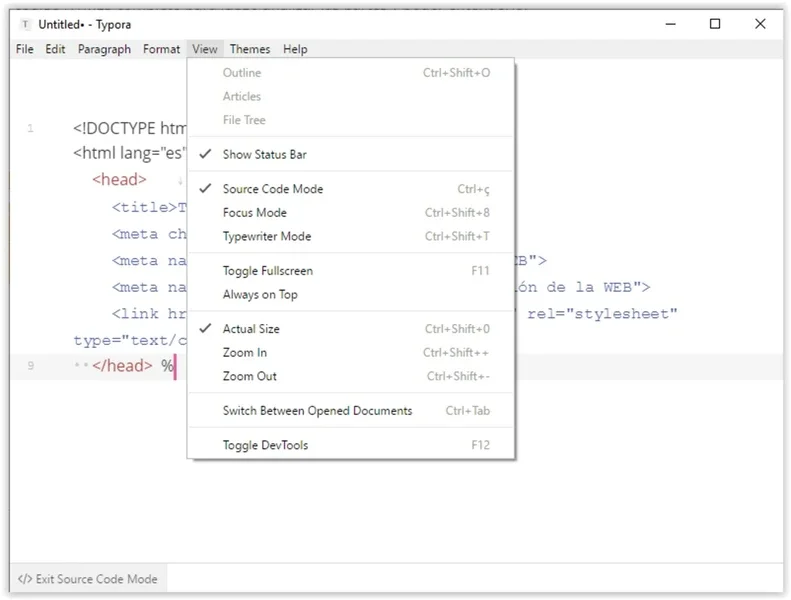
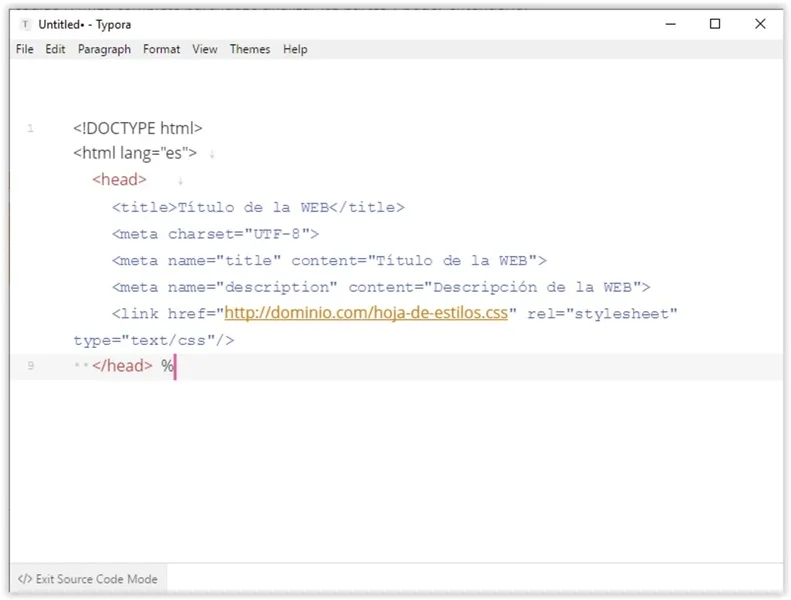
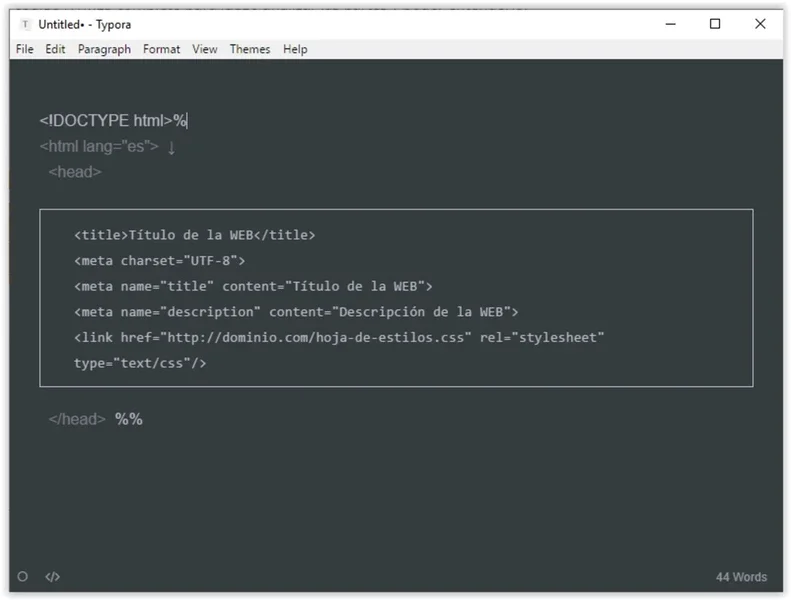
Typora is a Markdown editor for the Mac. You write in the same view where the formatted text appears, so there is no separate preview window to check. The usual mode switcher is gone as well, along with the other interface pieces that normally sit between you and the text.

  • Live preview in the editing window
  • No mode switcher
  • No separate preview pane

The aim is to make Markdown source easier for writers to work in and for readers to follow, and the plainer interface is meant to make editing easier for many users. It is free to use.

[Release notes coming soon]

Version 1.14.16

Verify the file

Compare the SHA-256 of the file you downloaded with the value below. Files exactly as the publisher released them.

  • typora-1-14-16.dmg

    1.14.16 · DMG · 15.0 MB

    SHA-256

    05b7dfb071323351c968c205edb26f100fc22a69a109a2aaf027ea686e8334db Check on VirusTotal Get

Files exactly as the publisher released them.

Information

Seller
Abner Lee
Size
15.0 MB
Compatibility
macOS 12.0 Monterrey or later
Languages
English
Age rating
All ages
License
Proprietary
Price
Free

Version history

  • [Release notes coming soon]

    1.14.16
  • [Release notes coming soon]

    1.14.15
  • [Release notes coming soon]

    1.14.10
  • [Release notes coming soon]

    1.14.9
  • [Release notes coming soon]

    1.14.8
  • [Release notes coming soon]

    1.14.8
  • [Release notes coming soon]

    1.14.6
  • [Release notes coming soon]

    1.13.8
  • [Release notes coming soon]

    1.13.7
  • [Release notes coming soon]

    1.13.2
  • [Release notes coming soon]

    1.12.5
  • [Release notes coming soon]

    1.12.3
  • [Release notes coming soon]

    1.12.2
  • [Release notes coming soon]

    1.12.1
  • [Release notes coming soon]

    1.11.7
  • [Release notes coming soon]

    1.11.4
  • [Release notes coming soon]

    1.10.6
  • [Release notes coming soon]

    1.9.4
  • [Release notes coming soon]

    1.9.3
  • [Release notes coming soon]

    1.8.10
  • [Release notes coming soon]

    1.8.9
  • [Release notes coming soon]

    1.8.5
  • [Release notes coming soon]

    1.7.6
  • [Release notes coming soon]

    1.7.5
  • [Release notes coming soon]

    1.7.4
  • [Release notes coming soon]

    1.7.3
  • [Release notes coming soon]

    1.6.7
  • [Release notes coming soon]

    1.6.6
  • [Release notes coming soon]

    1.5.10
  • [Release notes coming soon]

    1.5.9
  • [Release notes coming soon]

    1.5.8
  • [Release notes coming soon]

    1.5.6
  • [Release notes coming soon]

    1.4.3
  • [Release notes coming soon]

    1.4.2
  • [Release notes coming soon]

    1.2.4
  • [Release notes coming soon]

    1.1.5
  • [Release notes coming soon]

    1.1.2
  • [Release notes coming soon]

    1.0.5
  • [Release notes coming soon]

    0.11.18
  • [Release notes coming soon]

    0.11.11
  • [Release notes coming soon]

    0.11.5
  • [Release notes coming soon]

    0.10.8
  • [Release notes coming soon]

    0.10.3.0
  • [Release notes coming soon]

    1.12.6
  • [Release notes coming soon]

    1.9.5
  • [Release notes coming soon]

    1.10.8
  • [Release notes coming soon]

    1.11.3
  • [Release notes coming soon]

    1.12.4
  • [Release notes coming soon]

    1.0
  • [Release notes coming soon]

    1.13.5

All versions ›