Ultimate Pen1.6.5 for macOS
Mac drawing app for sketching on screen, with hotkeys and Click Through mode
Trial
You are on Windows — this is the macOS version.
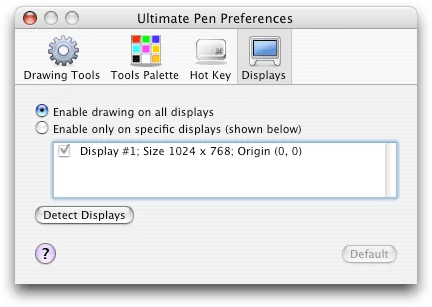
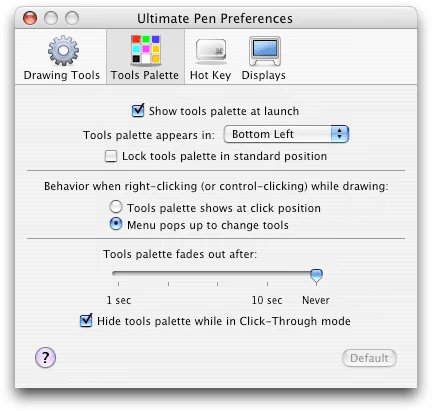
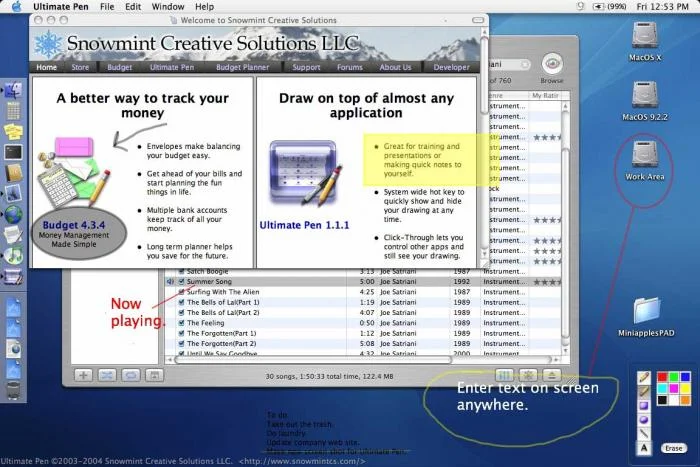
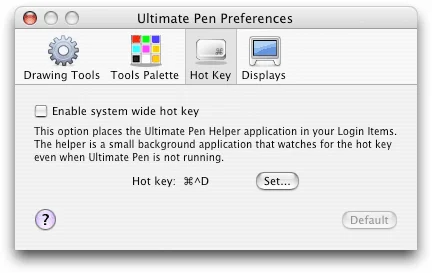
Ultimate Pen is a Mac drawing and sketching tool that works on the screen itself. It runs on most applications installed on the Mac, and hotkeys make it quickly accessible at any time.
Drawings can use any color, be saved, and moved to different windows or displays. You can draw behind icons, and copy and paste elements. Click Through mode makes your sketches show up on top of Keynote and Powerpoint, though the app itself does not work with those two programs, so you cannot draw, write or sketch on them directly. A fix corrected display of the system-wide hotkey on layouts like Dvorak and AZERTY. Another fix got screenshot code working correctly on Mac OS X 10.5 and later. The program now uses ColorSync to get the appropriate color from AppleScript commands.
It is available as a trial, and the latest version is 1.6.5.
[Release notes coming soon]
Verify the file
Compare the SHA-256 of the file you downloaded with the value below. Files exactly as the publisher released them.
-
Ultimate_Pen_V1.6.5.dmg
1.6.5 · DMG · 4.0 MB
SHA-256
5c0f89410514900e02e79274978a6efa157b91699f026f4d70d10ccc68f1f40cCheck on VirusTotal Get
Files exactly as the publisher released them.
Information
- Seller
- Snowmintcs
- Size
- 4.0 MB
- Compatibility
macOS Mac OS X or later
- Languages
- Price
- Trial