UPDF3.0.1 for macOS
Shrink large PDFs at four compression levels and edit everything inside
Free · Proprietary
You are on Windows — this is the macOS version. See the Windows version
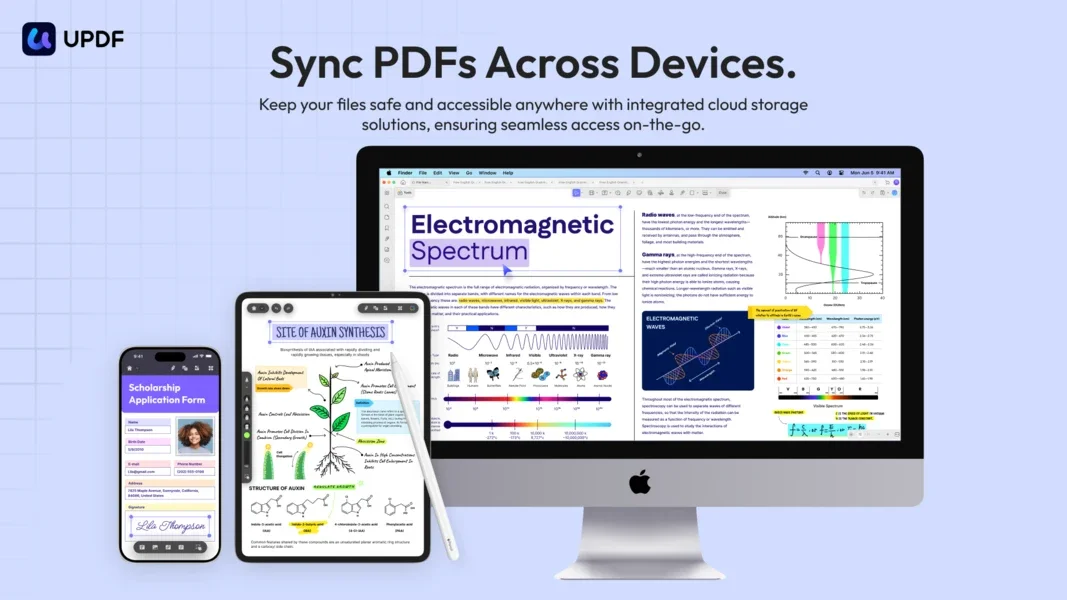
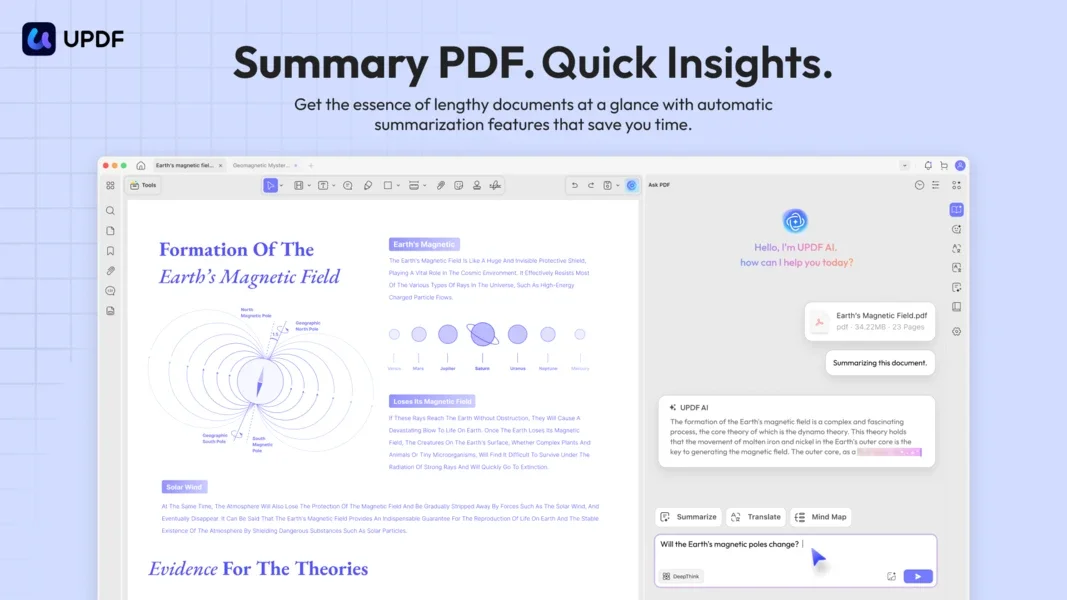

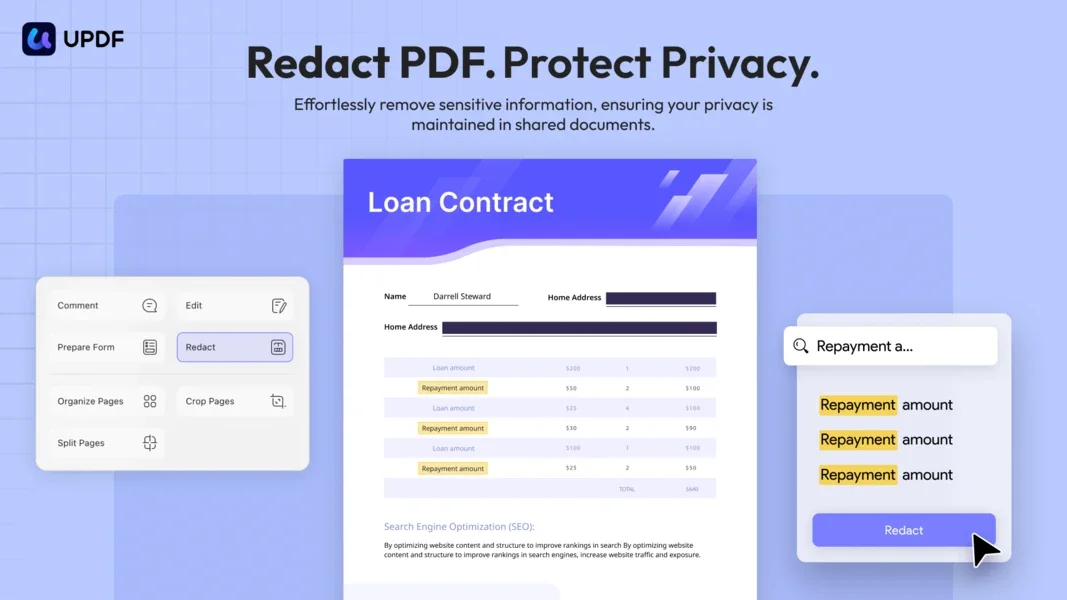
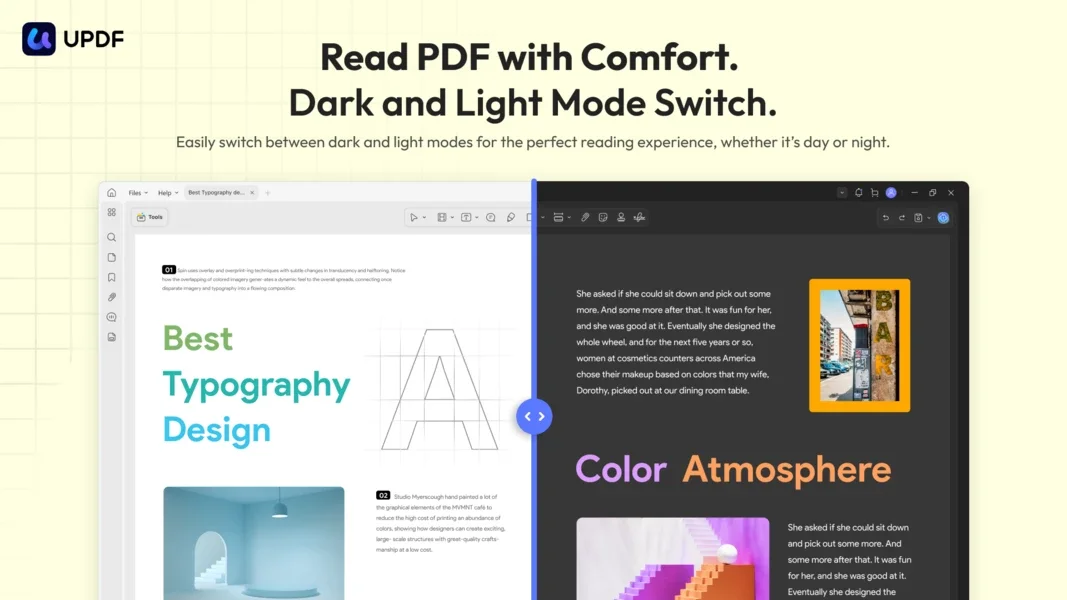
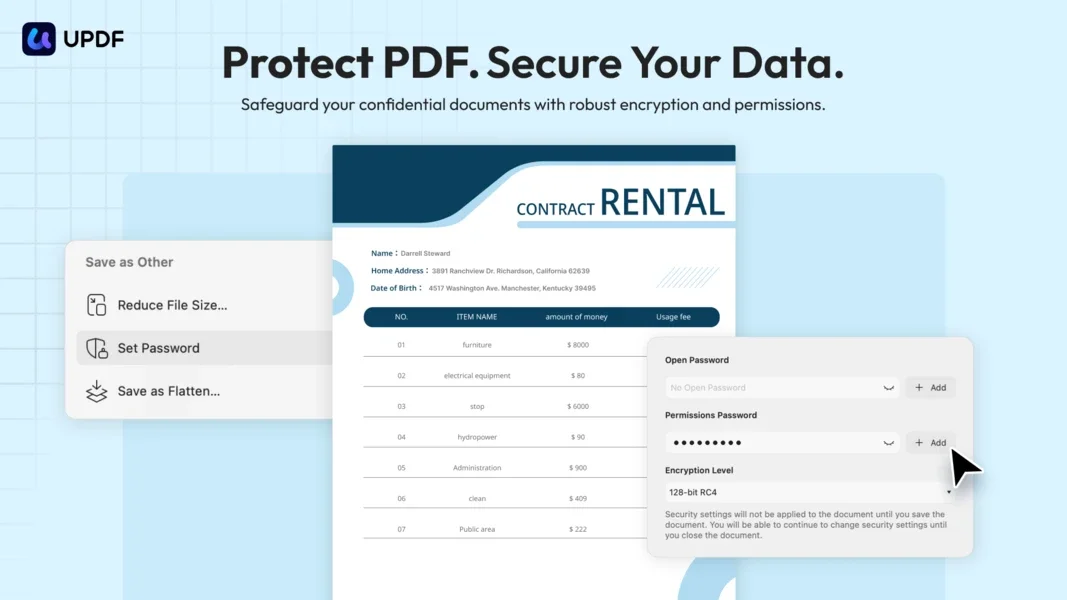
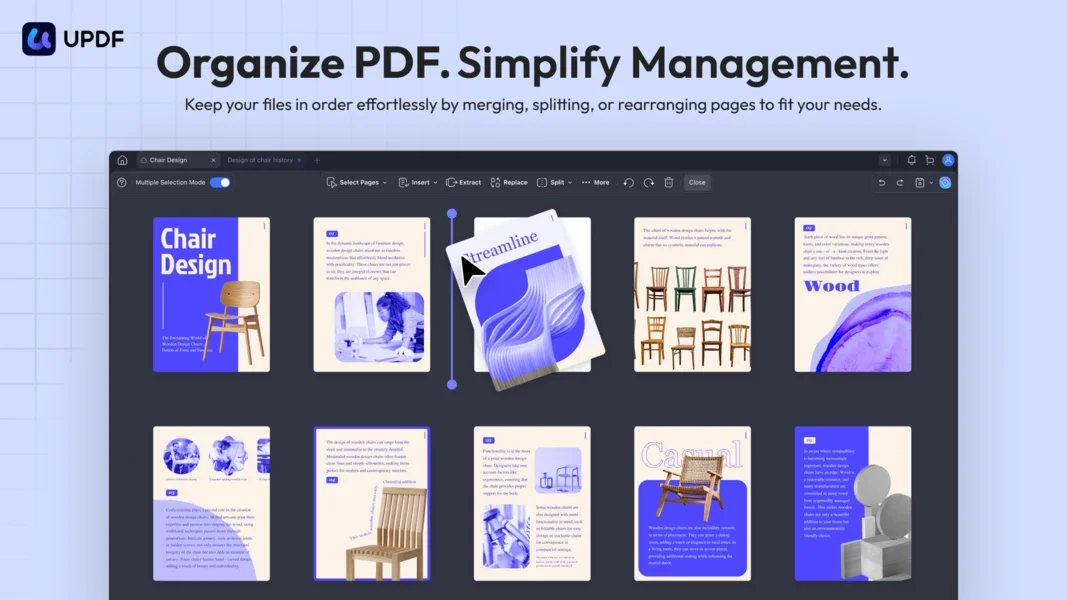
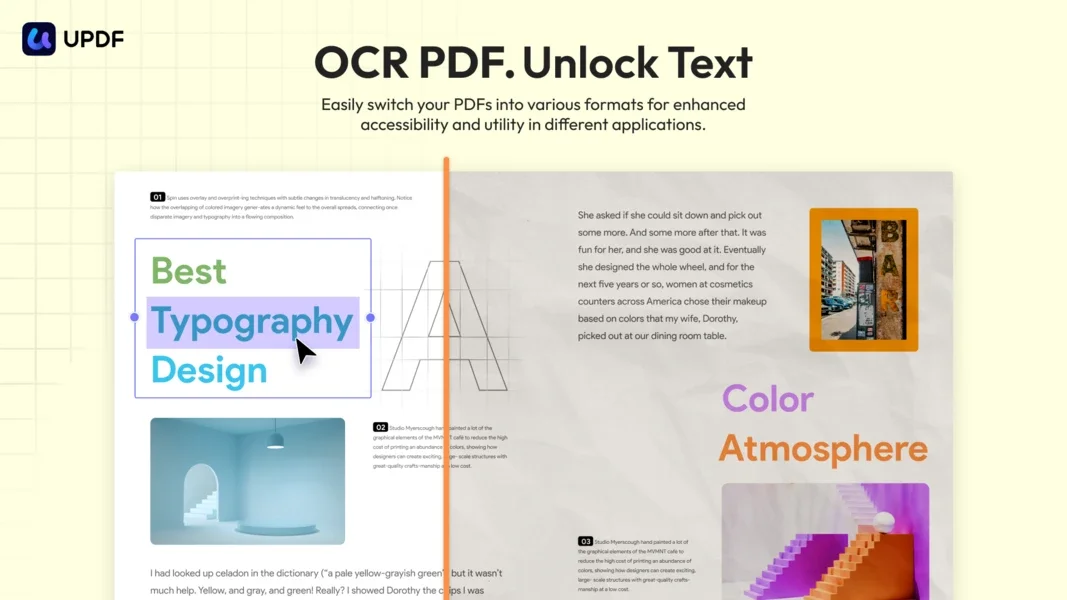
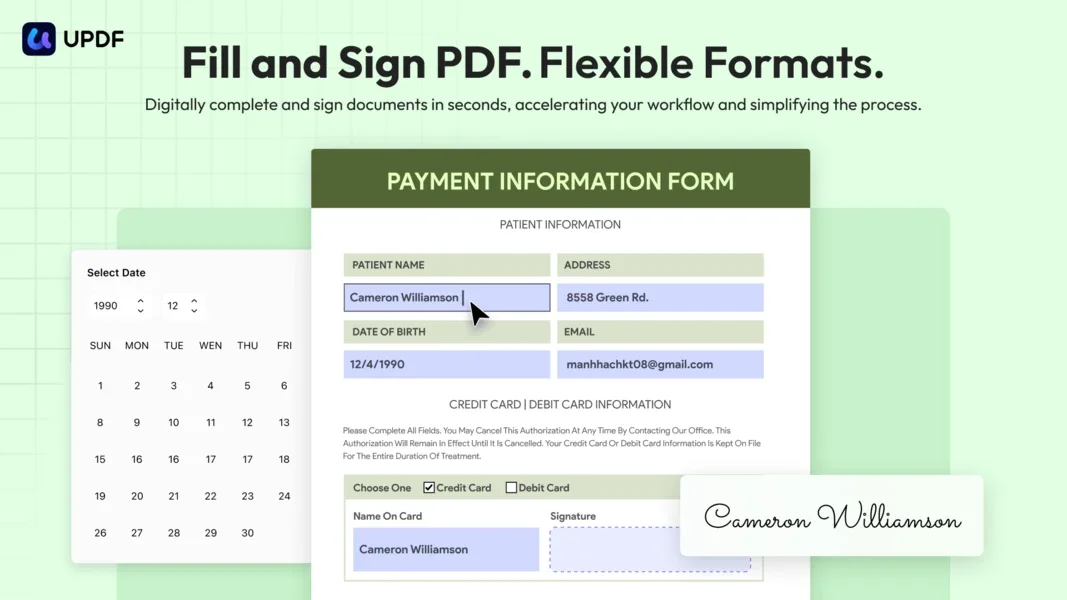
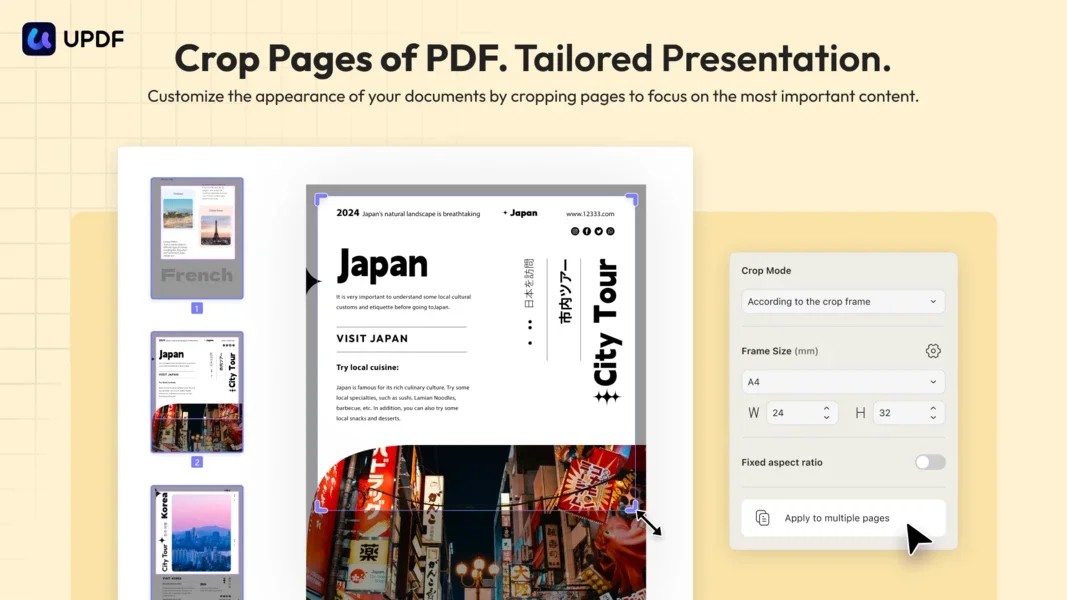
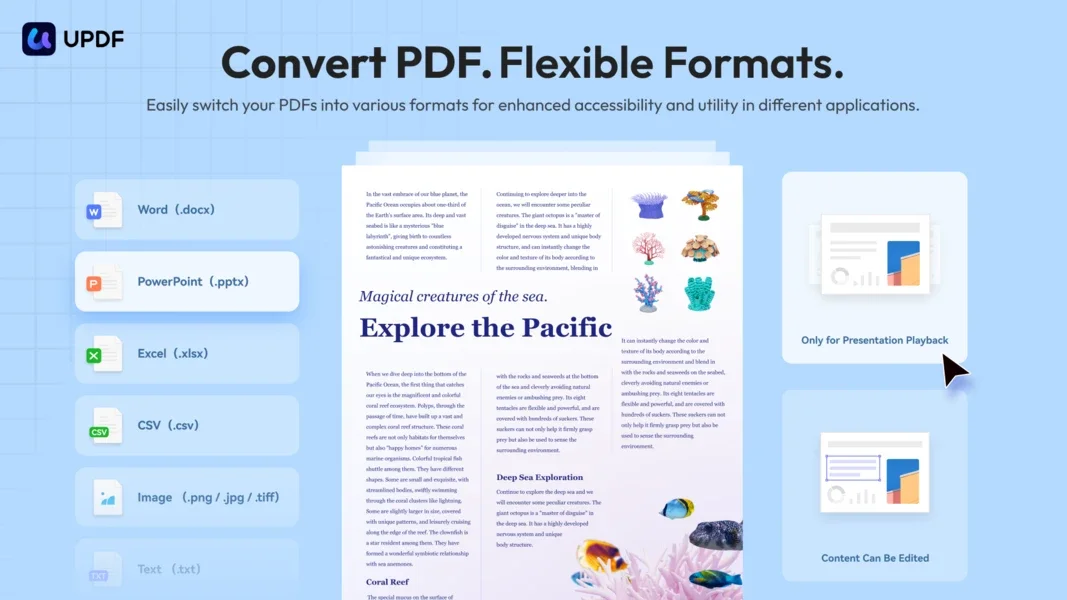
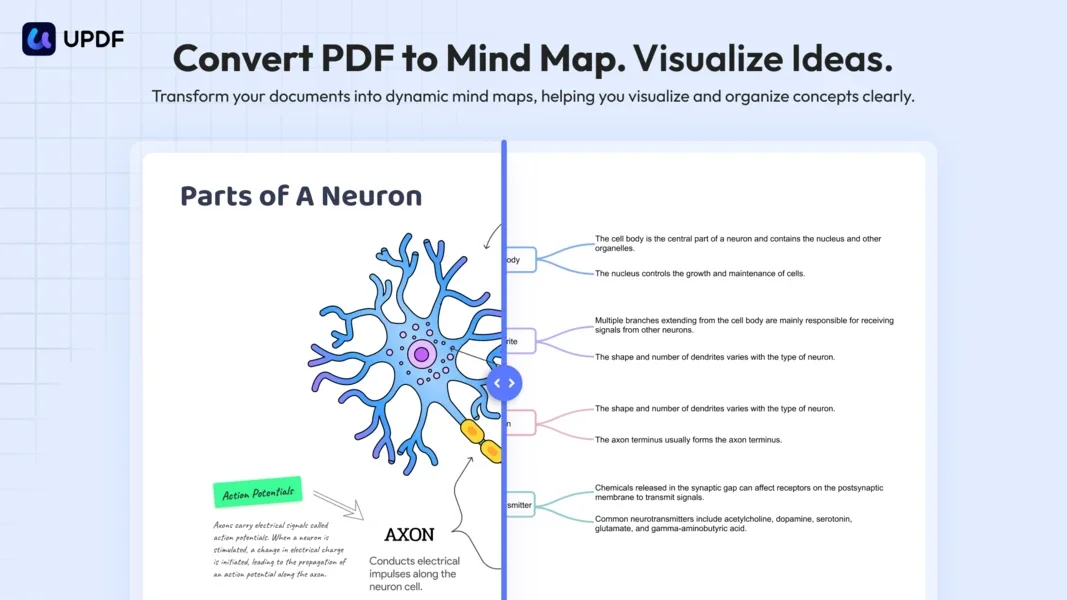
UPDF shrinks large PDFs at four levels: maximum, high, medium and low. Pages, text, images, watermarks, links, backgrounds, headers and footers, forms and even whole pages can be edited. Sidebars put the tools for exploring, editing, annotating, signing, filling out forms and protecting PDFs within reach.
Annotations and protection
Notes, highlights, underlines, shapes and stamps can be added as annotations, and existing ones can be edited, deleted or managed. Five protection layers are available: opening and operating passwords, redaction, safe space, watermarks, and electronic and digital signatures. Large files can be shared through a link or QR code. Conversion covers Word, Excel, CSV, PPT, Text, RTF, PNF and JPEG, and OCR turns scanned images into editable PDFs. Pages can be rearranged, added, deleted, replaced, cropped, rotated and extracted. It runs on macOS, Windows, iOS and Android.
[Release notes coming soon]
Verify the file
Compare the SHA-256 of the file you downloaded with the value below. Files exactly as the publisher released them.
-
updf-3-0-1.dmg
3.0.1 · DMG · 160.1 MB
SHA-256
5d74313eee468d8aaa007c138860893d53dd28de4be4d0721420e7d4772a0ddbCheck on VirusTotal Get
Files exactly as the publisher released them.
Information
- Seller
- Superace Software
- Size
- 160.1 MB
- Category
- Text & documents
- Compatibility
macOS 12.0 Monterrey or later
- Languages
English
- Age rating
- All ages
- License
- Proprietary
- Price
- Free
- Platform
- Also available on Windows