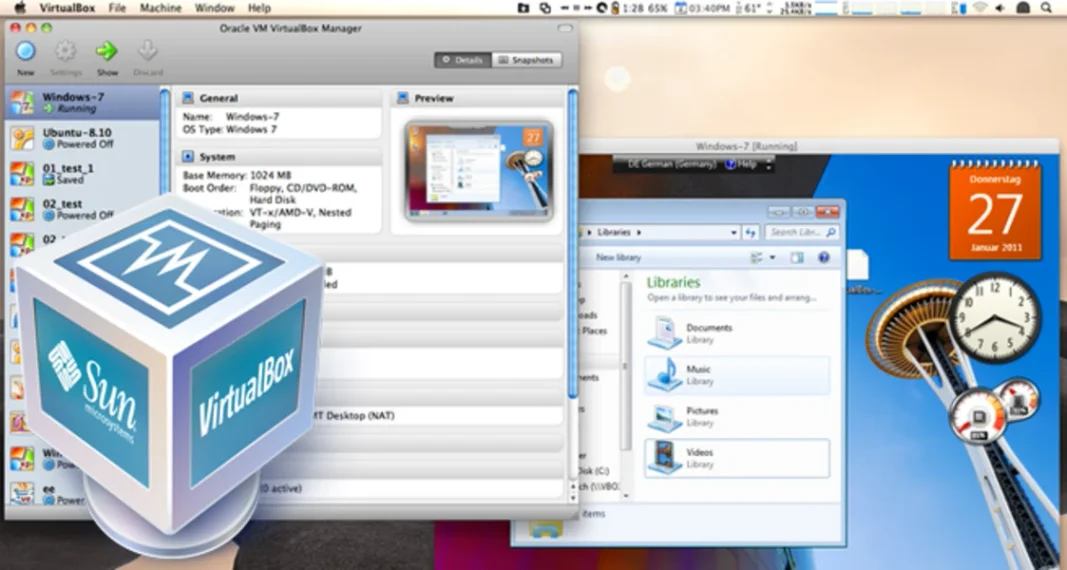
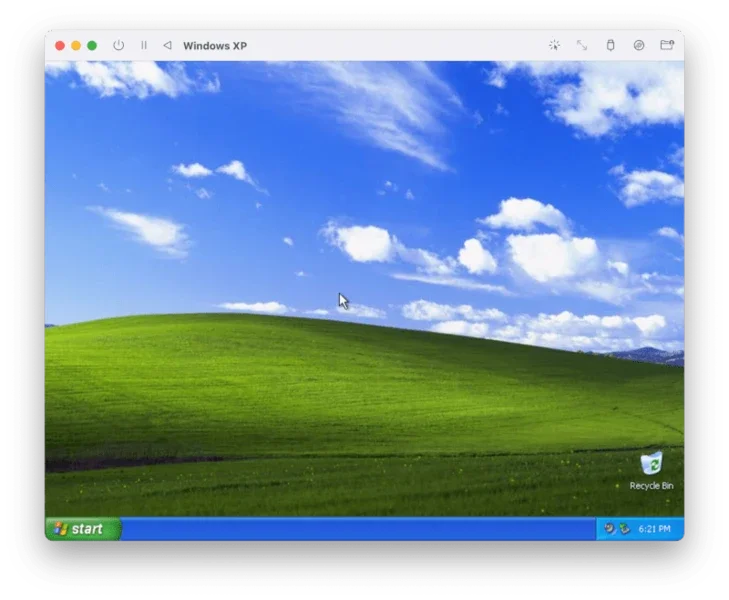
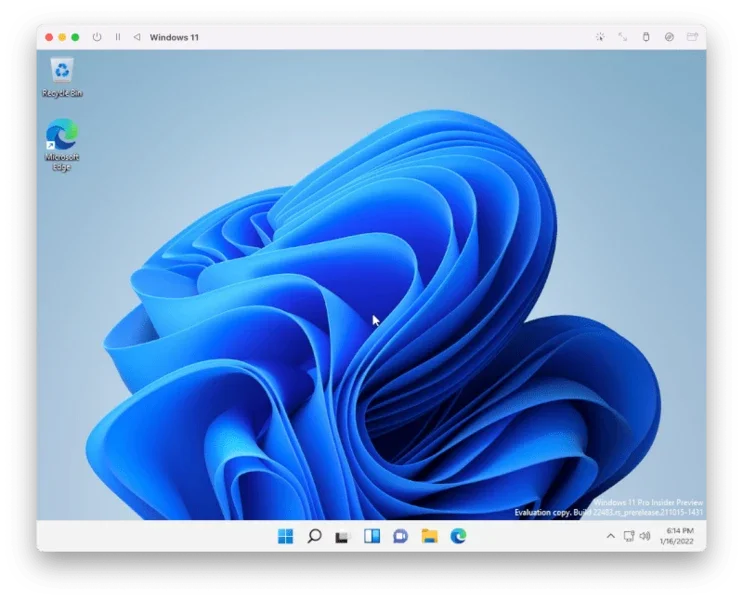
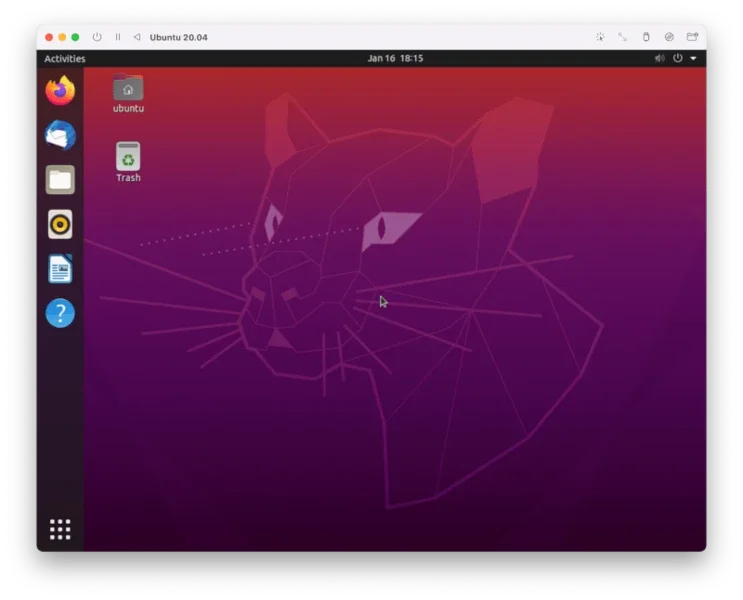
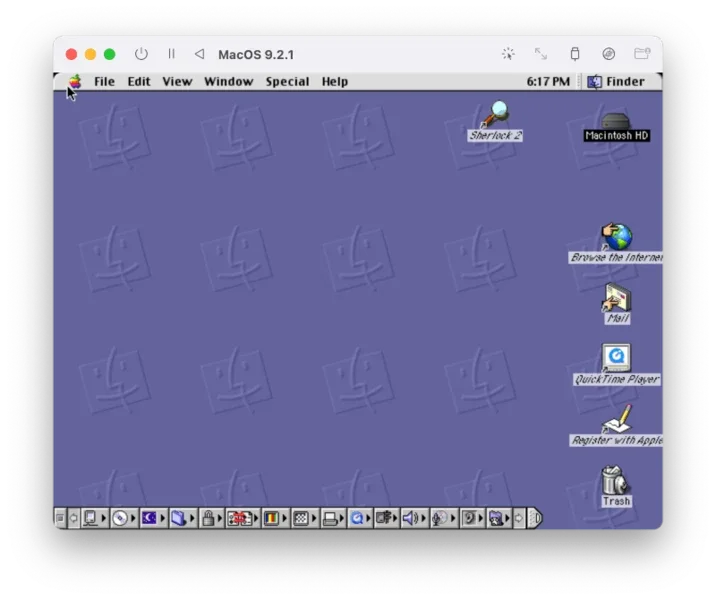
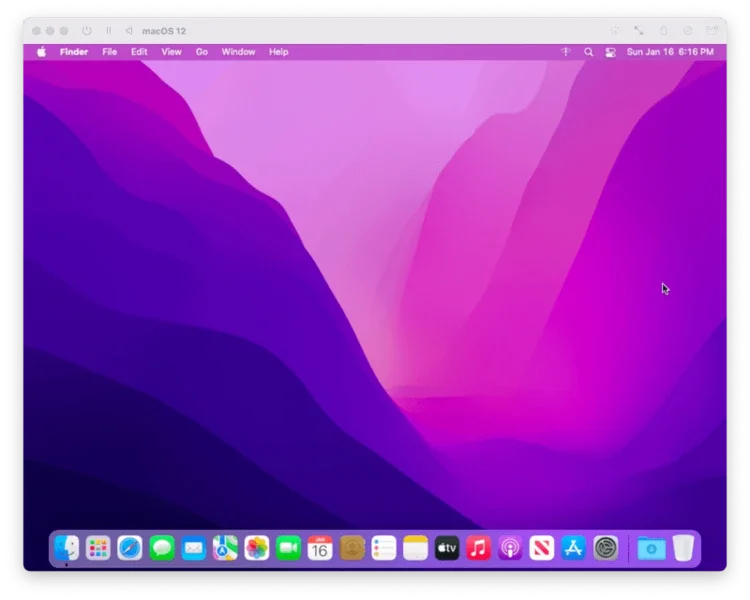
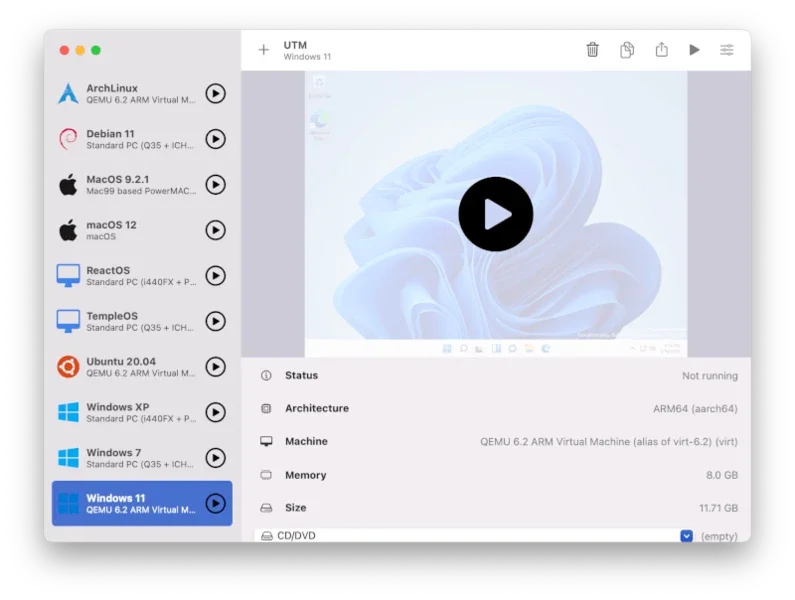
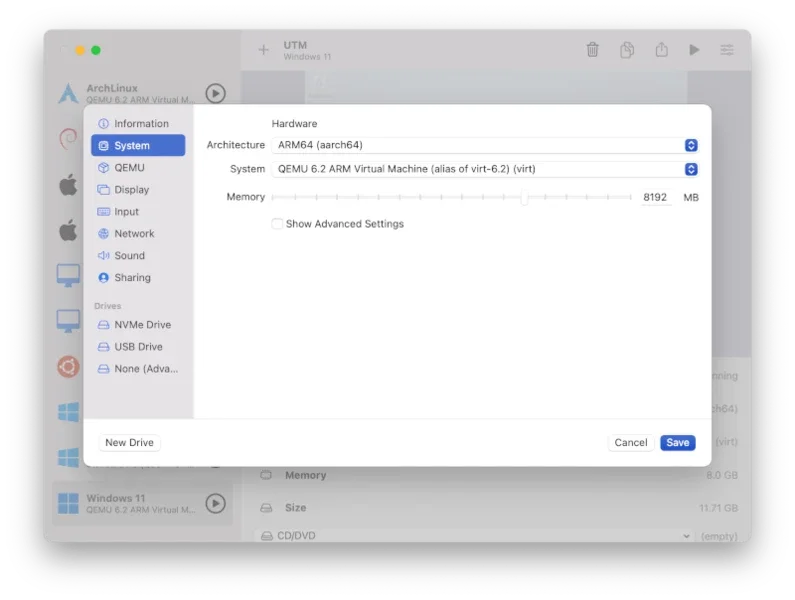
UTM runs full operating systems such as Windows or Linux on a Mac. It is a virtual machine program that combines emulation and virtualization, using virtualization when the hardware supports it. On Apple Silicon Macs it uses Apple's native virtualization framework, and virtualizing ARM64-compatible systems there reaches speeds close to native. Systems of a different architecture are emulated with QEMU plus JIT/TCG. Emulation can run almost anything but costs performance.
- Supports more than 30 CPU architectures, including x86_64, ARM64, RISC-V, PPC and MIPS
- Runs modern Linux distributions, Windows, older OS versions, and macOS as a guest
- macOS as a guest works on Apple Silicon Macs by booting ARM virtual machines
- Supports USB, networking, shared directories between host and guest, state snapshots, and custom drives
Guest macOS is useful for testing, development, or isolated environments. The graphical interface was designed specifically for macOS and is straightforward; the app guides you through setup step by step. Created virtual machines can be saved and reopened later. The backend comes from the QEMU project. Installation is done by downloading a .dmg file and following the install process.
[Release notes coming soon]
Verify the file
Compare the SHA-256 of the file you downloaded with the value below. Files exactly as the publisher released them.
-
utm-5-0-9-2.dmg
5.0.9-2 · DMG · 290.6 MB
SHA-256
1a76ddcf61ab424a5ae1d1b68a16a9b2e84b748716afce905ee77740d8e86127Check on VirusTotal Get
Files exactly as the publisher released them.