Valentina Studio18.2.1 for macOS
Database workbench with schema, data, SQL and diagram editors
Free · Proprietary
You are on Windows — this is the macOS version. See the Windows version
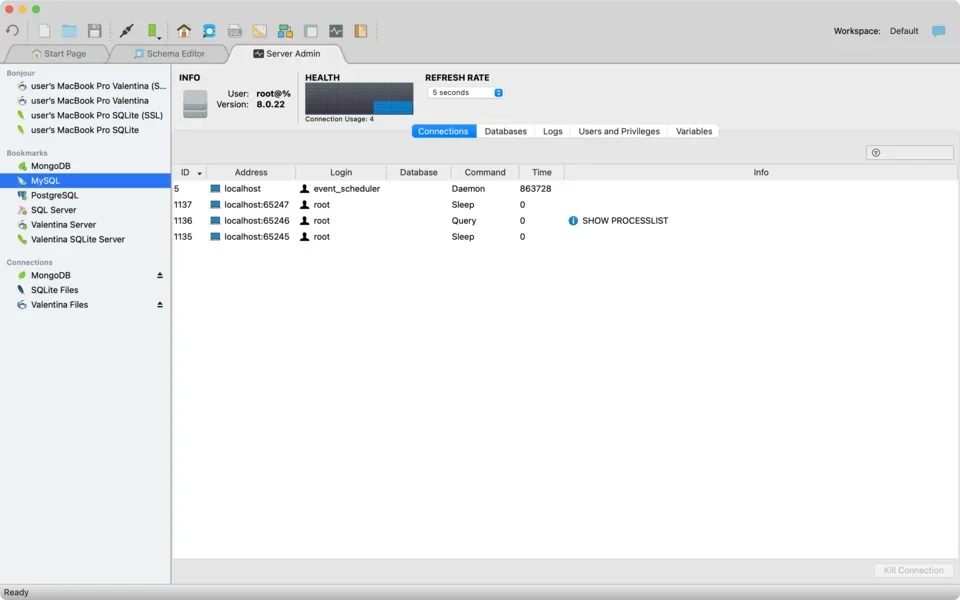
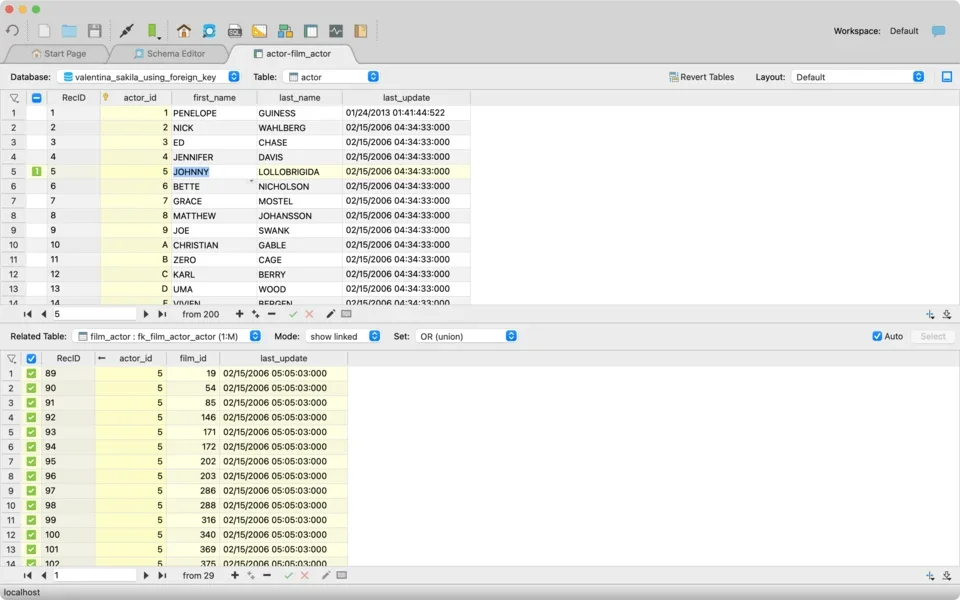
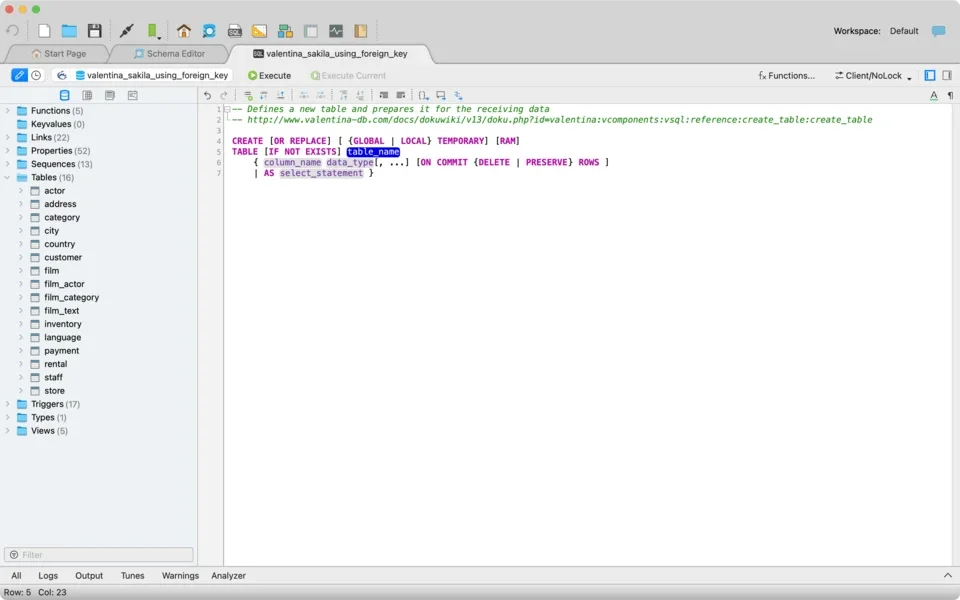
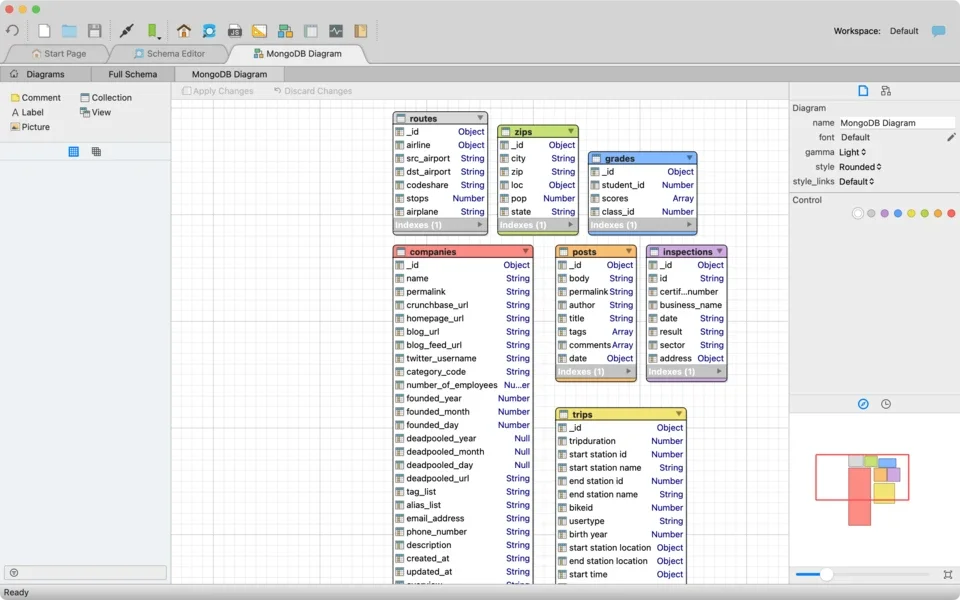
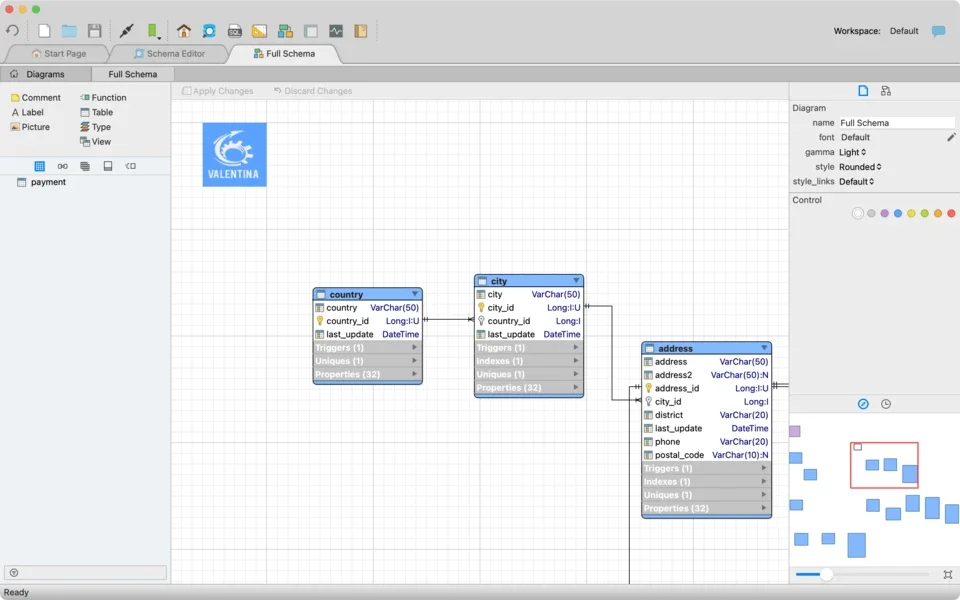
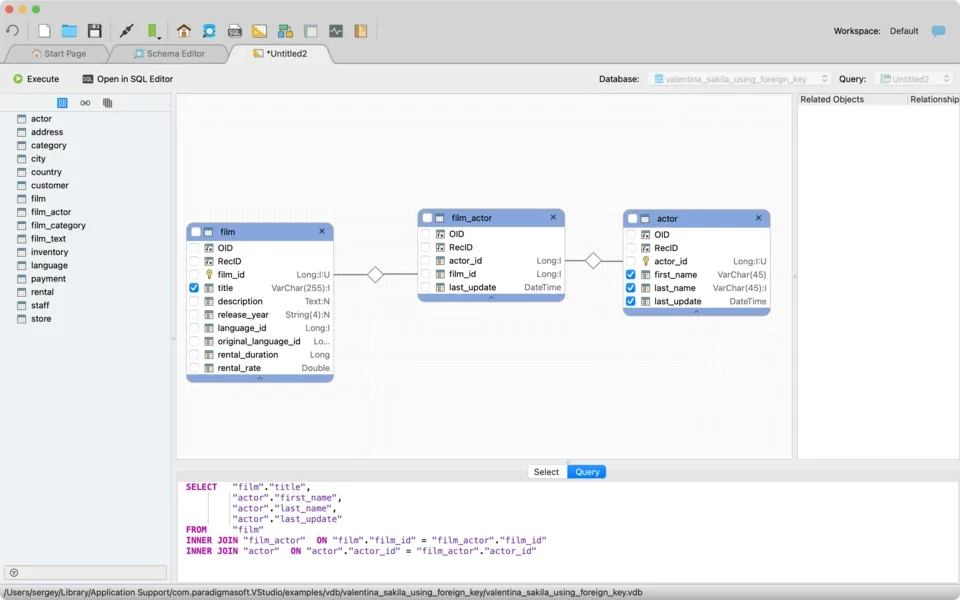
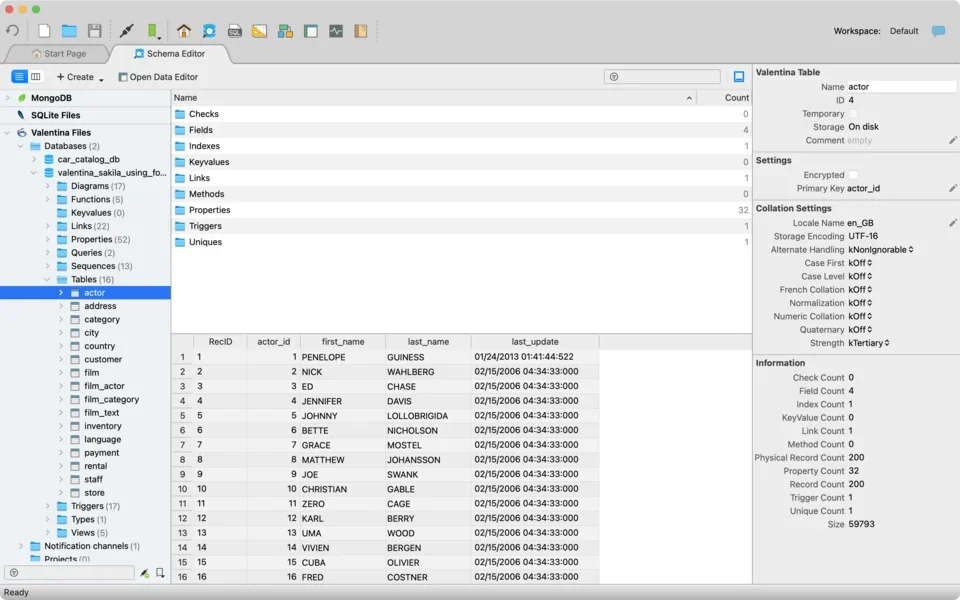
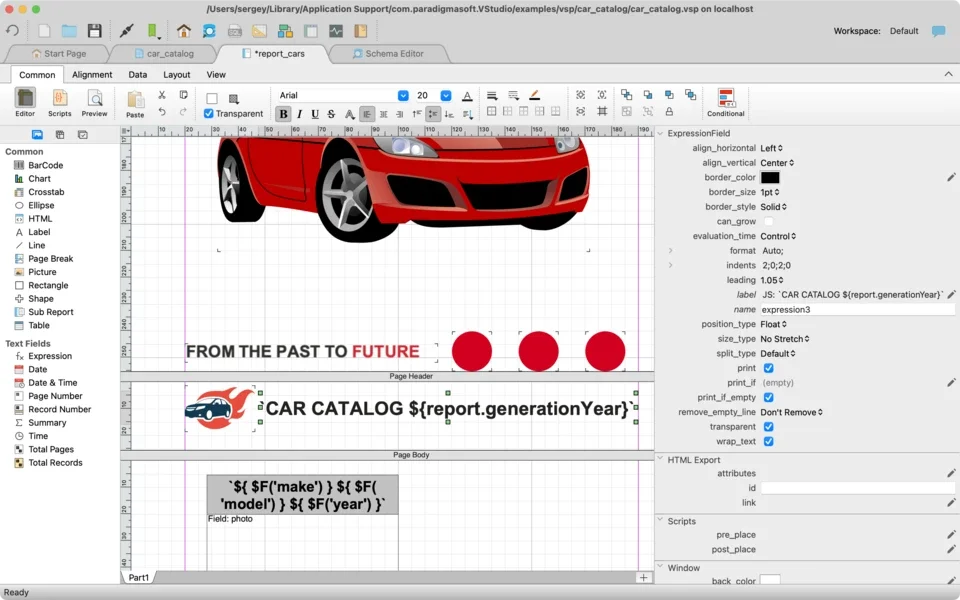
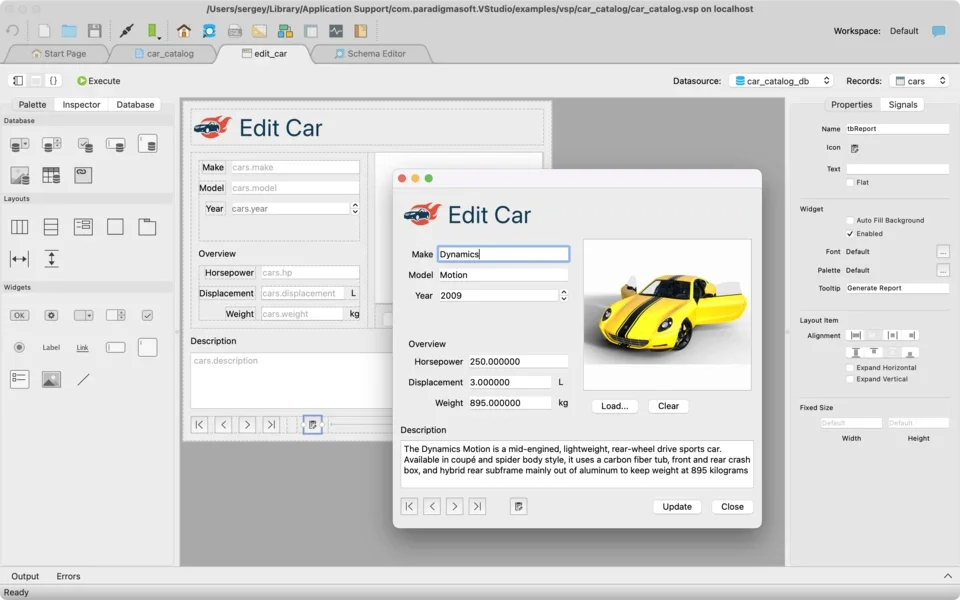
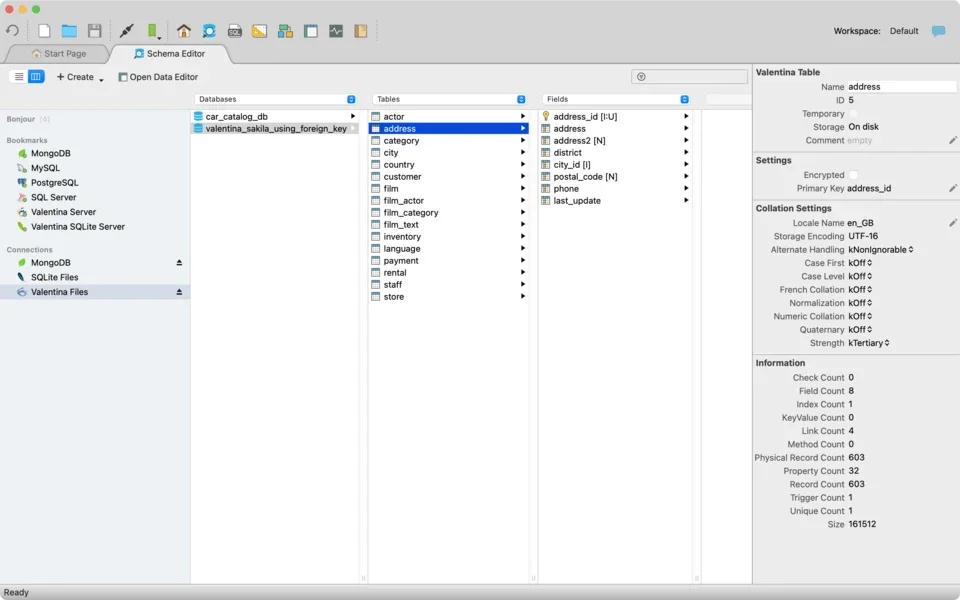
Valentina Studio is a database tool for the Mac, and the most specific thing about it is the Schema Editor, which creates and modifies tables, views, fields, enums, links, constraints, triggers, indexes and stored procedures. You get visual editors for data. The Data Editor browses table records in a grid, modifies them, inline-edits values, sorts, filters and saves favorite filters, with image preview and hex editors for binary values. Several editors can be open at once for different databases or servers, each in its own tab panel.
Reports and forms draw on several engines, among them ODBC, MongoDB, SQLite, PostgreSQL, MySQL, MS SQL and Valentina DB. The free edition can open reports and forms built in Valentina Studio Pro and run them, nothing more. On the Pro side there is a Report Editor and a Form Editor for Valentina Reports and Valentina Forms kept in a .vsp project file.
The editors and utilities cover query writing, diffs, transfer and admin. Server Admin manages users and shows logs and other server parameters. Dumps come with a wizard that filters the tables you pick.
[Release notes coming soon]
Verify the file
Compare the SHA-256 of the file you downloaded with the value below. Files exactly as the publisher released them.
-
valentina-studio-18-2-1.dmg
18.2.1 · DMG · 236.5 MB
SHA-256
6d277cfbc1e2478375ec901860c5b4391bf8757fc6cb852f93f087b633ca6cfaCheck on VirusTotal Get
Files exactly as the publisher released them.
Information
- Seller
- Paradigma Software, Inc
- Size
- 236.5 MB
- Category
- Development
- Compatibility
macOS
- Languages
Afrikaans and 47 more
- Afrikaans, Amharic, Arabic, Armenian, Belarusian, Bulgarian, Catalan, Chinese, Croatian, Czech, Danish, Dutch, English, Estonian, Farsi, Finnish, French, German, Greek, Hebrew, Hindi, Hungarian, Icelandic, Indonesian, Italian, Japanese, Kazakh, Korean, Latvian, Lithuanian, Malay, Norwegian, Polish, Portuguese, Romanian, Russian, Serbian, Slovak, Slovenian, Spanish, Swahili, Swedish, Tagalog, Thai, Turkish, Ukrainian, Vietnamese, Zulu
- Age rating
- All ages
- License
- Proprietary
- Price
- Free
- Platform
- Also available on Windows