Vivaldi8.3.4191.45 for macOS
Tab stacker that takes the active page's colour
Free · Proprietary
You are on Windows — this is the macOS version. See the Windows version
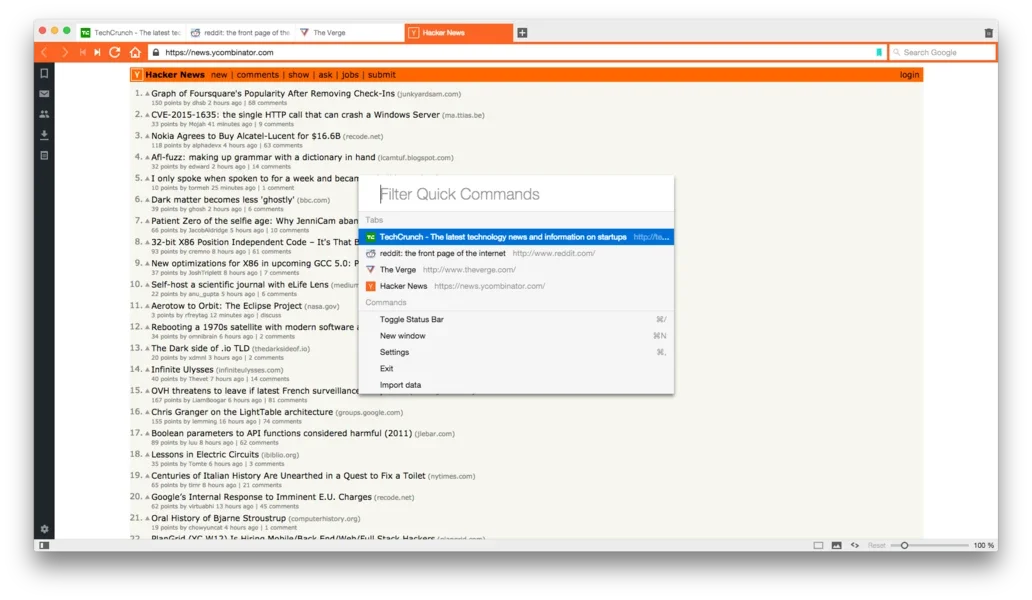
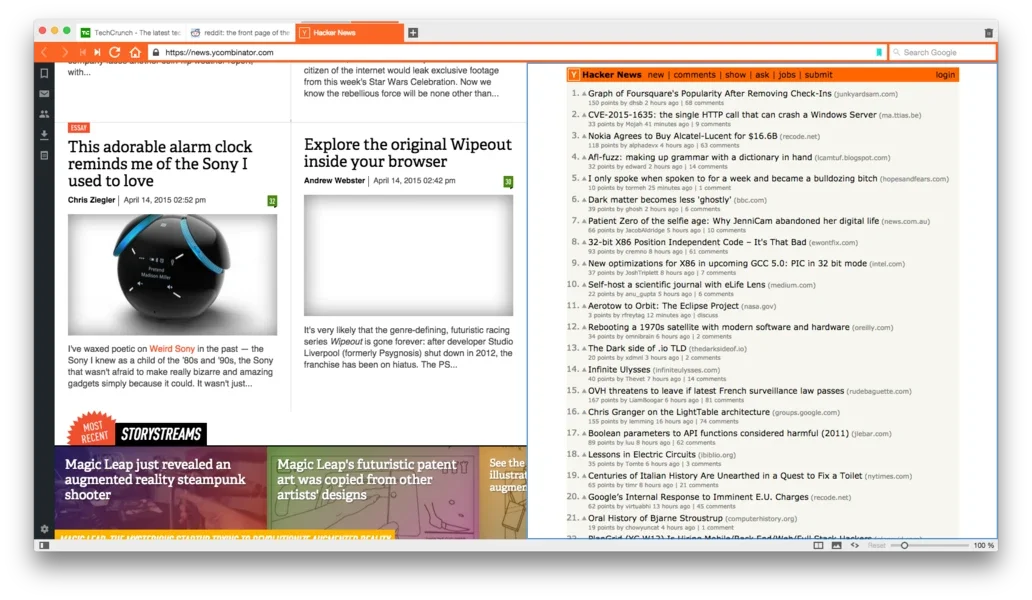
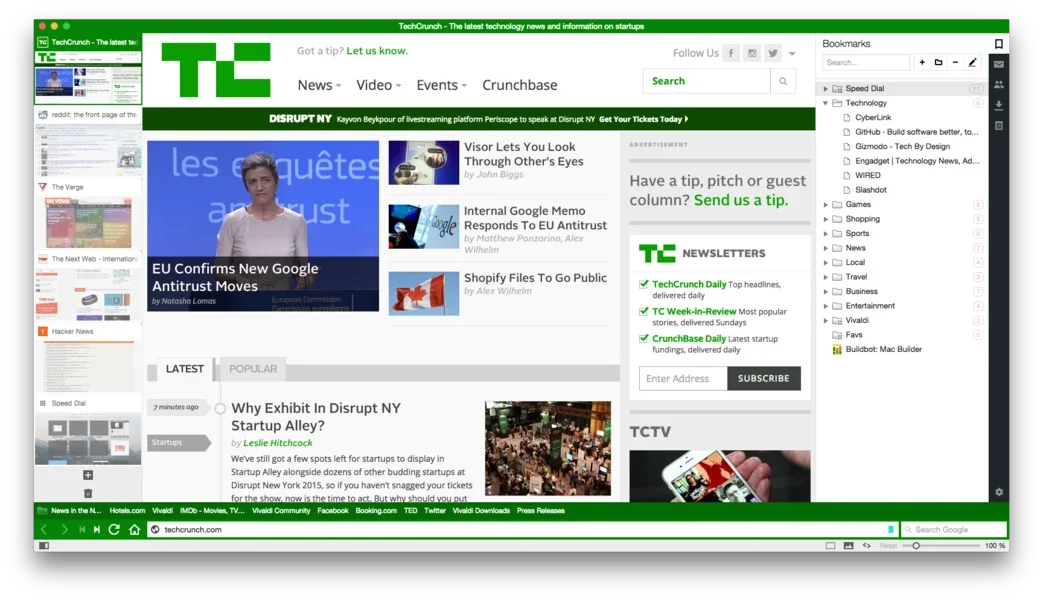
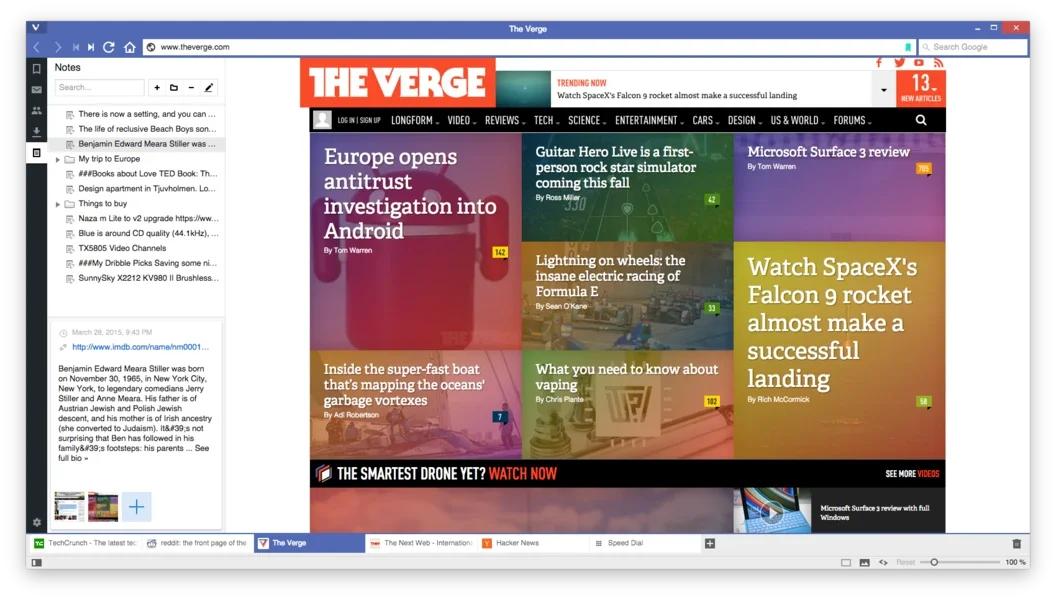
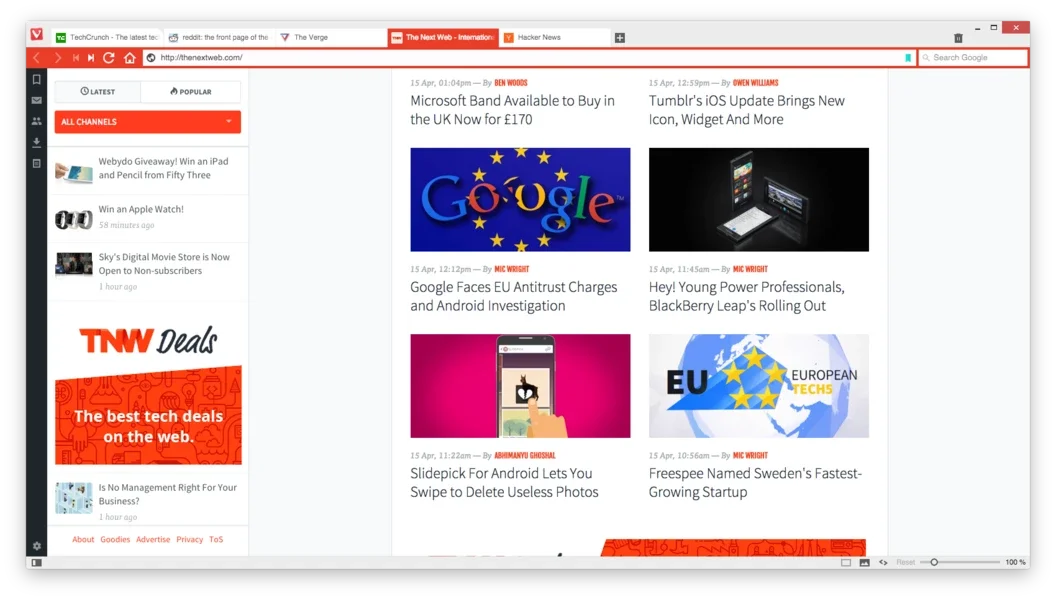
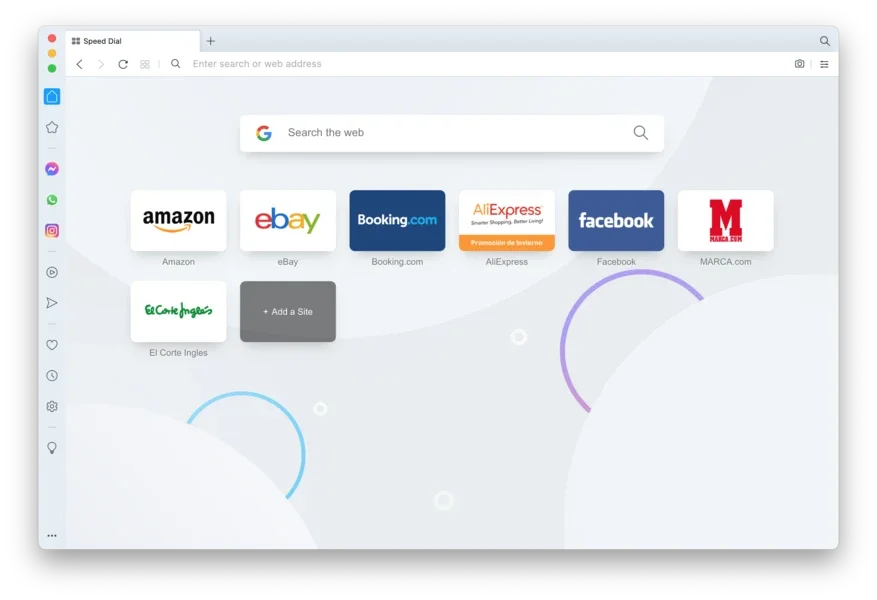
Vivaldi is a web browser whose most distinctive habit is an adaptive interface that colours the active tab and navigation bar with the main colour of the page you are on. That interface is purely ornamental. If you have used Firefox or Chrome before, the layout will feel familiar: a navigation bar, tabs, and a main screen.
Tabs can sit at the top, at the side, or at the bottom, and you can stack them so related pages share one slot instead of spreading across the bar. Different tabs can also be grouped in the same space. A Speed Dial panel appears when you open a new tab, so you pick a favourite site rather than type an address. Web Panels put pages in a panel beside the browser, a small Facebook chat panel for instance. Keyboard shortcuts can be configured for any option, which lets you get around without a mouse. Chrome extensions install, and a sidebar menu gives you Favorites, Downloads, and Notes. Notes keeps information in view while you browse, so you don't have to open another app to hold it, and that saves memory. Privacy settings let you delete cookies or saved passwords quickly. There are no customizable skins, and with many tabs open it can be slower than you would like.
This is a technical preview that will continue to be iterated on. It is free, and the latest build is 8.2.4133.96.
[Release notes coming soon]
Verify the file
Compare the SHA-256 of the file you downloaded with the value below. Files exactly as the publisher released them.
-
vivaldi-8-3-4191-45.xz
8.3.4191.45 · XZ · 223.7 MB
SHA-256
6c5d72e061a681745224163df0dac80eeb5dab10ae314478cdabacde65135541Check on VirusTotal Get
Files exactly as the publisher released them.
Information
- Seller
- Vivaldi Technologies
- Size
- 223.7 MB
- Category
- Web Browsers
- Compatibility
macOS 13.0 Ventura or later
- Languages
- License
- Proprietary
- Price
- Free
- Platform
- Also available on Windows