Skip to content

VueScan9.8.60 for macOS

Controls your scanner, imports camera photos and edits them in one place

Hamrick Software

Free · Proprietary

Download 9.8.60 · 60.1 MB
  • Age rating
    0+
    All ages
  • Category
    Capture & editing
  • Developer
    Hamrick Software
  • Languages
    19
    Arabic
  • Size
    60.1
    MB

Mac

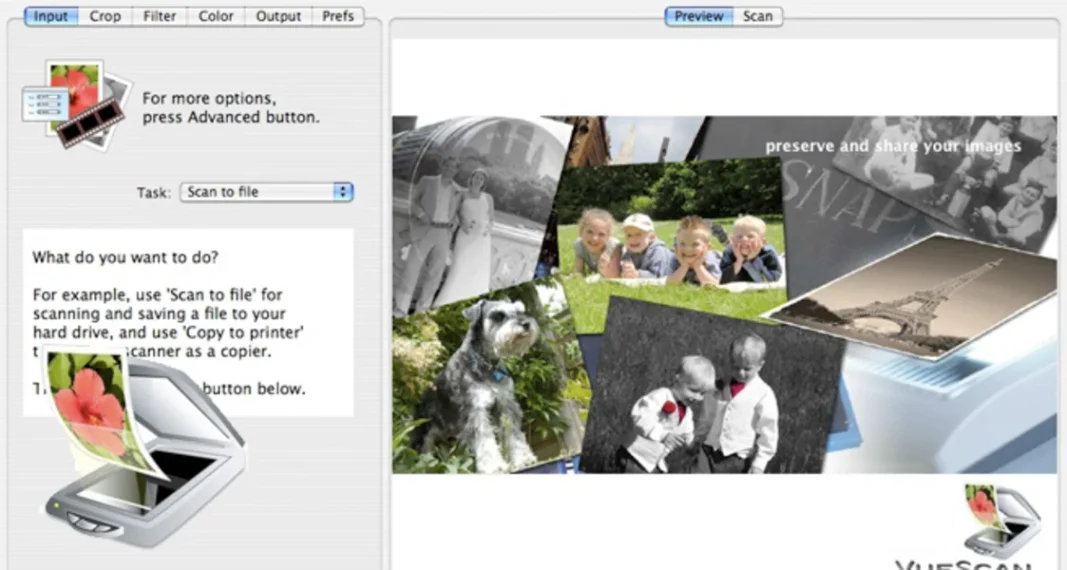
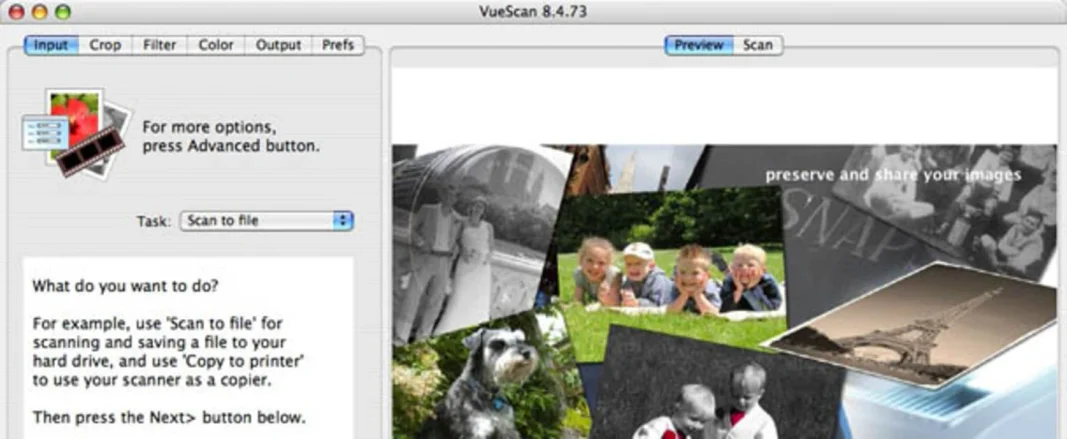
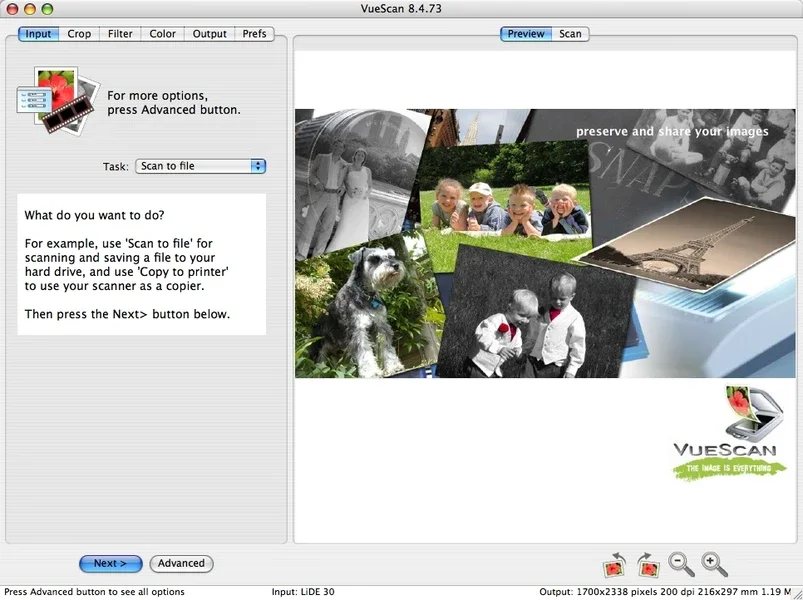
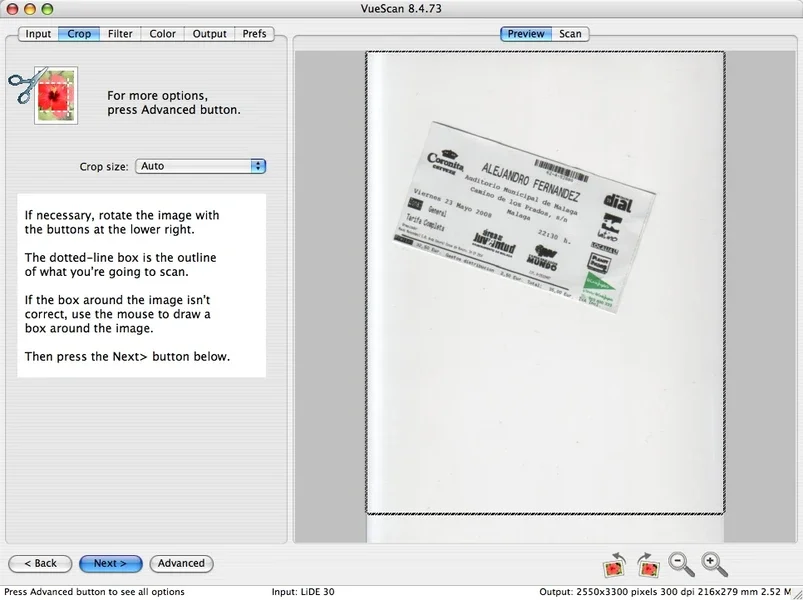
VueScan makes a scanner work on a Mac. It covers over 500 scanner models, and in some cases gets a scanner running when no Mac drivers are supplied. The interface is plain enough that a novice can follow it, and it walks you through capturing and saving a picture from the scanner step by step.

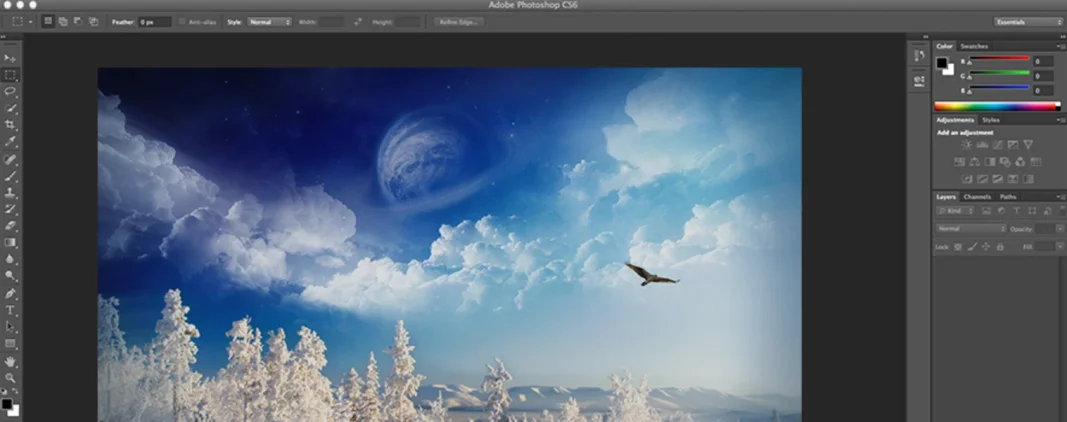
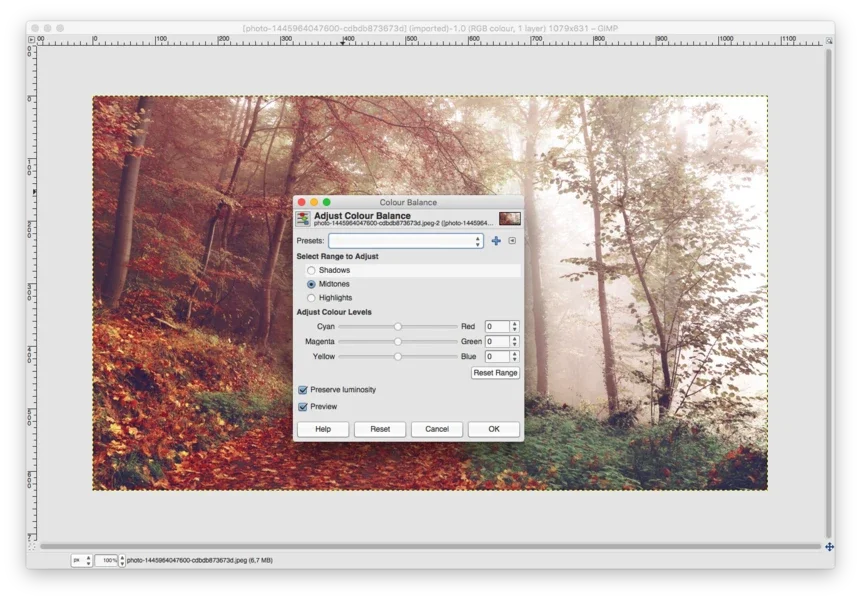
You pick the image quality yourself. Pictures come off the scanner and can be edited there, without reaching for another program. Editing functions are built in, so imports from other devices go through the same tools.

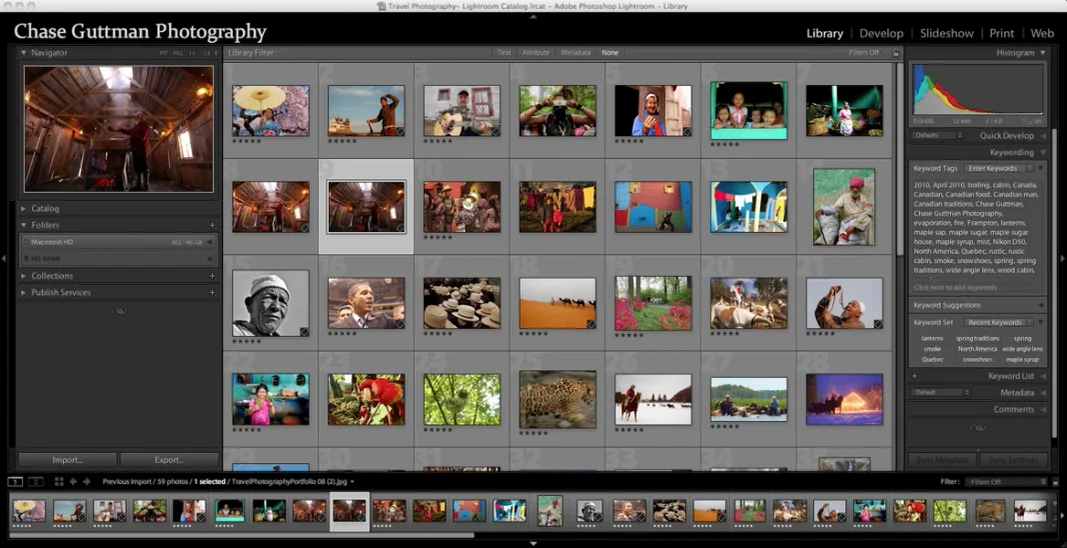
The program also pulls in pictures from digital cameras, covering more than 200 models.

[Release notes coming soon]

Version 9.8.60

Verify the file

Compare the SHA-256 of the file you downloaded with the value below. Files exactly as the publisher released them.

  • vuescan-9-8-60.dmg

    9.8.60 · DMG · 60.1 MB

    SHA-256

    341dea720df50f5310af616d03c6dbcdda189c232a4b1cb17b95d83067decada Check on VirusTotal Get

Files exactly as the publisher released them.

Information

Size
60.1 MB
Compatibility
macOS
Age rating
All ages
License
Proprietary
Price
Free

Version history

  • [Release notes coming soon]

    9.8.60
  • [Release notes coming soon]

    9.8.59
  • [Release notes coming soon]

    9.8.59
  • [Release notes coming soon]

    9.8.57
  • [Release notes coming soon]

    9.8.46
  • [Release notes coming soon]

    9.8.56
  • [Release notes coming soon]

    9.8.56
  • [Release notes coming soon]

    9.8.55
  • [Release notes coming soon]

    9.8.54
  • [Release notes coming soon]

    9.8.53
  • [Release notes coming soon]

    9.8.52
  • [Release notes coming soon]

    9.8.51
  • [Release notes coming soon]

    9.8.50
  • [Release notes coming soon]

    9.8.49
  • [Release notes coming soon]

    9.8.48
  • [Release notes coming soon]

    9.8.47
  • [Release notes coming soon]

    9.8.46
  • [Release notes coming soon]

    9.8.45
  • [Release notes coming soon]

    9.8.44
  • [Release notes coming soon]

    9.8.42
  • [Release notes coming soon]

    9.8.41
  • [Release notes coming soon]

    9.8.40
  • [Release notes coming soon]

    9.8.39
  • [Release notes coming soon]

    9.8.38
  • [Release notes coming soon]

    9.8.37
  • [Release notes coming soon]

    9.8.36
  • [Release notes coming soon]

    9.8.35
  • [Release notes coming soon]

    9.8.34
  • [Release notes coming soon]

    9.8.32
  • [Release notes coming soon]

    9.8.31
  • [Release notes coming soon]

    9.8.30
  • [Release notes coming soon]

    9.8.29
  • [Release notes coming soon]

    9.8.28
  • [Release notes coming soon]

    9.8.27
  • [Release notes coming soon]

    9.8.26
  • [Release notes coming soon]

    9.8.25
  • [Release notes coming soon]

    9.8.23
  • [Release notes coming soon]

    9.8.22
  • [Release notes coming soon]

    9.8.21
  • [Release notes coming soon]

    9.8.20
  • [Release notes coming soon]

    9.8.19
  • [Release notes coming soon]

    9.8.18
  • [Release notes coming soon]

    9.8.17
  • [Release notes coming soon]

    9.8.16
  • [Release notes coming soon]

    9.8.15
  • [Release notes coming soon]

    9.8.14
  • [Release notes coming soon]

    9.8.13
  • [Release notes coming soon]

    9.8.11
  • [Release notes coming soon]

    9.8.10
  • [Release notes coming soon]

    9.8.09

All versions ›