Wiimote Whiteboard1.0.3 for macOS
Turns a wall, table or floor into an interactive whiteboard with a Wiimote and IR pen
Free · Proprietary
You are on Windows — this is the macOS version.
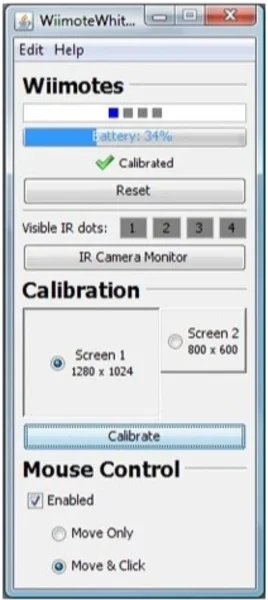
Wiimote Whiteboard turns a surface such as a wall, a table or the floor into a virtual interactive whiteboard. It uses a Wiimote, the Nintendo Wii console controller, together with an infrared pen. The Wiimote has a camera that picks up the infrared light the pen emits, and the application reads that as input on the Mac.
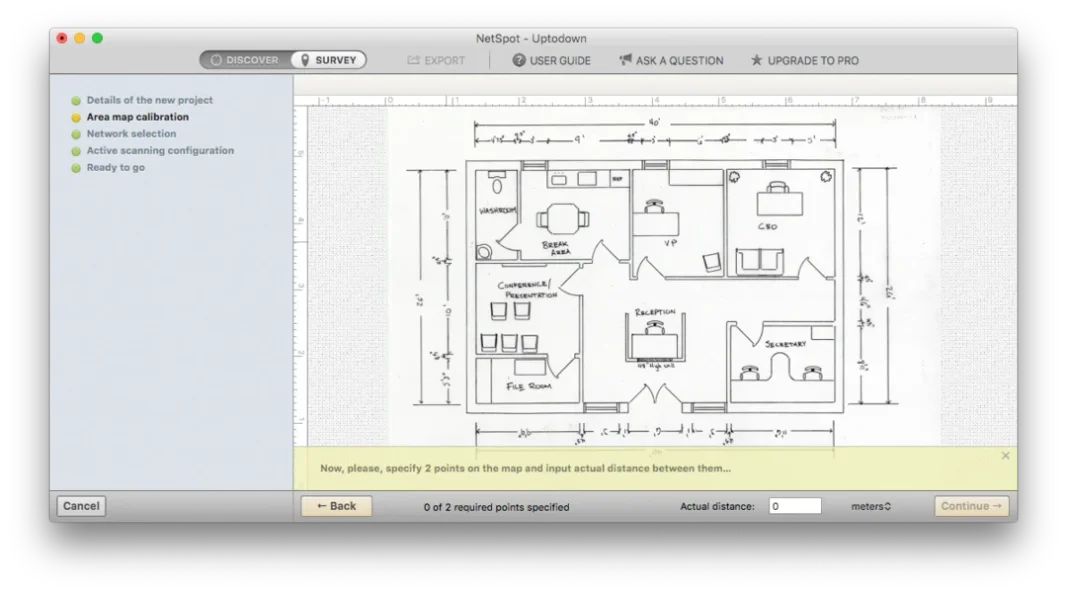
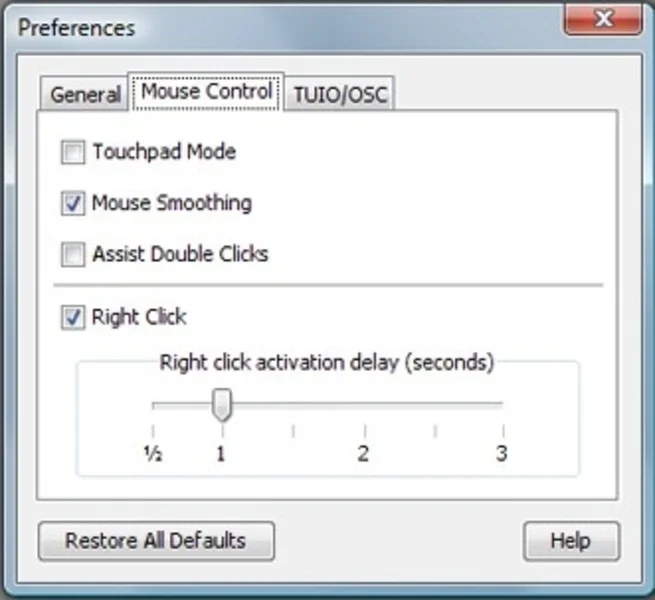
You start by choosing where the screen will be, then calibrate the device. The controller has to sit where its camera can see activity on the whiteboard surface without interference. You also specify whether the program simulates only mouse movement or clicks as well. Multiple Wiimotes can run at the same time for better results.
The main difficulty is getting an infrared pen. The application's website explains how to build one, and they can also be bought online.
[Release notes coming soon]
Verify the file
Compare the SHA-256 of the file you downloaded with the value below. Files exactly as the publisher released them.
-
WiimoteWhiteboard-10dot8_and_later.dmg
1.0.3 · DMG · 1.0 MB
SHA-256
6e21172741dd4f82556b571e790bedca2624d6bd2f8bd77659b5210ecd5116aeCheck on VirusTotal Get
Files exactly as the publisher released them.
Information
- Seller
- Uwe Schmidt
- Size
- 1.0 MB
- Category
- Power Tools
- Compatibility
macOS
- Age rating
- All ages
- License
- Proprietary
- Price
- Free