WinZip12.05 for macOS
Zips and unzips files on Mac, with cloud links and AES encryption
Trial · Proprietary
You are on Windows — this is the macOS version. See the Windows version
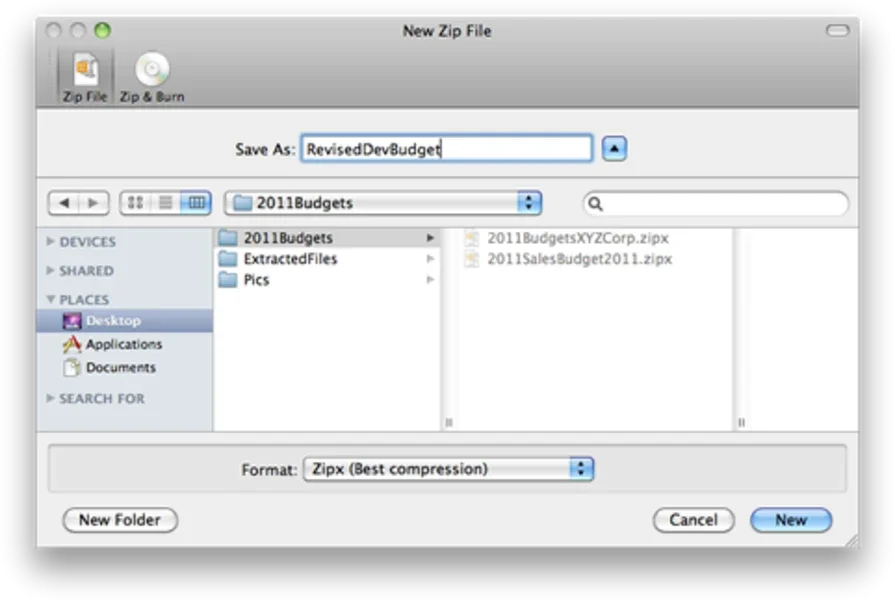
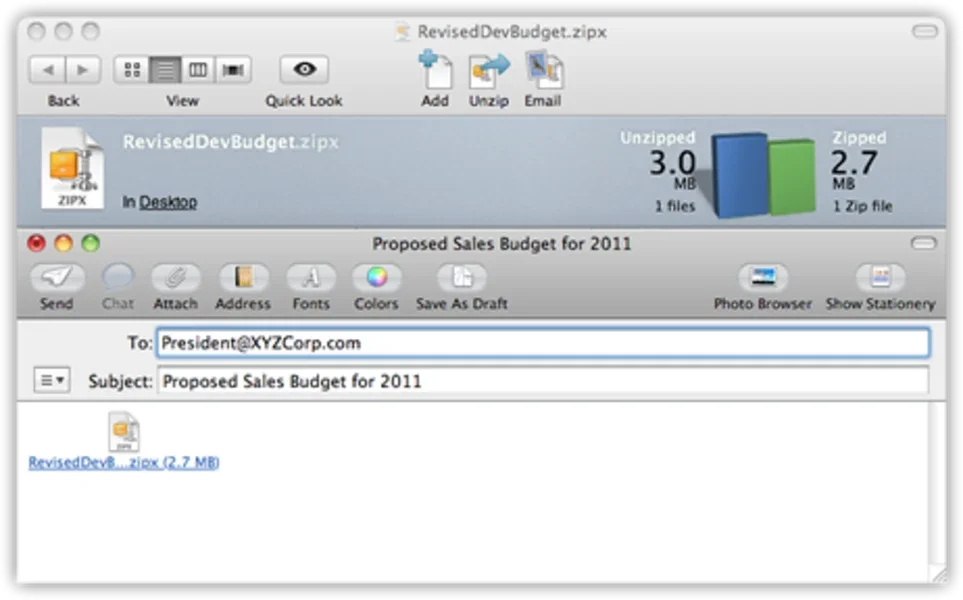
WinZip is trialware for zipping and unzipping files. On a Mac, the default screen is split into three panes, and the interface resembles the Finder. Drag-and-drop manages archives. The clicked file or folder appears in the central panel. Clicking the arrow next to a zipped archive's name expands its contents. Add and Unzip buttons provide one-click adding and extracting. A Cancel button stops the process, and a loading bar shows unpacking progress. It reduces file sizes and speeds up downloads and uploads. Compression helps email large files past attachment restrictions and saves storage space on Mac OS. Images can be converted into an archive, and photos can be resized inside zipped files. Zipx gives the smallest file size available in WinZip. The ZSTD method quickly compresses and decompresses archives. It supports more than a dozen file formats, including JAR, LHA, RAR, WAR, Zip, Zipx, and 7Z.
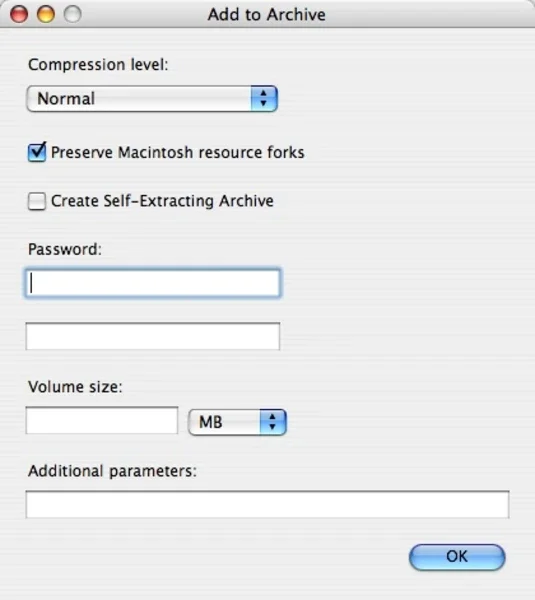
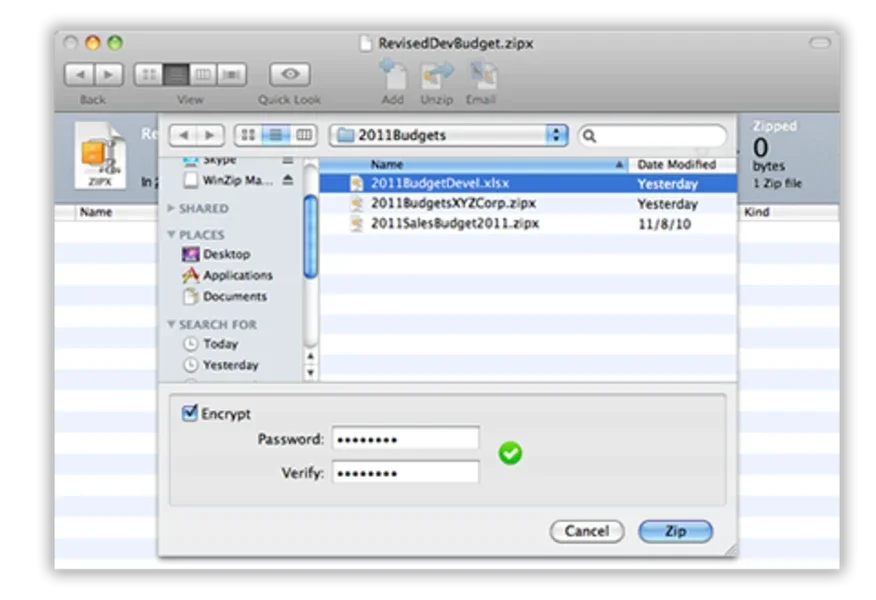
Clicking Open on a first-launch notice about an internet download shows the privacy statement. The end-user license agreement must be accepted before use. The Security & Privacy tab allows apps to be downloaded from anywhere, and that warning can be disabled in system preferences. Files added to the zip can be encrypted. It uses 128-bit or 256-bit AES encryption, and passwords can be set up to protect archives. Shared content is secured with AES encryption. The Burn to Disc button backs up archives onto CDs and DVDs.
It connects to Dropbox, Google Drive, iCloud, OneDrive, and ZipShare. A list of action items on the right converts and protects files; the Actions button opens that menu, where you can save a file, send it by email, copy it to the clipboard, or share it elsewhere. A Share button next to the Email icons shares files to Facebook, Twitter, and others. Email integration sends archives directly from the app. Used cloud services are listed under Cloud Services in the interface. Cloud services can be organized in the UI, and stored files deleted and renamed. An Add Cloud button links another cloud account. Multiple cloud files can be compressed together to save space. Light and dark mode designs are available. The view can be adjusted in the upper left corner. Updates keep the service current with new operating system versions and add features. Updates are included in the purchased license. The trial does not require credit card information. Buying a plan is a one-time payment, not a subscription. It contains no adware or malware.
[Release notes coming soon]
Verify the file
Compare the SHA-256 of the file you downloaded with the value below. Files exactly as the publisher released them.
-
12.05
12.05 · DMG · 34.5 MB
SHA-256
ac69719cdadcefcb75729831983d884f44e9e57e5cc608672b3d4a1c87963c0eCheck on VirusTotal Get
Files exactly as the publisher released them.
Information
- Seller
- WinZip
- Size
- 34.5 MB
- Category
- Compressors
- Compatibility
macOS 10.4 Tiger or later
- Languages
English
- Age rating
- All ages
- License
- Proprietary
- Price
- Trial
- Platform
- Also available on Windows