HMK D039
HMKWatch- Classificação LivreClassificação etária
- PersonalizaçãoCategoria
- 11/10/2026Atualizado
- R$ 7,99Preço
Leva à página oficial de com.watchfacestudio.hmk_d039 na Google Play. Última verificação em 26/11/2026.

Capturas de tela

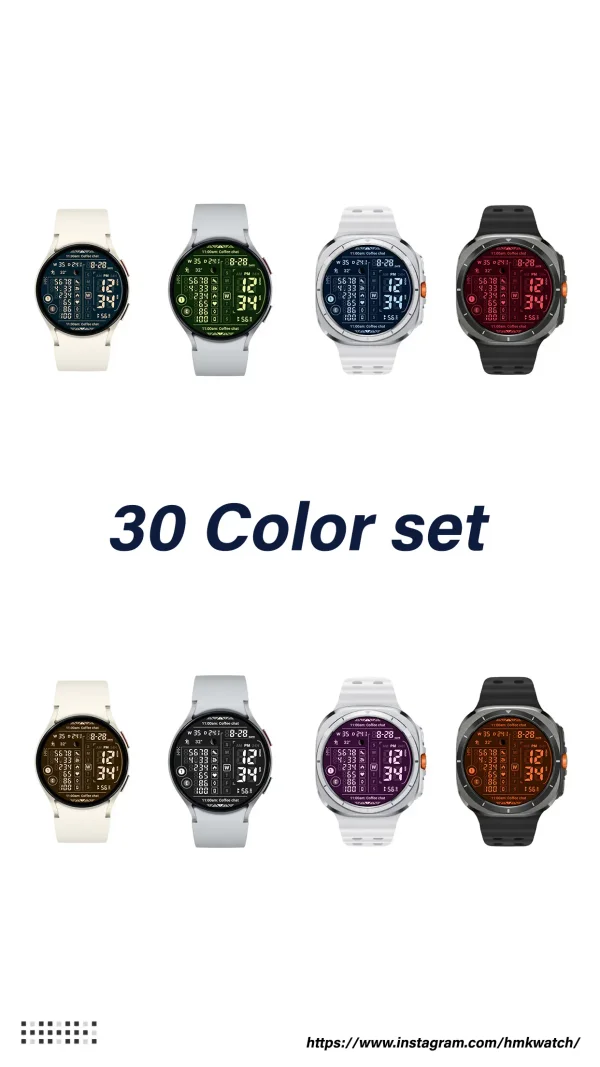
Sobre este app
Tradução automática do Google. Idioma original: Inglês (Estados Unidos).
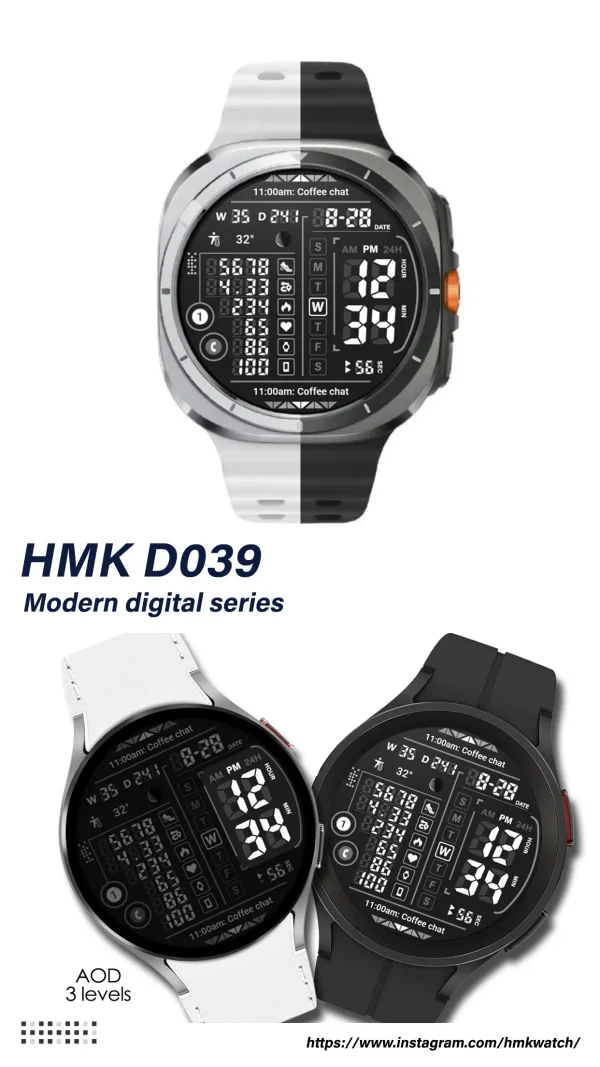
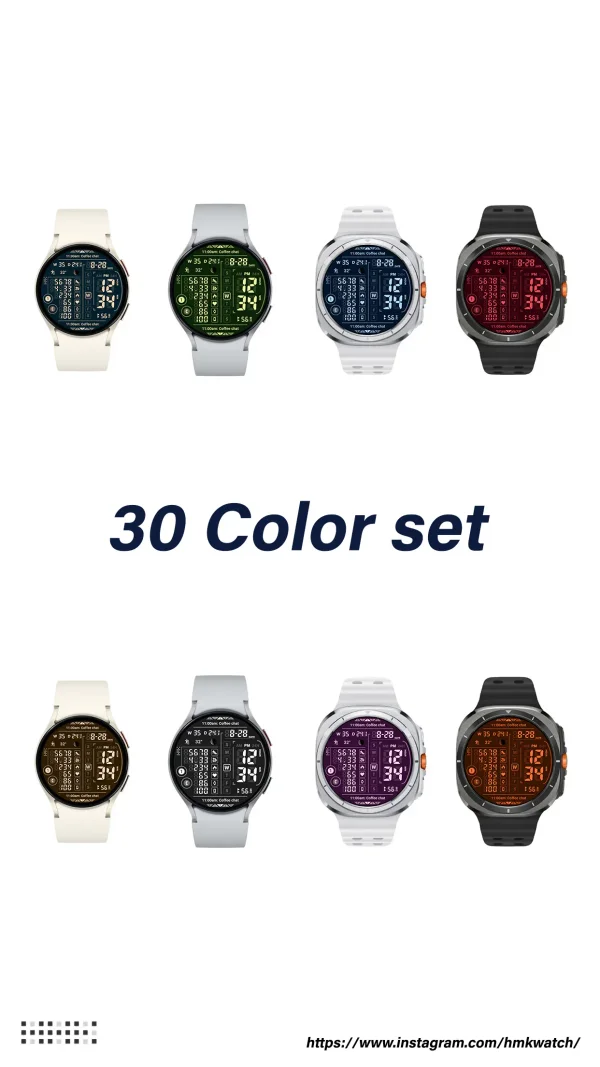
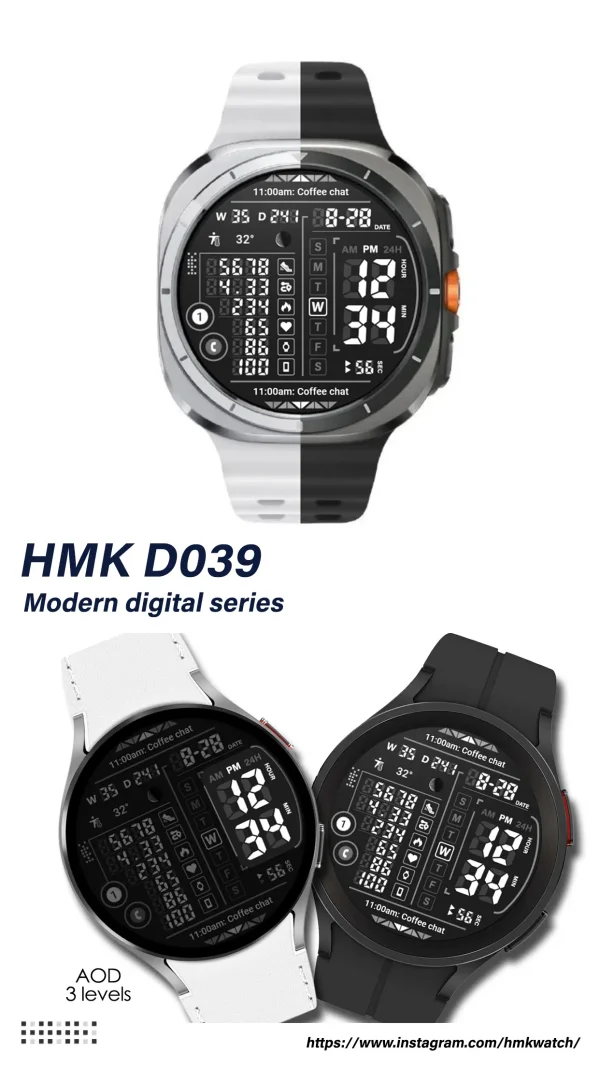
Mostrador de relógio confortável e claro.
*Este mostrador de relógio digital analógico suporta dispositivos Wear OS.
* Instale aplicativos adicionais consultando 'Sobre este aplicativo'.
*Não suporta relógios quadrados.
================================================= =====
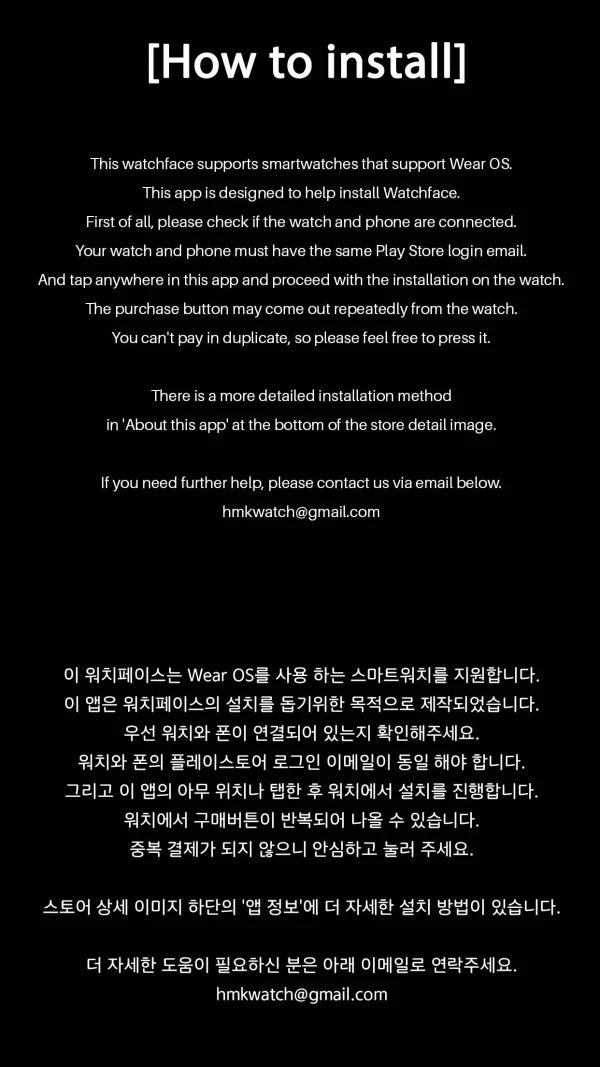
[Como instalar]
Certifique-se de que seu relógio esteja selecionado antes de pressionar o botão de pagamento.
Pressione o pequeno triângulo preto próximo ao botão Pagamento para selecionar o relógio.
Menu superior direito do aplicativo Play Store (3 pontos) > Compartilhar > Navegador Chrome > Instalar em outros dispositivos > Selecione Assistir e prossiga.
Após a instalação, selecione-o na lista de downloads e registre seus favoritos antes de usá-lo. Clique em 'Adicionar tela de relógio' na extremidade direita da lista de favoritos que aparece pressionando a tela do relógio para ver a lista de downloads.
================================================= =====
[Aplicativo de instalação adicional]
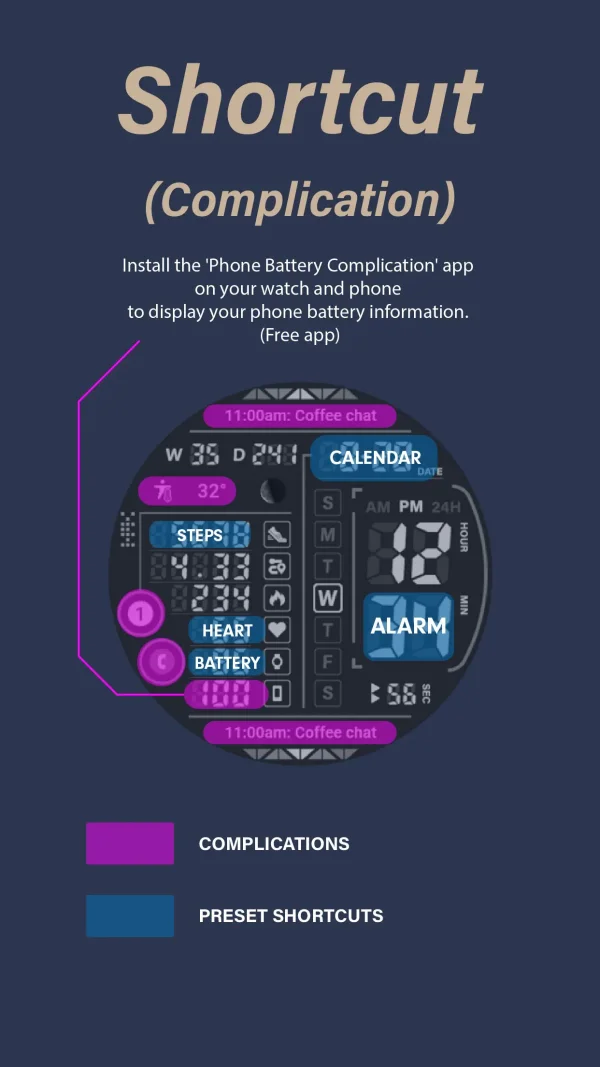
1. Aplicativo de bateria para smartphone (aplicativo gratuito)
Instale o aplicativo adicional do link abaixo no relógio e no smartphone e configure a complicação.
Se o link não abrir, procure o aplicativo 'Phone Battery Complication' e instale-o.
https://play.google.com/store/apps/details?id=com.weartools.phonebattcomp
2. Conjunto de complicações - Wear OS (aplicativo gratuito)
https://play.google.com/store/apps/details?id=com.weartools.weekdayutccomp
Todos os créditos vão para o criador original do aplicativo:
amoledwatchfaces - https://play.google.com/store/apps/dev?id=5591589606735981545
================================================= =====
Receba novas novidades no meu Instagram.
www.instagram.com/hmkwatch
https://hmkwatch.tistory.com/
Por favor, envie-me um e-mail se tiver algum erro ou sugestão.
hmkwatch@gmail.com, 821072772205
Mostrar o texto original
*This analog digital watch face supports wear OS devices.
* Please install additional apps by referring to 'About this app'.
* Does not support square watches.
=======================================================
[How to install]
Make sure your watch is selected first before you press the payment button.
Press the small black triangle next to the Payment button to select the watch.
Play Store App Top Right Menu (3 dots) > Share > Chrome Browser > Install on Other Devices > Select Watch and proceed.
After installation, select it from the download list and register your favorites before using it. Click 'Add Clock Screen' on the far right of the Favorites list that pops up by pressing the Watch Screen to see the download list.
=======================================================
[Additional installation app]
1. Smart phone battery app (Free app)
Please install the additional app of the link below on the watch and smartphone, and set up the complication.
If the link does not open, please search for the 'Phone Battery Complication' app and install it.
https://play.google.com/store/apps/details?id=com.weartools.phonebattcomp
2. Complications Suite - Wear OS (Free app)
https://play.google.com/store/apps/details?id=com.weartools.weekdayutccomp
All credits goes to original app creator:
amoledwatchfaces - https://play.google.com/store/apps/dev?id=5591589606735981545
=======================================================
Get new news from my Instagram.
www.instagram.com/hmkwatch
https://hmkwatch.tistory.com/
Please send me an email if you have any errors or suggestions.
hmkwatch@gmail.com , 821072772205
Segurança dos dados
O que HMKWatch declara na Google Play sobre os dados que este app coleta e compartilha.
- Os dados não são compartilhados com terceirosSaiba mais sobre como os desenvolvedores declaram o compartilhamento
- Nenhum dado foi coletadoSaiba mais sobre como os desenvolvedores declaram a coleta
Contato do desenvolvedor
- Siteinstagram.com
- E-mailhmkwatch@gmail.com
- Política de privacidadeblog.naver.com
- Endereço중앙로6길 17 104동 804호 구로구, 서울특별시 08223 South Korea
Informações
- Oferecido por
- HMKWatch
- Categoria
- Personalização
- Atualizado
- 11/10/2026
- Lançamento
- 26/08/2024
- Classificação etária
- Classificação Livre
- Preço
- R$ 7,99
- Nome do pacote
- com.watchfacestudio.hmk_d039
Apps semelhantes
-
 LED Retro Black Informer IN62
Personalização
-
 Guard Watch Face
Personalização
-
 HMKWatch Digital 141
Personalização
-
 HMKWatch Digital 041
Personalização
-
 DADAM75: Digital Watch Face
Personalização
-
 Y26 Digital Rhapsody WatchFace
Estilo de vida
-
 Digital Watch Face Key 010
Personalização
-
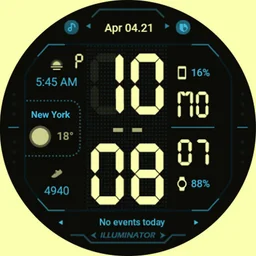 MIMIX Digital Force Watchface
Personalização
-
 WIN Tactical LCD Digital Face
Personalização
-
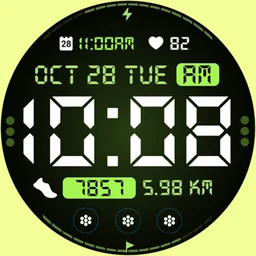 CH054 Digital watch face
Personalização
-
 MW35 Space Digital Watch
Personalização
-
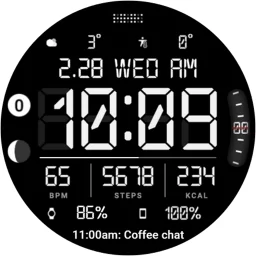 HMKWatch Digital 371
Personalização