LG ThinQ
LG Electronics, Inc.- Classificação LivreClassificação etária
- Estilo de vidaCategoria
- 23/11/2026Atualizado
- GrátisPreço
Leva à página oficial de com.lgeha.nuts na Google Play. Última verificação em 25/11/2026.
Capturas de tela
Sobre este app
Aprimore sua casa com o ThinQ mais intuitivo e inteligente.
Connect your IoT home appliances to the LG ThinQ app.
Enjoy effortless product control, smart care, and convenient automation in one simple solution.
■ Discover the convenience of smart home appliances through the Home tab.
- Control your IoT home appliances from anywhere with our app.
- Get personalized recommendations for managing appliances based on usage history.
- Find out ways to better make use of the app's features from ""Explore""
■ Upgrade your products and your living spaces from ThinQ Play.
- Download a variety of apps available for use from LG ThinQ On(AI Home Hub)
- Use your products more efficiently and with greater ease by introducing new features to products you are currently using.
- Upgrade your products based on your lifestyle and personal preferences.
■ Create smart routines to match your needs.
- Automatically turn on the lights and air purifier when it’s time to wake up.
- When you’re on vacation, automatically turn off products to save energy.
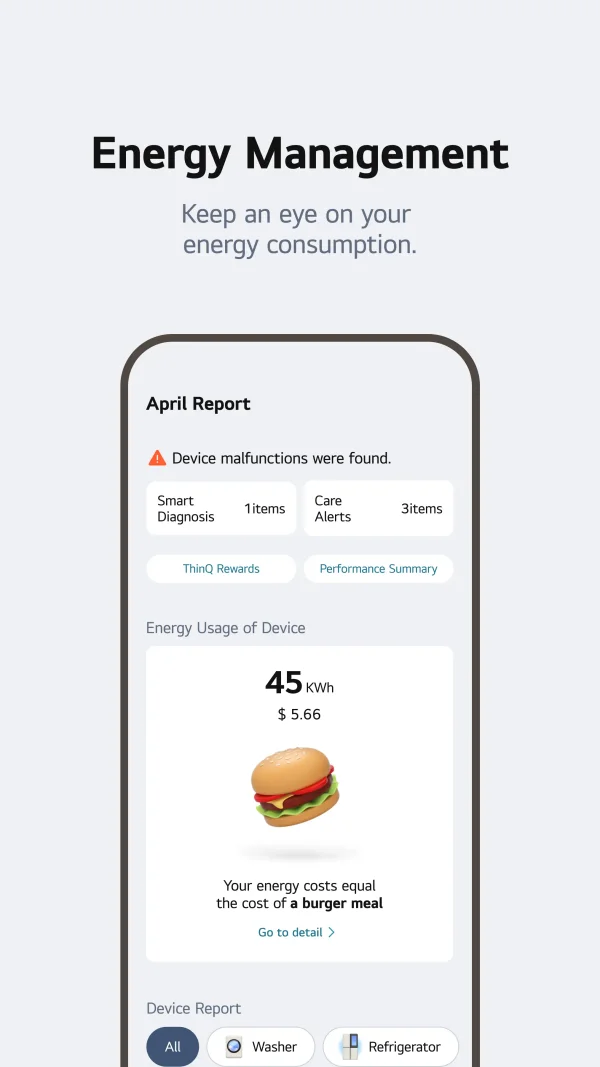
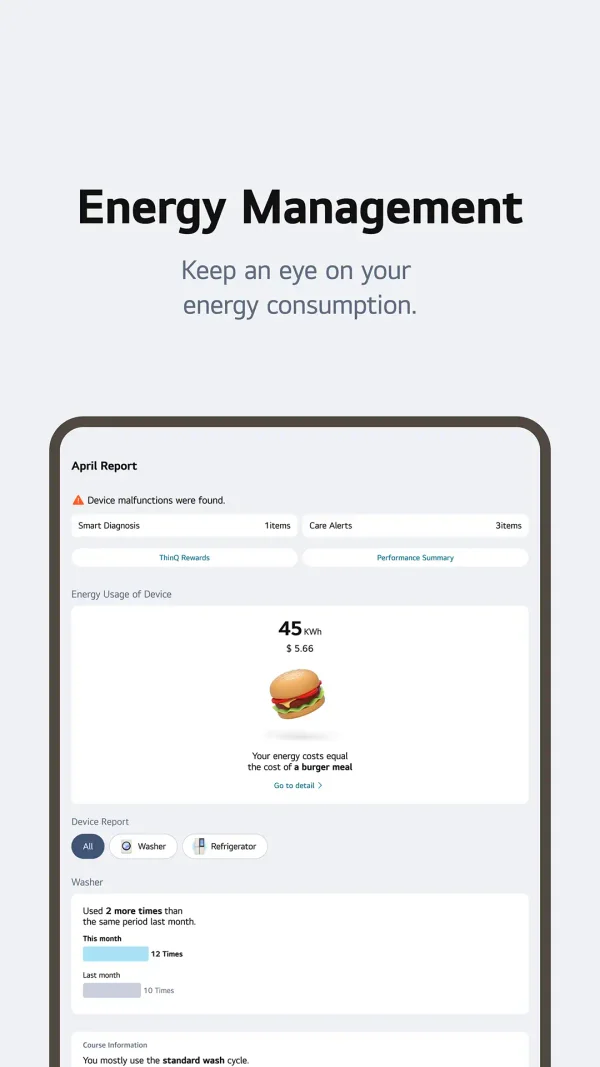
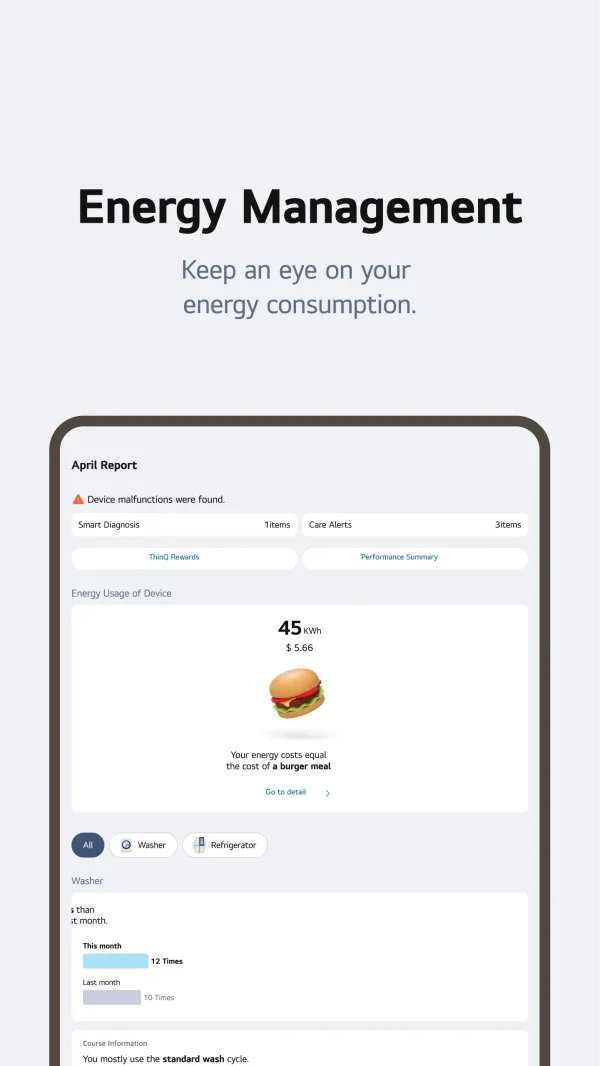
■ Monitor your energy consumption data quickly.
- Use Energy Monitoring to compare your power usage with your neighbors’.
- Set energy saving goals and get usage status notifications to help save energy more efficiently.
- Receive care services for your products all in one place.
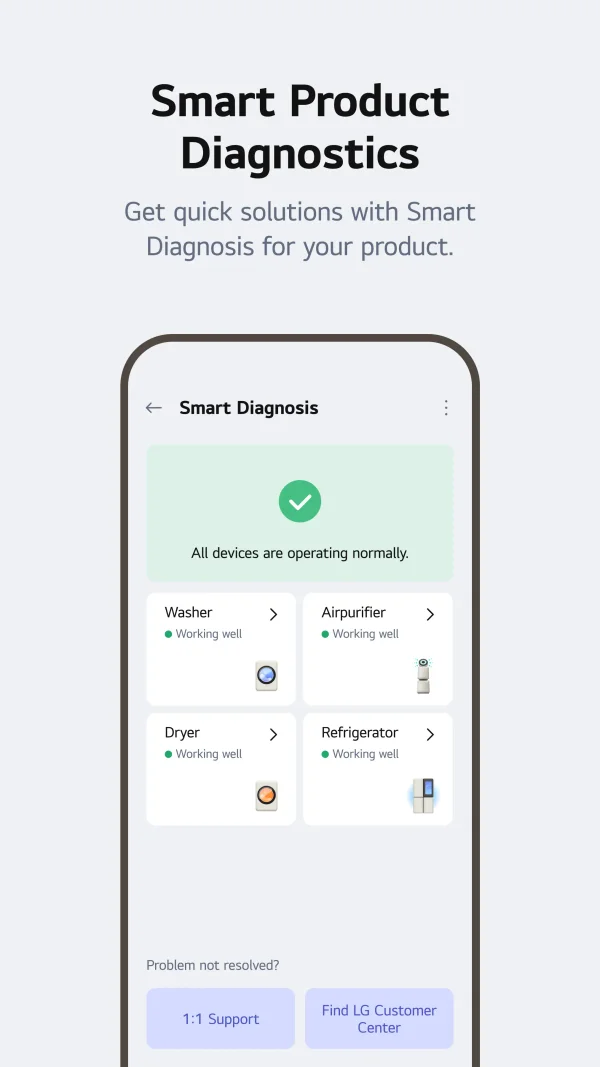
■ Handle everything from troubleshooting to service requests directly from the app.
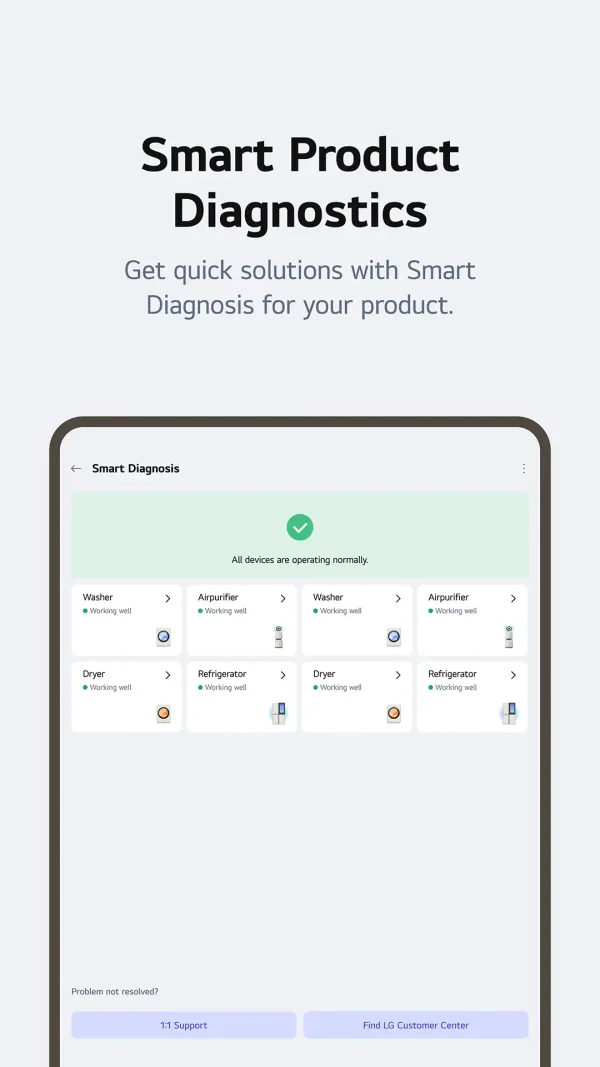
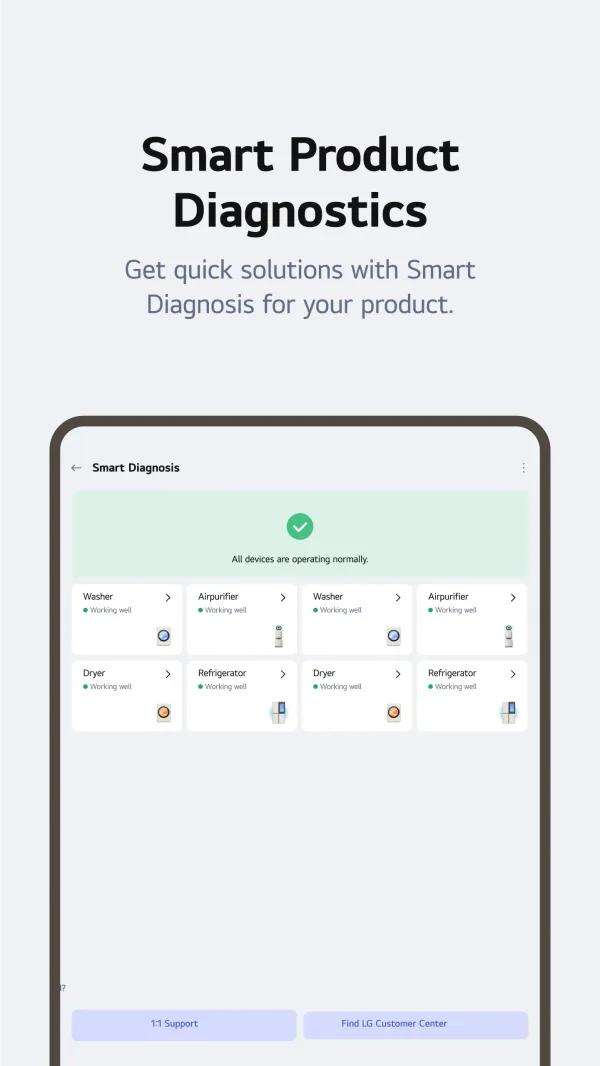
- Use the Smart Diagnosis function to check your product’s status.
- Book a service visit from a professional engineer for an accurate diagnosis and inspection.
■ Ask our AI-powered 'Chat with LG' about ThinQ home appliances.
- Our 'Chat with LG' provides answers tailored to your product’s situation and condition.
※ Services and features may vary depending on your product model and your country or region of residence.
The accessibility API is used only to transmit the signal that users input to the TV remote control to the smartphone when using the ‘View Phone Screen on TV's Larger Screen’ function in the LG ThinQ app.
We do not collect or use your information except for the minimum information necessary to operate your smartphone.
* Access Permissions
To provide service, optional access permissions are required as shown below. Even if you do not allow optional access permissions, you can still use the basic functions of the service.
[Optional Access Permissions]
• Calls
- To contact the LG Service Center
• Location
- To find and connect to nearby Wi-Fi when registering the product.
- To set and save the home location in Manage Home
- To search for and use information about current locations, such as weather.
- To check your current location in the "Smart Routines" function.
• Nearby devices
- To find and connect to nearby Bluetooth devices when adding a product to the app.
• Camera
- To take a profile picture
- To share a home or account scanned from a QR code.
- To add products recognized by QR codes.
- To take and attach photos in "1:1 Inquiry."
- To record and store purchase receipts when registering additional information about the product.(미국 Only)
- To use the AI oven Cooking Record feature.
- To use in “Chat with LG” when entering the product and serial number information
• Photo and video
- To attach and set my profile picture in Photos.
- To take and attach photos in "1:1 Inquiry."
- To record and store purchase receipts when registering additional information about the product.
- To view photo/video on your smartphone on the TV.
- To use in “Chat with LG” to save photos/videos of product symptoms or proof of purchase
- To use in “Chat with LG” when entering the product and serial number information
• Microphone
- To check product status via Smart Diagnosis
- To use in “Chat with LG” when inputting through the microphone in the input window and using STT.
• Notifications
- Notifications are essential for receiving updates on product status, important notices, benefits, and information.
• Music and audio
- To play music files on your smartphone on the TV.
Segurança dos dados
O que LG Electronics, Inc. declara na Google Play sobre os dados que este app coleta e compartilha.
- Este app pode compartilhar estes tipos de dados com terceirosLocal, Informações pessoais e mais 6
- Este app pode coletar estes tipos de dadosLocal, Informações pessoais e mais 6
- Os dados são criptografados em trânsito
- Você pode solicitar a exclusão dos dados
Novidades
23/11/2026
Melhoramos a experiência do aplicativo para tornar o uso do ThinQ mais fácil e estável.
Contato do desenvolvedor
- Sitesmartthinq.com
- E-mailthinq@lge.com
- Política de privacidadeus.m.lgaccount.com
- Endereço영등포구 여의대로 128 (여의도동) 영등포구, 서울특별시 07336 South Korea
Informações
- Oferecido por
- LG Electronics, Inc.
- Categoria
- Estilo de vida
- Atualizado
- 23/11/2026
- Lançamento
- 20/11/2015
- Requer
- Android 12 ou posterior
- Classificação etária
- Classificação Livre
- Preço
- Grátis
- Nome do pacote
- com.lgeha.nuts
Apps semelhantes
-
 Govee Home
Ferramentas
-
 DMSS
Estilo de vida
-
 Imou Life
Estilo de vida
-
 Hik-Connect - for End User
Ferramentas
-
 MERCUSYS
Ferramentas
-
 Cast for Chromecast & TV Cast
Ferramentas
-
 Wearfit Pro
Saúde e fitness
-
 Controle remoto universal TV
Ferramentas
-
 CloudEdge
Estilo de vida
-
 Remote Mouse: Controle PC/Mac
Ferramentas
-
 V380 Pro
Ferramentas
-
 Mi Fitness (Xiaomi Wear)
Saúde e fitness