MagPie - Native speech
Voenix Technologies Inc.Contém anúncios · Compras no app
- Classificação LivreClassificação etária
- ProdutividadeCategoria
- 05/11/2024Atualizado
- GrátisPreço
Leva à página oficial de com.voenix.emu na Google Play. Última verificação em 27/11/2026.

Capturas de tela




Sobre este app
Tradução automática do Google. Idioma original: Inglês (Estados Unidos).
Um tradutor de voz instantâneo e comunicador global
Você consegue se imaginar falando francês, nepalês, persa, chinês e mais como um falante nativo?
Com MagPie, você pode!
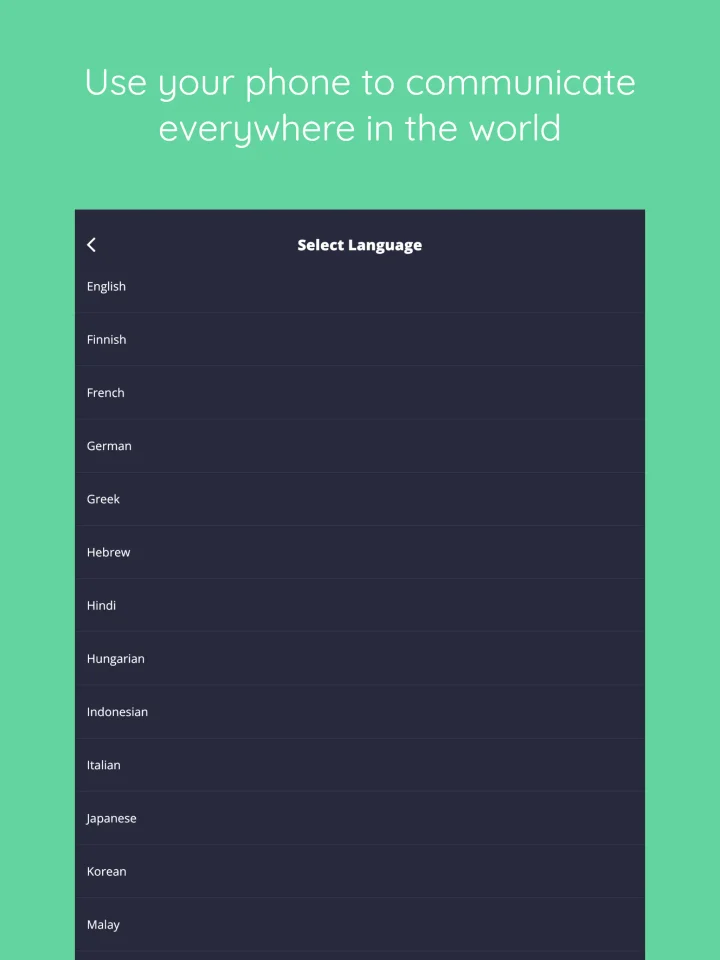
E oferecemos suporte a mais de 100 idiomas.
Com nosso mais novo aplicativo, você poderá ouvir sua fala traduzida instantaneamente. É simples, rápido e confiável.
Por fim, adeus ao velho mundo de “perdidos na tradução” ao dar as boas-vindas à riqueza das línguas do mundo.
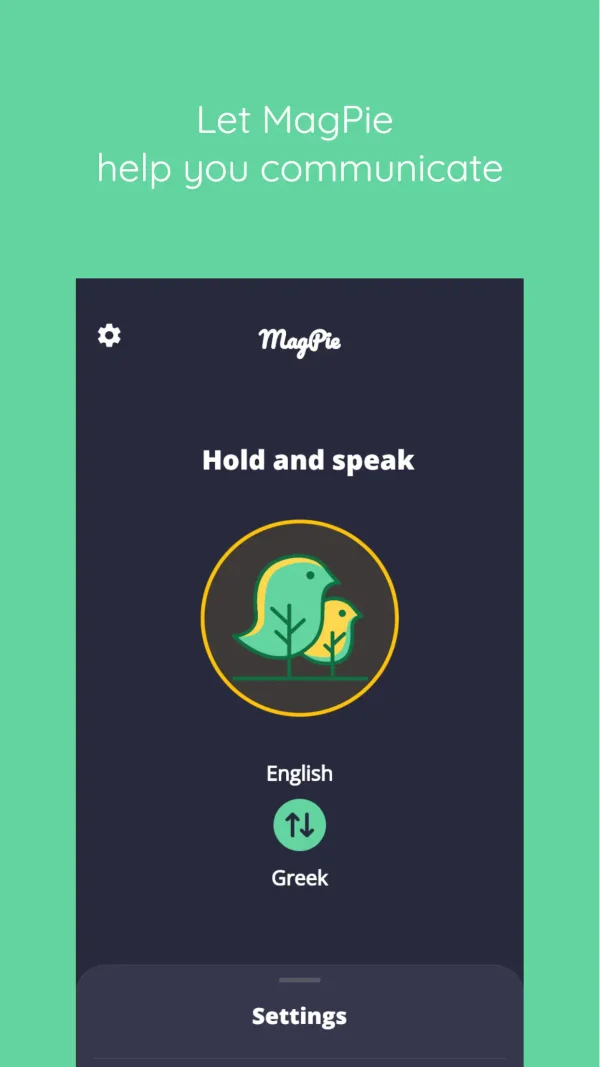
Depois de iniciar o aplicativo, o padrão é o idioma do seu dispositivo. Você pode começar a falar imediatamente com ele.
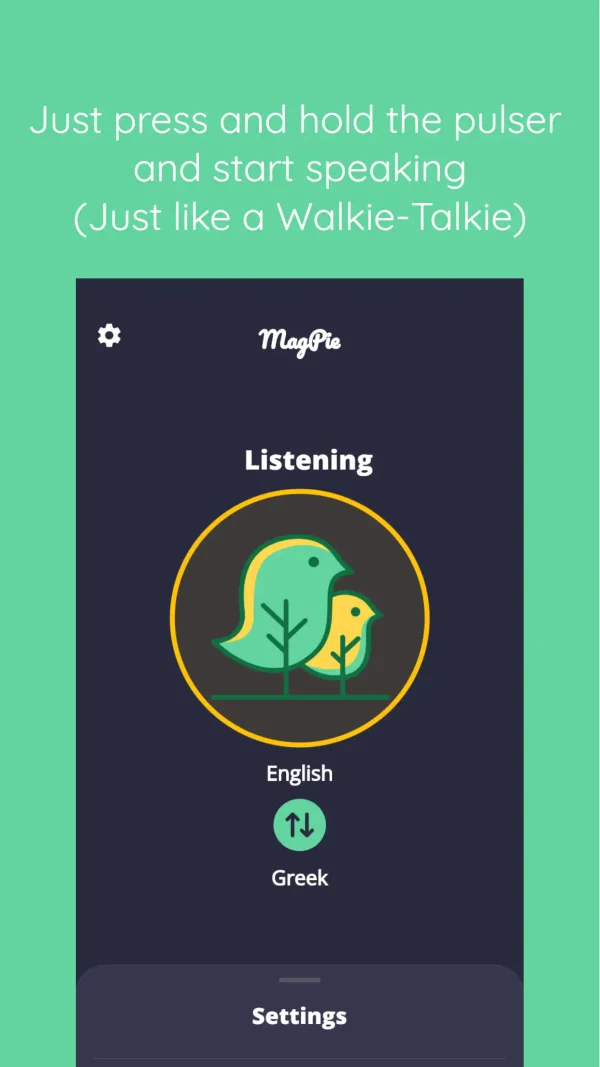
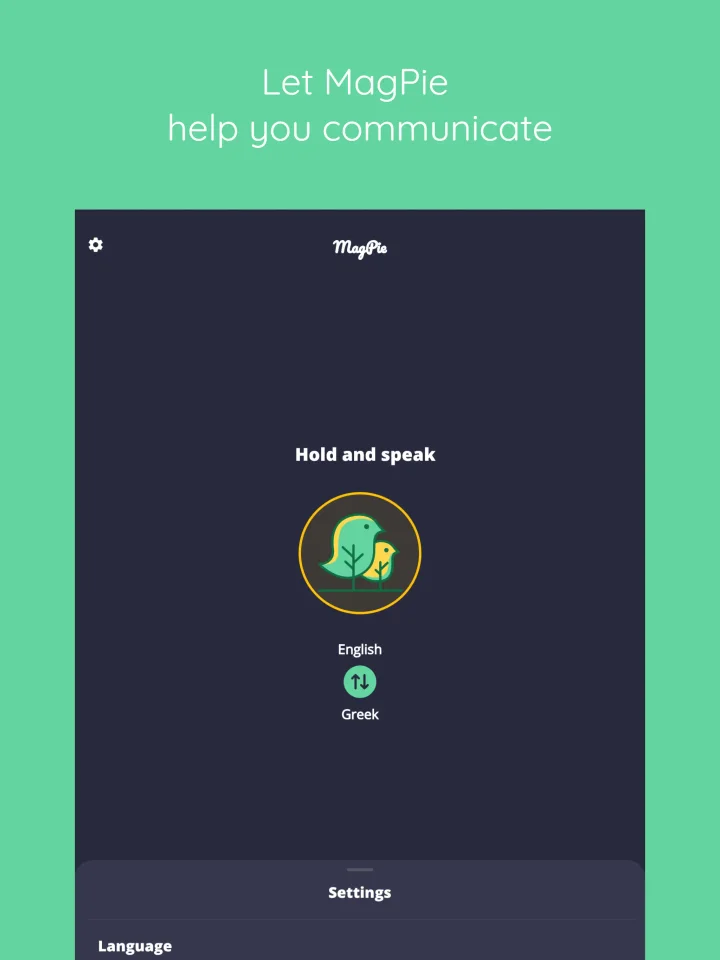
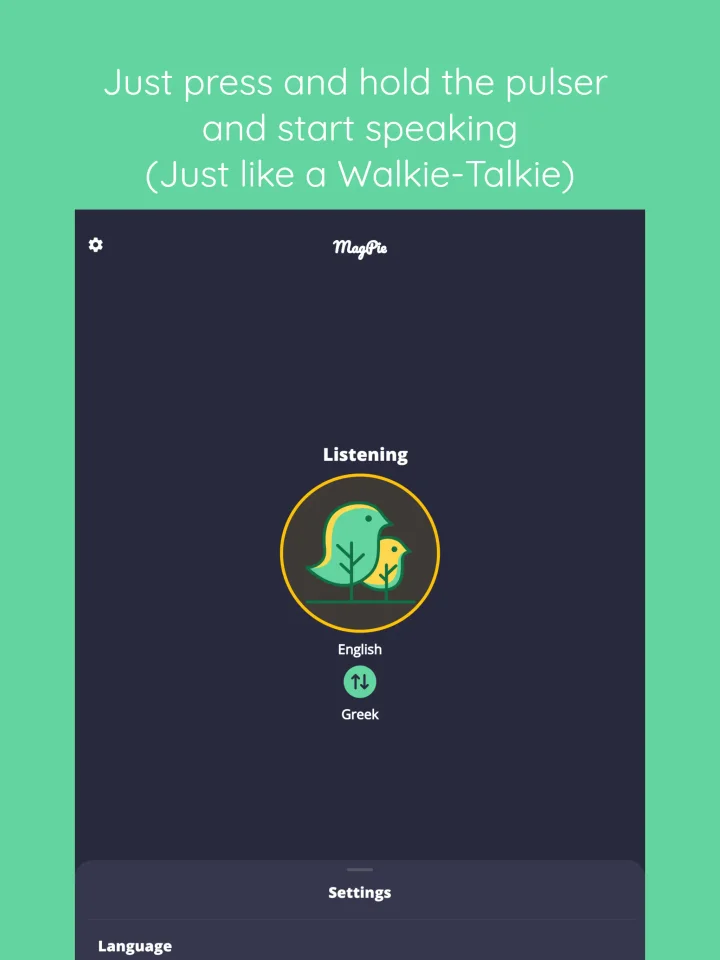
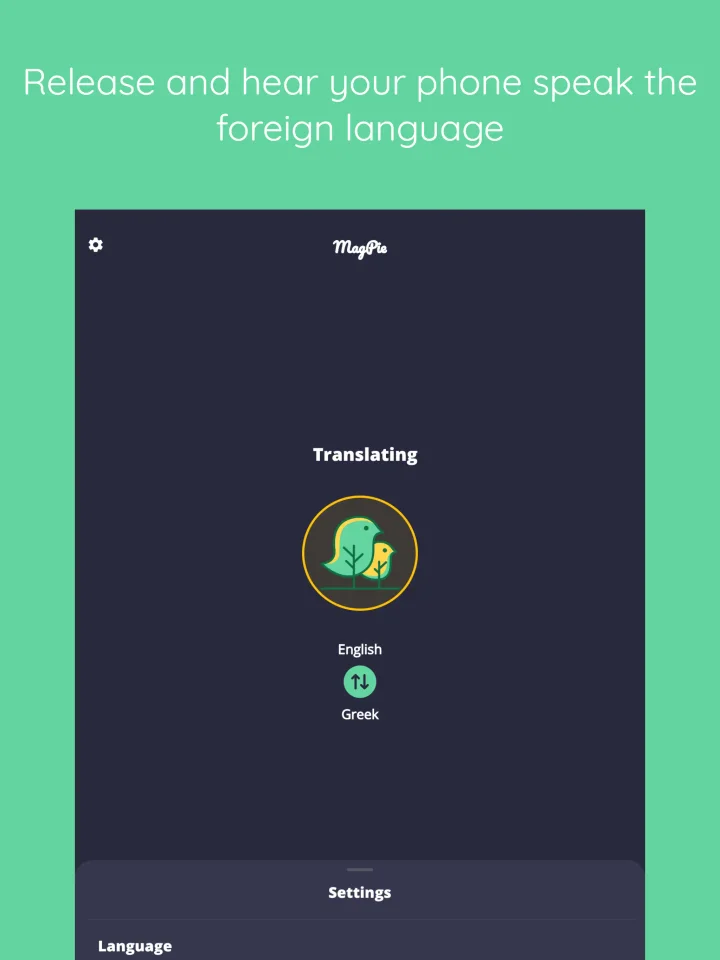
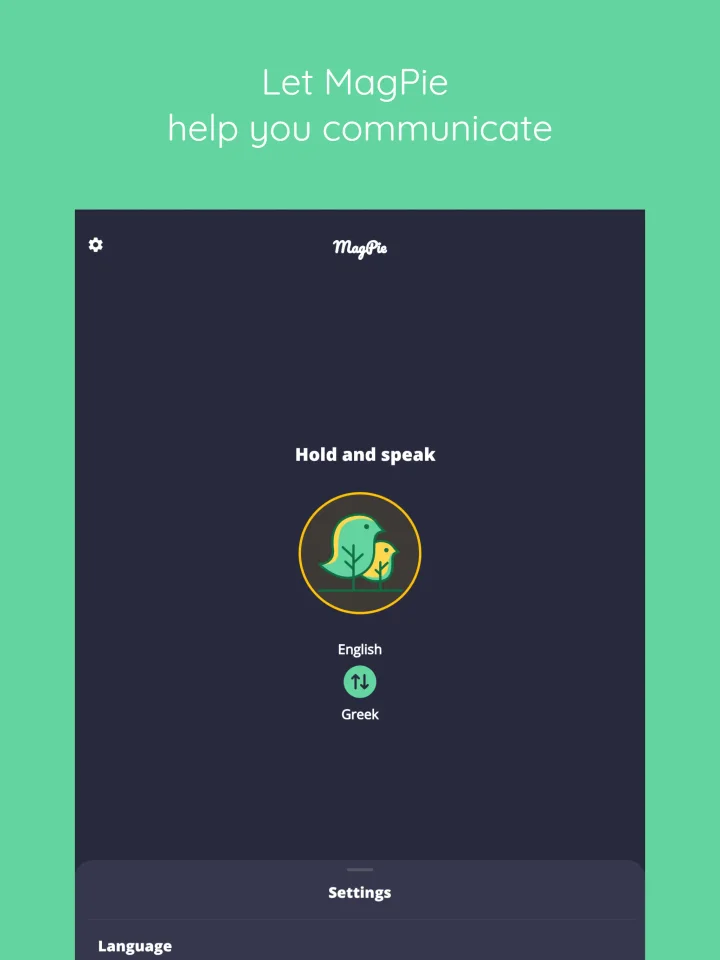
O botão principal é aquele que pulsa. Você precisa pressionar e segurar e depois falar. Diga uma frase.
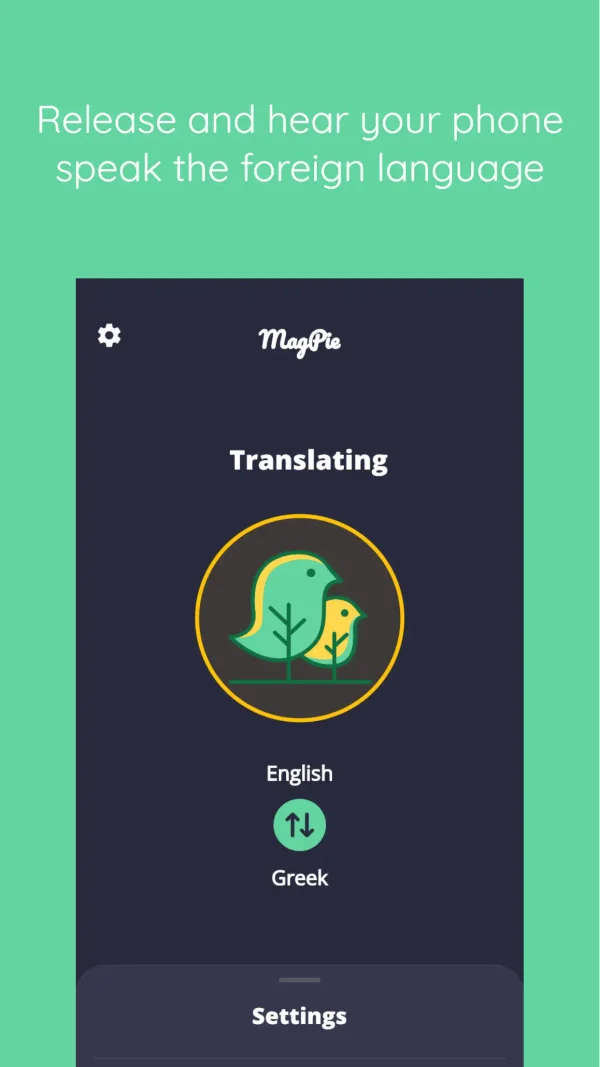
Solte o botão e ele será automaticamente traduzido e falado no idioma de destino.
Certifique-se de que o telefone não esteja no modo silencioso e que o volume do telefone esteja ajustado.
Use-o exatamente como um Walkie-Talkie. Você pressiona e segura e ele está ouvindo. Você libera e ouve a tradução. Muito fácil.
Por exemplo, você está na Itália. Você quer perguntar a alguém na rua.
Você pressiona, segura e diz "Com licença, onde posso encontrar uma boa pizzaria?"
Você solta e o telefone traduz automaticamente e fala com a pessoa no idioma dela.
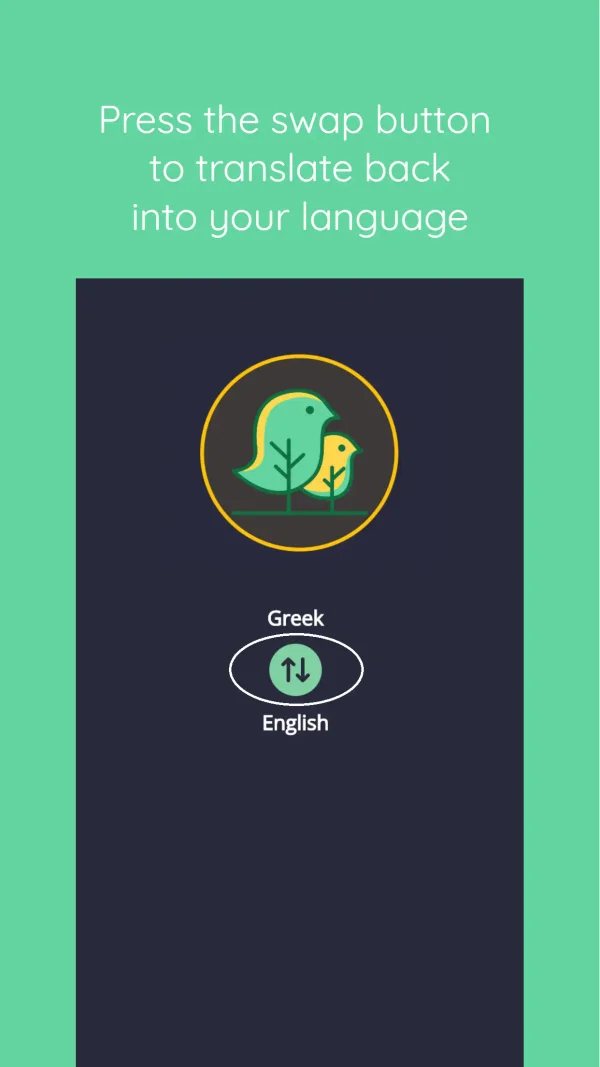
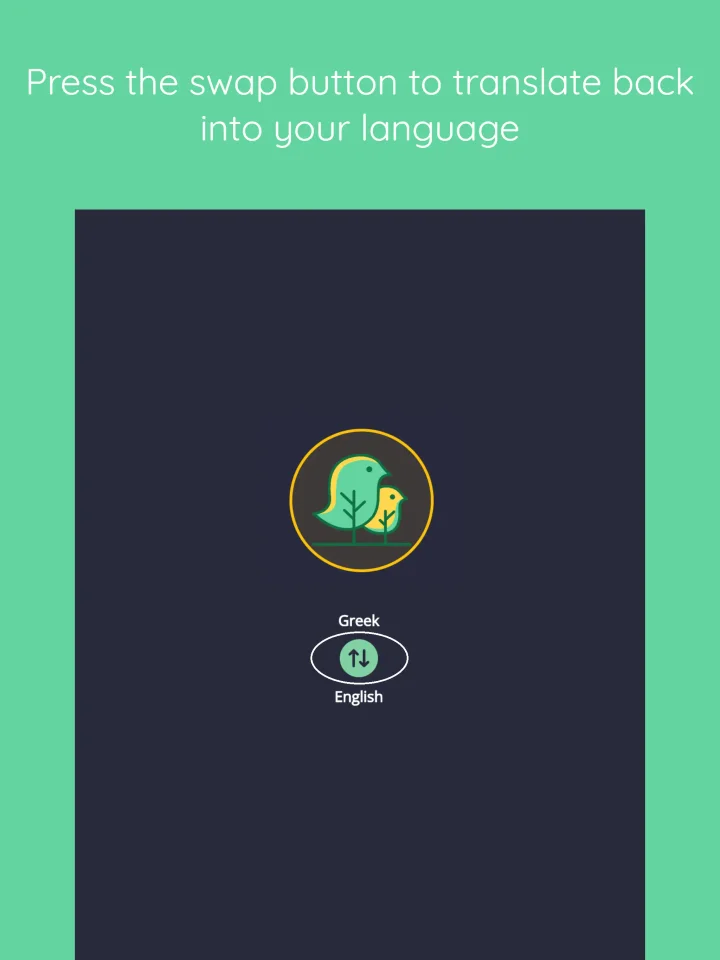
Em seguida, você pode pressionar o pequeno botão verde de troca (setas para cima e para baixo), que inverte os idiomas.
Agora o telefone ouve italiano e você pressiona, segura e permite que a pessoa atenda em seu telefone.
Solte e você aqui a resposta traduzida em inglês.
"Algumas ruas ao norte, vire à direita e você encontrará uma bela pizzaria chamada Dolce Vita".
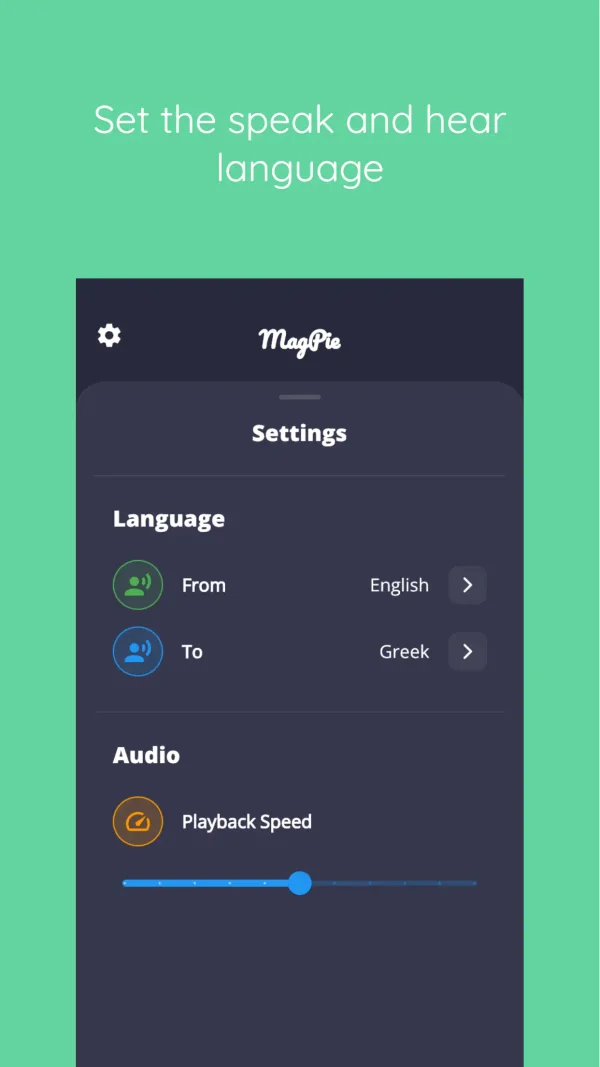
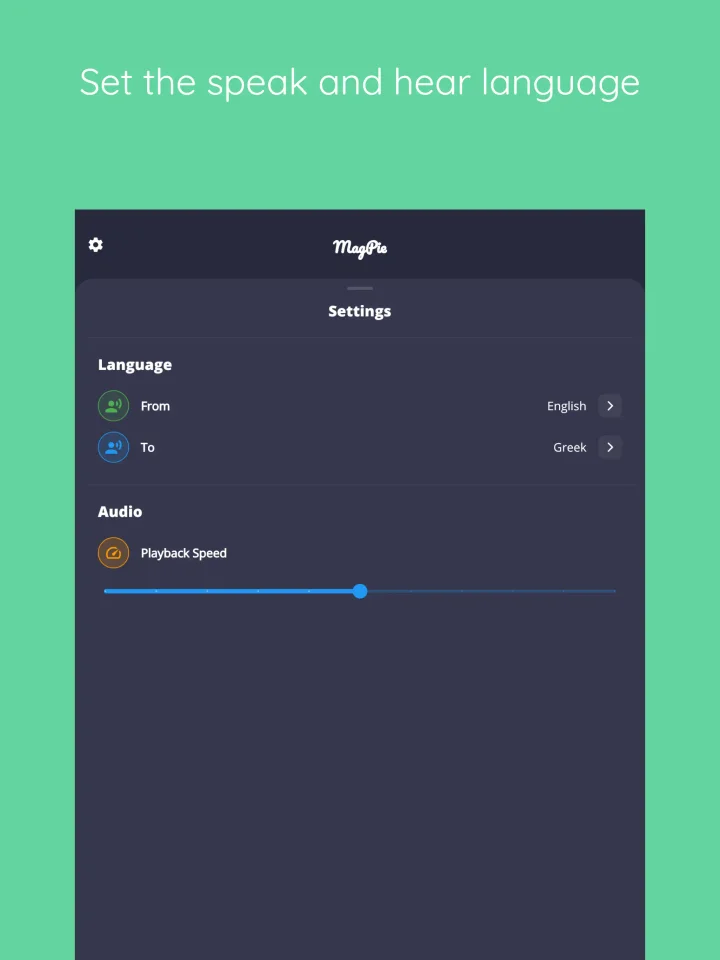
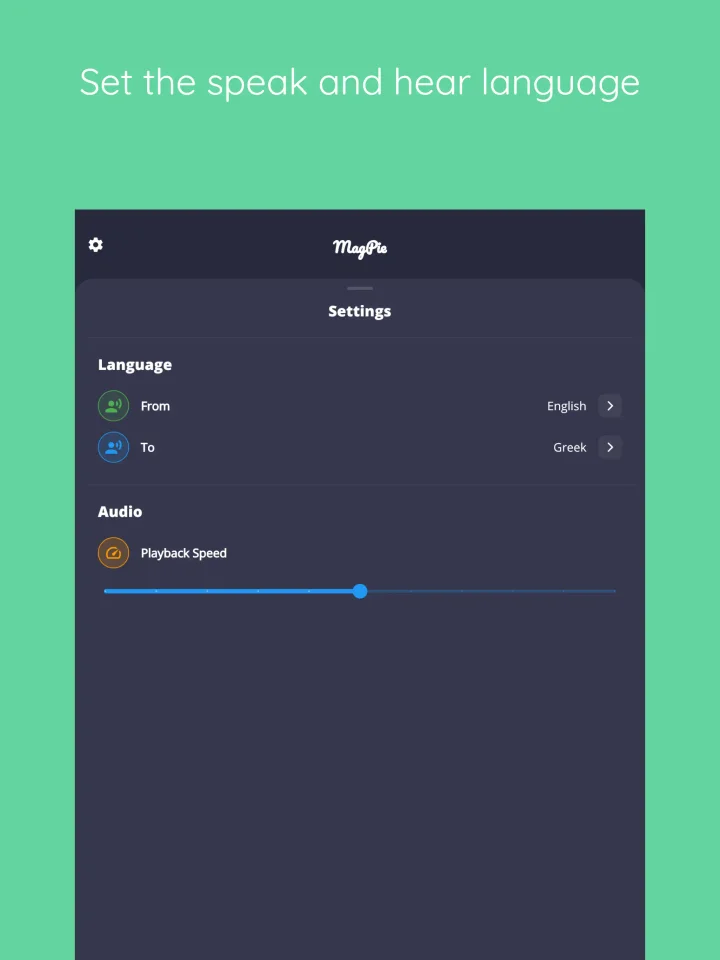
Na parte inferior da tela, você pode deslizar para cima as configurações onde pode alterar o ditado (idioma de origem), bem como o idioma de destino.
Além disso, você pode ajustar a velocidade da voz falada para mais lenta se a corrente for muito rápida.
Isso não é tão simples, mas tão poderoso?
Para alguns idiomas, pode não haver suporte de voz em seu dispositivo; nesse caso, você verá o texto traduzido, que pode ser exibido no exterior.
Dispositivos diferentes têm idiomas diferentes instalados. Você pode ajustá-los nas Configurações, Acessibilidade, Saída de conversão de texto em fala do seu telefone.
Use o aplicativo para se comunicar onde quer que vá. Ou você pode praticar sua pronúncia. E muito mais.
Mostrar o texto original
Can you imagine yourself speaking French, Nepali, Persian, Chinese, and more like a native speaker?
With MagPie, you can!
And we support more than 100 languages.
With our newest app, you’ll be able to hear your speech instantly translated. It’s simple, fast, and reliable.
Finally, fair goodbye to the old world of “lost in translation” as you welcome the richness of world languages.
Once you start the app, it defaults to your device's language. You can immediately start speaking to it.
The main button is the one that pulsates. You need to press and hold and then speak. Say a sentence.
Release the button, and it will automatically be translated and spoken in the destination language.
Make sure that the phone is not on silent mode and that the phone volume is adjusted.
Use it exactly like a Walkie-Talkie. You press and hold and it is listening. You release and hear the translation. Too easy.
For example, you are in Italy. You want to ask someone on the street.
You press, hold, and say "Excuse me, where can I find a good pizzeria?"
You release and the phone automatically translates and speaks to the person in his language.
Then you can press the small green swap button (up and down arrows) which reverses the languages.
Now the phone listens to Italian and you press, hold, and allow the person to answer on your phone.
Release and you here the translated answer in English.
"A couple of streets north, turn right, and you will find a beautiful pizzeria called Dolce Vita".
At the bottom of the screen, you can swipe up the settings where you can change the dictation (source language) as well as the target language.
Also, you can adjust the speed of the speaking voice to slower if the current is too fast.
Isn't that so simple, but so powerful?
For some languages, there could be no voice support in your device, in which case you will see the translated text, that you can show abroad.
Different devices have different languages installed. You can adjust those in your phone's Settings, Accessibility, Text-to-speech output.
Use the app to communicate everywhere you go. Or you can practice your pronunciation. And much much more.
Segurança dos dados
O que Voenix Technologies Inc. declara na Google Play sobre os dados que este app coleta e compartilha.
- Os dados não são compartilhados com terceirosSaiba mais sobre como os desenvolvedores declaram o compartilhamento
- Nenhum dado foi coletadoSaiba mais sobre como os desenvolvedores declaram a coleta
- Os dados são criptografados em trânsito
- Não é possível excluir os dados
Novidades
Versão 1.4.2 · 05/11/2024
Welcome to our latest maintenance release which includes numerous internal fixes, updates, improvements and enhancements. This release includes support for the latest Android platform, in addition to very important security updates. Thank you to all our users for your strong support as we strive always to bring you the ultimate experience with our apps.
Contato do desenvolvedor
- Sitehome.voenixtech.ca
- E-mailsupport@voenixtech.ca
- Política de privacidadevoenix-technologies.firebaseapp.com
- Endereço276 Renforth Dr Etobicoke, ON M9C 2K9 Canada
Informações
- Oferecido por
- Voenix Technologies Inc.
- Categoria
- Produtividade
- Versão
- 1.4.2
- Atualizado
- 05/11/2024
- Lançamento
- 18/05/2023
- Requer
- Android 5.0 ou posterior
- Classificação etária
- Classificação Livre
- Preço
- Grátis
- Compras no app
- R$ 17,99 por item
- Nome do pacote
- com.voenix.emu
Apps semelhantes
-
 HiNotes by HiDock
Produtividade
-
 Noah - Seu Terapeuta de IA
Saúde e fitness
-
 Mindbook: Markdown Cloud Notes
Produtividade
-
 OtterAI Transcribe Voice Notes
Produtividade
-
 CraftNote: AI Note Taker
Produtividade
-
 mymind
Produtividade
-
 Krisp AI Meeting Note Taker
Produtividade
-
 Lumo by Proton
Produtividade
-
 Sort AI - Thought Clarity
Saúde e fitness
-
 NKENNE: Learn African Language
Educação
-
 Spoken – Tap to Talk AAC
Saúde e fitness
-
 DBT-Mind - The DBT App
Saúde e fitness