Microsoft Copilot
Microsoft CorporationContém anúncios · Compras no app
- Classificação 14 anosClassificação etária
- ProdutividadeCategoria
- 23/11/2026Atualizado
- GrátisPreço
Leva à página oficial de com.microsoft.office.officehubrow na Google Play. Última verificação em 23/11/2026.

Capturas de tela
Sobre este app
O desenvolvedor não forneceu este texto no seu idioma.
Work smarter with intelligence for writing, planning, organizing & productivity.
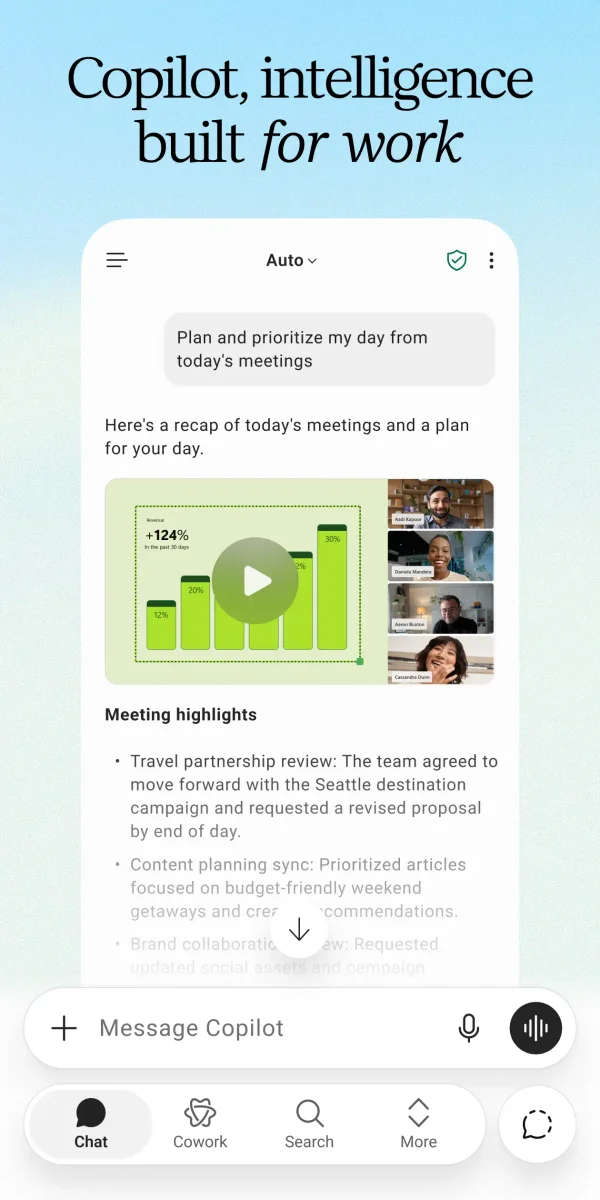
The Microsoft Copilot app is the AI built for work. Copilot helps you keep your work moving, from early ideas to finished documents, presentations, and more. Whether you're creating content, managing projects, organizing your day, or finding information, Copilot helps you get more done from one place.
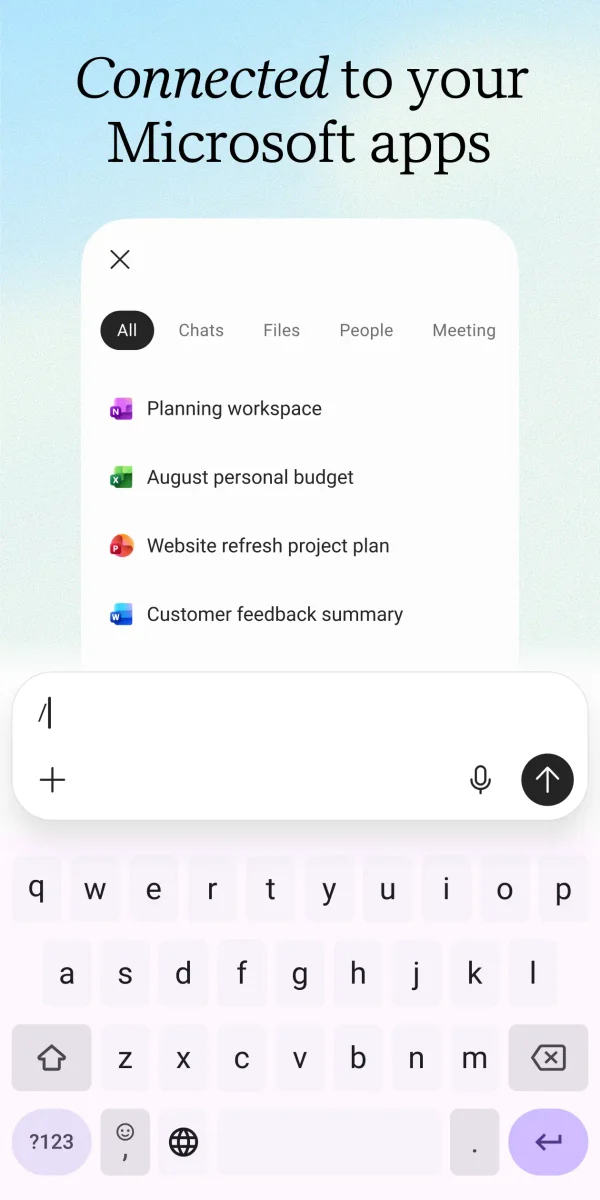
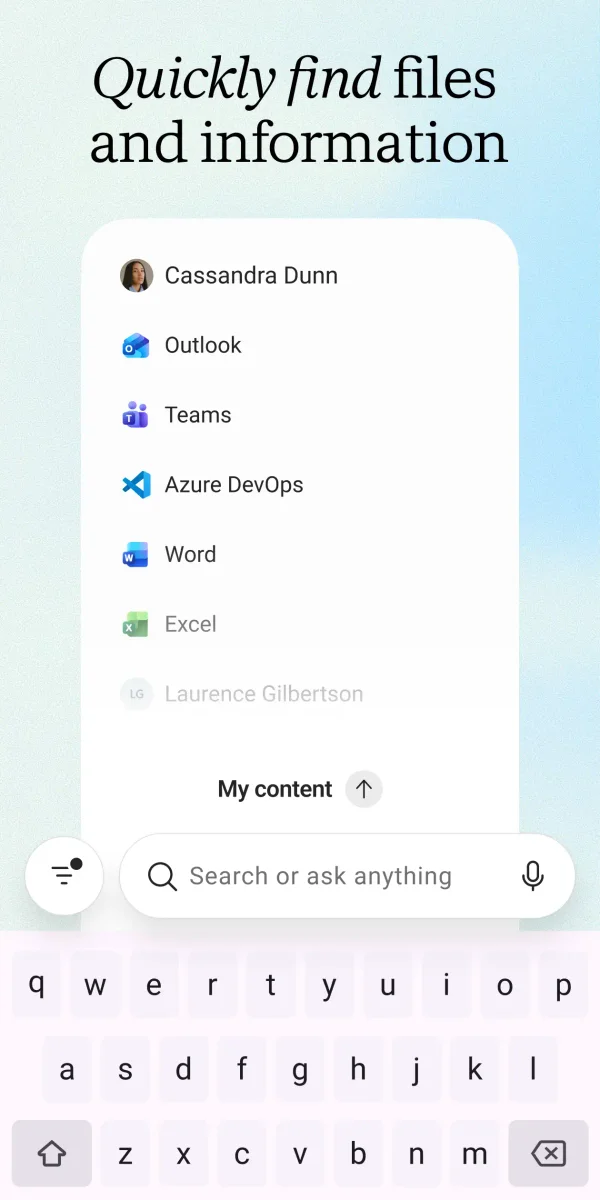
Copilot connects to Word, Excel, PowerPoint, Outlook, Teams, and more, bringing the files and information you use into one place. Create polished documents, presentations, and spreadsheets, summarize articles and files, draft emails, brainstorm ideas, analyze information, and get answers grounded in the work you're doing.
Whether you're preparing for an important meeting, researching a new topic, organizing your workload, or trying to understand difficult information, Copilot helps you work faster with answers and content that are grounded in the work you're doing.
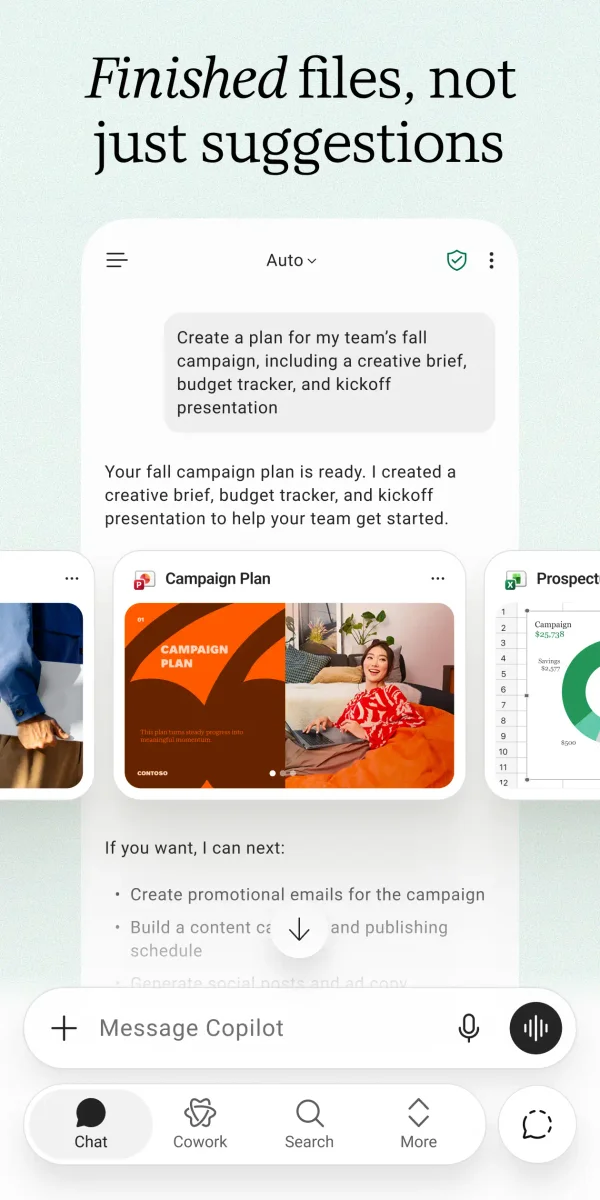
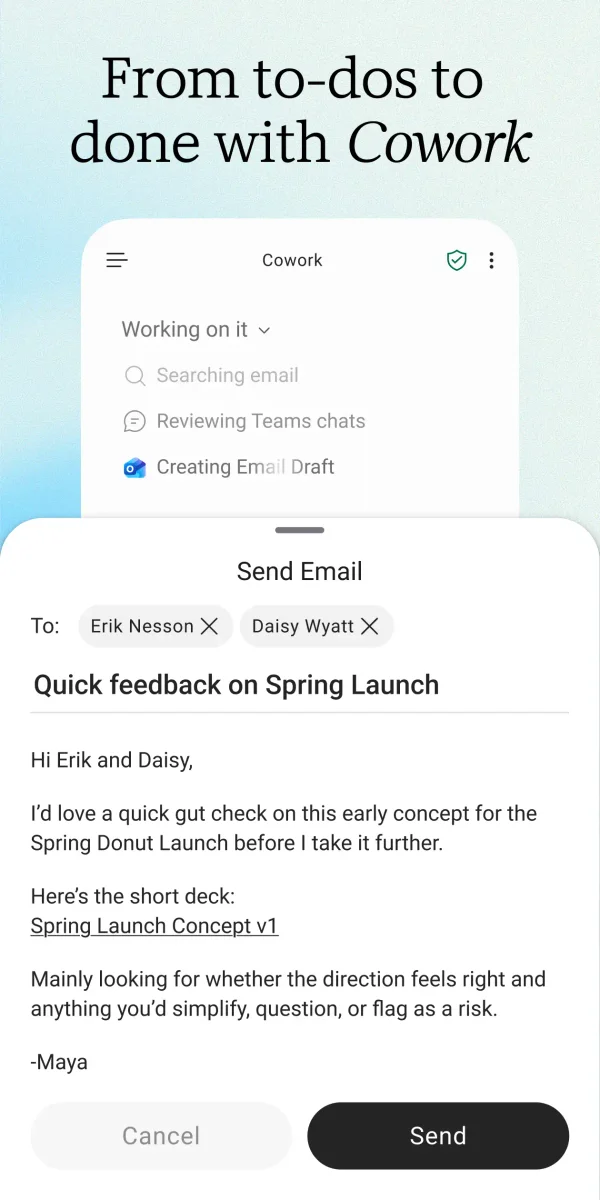
Take on bigger projects with Cowork. Hand Copilot multi-step tasks and let it create finished Word documents, PowerPoint presentations, Excel spreadsheets, and completed to-dos instead of simply suggesting your next step.
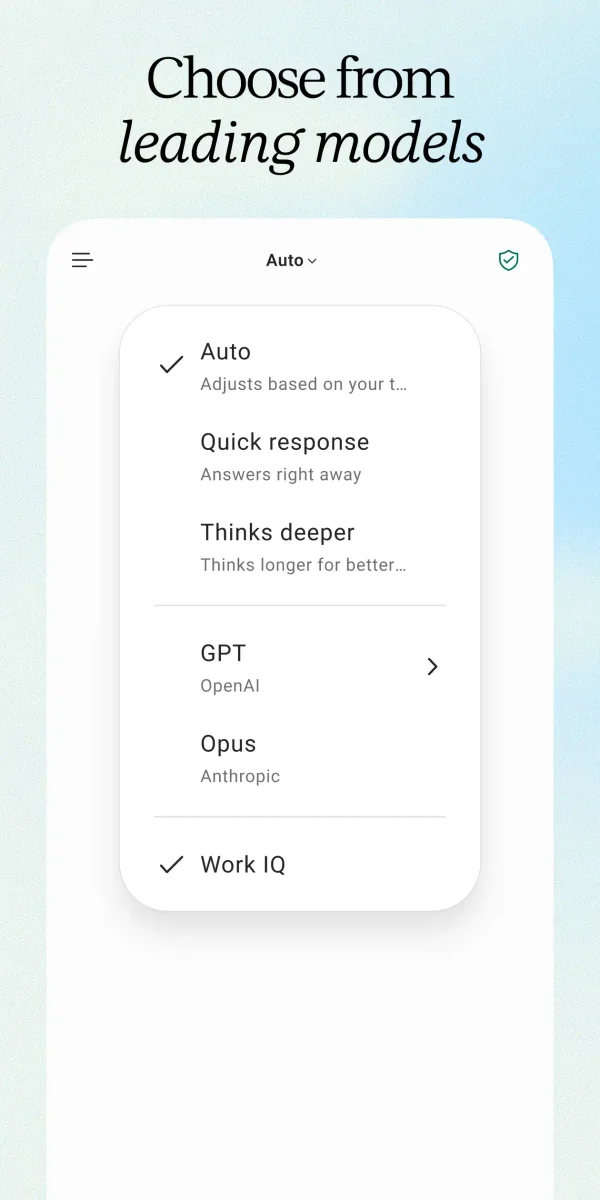
Choose between leading AI models, selecting the one that's best suited for writing, research, planning, analysis, brainstorming, or creative work.
Copilot also remembers what matters, connects to the files and information you use most, and helps you pick up where you left off. Upload Word, Excel, PowerPoint, images or PDF files directly from your phone to ask questions, generate summaries, and find the information you need.
Use Copilot to:
- Explain complex concepts with clear, easy-to-understand answers
- Brainstorm business ideas and organize your next project
- Plan and prioritize your workday with personalized schedules
- Summarize long articles, reports, and documents in seconds
- Draft email and text replies with the right tone
- Analyze spreadsheets and compare data
- Find files across your Microsoft 365 content
- Create presentations, reports, and documents faster
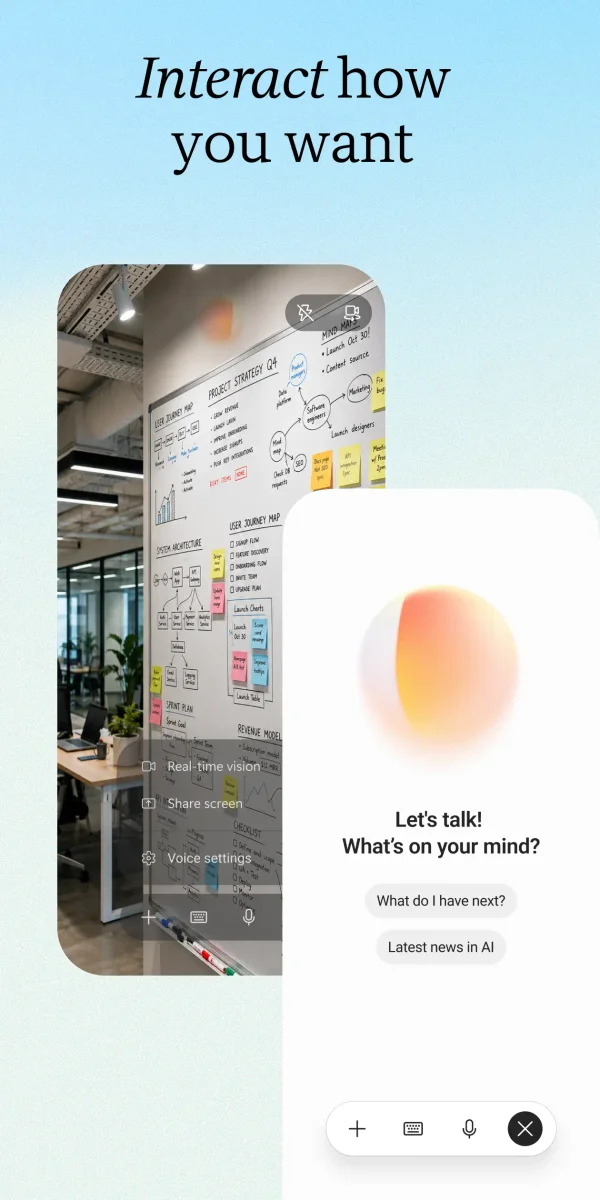
- Talk naturally using voice or upload files to get answers
For organizations with a Microsoft 365 Copilot subscription, Work IQ gives Copilot a deep
understanding of your organization's work, people, and relationships, delivering more intelligent, relevant, personalized and trusted assistance.
Copilot is built on the same enterprise-grade security foundation as Microsoft 365 — your permissions, encryption, and compliance commitments already in place. Data processing and protection commitments differ by subscription; see the full security documentation for details.
Availability of Microsoft Copilot features may vary. Some capabilities require specific licenses or may be disabled by your organization's administrator. See this webpage for more information on feature availability by license:
https://support.microsoft.com/topic/understanding-the-different-microsoft-copilot-experiences-cfff4791-694a-4d90-9c9c-1eb3fb28e842
Please refer to Microsoft’s EULA for Terms of Service for Microsoft 365. By installing the app, you agree to these terms and conditions:
https://learn.microsoft.com/en-us/legal/microsoft-365/microsoft-365-copilot-mobile-license-terms
Segurança dos dados
O que Microsoft Corporation declara na Google Play sobre os dados que este app coleta e compartilha.
- Este app pode compartilhar estes tipos de dados com terceirosLocal, Informações pessoais e mais 2
- Este app pode coletar estes tipos de dadosLocal, Informações pessoais e mais 7
- Os dados não são criptografados
- Você pode solicitar a exclusão dos dados
Novidades
Versão 16.0.20708.20028 · 23/11/2026
Thank you for using Microsoft Copilot.
We regularly release updates to the app, which include great new features, as well as improvements for speed and reliability.
Contato do desenvolvedor
- Sitemicrosoft365.com
- E-mailm365appfeedback@microsoft.com
- Política de privacidadego.microsoft.com
- Endereço1 Microsoft Way Redmond, WA 98052 United States
Informações
- Oferecido por
- Microsoft Corporation
- Categoria
- Produtividade
- Versão
- 16.0.20708.20028
- Atualizado
- 23/11/2026
- Lançamento
- 17/02/2020
- Classificação etária
- Classificação 14 anos
- Preço
- Grátis
- Compras no app
- R$ 0,99 – R$ 1.089,00 por item
- Nome do pacote
- com.microsoft.office.officehubrow
Apps semelhantes
-
 Gmail
Comunicação
-
 ChatGPT
Produtividade
-
 Google Fotos
Fotografia
-
 Acrobat Reader: PDF Converter
Produtividade
-
 Google Gemini
Produtividade
-
 Microsoft Teams
Negócios
-
 Google Drive
Produtividade
-
 Google Docs
Produtividade
-
 Microsoft Word: Edit Documents
Produtividade
-
 Leitor de PDF & Visualizador
Produtividade
-
 LinkedIn: Perfil Profissional
Negócios
-
 Microsoft Outlook
Produtividade