R
UserLAnd Technologies- Classificação LivreClassificação etária
- FerramentasCategoria
- 17/11/2026Atualizado
- R$ 9,49Preço
Leva à página oficial de tech.ula.r na Google Play. Última verificação em 19/11/2026.
Capturas de tela

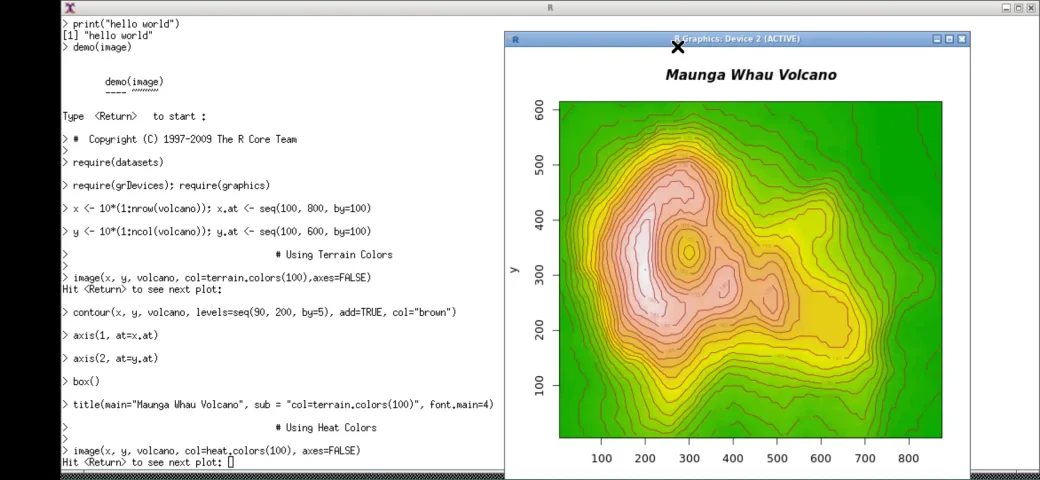
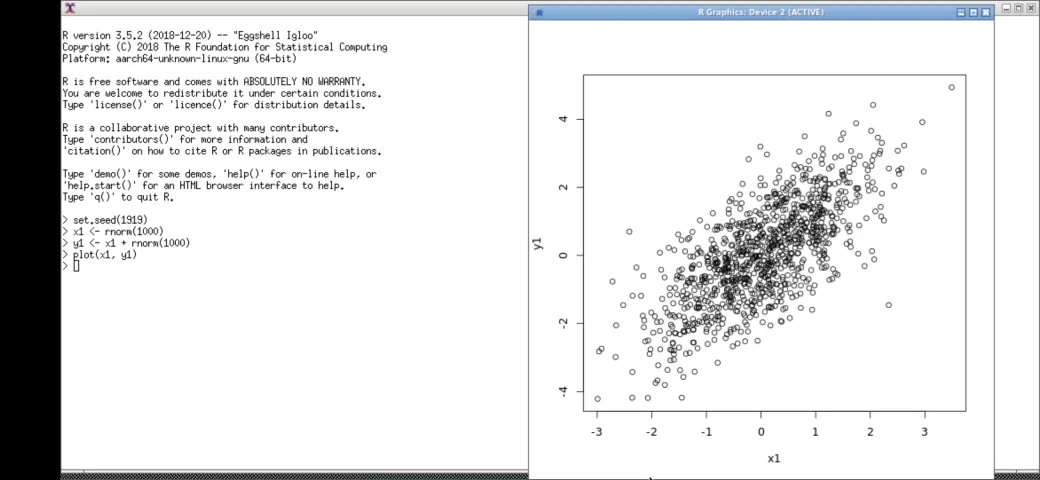
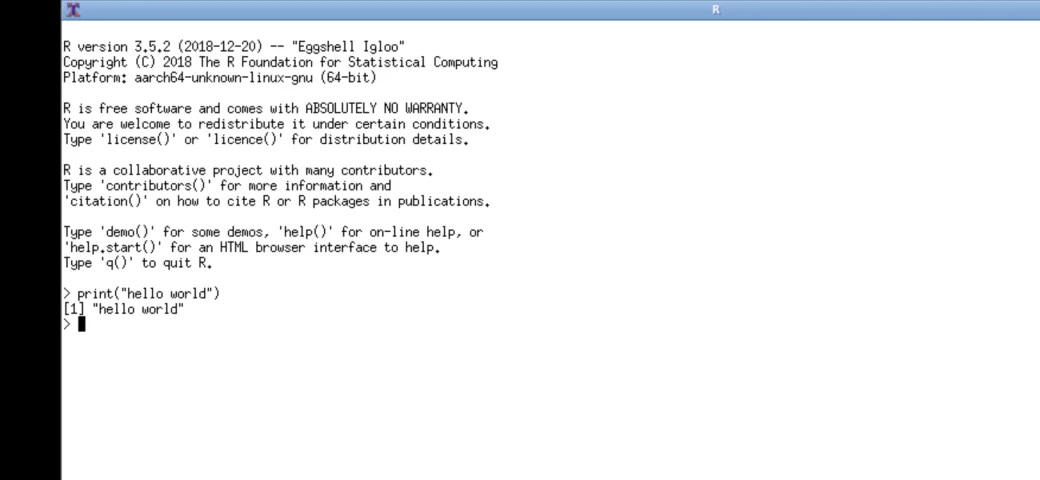
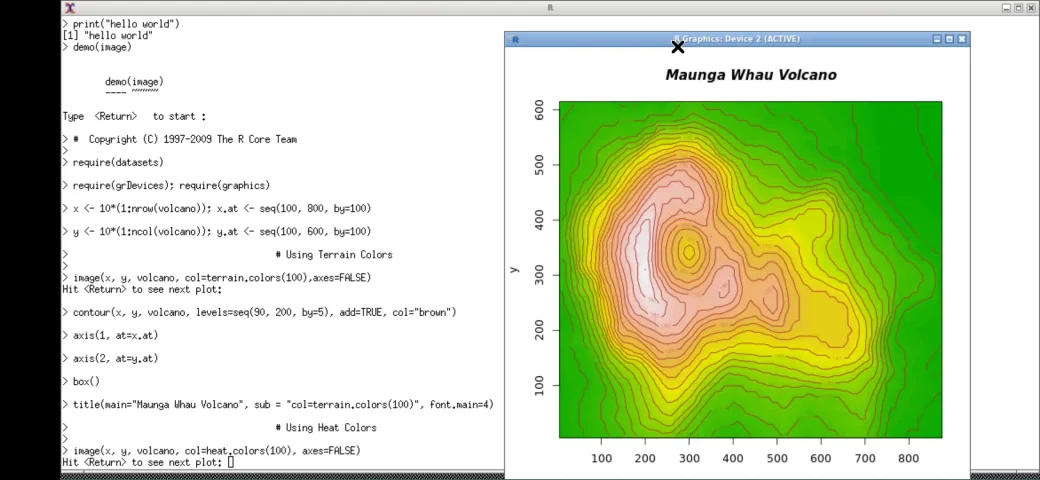
Sobre este app
Tradução automática do Google. Idioma original: Inglês (Estados Unidos).
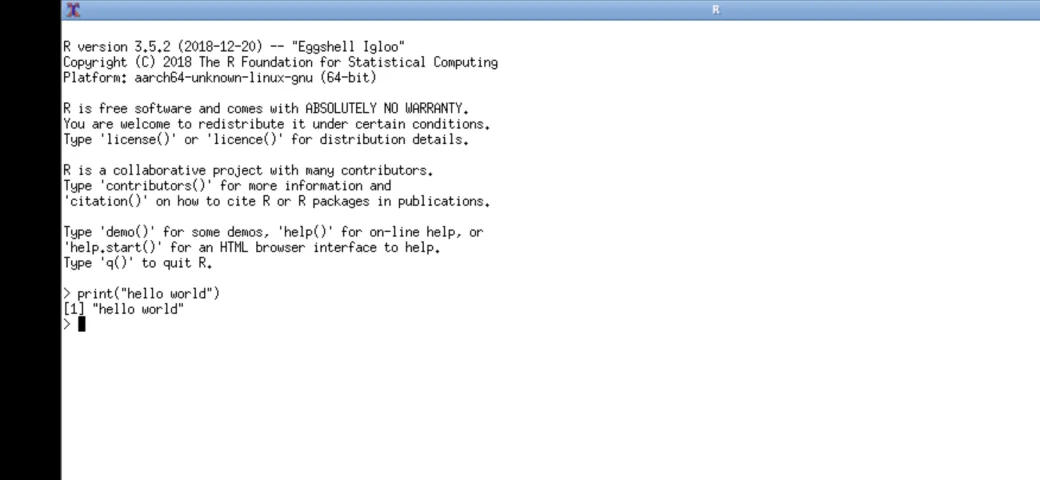
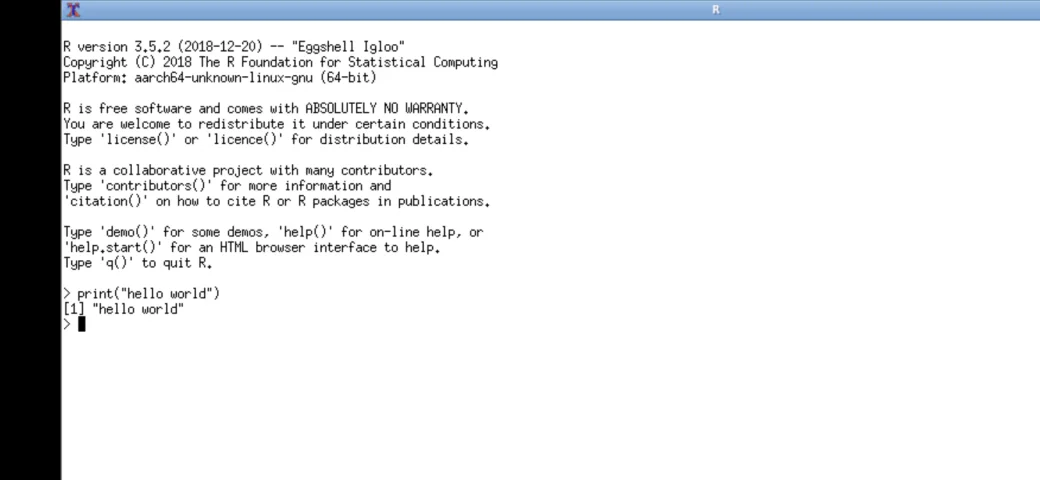
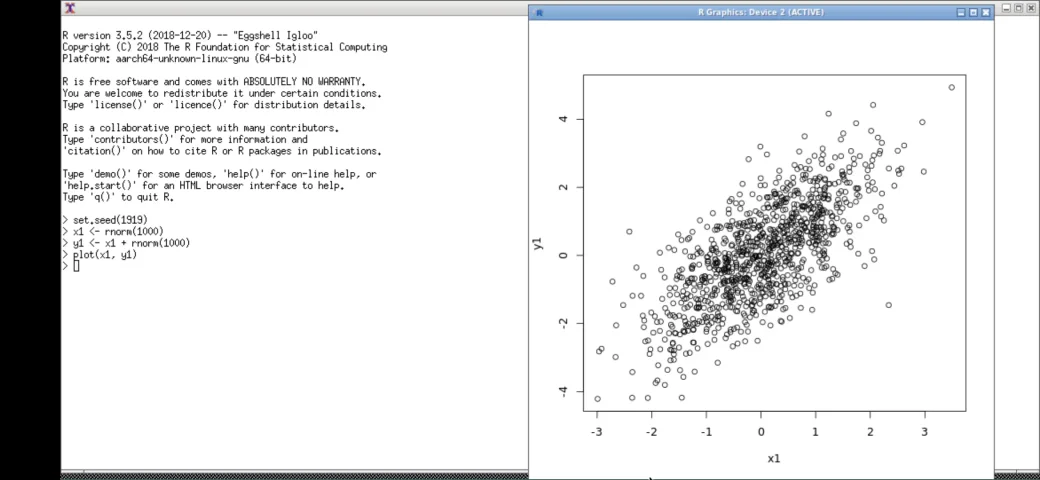
R - Programar e executar R no Android
Este é o R rodando no seu dispositivo. Ele é completo e tem suporte profissional.
Sobre o R:
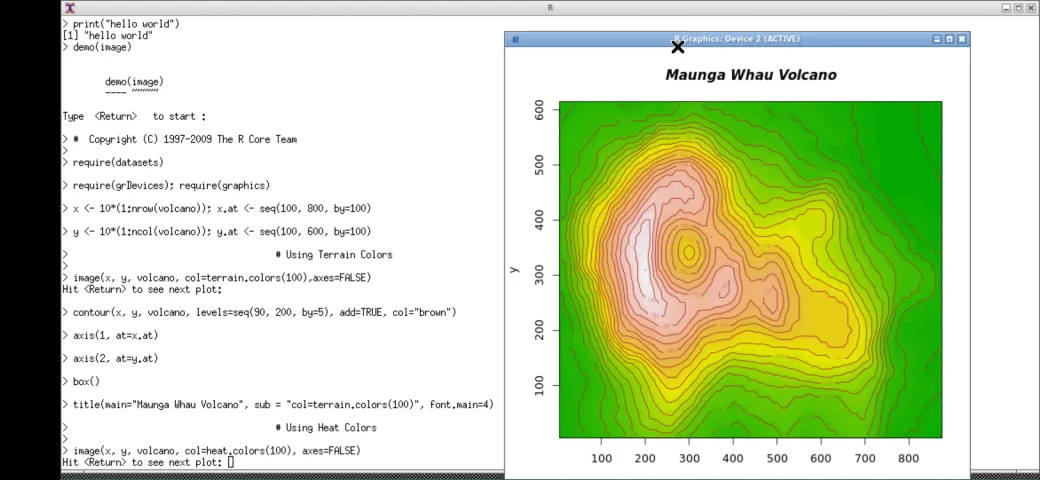
O R é uma linguagem e um ambiente para computação estatística e gráficos que oferece uma ampla variedade de técnicas estatísticas e gráficas: modelagem linear e não linear, testes estatísticos, análise de séries temporais, classificação, agrupamento, etc. Você pode ler mais sobre o R aqui: https://www.r-project.org/
Como usar este aplicativo R para Android:
Ao usar a interface gráfica, use-a normalmente. Mas aqui estão algumas especificidades da interface do Android.
* Toque com um dedo para clicar com o botão esquerdo.
* Mova o cursor deslizando um dedo.
* Use o gesto de pinça para ampliar.
* Pressione e segure e, em seguida, deslize um dedo para mover a tela (útil quando estiver com zoom).
* Deslize dois dedos para cima e para baixo para rolar.
* Se quiser abrir um teclado, toque na tela para que um conjunto de ícones apareça e, em seguida, clique no ícone do teclado.
* Se quiser fazer o equivalente a um clique com o botão direito, toque com dois dedos.
* Se você quiser alterar a escala da área de trabalho, encontre a notificação do serviço Android e clique em configurações. Você precisa fechar e reiniciar o aplicativo após alterar essas configurações para que elas entrem em vigor.
Tudo isso é mais fácil de fazer em um tablet e com uma caneta stylus, mas também pode ser feito em um telefone ou usando o dedo.
Para acessar arquivos de outras pastas do Android, existem muitos atalhos úteis no seu diretório pessoal (/home/userland) para locais como Documentos, Imagens, etc. Não é necessário importar ou exportar arquivos.
Se você não quiser ou não puder pagar o custo deste aplicativo, você pode executar o R através do aplicativo UserLAnd.
O logotipo é fornecido pela R Foundation sob a licença CC-BY-SA 4.0.
Este aplicativo não foi criado pela equipe principal de desenvolvimento do R. Em vez disso, é uma adaptação que permite que a versão Linux seja executada no Android.
Mostrar o texto original
This really R running on your device. It is full featured and professionally supported.
About R:
R is a language and environment for statistical computing and graphics which provides a wide variety of statistical and graphical techniques: linear and nonlinear modelling, statistical tests, time series analysis, classification, clustering, etc. You can read more about R here: https://www.r-project.org/
How to use this R Android app:
When using the graphical interface, use it just like normal. But here are some specifics to the Android interface.
* Tap with one figure to left click.
* Move mouse by sliding around one finger.
* Pinch to zoom.
* Press and hold and then slide one finger to pan (useful when zoomed in).
* Slide two fingers up and down to scroll.
* If you want to bring up a keyboard, tap on the screen to get a set of icons to appear and then click the keyboard icon.
* If you want to do the equivalent to a right click, tap with two fingers.
* If you want to change the desktop scaling, find the service android notification and click the settings. You have to stop and restart the app after changing this settings for it to take effect.
This is all easier to do on a tablet and with a stylus, but it can be done on a phone or using your finger as well.
To access files from the rest of Android, there are many useful links in your home directory (/home/userland) to places like your Documents, Pictures, etc. No need to import or export files.
If you don't want to, or cannot pay the cost of this app, you can run R via the UserLAnd app.
The logo is provided by the R Foundation under the CC-BY-SA 4.0.
This app is not created by the main R development team. Instead it is an adaptation that allows the Linux version to run on Android.
Segurança dos dados
O que UserLAnd Technologies declara na Google Play sobre os dados que este app coleta e compartilha.
- Os dados não são compartilhados com terceirosSaiba mais sobre como os desenvolvedores declaram o compartilhamento
- Nenhum dado foi coletadoSaiba mais sobre como os desenvolvedores declaram a coleta
Novidades
Versão 26.11.17 · 17/11/2026
Your app's Linux system is now built fresh from our new image pipeline, with up-to-date packages and a faster, more reliable download. Opening files in your phone's shared storage no longer fails the first time, and more programs run correctly. Already installed? Your existing setup is kept; reinstall to get the new system.
Contato do desenvolvedor
- Siteuserland.tech
- E-mailsupport@userland.tech
- Política de privacidadeuserland.tech
- Endereço10258 SW 67th Ave Portland, OR 97223 United States
Informações
- Oferecido por
- UserLAnd Technologies
- Categoria
- Ferramentas
- Versão
- 26.11.17
- Atualizado
- 17/11/2026
- Lançamento
- 18/07/2023
- Requer
- Android 7.0 ou posterior
- Classificação etária
- Classificação Livre
- Preço
- R$ 9,49
- Nome do pacote
- tech.ula.r