Web Tool - Multiple Accounts
FirehawkContém anúncios · Compras no app
- Classificação LivreClassificação etária
- ComunicaçãoCategoria
- 22/07/2026Atualizado
- GrátisPreço
Leva à página oficial de com.geeksoftapps.whatsweb na Google Play. Última verificação em 28/11/2026.

Capturas de tela
Sobre este app
O desenvolvedor não forneceu este texto no seu idioma.
Management tool for multiple accounts.
What is Web Tool - Multiple Accounts?
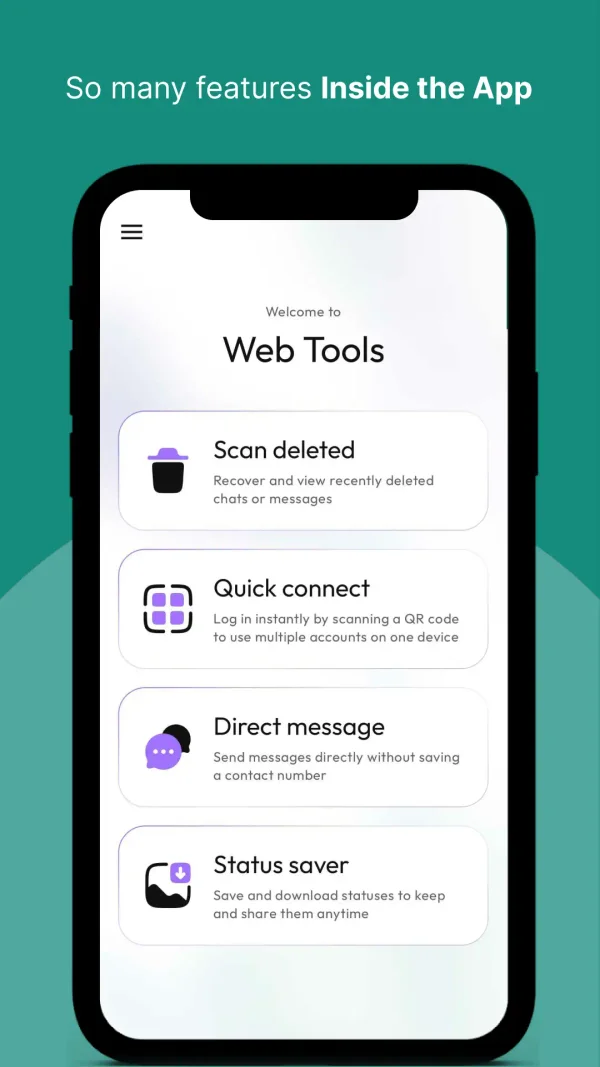
An Android account management tool that brings web account linking, direct messaging, and status saving into one app. Use QR code linking to access an existing messaging account on another device or work with two accounts on one device, where the messaging service supports this access.Who is Web Tool - Multiple Accounts for?
Use it when you want to access your own linked accounts from another device or keep two messaging accounts available on the same Android device. Account linking connects an existing account through its web session.It also suits occasional conversations when you have a phone number but do not want to add it to your contacts. The status saving feature provides a separate tool for keeping available content, while a darker interface gives you another display preference.
What does Web Tool - Multiple Accounts do?
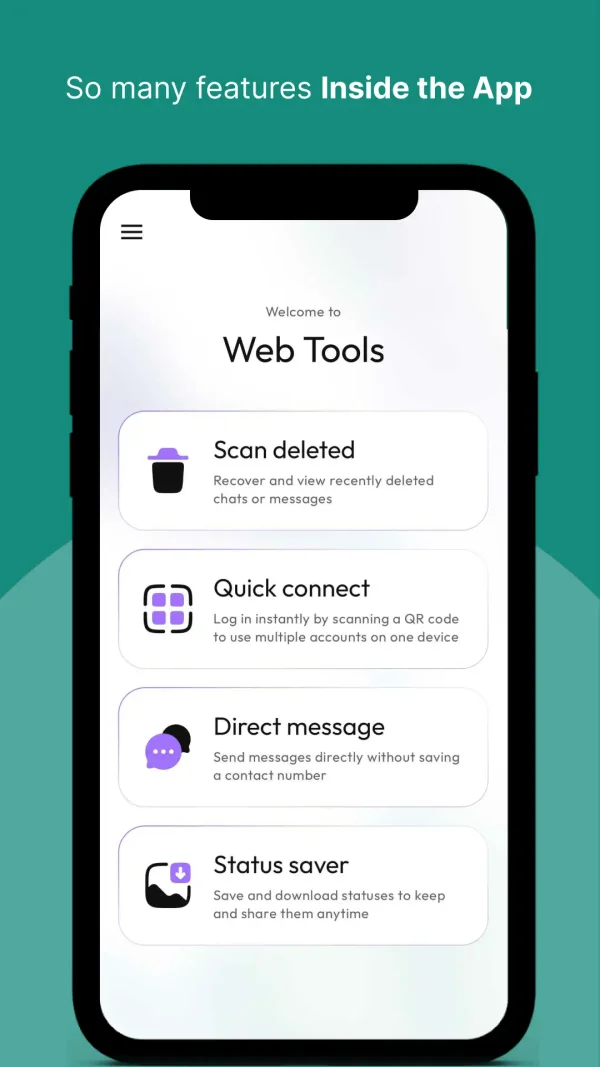
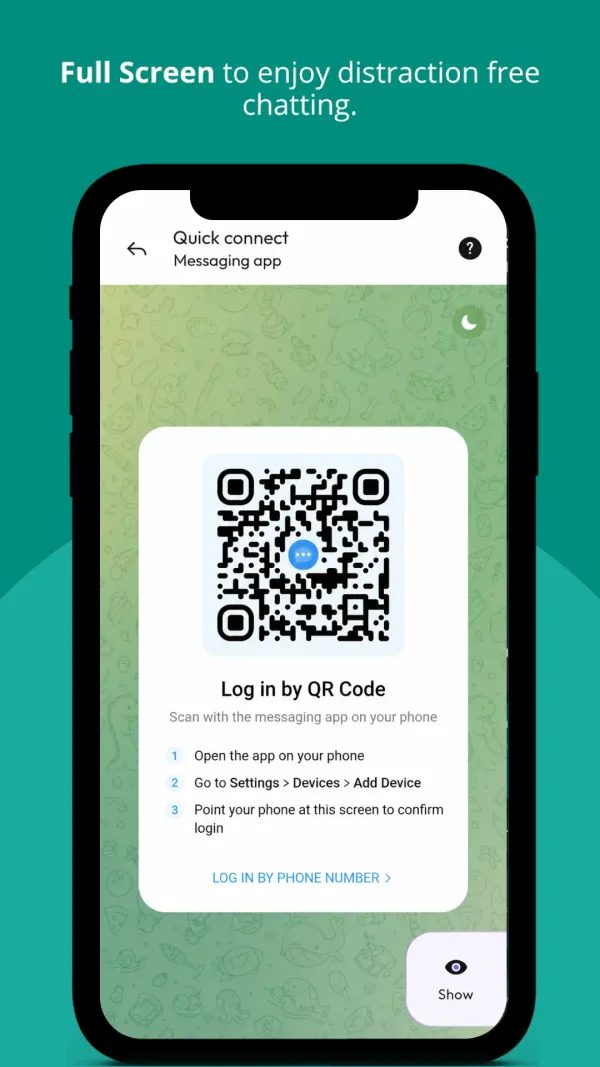
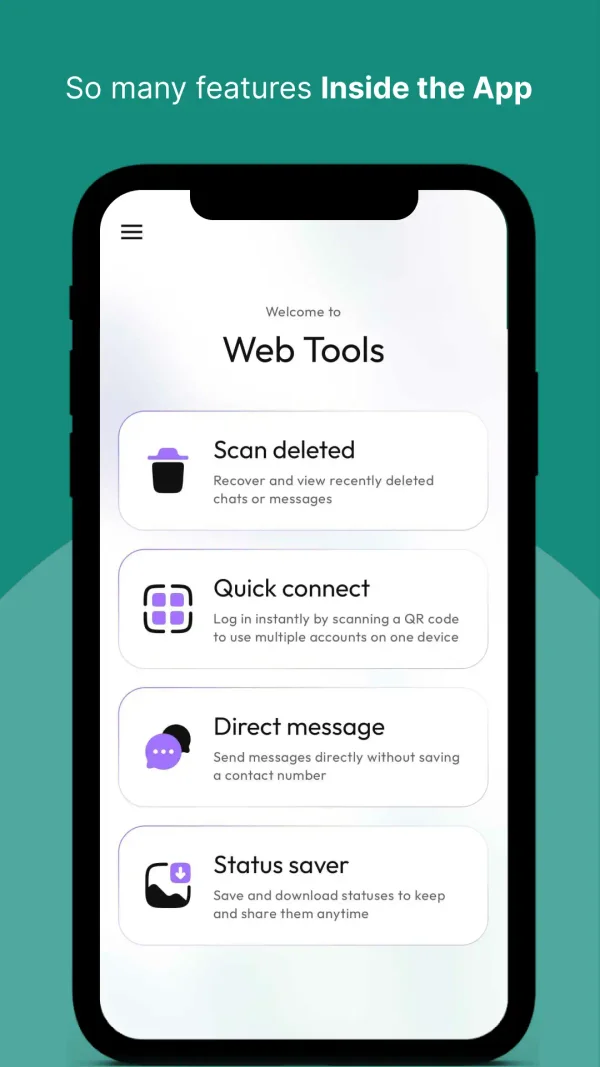
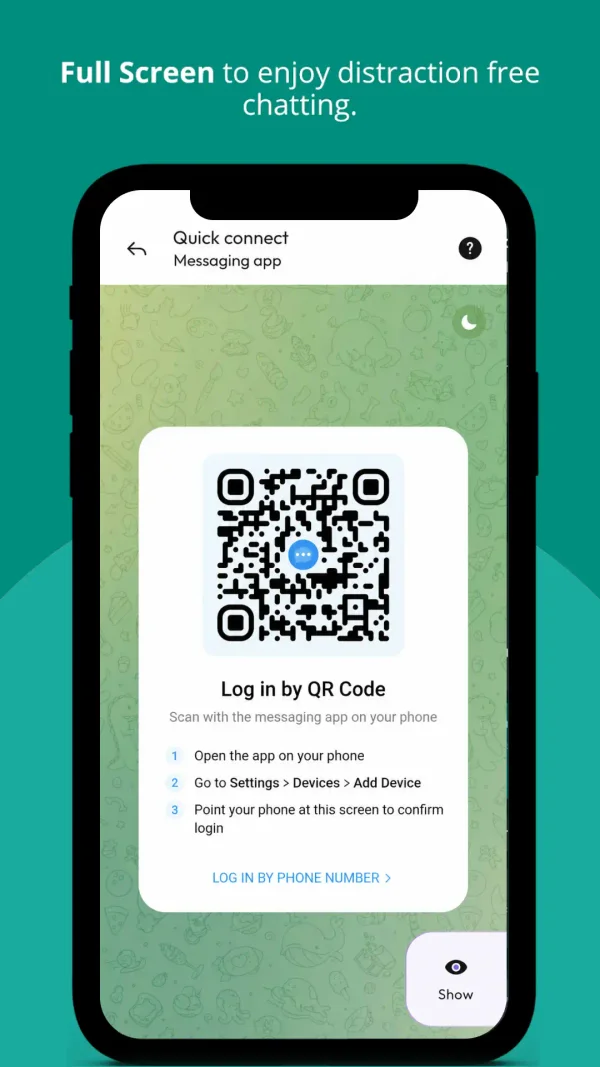
• Link an existing account: use the Web Scan feature and the account's QR code linking process to open a web session.
• Support account management: access two accounts on the same device or one account across devices, subject to the underlying service's support and limits.
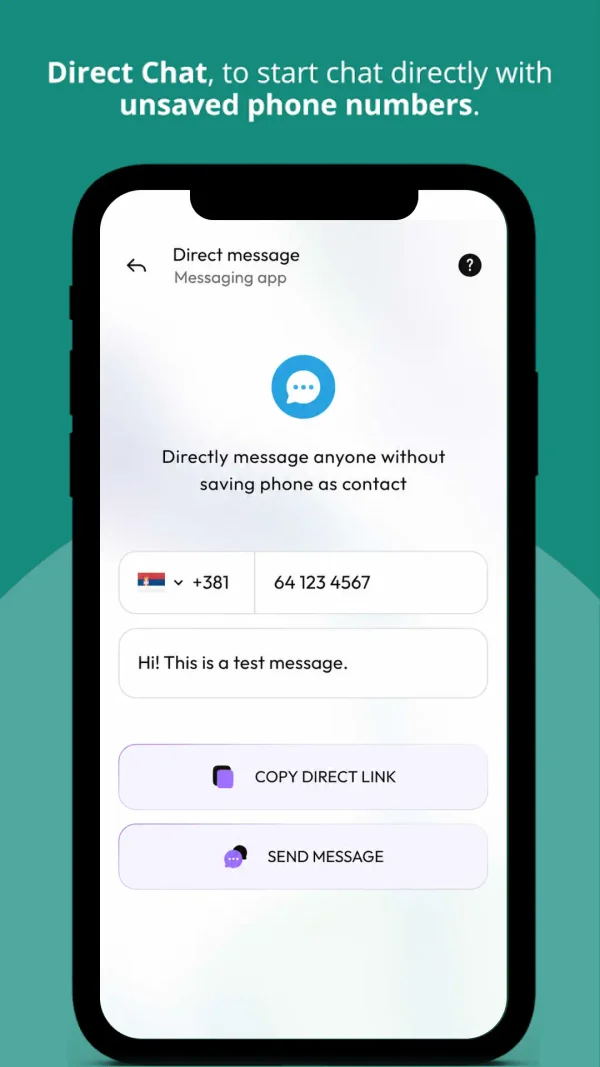
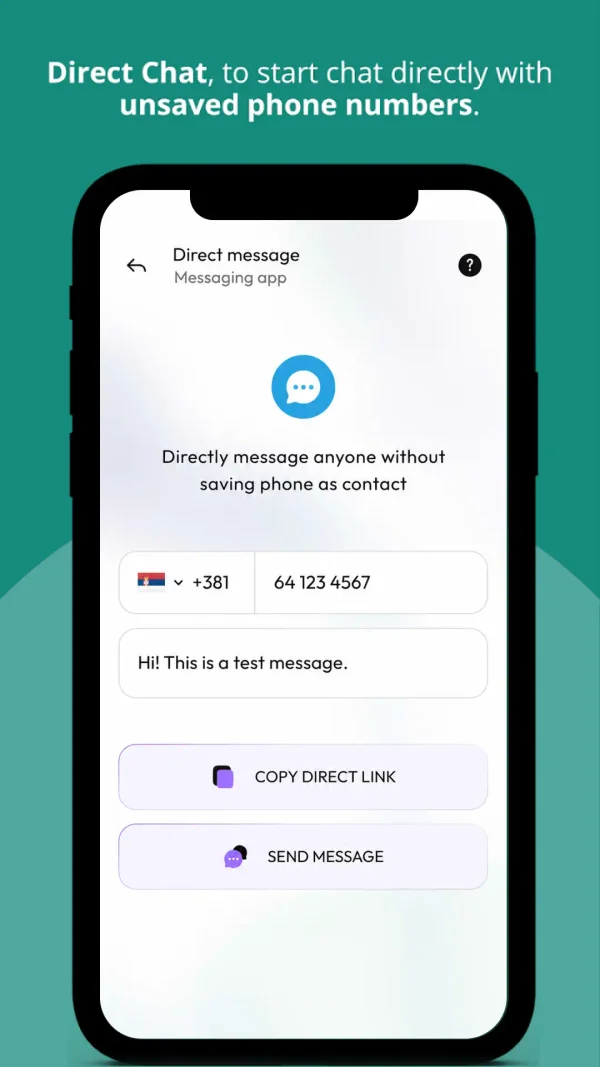
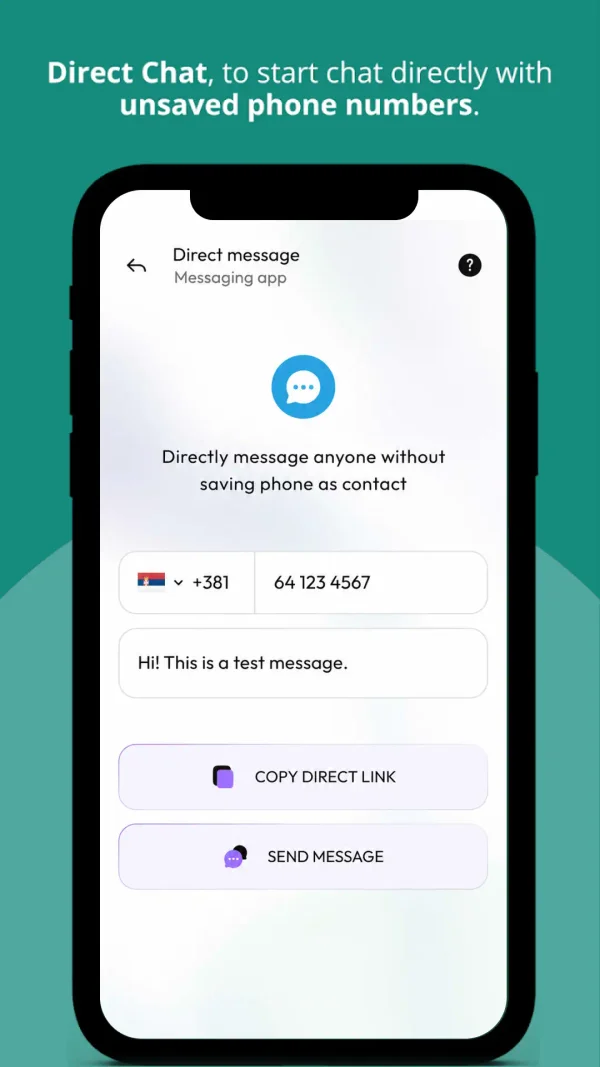
• Start a direct chat: enter a phone number and begin a conversation without first saving it as a contact.
• Save statuses: use the status saver to download available status content for later viewing.
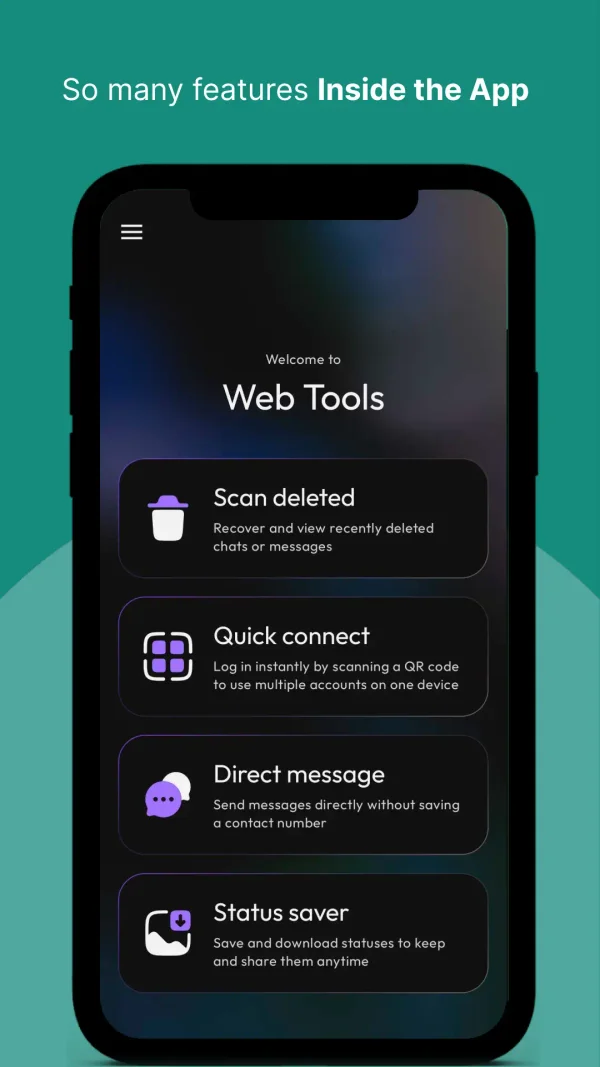
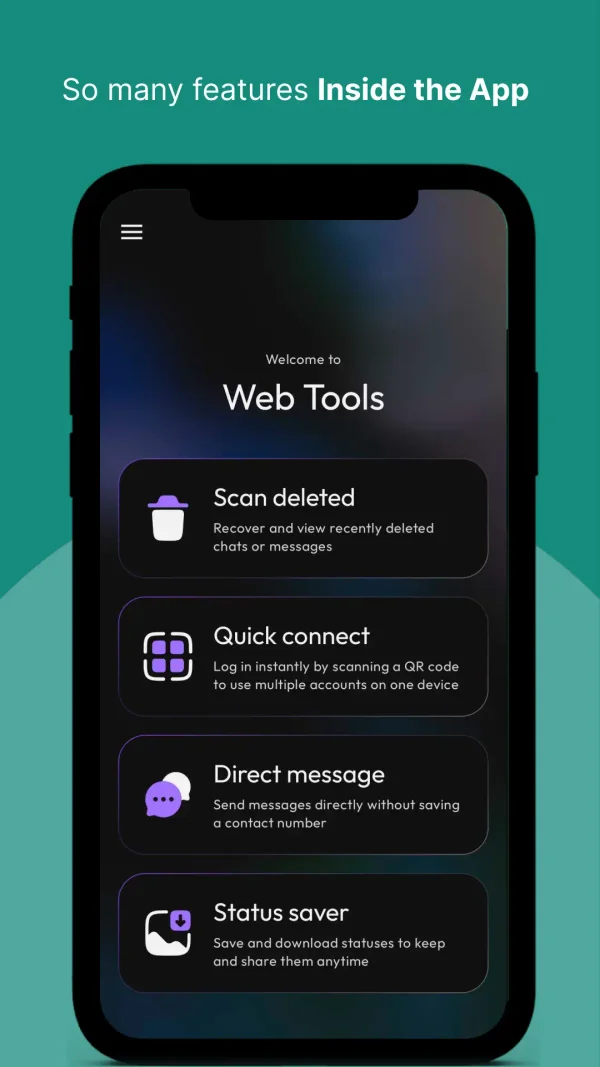
• Offer dark mode: choose a darker appearance for the app's interface.
How does Web Tool - Multiple Accounts work?
Open Web Scan and complete the linking process using the messaging account's primary device. Authorize the connection through that account's linked-device controls. Link only accounts you own or have permission to use.For Direct Chat, choose the country code, enter the phone number, and write your message. Check the number before continuing with the send action. You do not need to create a contact entry for that conversation.
Open Status Saver when you want to keep available status content. Use the app's display settings to select dark mode if you prefer a darker interface.
Compatibility and requirements
Designed for Android. Web account linking requires an existing compatible messaging account, authorization from its primary device, and an internet connection for the web session.Linked accounts depend on the messaging service's supported access methods, device limits, and session rules. Third-party access may be restricted, and the service may disconnect a linked session or restrict an account. This is an independent tool, without official affiliation to the messaging service.
The app contains ads and offers in-app purchases.
Privacy
The app may collect and share personal information, app information and performance data, and device or other identifiers.Web Tool - Multiple Accounts brings account linking and messaging shortcuts together for your next conversation.
About Permissions:
- RECORD_AUDIO gives an app unrestricted access to the device's microphone so it can listen to or record sound.
Segurança dos dados
O que Firehawk declara na Google Play sobre os dados que este app coleta e compartilha.
- Este app pode compartilhar estes tipos de dados com terceirosInformações pessoais, Informações e desempenho do app e Identificadores do dispositivo e outros IDs
- Este app pode coletar estes tipos de dadosInformações pessoais, Informações e desempenho do app e Identificadores do dispositivo e outros IDs
- Os dados são criptografados em trânsito
- Não é possível excluir os dados
Contato do desenvolvedor
- Sitefirehawk.ai
- E-mailsupport.whatswebtools@firehawk.ai
- Política de privacidadefirehawk.ai
- Endereço18/7 Yechezkel TEL AVIV-JAFFA, 6259524 Israel
Informações
- Oferecido por
- Firehawk
- Categoria
- Comunicação
- Versão
- 1.5.1
- Atualizado
- 22/07/2026
- Lançamento
- 15/05/2021
- Requer
- Android 8.0 ou posterior
- Classificação etária
- Classificação Livre
- Preço
- Grátis
- Compras no app
- R$ 5,49 – R$ 549,99 por item
- Nome do pacote
- com.geeksoftapps.whatsweb
Apps semelhantes
-
 Hermit — Lite Apps Browser
Produtividade
-
 Dokobit
Produtividade
-
 Krisp AI Meeting Note Taker
Produtividade
-
 MYCPE ONE
Educação
-
 2Do: Tarefas, agenda e listas
Produtividade
-
 Invoice Fly - Estimativa Fácil
Negócios
-
 Be Soul: Legacy Planner
Social
-
 Inventário Controle de Estoque
Negócios
-
 MeisterTask - Task Management
Produtividade
-
 bswift Mobile
Produtividade
-
 Audio Diary: a voice journal
Saúde e fitness
-
 Multiple Accounts - Assist
Ferramentas