
Capsort - Screenshot Organizer
Sort screenshots as you snap
Projetado para iPhone, iPad
Grátis · Compras no app
- Classificação etária4+
- CategoriaFoto e vídeo
- DesenvolvedorYUKICHI SUGIMOTO
- IdiomasJaponêse mais 1
- Tamanho14,8 MB
Leva à página oficial na App Store
O Download.org não hospeda nenhum arquivo de Capsort - Screenshot Organizer. O botão abre a página do app na App Store, onde YUKICHI SUGIMOTO o publica. Página verificada pela última vez em 23/11/2026.
Capturas de tela

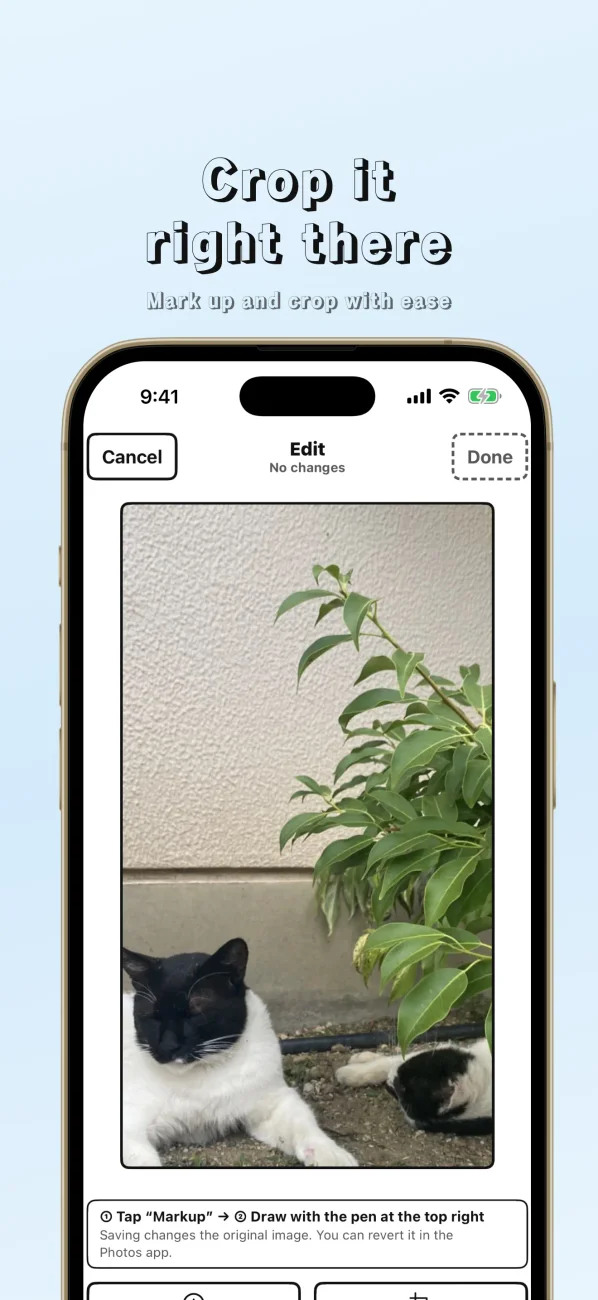
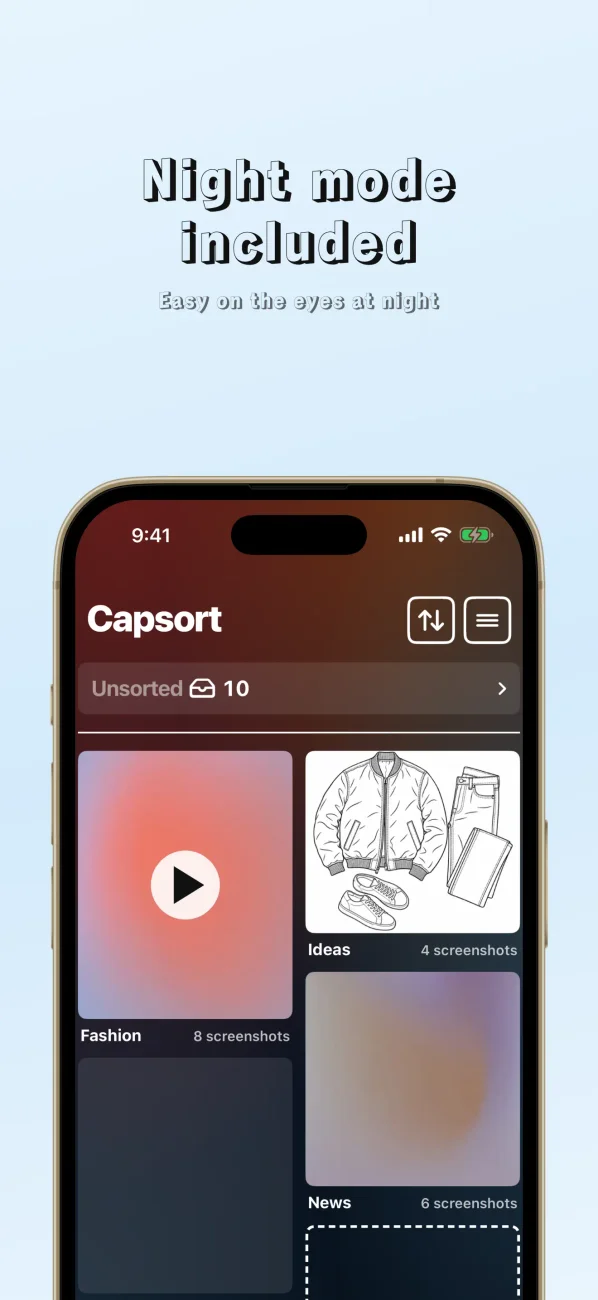
Sobre
O desenvolvedor não forneceu este texto no seu idioma.
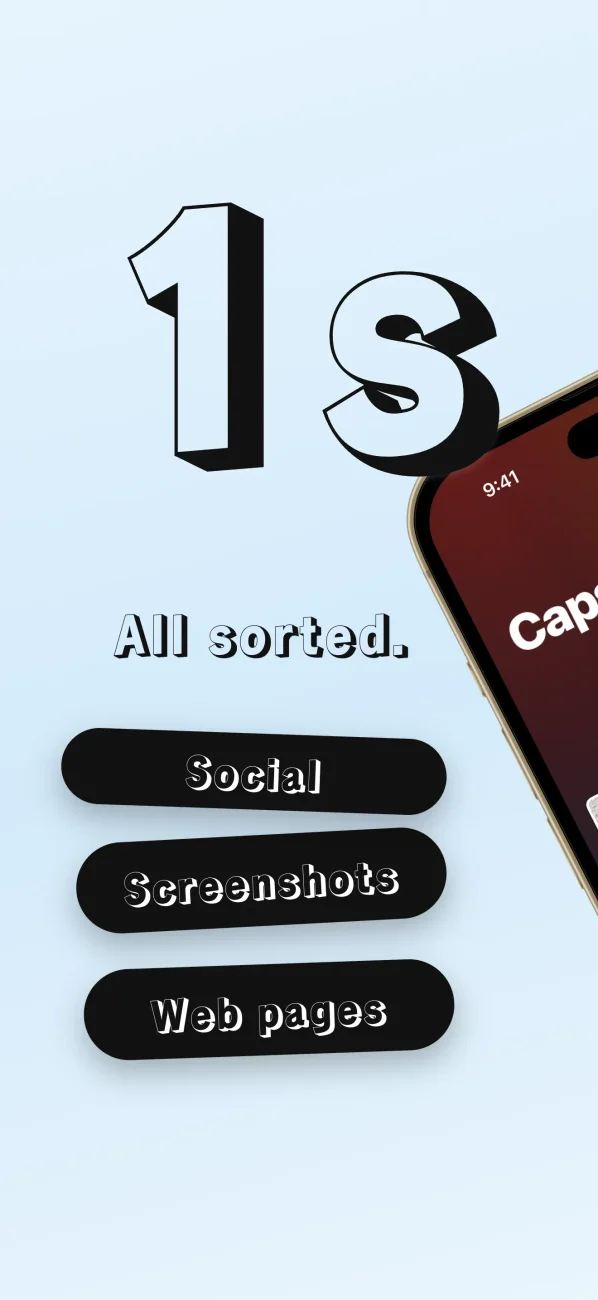
Capsort lets you sort your screenshots and social media links into categories, by hand, right when you save them.
Things you want to buy, outfits you like, ideas, news, quotes. You saved them to look at later, but they got buried in your photo library. Capsort was made to fix that.
SORT RIGHT AFTER YOU SNAP
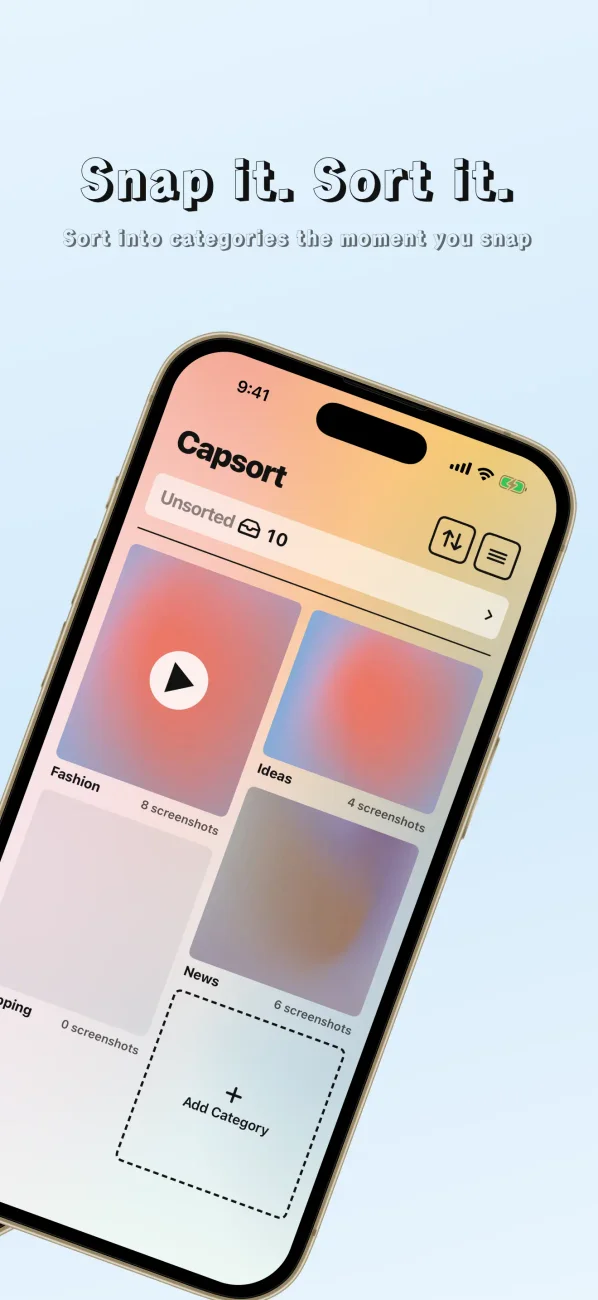
Take a screenshot and Capsort’s sorting screen opens. Drag the image onto one of your categories, or just double-tap. Made a mistake? Tap Undo.
SORT LINKS, TOO
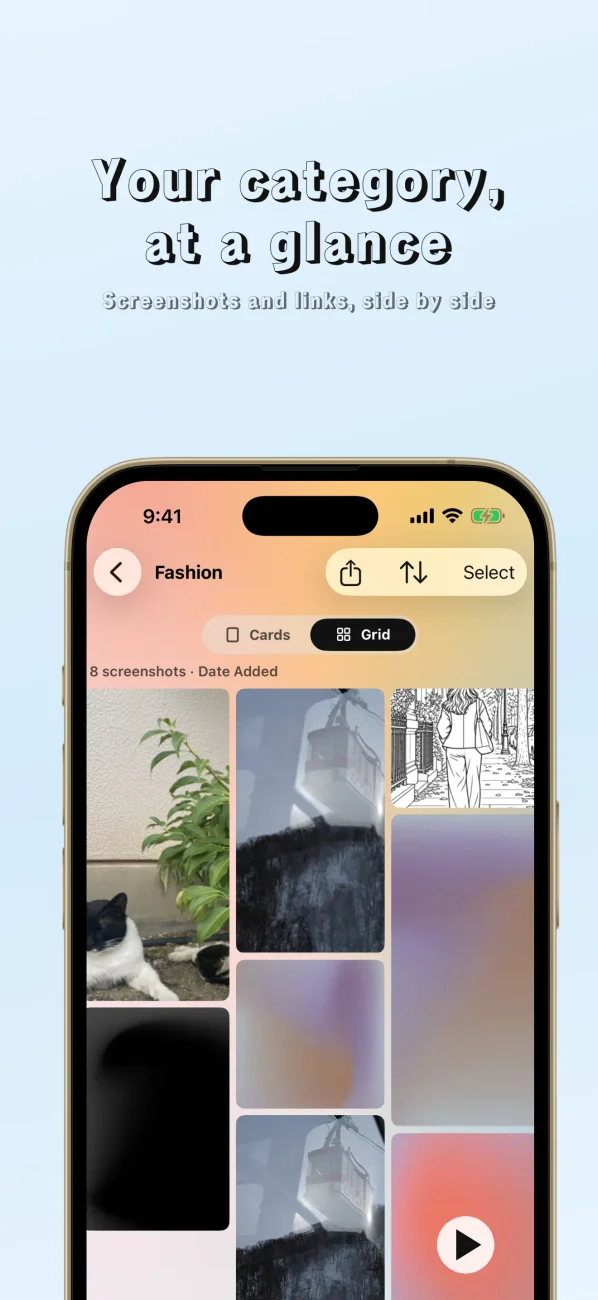
Send posts from social media and video apps to Capsort from the share sheet. Choose Capsort under Share, then move the link onto a category. Sorted links appear in the category alongside your screenshots. The title and thumbnail are fetched from the linked page and stored on your device.
YOUR OWN CATEGORIES
Name your categories and choose their cover images. A cover can be a screenshot or a link thumbnail. There’s no limit on how many you make, and you can reorder or delete them at any time.
EASY TO LOOK BACK
• Review unsorted screenshots and links, select several, and sort them all at once
• Move items between categories
• Order a category manually, by date added, or by date taken
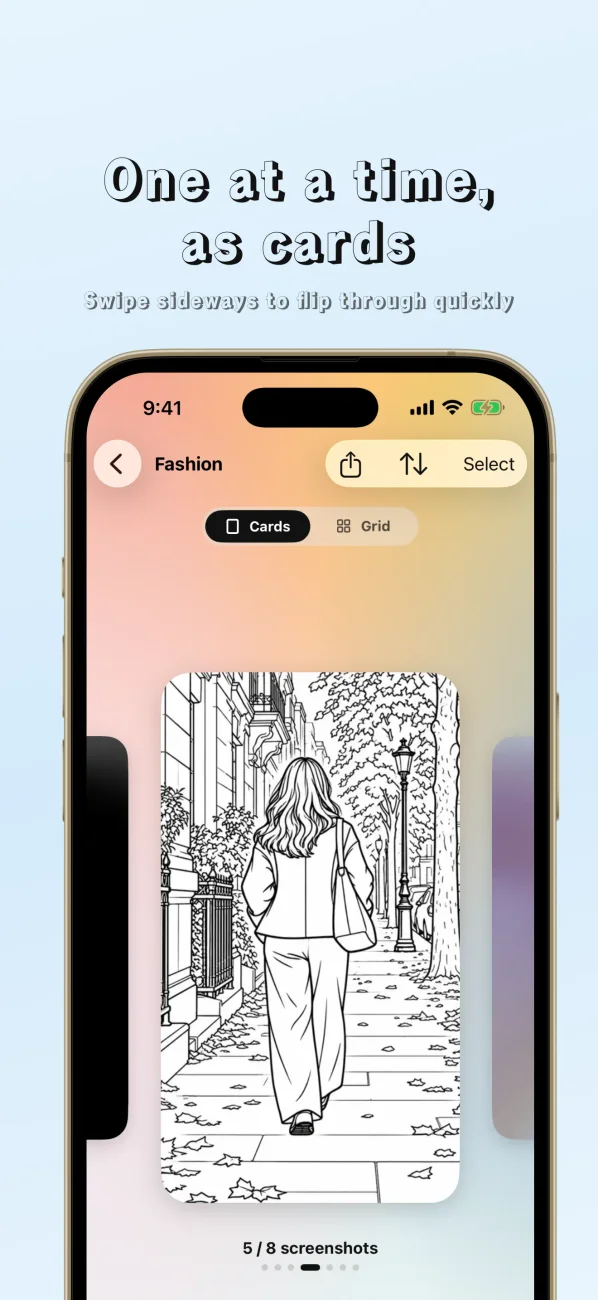
• Swipe through screenshots and links together in a full-screen viewer, and select text inside images
• Add a short note to any screenshot or link
SYNCED TO PHOTOS
Your categories appear as albums in a “Capsort” folder in the Photos app. Capsort is the main place you sort; Photos simply mirrors it. If syncing fails, your sorting is still saved in the app and is retried automatically the next time you open it.
PLANS
• Free: Unlimited sorting right after you take a screenshot. Sorting unsorted screenshots later is limited to 10 a day (this includes screenshots from before you installed the app, and both sorting and deleting count). Sorting links from the share sheet is limited to 3 a day.
• Capsort Pro (one-time purchase): Unlimited sorting of unsorted screenshots and links. Buy once, use forever.
• Your Apple Account is charged once when you confirm the purchase. It never renews automatically.
• On a new device, use “Restore Purchases” to bring it over.
• Terms of Use: https://www.apple.com/legal/internet-services/itunes/dev/stdeula/
• Privacy Policy: https://yktssss9-blip.github.io/capsort-site/privacy.html
PRIVACY
• Capsort doesn’t copy your images. It works with them directly in your photo library.
• The contents of your photos and screenshots are never sent off your device.
• When you sort a link from the share sheet, your device accesses the linked site to fetch its title and thumbnail. Links are never sent to the developer’s servers.
• No account required.
• To manage purchases, purchase information and an anonymous identifier are sent to our payment management service (RevenueCat).
BEFORE YOU START
• Full access to your photo library is required.
• To sort right after taking a screenshot, add the shortcut and assign it to an action such as Back Tap. The first-run guide walks you through it.
• To sort links, Capsort needs to appear in your share sheet (optional; the first-run guide shows you how).
• Capsort can’t be opened from the Lock Screen.
Novidades
Versão 1.8.1 · 19/11/2026
Capsort now appears in English on devices set to languages other than English or Japanese.
Privacidade do app
O que YUKICHI SUGIMOTO declara na App Store sobre como este app lida com os dados.
-
Dados não vinculados a você
Podem ser coletados, mas não são vinculados à sua identidade.
- Compras
As práticas de privacidade podem variar, por exemplo, com base nos recursos que você usa ou na sua idade.
Informações
- Vendedor
- YUKICHI SUGIMOTO
- Categoria
- Foto e vídeo
- Versão
- 1.8.1
- Atualizado
- 19/11/2026
- Lançamento
- 04/11/2026
- Tamanho
- 14,8 MB
- Requer
- iOS 17.0 ou posterior
- Classificação etária
- 4+
- Preço
- Grátis
- Compras no app
- Sim
- Idiomas
- Japonês, Inglês
- Copyright
- © 2026 杉本裕基
Você também pode gostar
-
 My MuseumFoto e vídeo
-
 moa: Organizador de CapturasOrganize prints no seu iPhone
-
 ATOMxGALAXIESFoto e vídeo
-
 Wanted/Given Image makerFoto e vídeo
-
 Kakou Photo FrameFoto e vídeo
-
 デートログ / 思い出を共有Foto e vídeo
-
 Hide Face in Photo - FaceHiderFoto e vídeo
-
 Capturas de Tela - ScreensRápido, leve e offline
-
 写真 スタンプ - 顔隠しFoto e vídeo
-
 FRMM:Harmonizing Photos & InfoFoto e vídeo