
DateStamper
The modern photo stamper
Projetado para iPhone, iPad, Mac
Grátis · Compras no app
- Classificação etária4+
- CategoriaFoto e vídeo
- DesenvolvedorJordan Hipwell
- IdiomasInglês
- Tamanho18,0 MB
Leva à página oficial na App Store
O Download.org não hospeda nenhum arquivo de DateStamper. O botão abre a página do app na App Store, onde Jordan Hipwell o publica. Página verificada pela última vez em 25/11/2026.
Capturas de tela

Sobre
O desenvolvedor não forneceu este texto no seu idioma.
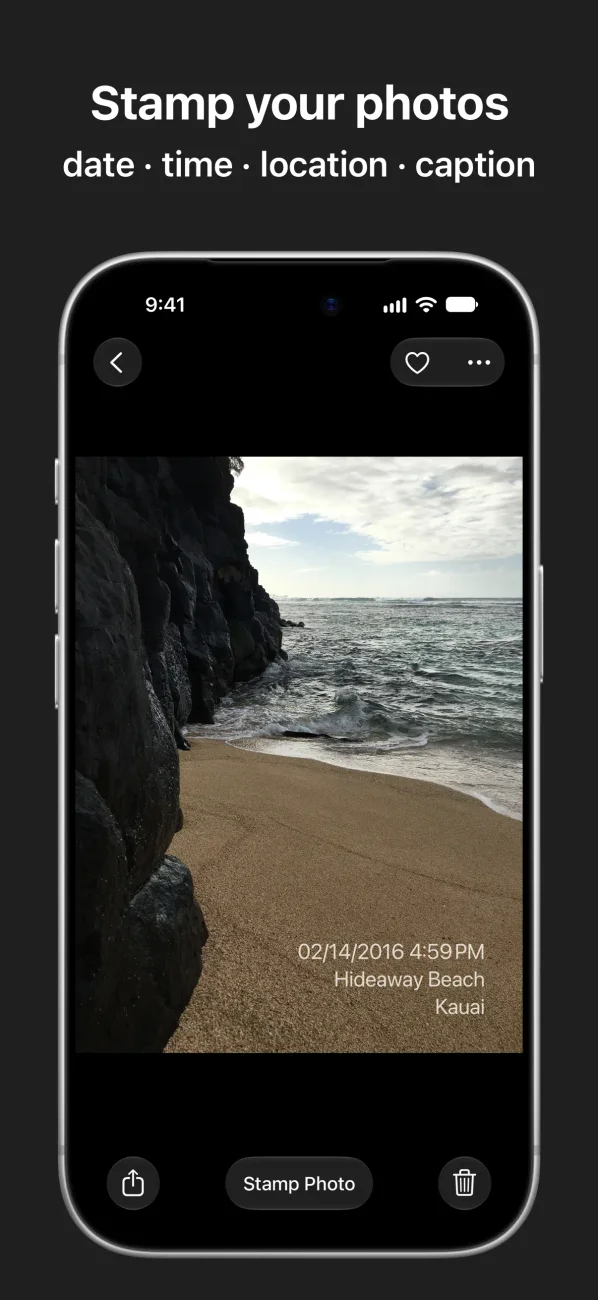
DateStamper allows you to apply beautiful date stamps overtop your photos – and include time, location, caption, and filename if you’d like.
—
"DateStamper brings back old memories for me ... It looks good, it gets the job done, and it’s nicely integrated with Apple’s Photos app."
– MacStories Editor-in-chief and Founder, Federico Viticci
—
The modern photo date stamp is here! Easily add a stamp to your photos so you can remember when or where they were taken. Perfect for printing pictures to display in albums or scrapbooks, allowing you to preserve your memories.
The best feature of point and shoot cameras is now available on your iPhone, iPad, and Mac – and better than ever.
Styles
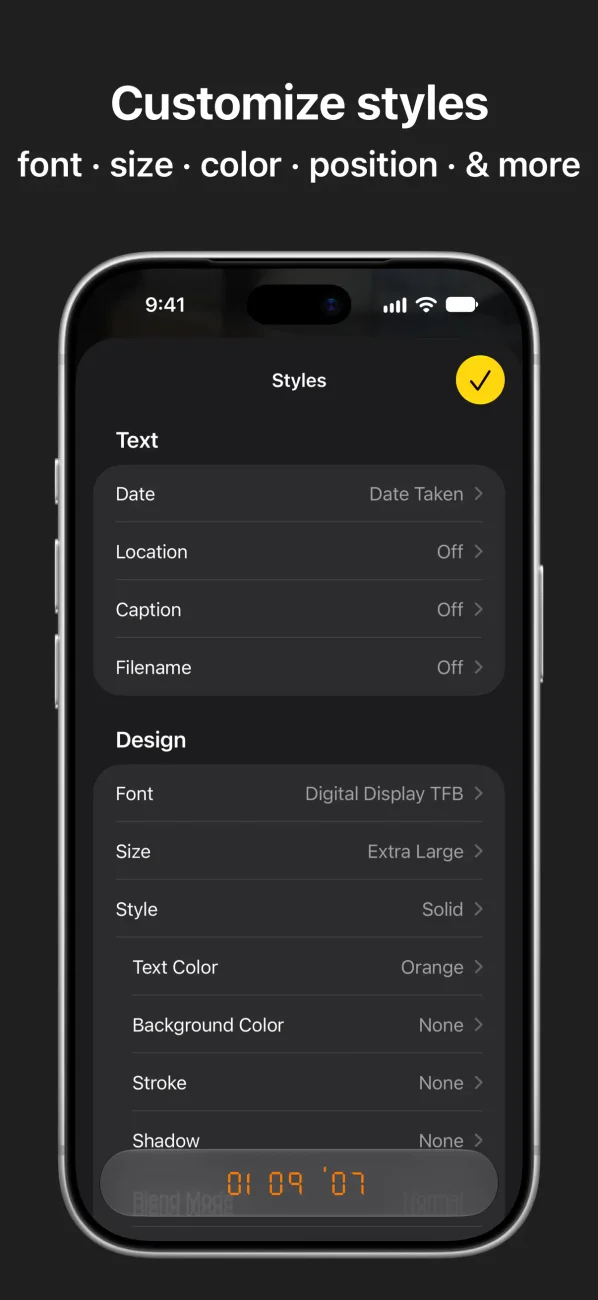
◦ With many fonts, colors, and styles to choose from, you can get just the look you want*
◦ The vibrant style beautifully blends the stamp into the photograph, allowing the image behind to shine through
◦ Or go with a classic look with the traditional digital display font
◦ Add a background color, stroke, shadow, underline, and adjust opacity
◦ Customize the date and time format
◦ Use the date taken, date created, date added, current date, or a custom date
◦ Add the location where your photos were taken — name, address, GPS coordinates, or custom text
◦ Add the photo caption, a custom caption, or filename
◦ Adjust the placement with position and padding options, and change the order of the text
Stamp
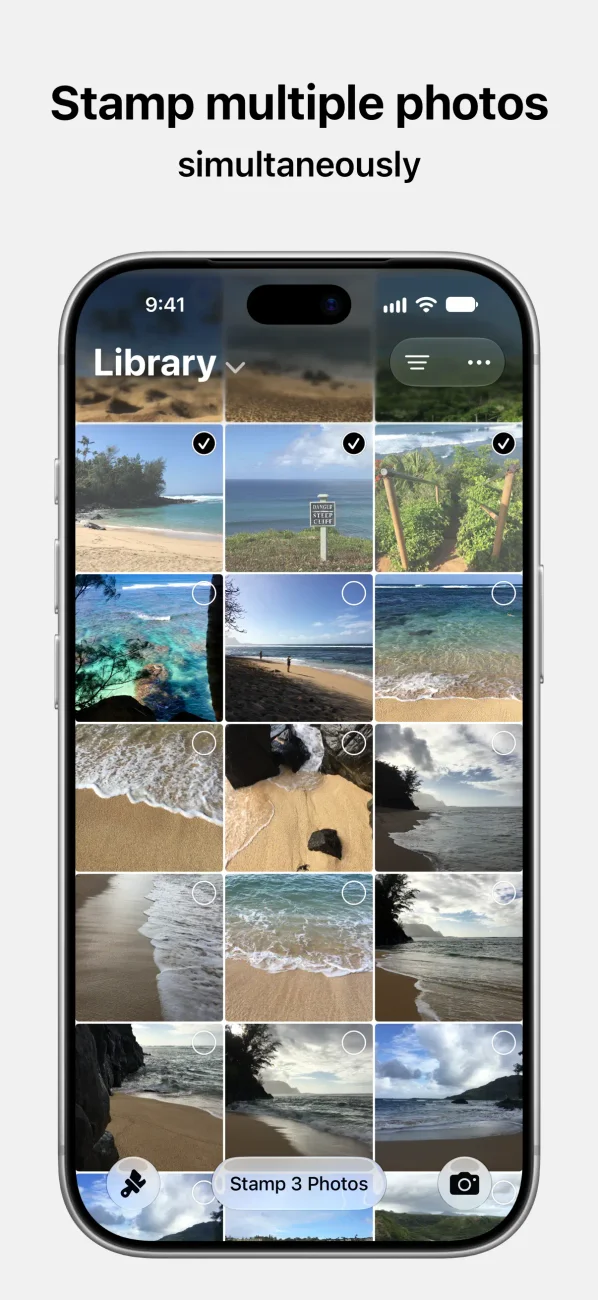
◦ Quickly select photos from your library to stamp — select each individually, swipe to select, select a range, or select all photos in an album
◦ Stamp multiple photos at the same time**
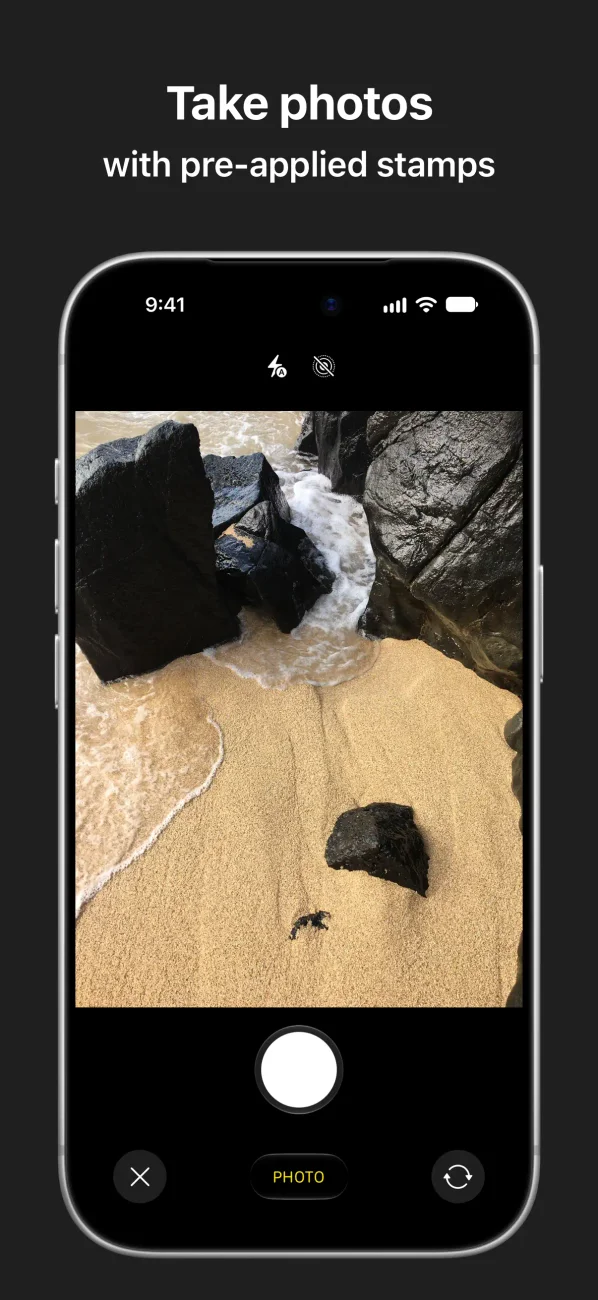
◦ Take a new picture with a stamp pre-applied
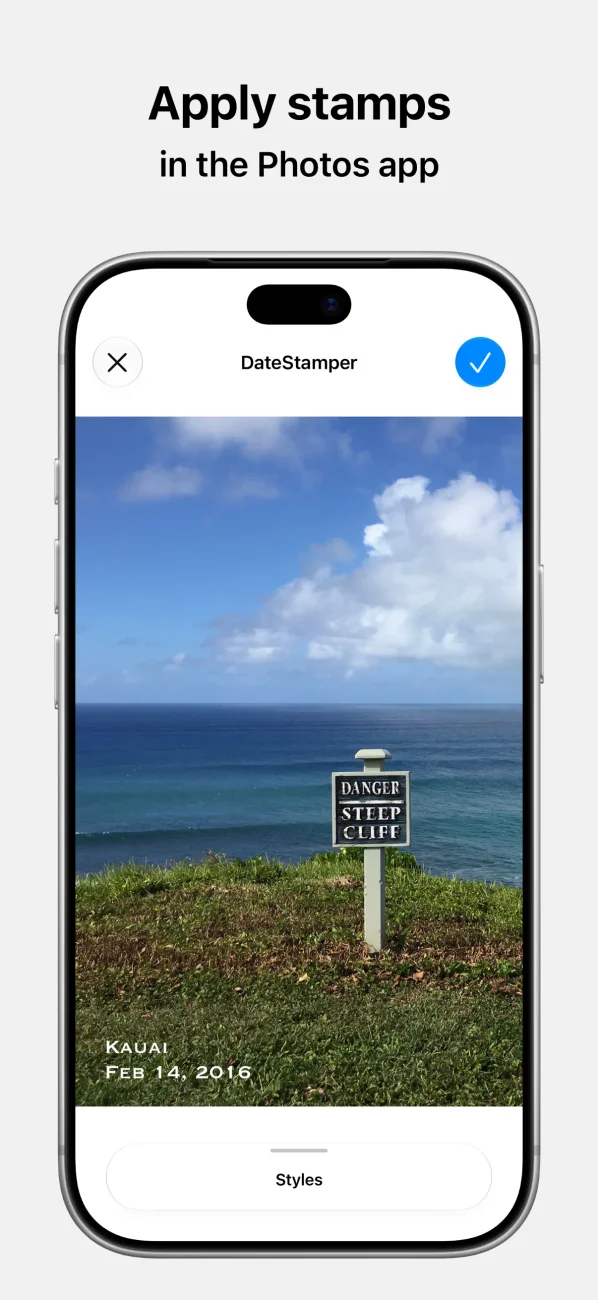
◦ Use the DateStamper edit extension to stamp a photo directly in the Photos app
◦ Use the Stamp Image action in Shortcuts to automate your workflow
◦ Easily see which photos have been stamped with filters, badges, and a DateStamper album
Edit
◦ Edits are applied right on top of the photo in your library, no duplicating necessary
◦ Remove or change a date stamp at any time, it’s completely nondestructive
◦ With iCloud Photos, when you apply a date stamp on one device, it will appear on all your other devices automatically
Features
◦ Lock Screen widget and Control Center control
◦ Beautiful and intuitive Liquid Glass design
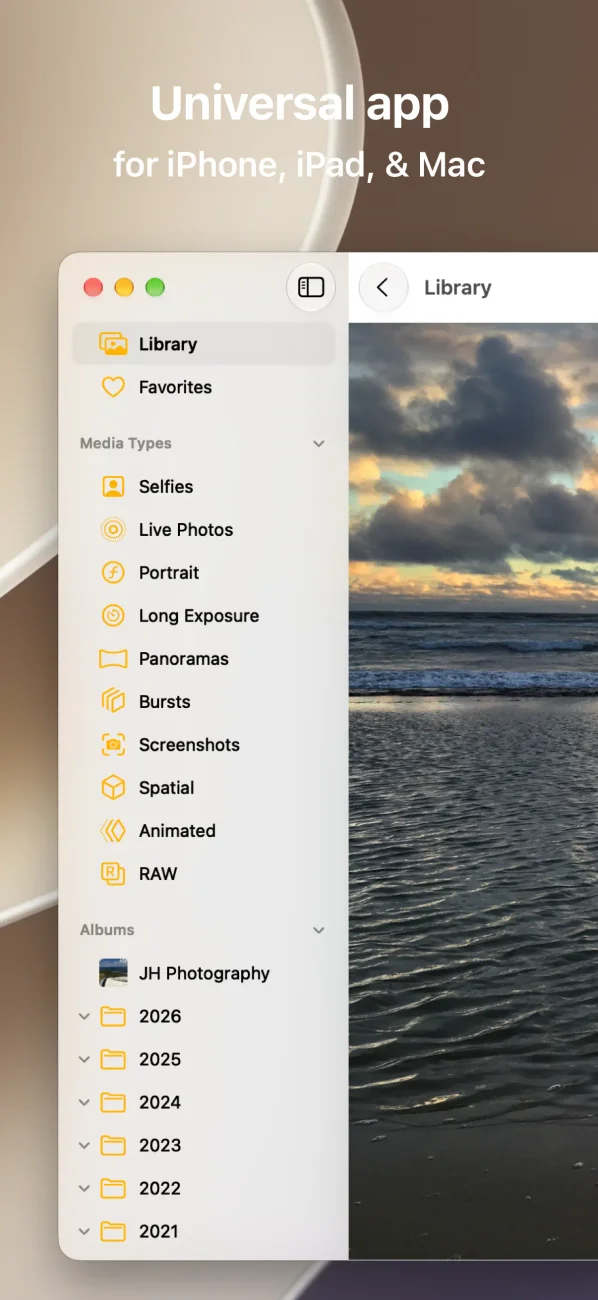
◦ Universal app for iPhone, iPad, and Mac
◦ No ads, no tracking, no nonsense
* Premium Styles is an available in-app purchase that allows you to utilize all of the style options
** Unlimited Batch is an available in-app purchase that allows you to stamp more than 10 photos at a time
Novidades
Versão 11.1 · 02/11/2026
• Support for iPhone Duo
• Various enhancements and bug fixes
Privacidade do app
O que Jordan Hipwell declara na App Store sobre como este app lida com os dados.
-
Dados não vinculados a você
Podem ser coletados, mas não são vinculados à sua identidade.
- Identificadores
- Dados de uso
As práticas de privacidade podem variar, por exemplo, com base nos recursos que você usa ou na sua idade.
Informações
- Vendedor
- Jordan Hipwell
- Categoria
- Foto e vídeo
- Versão
- 11.1
- Atualizado
- 02/11/2026
- Lançamento
- 25/09/2014
- Tamanho
- 18,0 MB
- Requer
- iOS 17.0 ou posterior
- Classificação etária
- 4+
- Preço
- Grátis
- Compras no app
- Sim
- Idiomas
- Inglês
- Copyright
- © 2014 Jordan Hipwell
Você também pode gostar
-
 Timestamp It - Proof CameraTime Stamp Photos & Team Sync
-
 Timestamp Camera: Photo&VideoGPS Map Camera for Any Moments
-
 Timestamp photo and videoFoto e vídeo
-
 Timestamp Camera: Data na FotoDieta, Treino & Diário do Bebê
-
 Timestamp Camera: Time & GPSStamp Geo Map, Date Notes Logo
-
 Timestamp Camera: Date StamperGPS Mapa Localizacao às Fotos
-
 Timemark:Timestamp Camera, GPSCámara com Localização,Data
-
 Timestamp Camera:Timestamp apptime stamp, time stamp camera
-
 Timestamp Camera EnterpriseFoto e vídeo
-
 Auto Stamper: Stamps on photosFoto e vídeo