DDS GP: Boost Case Acceptance
Fastest and easiest way to YES
Projetado para iPhone, iPad
Grátis · Compras no app
- Classificação etária12+
- CategoriaEducação
- DesenvolvedorKick Your Apps, Inc.
- IdiomasInglêse mais 12
- Tamanho244,9 MB
Leva à página oficial na App Store
O Download.org não hospeda nenhum arquivo de DDS GP: Boost Case Acceptance. O botão abre a página do app na App Store, onde Kick Your Apps, Inc. o publica. Página verificada pela última vez em 18/11/2026.
Capturas de tela

Sobre
O desenvolvedor não forneceu este texto no seu idioma.
*Rated BEST chair side case presentation software/app by Gordon Christensen's CR (reprints available).
*Chosen as a "Best Product" by Gordon Christensen's CR.
*Awarded "Five Stars" by Dental Product Shopper reviewers, best rating of any product ever tested.
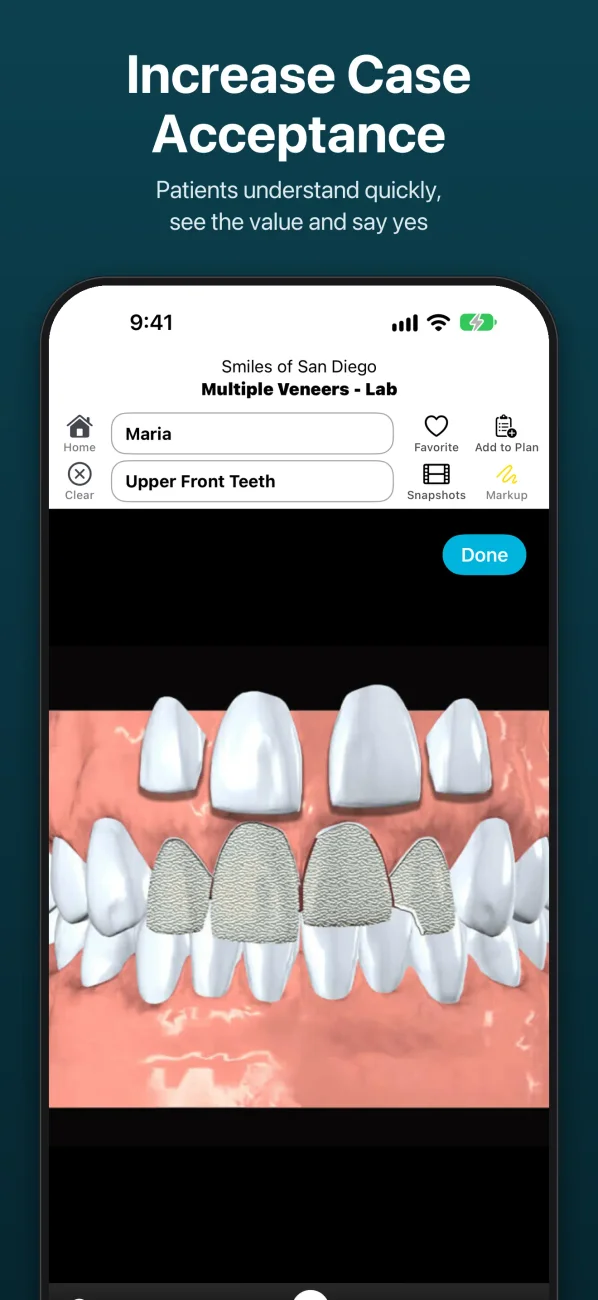
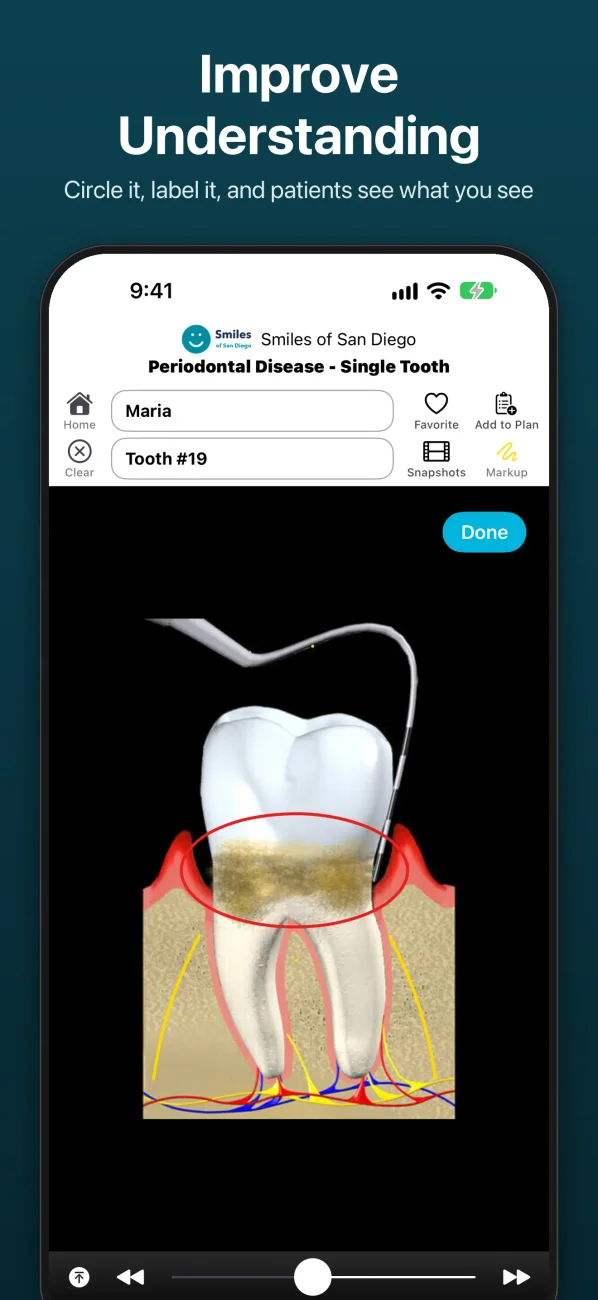
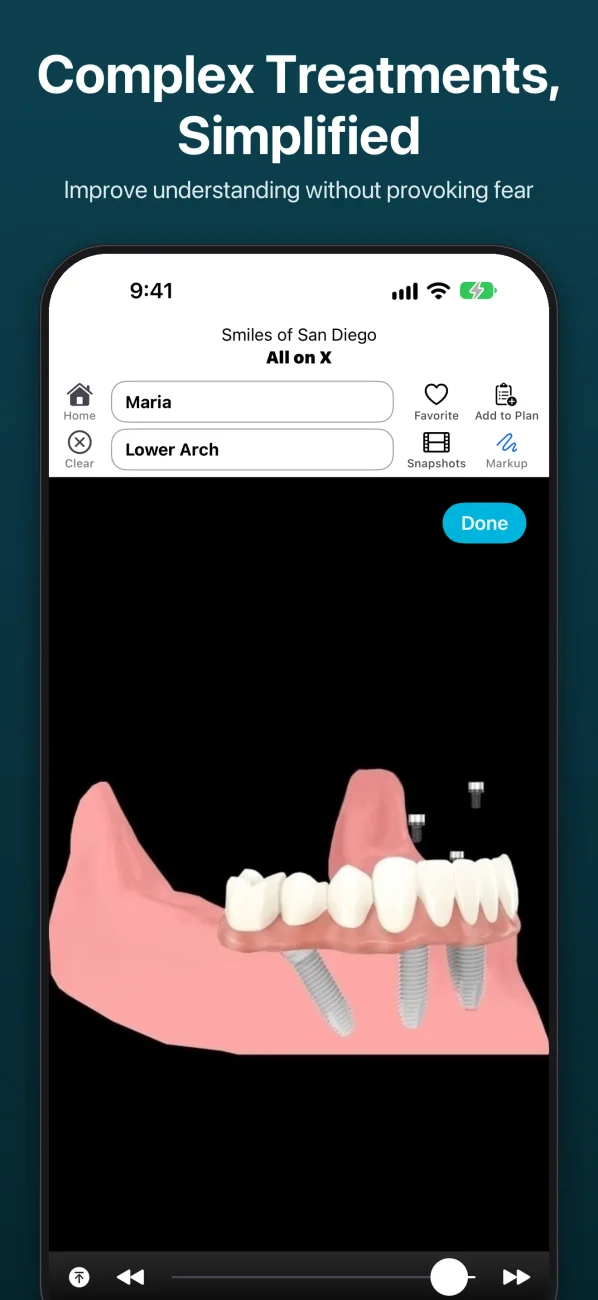
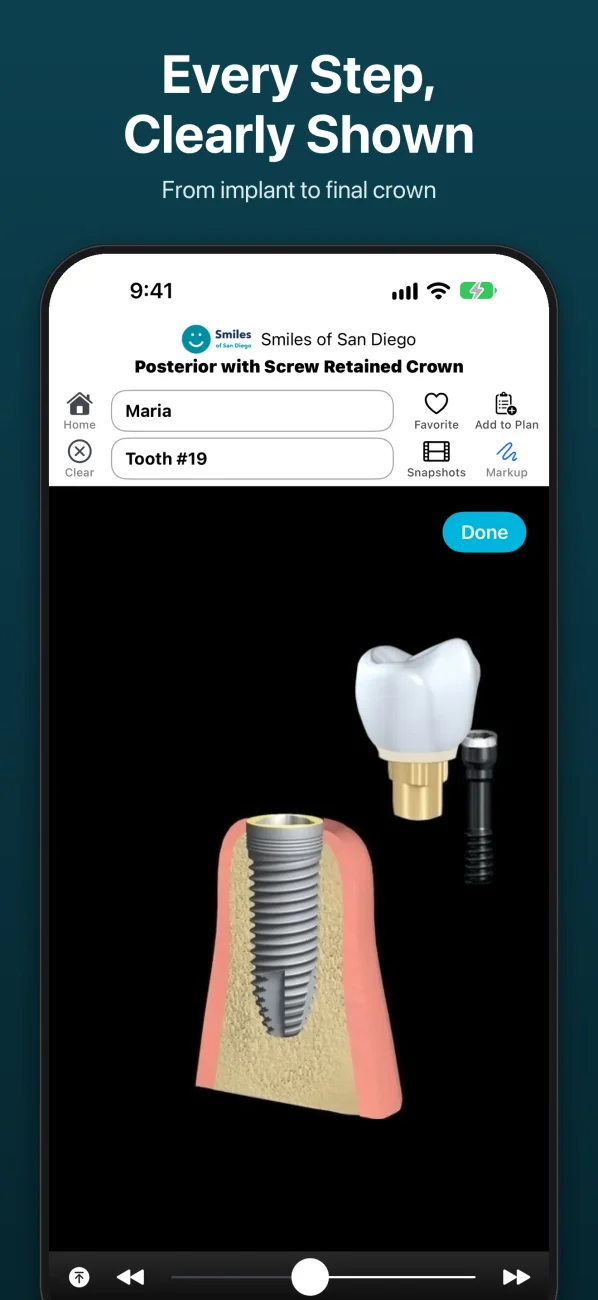
DDS GP is for dental professionals to show conditions and treatments to their patients.
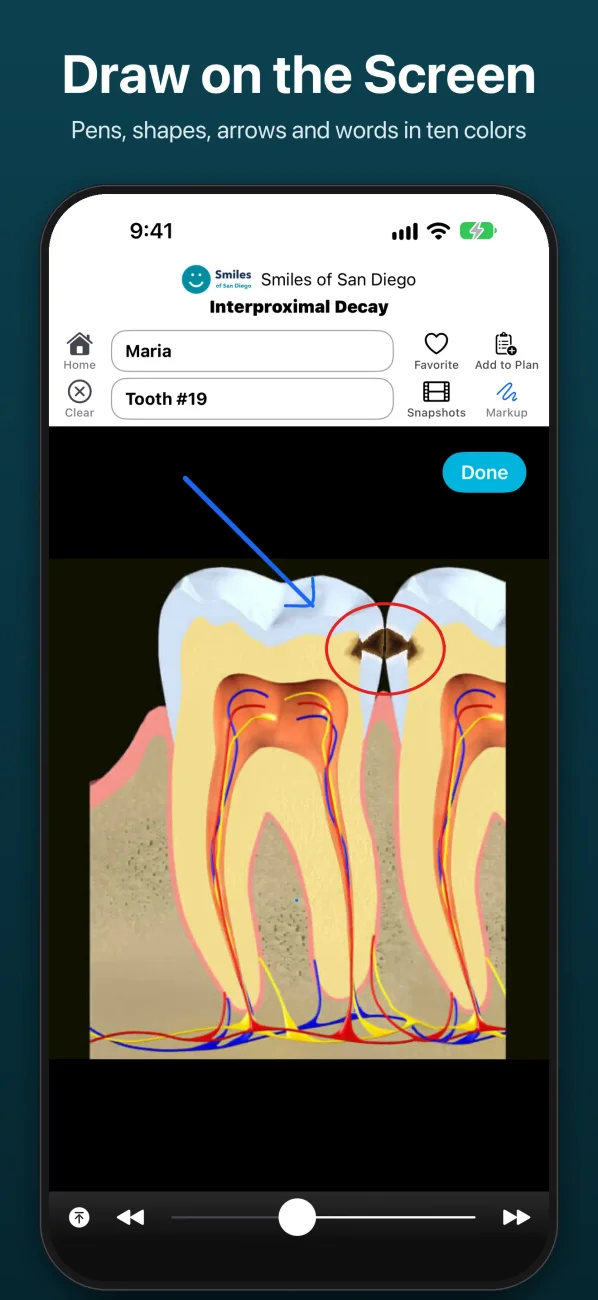
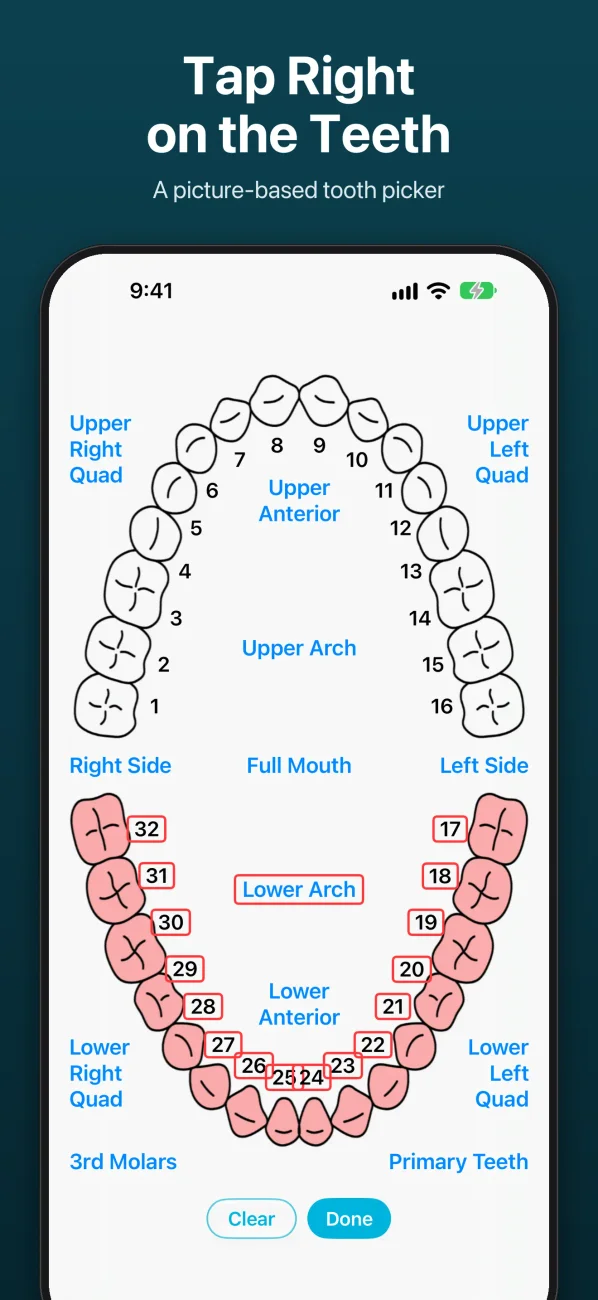
TAP and DRAG to easily show severity of decay, periodontal disease, cracks, and numerous other conditions and procedures.
DRAW right on the screen with your finger... then save your drawings.
ADD your own images or photos from your photo library, then draw on and save them.
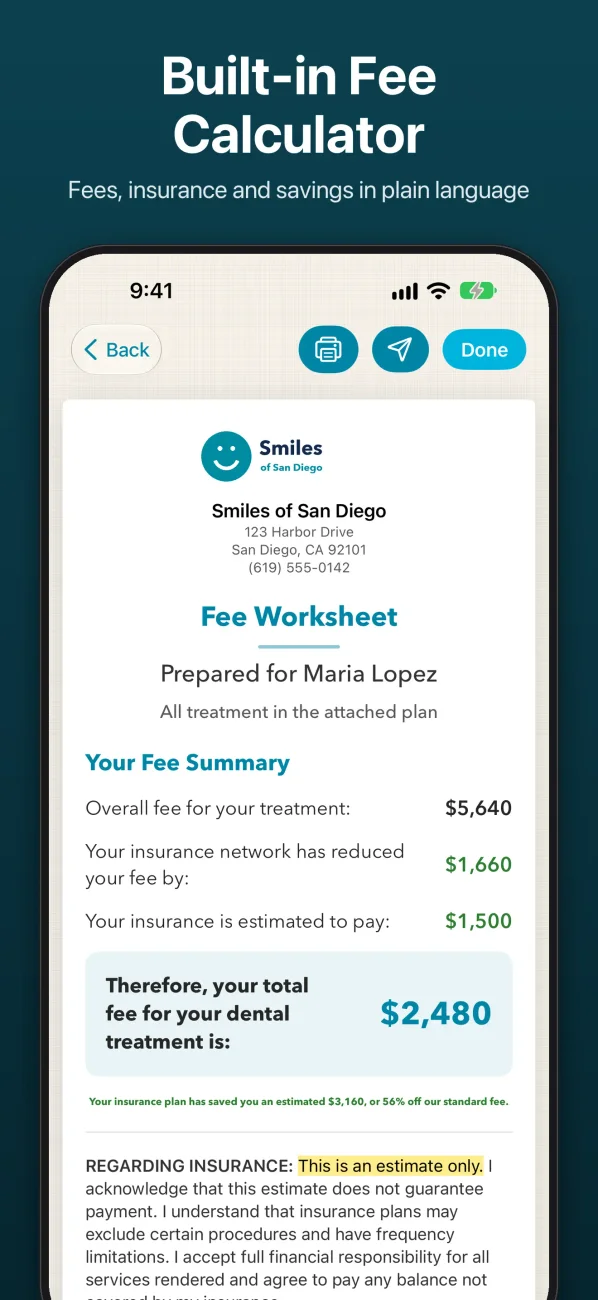
SEND OR PRINT custom treatment plans to your patients.
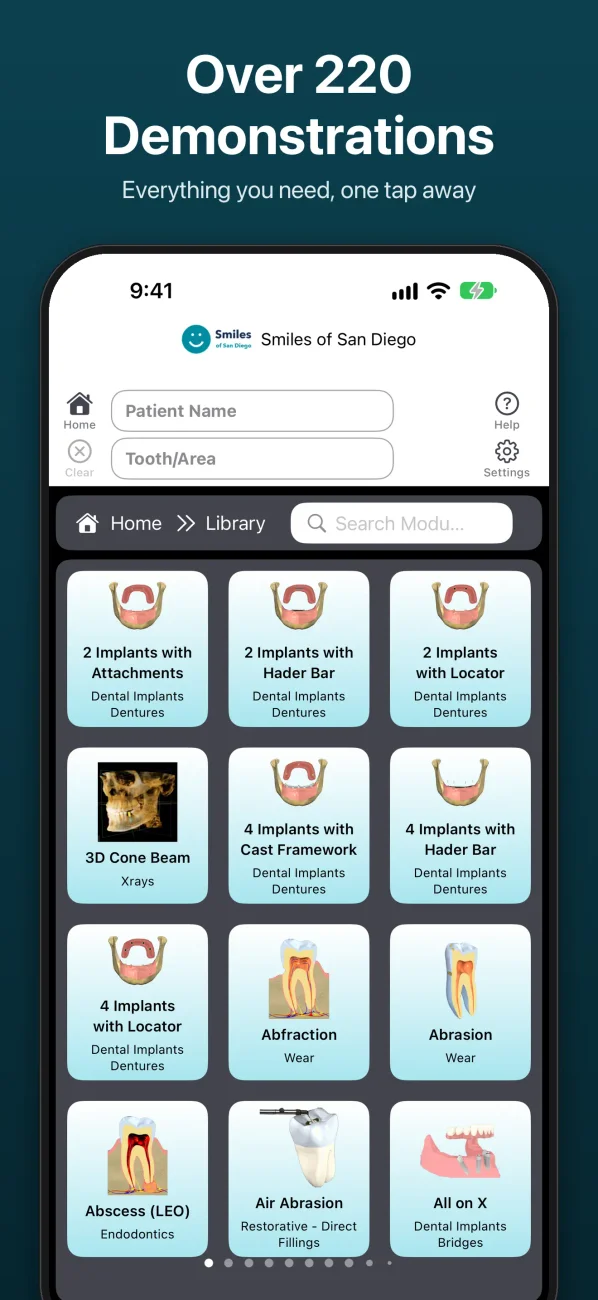
OVER 200 unique demonstrations!
CONSISTENTLY UPDATED and improved.
DDS GP is all you’ll need for patient consultations.
*Remember, doctor: your patients are there to see YOU, not a video. Leaving a patient in front of a video demo with a voice-over artist doing the talking is NOT ENOUGH!
Review our privacy policy and terms and conditions here: https://www.ddsgp.com/privacy.html
Review our Terms of Use here: https://www.apple.com/legal/internet-services/itunes/dev/stdeula/
Novidades
Versão 10.5.0 · 13/11/2026
NEW TO DDS GP?
* Try three demos free, with nothing to sign up for. Then start the 14-day free trial of the full app whenever you’re ready.
* During your free trial, Trial Mode gives you a short onboarding checklist, the next step to take, free live training you can book right in the app, and a personal note from DDS GP’s creator, Dr. Bob Marcus.
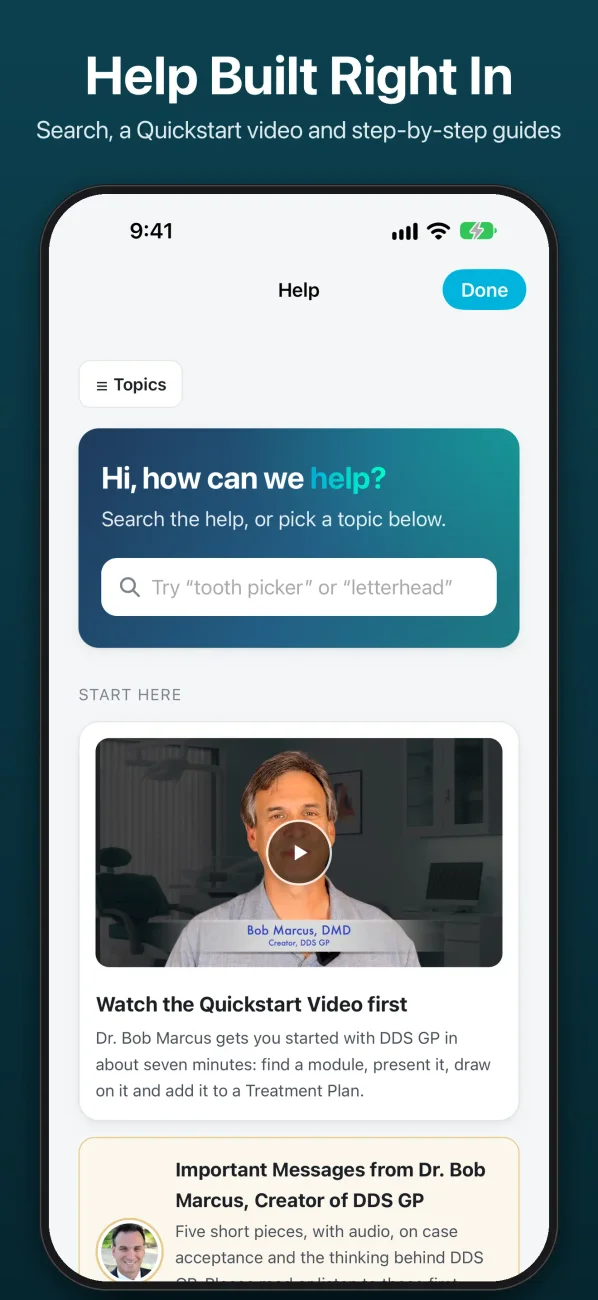
* Watch the Quickstart Video, with an easy countdown and simple play, pause and skip buttons.
SCHEDULE A FREE LIVE DEMO
* Book a free live video demo or training with our team right inside the app: pick a day and time in your own time zone, and you’re done.
FAVORITES
* Tap Edit Favorites and your tiles wiggle. Drag any tile to a new spot and the others slide aside to make room. Tap the minus to remove one, and Done when you’re finished. You can also press and hold any tile to start.
MY DEMOS
* A new editor for your own demos. Tap Edit Demo for a red editing bar with everything you need: take or add photos, arrange your pictures, pick up to four to print on the plan, choose the picture shown on its tile, and rename the demo.
* Arrange your demos the same way as Favorites. You are asked before a demo is deleted.
FEE WORKSHEET
* Give your in-house plan its own name (Settings > Fee Worksheet).
* Insurance settings are now in two clear sections.
* On iPad held sideways, the keypad sits right beside the page.
EASIER TO SEE AND USE
* Dark mode is brighter and easier to read: clearer icons, buttons and text.
* Markup offers Thick, Medium and Thin pen, with clearer samples.
* The Home button always takes you straight to the Home screen, and every screen closes with the same blue Done button.
* iPhone starts in portrait and iPad in landscape. You can change either in Settings.
SNAPSHOTS
* Snapshots fills the whole screen, with Hide Markup in the row of buttons.
* Your own photos and drawn snapshots look sharper and take less space.
SPEED
* Quicker startup, smoother sliding through long modules, instant Clear between patients, and smoother drawing with Apple Pencil.
* A smaller app download.
Thank you for using DDS GP. If anything doesn’t look right, tap Help, then Contact Us.
Privacidade do app
O que Kick Your Apps, Inc. declara na App Store sobre como este app lida com os dados.
-
Dados vinculados a você
Podem ser coletados e vinculados à sua identidade.
- Compras
- Localização
- Informações de contato
- Identificadores
- Dados de uso
- Outros dados
-
Dados não vinculados a você
Podem ser coletados, mas não são vinculados à sua identidade.
- Informações de contato
- Identificadores
As práticas de privacidade podem variar, por exemplo, com base nos recursos que você usa ou na sua idade.
Informações
- Vendedor
- Kick Your Apps, Inc.
- Categoria
- Educação
- Versão
- 10.5.0
- Atualizado
- 13/11/2026
- Lançamento
- 23/08/2010
- Tamanho
- 244,9 MB
- Requer
- iOS 17.5 ou posterior
- Classificação etária
- 12+
- Preço
- Grátis
- Compras no app
- Sim
- Idiomas
- Inglês, Catalão, Checo, Dinamarquês, Holandês, Francês, Alemão, Italiano, Japonês, Português, Chinês simplificado, Espanhol e mais 1
- Copyright
- © 2010-2026 Kick Your Apps, Inc.