
Easy HTML Editor: Touch & Code
Preview pages & adjust styles
Projetado para iPhone, iPad, iPod touch
Grátis
- Classificação etária4+
- CategoriaEducação
- DesenvolvedorMerbin Joe
- IdiomasInglês
- Tamanho12,4 MB
Leva à página oficial na App Store
O Download.org não hospeda nenhum arquivo de Easy HTML Editor: Touch & Code. O botão abre a página do app na App Store, onde Merbin Joe o publica. Página verificada pela última vez em 14/11/2026.
Capturas de tela


Sobre
O desenvolvedor não forneceu este texto no seu idioma.
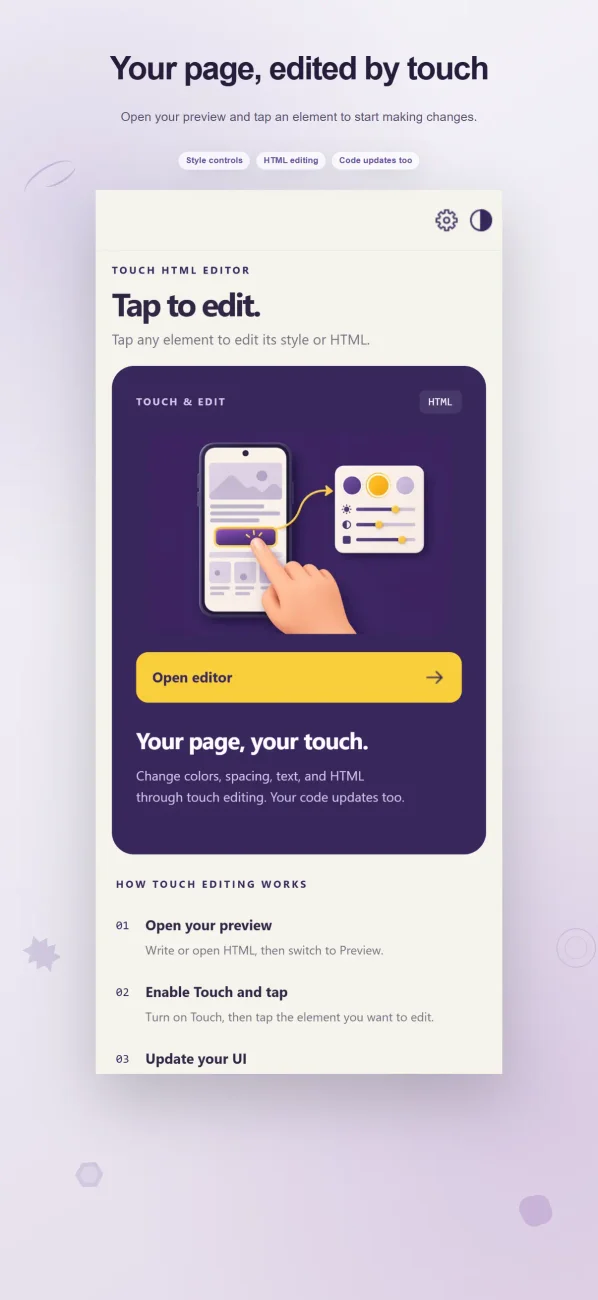
Bring a page idea to life with a workspace that connects your HTML source to its rendered result. Easy HTML Editor lets you write a document, inspect it in Preview, and select a source-backed element to edit its style or markup by touch.
MAKE VISUAL ADJUSTMENTS WITH CONTEXT
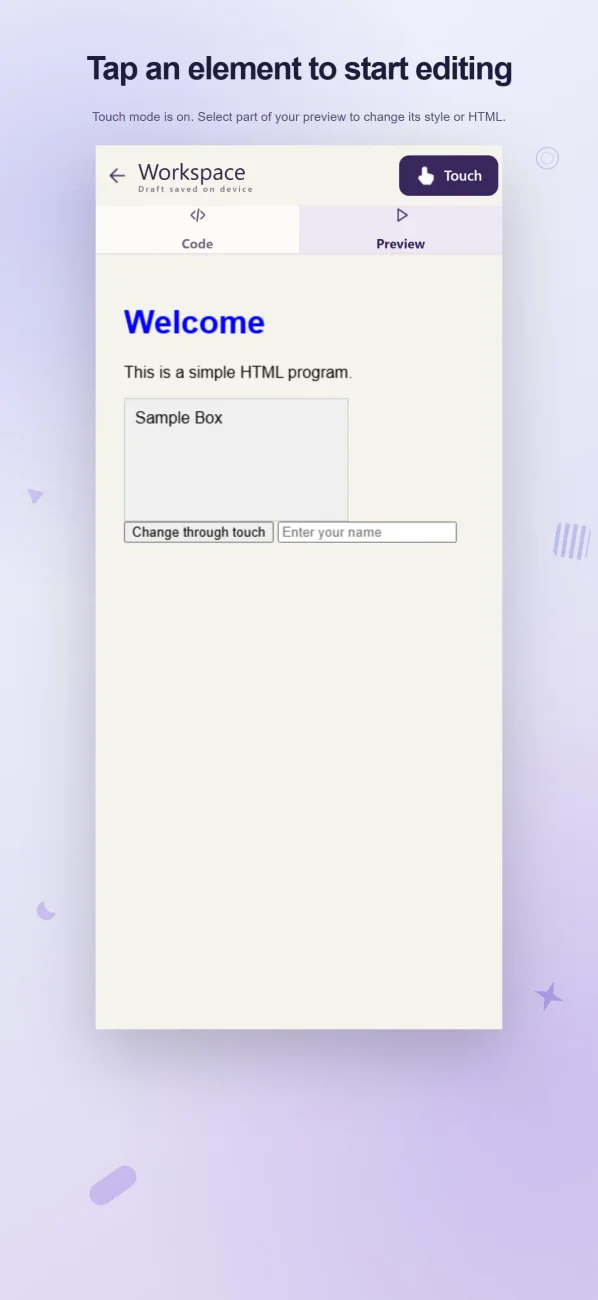
Open Preview, turn on Touch, and tap the part of the page you want to change. The Style panel offers controls for text and background colors, font size, padding, margin, border width, border color, border style, corner radius, and text alignment.
Choose a color with the picker or enter a value. Apply your changes to update the selected element in the source and refresh the preview. You can see how a small adjustment affects the page without searching through the entire document to find that element.
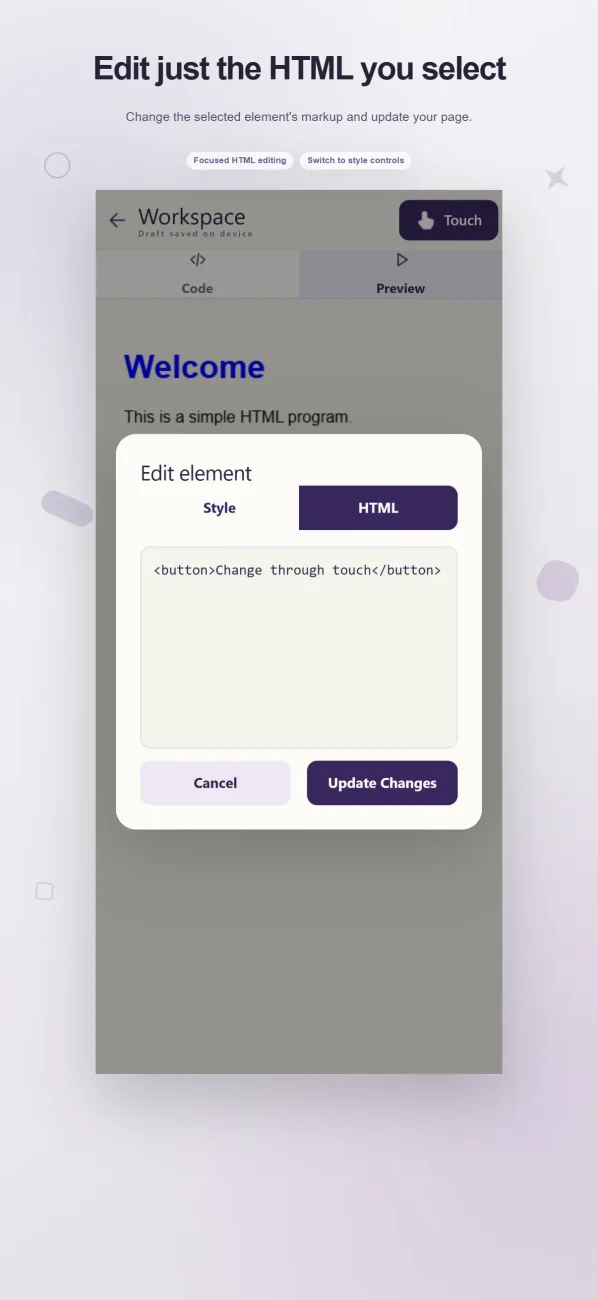
The HTML panel gives you direct access to the selected element's markup. Edit its text or structure, then use Update Changes to return to the refreshed page. Elements must match the original HTML; for content changed or generated by scripts, use the main code editor.
WRITE WITH PRACTICAL EDITING TOOLS
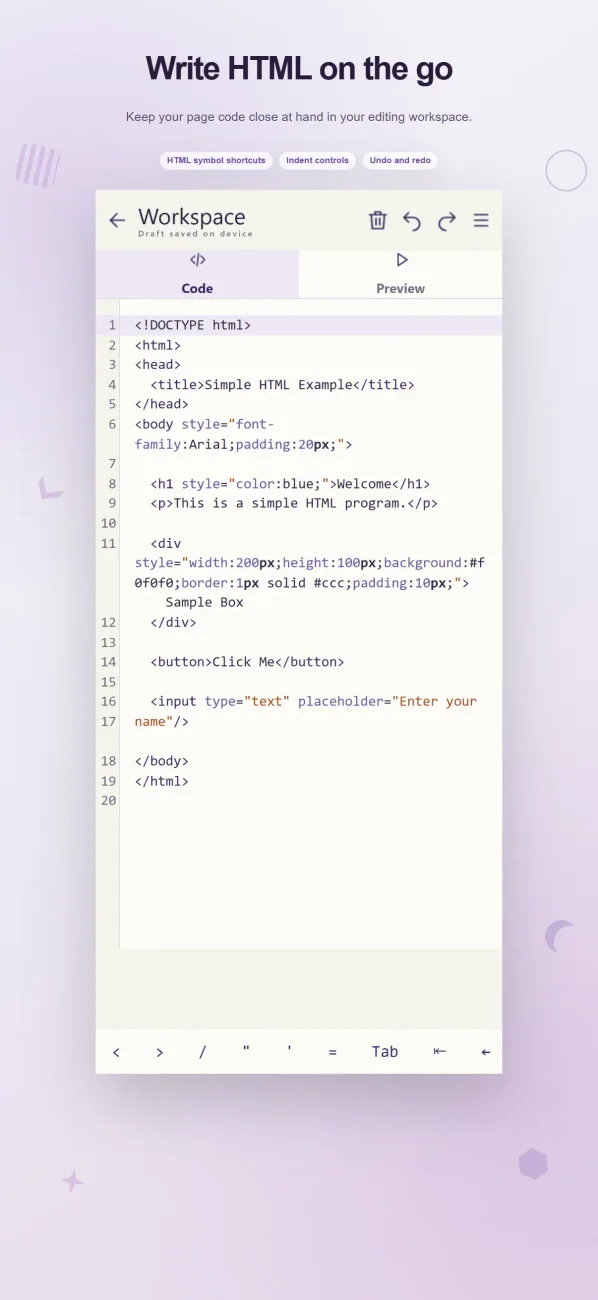
The Code workspace includes syntax highlighting, line numbers, wrapping for long lines, bracket matching, and HTML tag completion. Undo and Redo support quick experiments with markup and styles.
An on-screen coding row provides commonly used punctuation, including angle brackets, quotes, a slash, and an equals sign. Indentation controls and left and right cursor actions help with precise changes on a touch screen.
Find and replace lets you search through a document, move to the next match, replace one occurrence, or replace all matches. Enable Match Case when capitalization matters. Use Go to line to move to a specific place in a longer page.
SEE THE PAGE YOU ARE BUILDING
The Code and Preview tabs keep the source and output in the same workspace. Switching to Preview renders your current document, including styles and scripts written inside it. After editing in Code, open Preview again to inspect the latest result.
Try a heading, a styled box, a button, or a form layout using the sample page supplied in the editor. This makes a useful starting point for understanding how HTML structure and styling affect what appears on screen.
SAVE, REOPEN, AND PASS ALONG A PAGE
Open saved documents from the app's Documents area, save your HTML work, or choose Save as to create a differently named copy. Share HTML passes the file to another compatible app using the device's sharing options.
Local draft saving helps you resume the current document when you return to the editor. Draft recovery depends on available storage and does not replace saving an important page as a file. Give your document a name when you want to keep it for later.
SET A COMFORTABLE WORKSPACE
Choose a light appearance, a dark appearance, or the system default. The code editor responds to the app theme, keeping the source workspace consistent with your chosen look.
Whether you are practicing markup, exploring spacing and colors, or revising a small web page, you can move from source to result and back in a few taps. Self-contained content can be edited and previewed locally, while resources loaded from the web require connectivity.
Novidades
Versão 2.4 · 04/11/2026
Bug fixes and performance improved
Privacidade do app
O que Merbin Joe declara na App Store sobre como este app lida com os dados.
-
Dados usados para rastrear você
Podem ser usados para rastrear você em apps e sites de outras empresas.
- Dados de uso
-
Dados não vinculados a você
Podem ser coletados, mas não são vinculados à sua identidade.
- Dados de uso
As práticas de privacidade podem variar, por exemplo, com base nos recursos que você usa ou na sua idade.
Informações
- Vendedor
- Merbin Joe
- Categoria
- Educação
- Versão
- 2.4
- Atualizado
- 04/11/2026
- Lançamento
- 07/02/2023
- Tamanho
- 12,4 MB
- Requer
- iOS 15.0 ou posterior
- Classificação etária
- 4+
- Preço
- Grátis
- Idiomas
- Inglês
- Copyright
- © Codeplay
Você também pode gostar
-
 HTML Master: Code EditorEducação
-
 HTML5 BuilderEducação
-
 Learn HTML | HTML AcademyEducação
-
 Learn Web DevelopmentEducação
-
 HTML CourseEducação
-
 HTML Creator(Pro)Educação
-
 HTML CreatorEducação
-
 CodeHub: Learn ProgrammingEducação
-
 Sedona - Compile Swift ProgramEducação
-
 Editor HTML simplesCrie HTML fácil no celular