- Classificação etária4+
- CategoriaProdutividade
- DesenvolvedorRoberto Bonfa
- IdiomasInglêse mais 1
- Tamanho16,4 MB
Leva à página oficial na App Store
O Download.org não hospeda nenhum arquivo de EveryPDF & Scan. O botão abre a página do app na App Store, onde Roberto Bonfa o publica. Página verificada pela última vez em 23/11/2026.
Capturas de tela


Sobre
O desenvolvedor não forneceu este texto no seu idioma.
EveryPDF is a toolbox for PDF files. It is not a reader, though it works as one when you need it to: it is where a document comes in, gets worked on and goes out.
TWENTY-SIX TOOLS
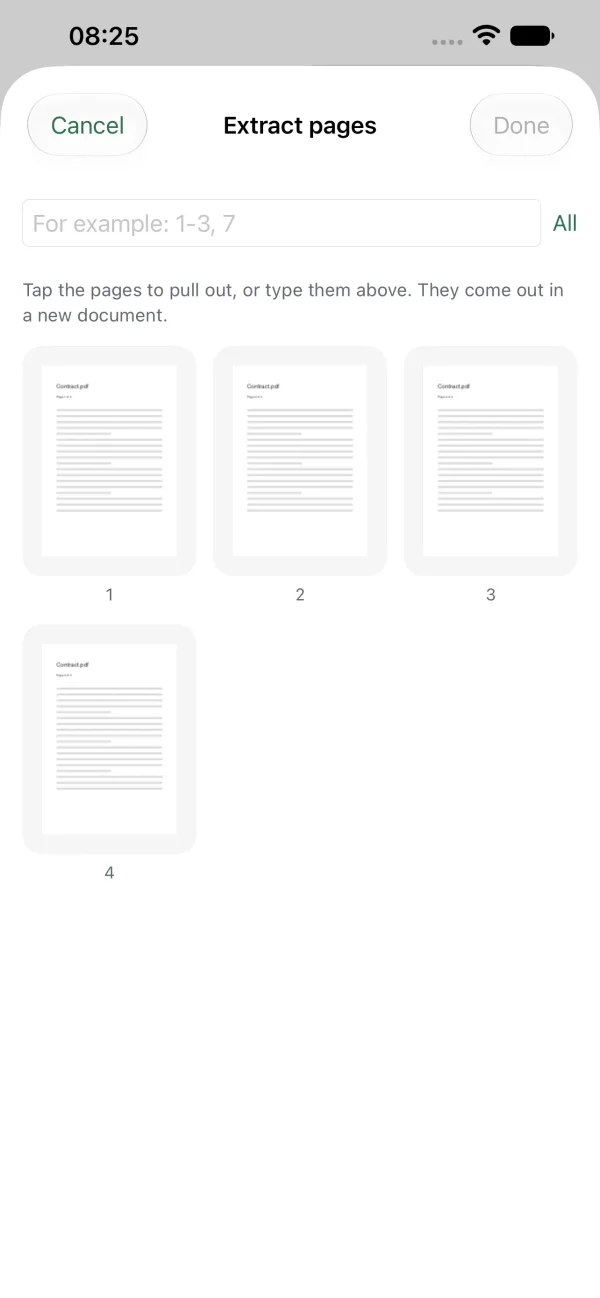
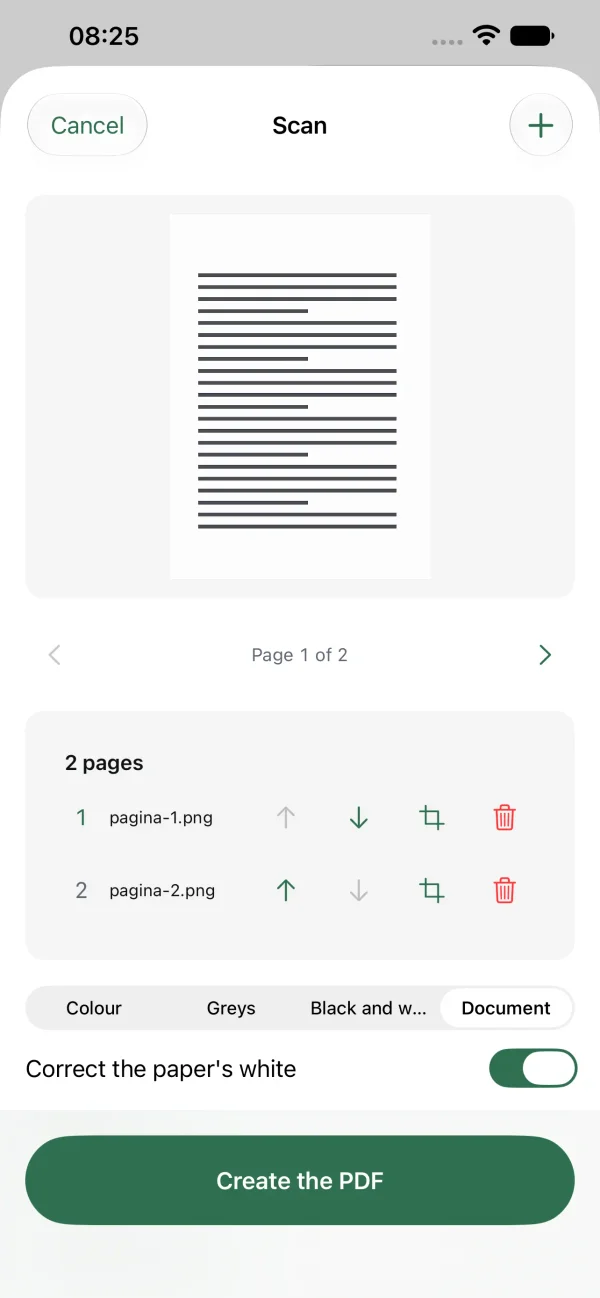
Pages: merge several documents, split, reorder with your finger, extract the ones you need, remove, rotate, crop, add a blank page, number.
Images: PDF to images in PNG, JPEG, HEIC or TIFF; images to PDF; compress at three levels, from the lightest to the one that redraws every page.
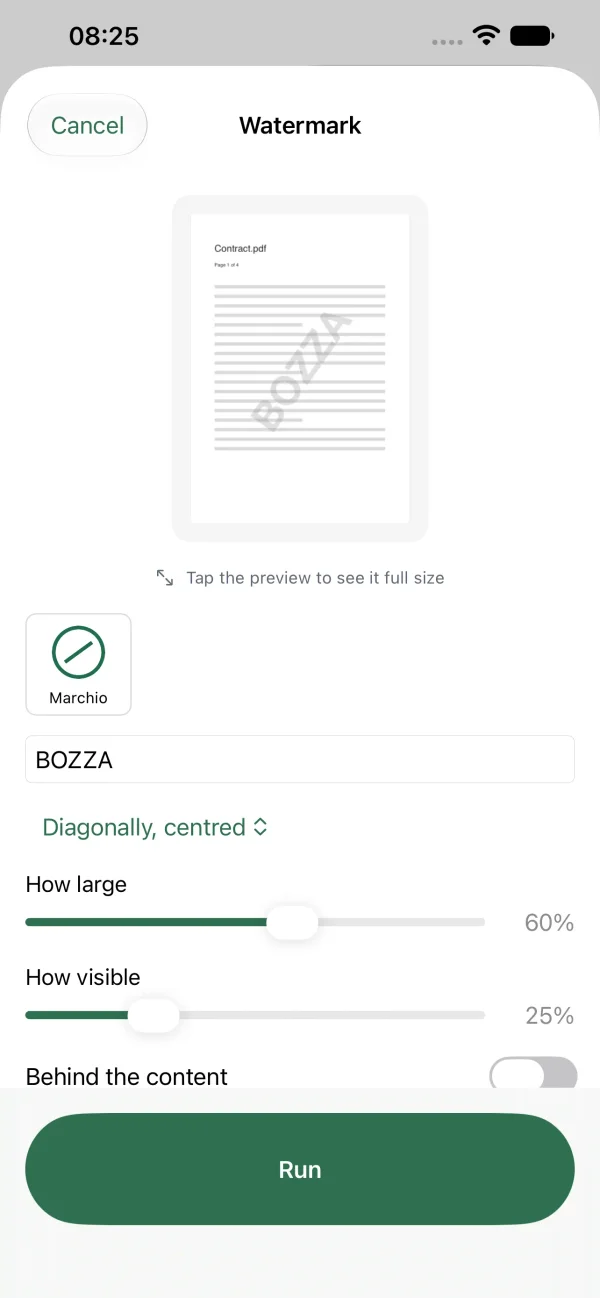
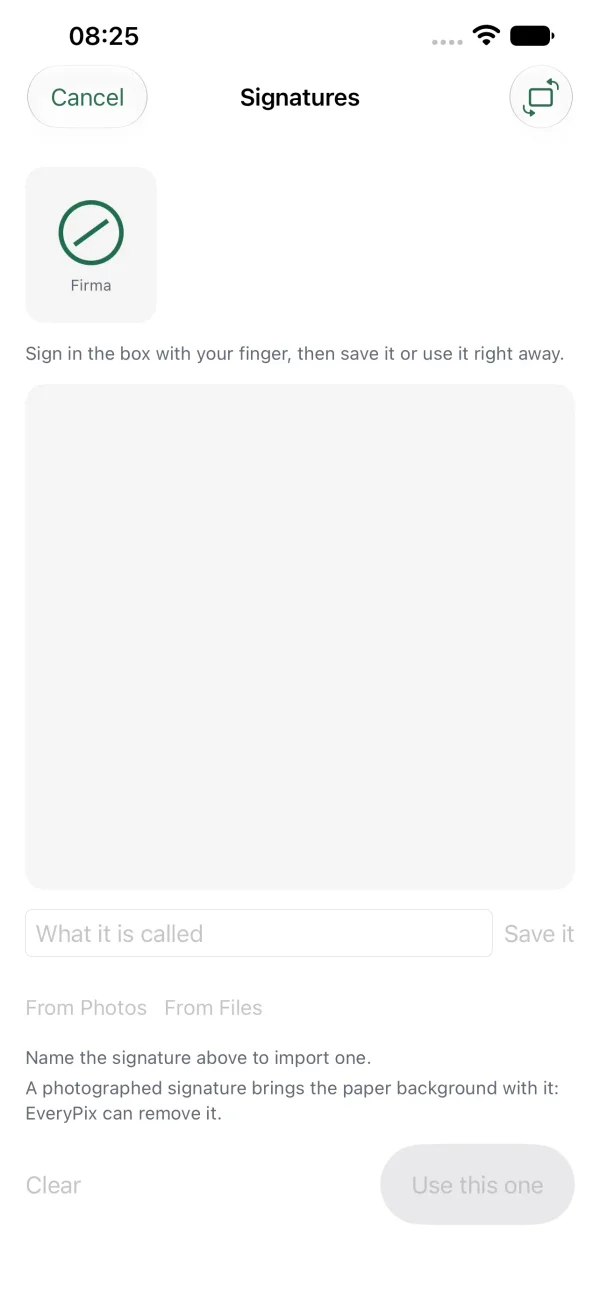
Markup: sign freehand or with a saved signature, draw on the document with the pen and the highlighter, highlight text by running your finger over it, add a watermark, flatten what you added.
Security: protect with a password, remove a protection you know, decide who may print and who may copy, redact with your finger what must not be read again.
Text: OCR on scans, extract the text, turn the document into Markdown, Word or RTF, read and change the document details, convert text, Markdown or an office document to PDF.
And two documents can be compared side by side, with a summary of what changes that you can take away.
And scanning: photograph a sheet, the edges are found for you, the background turns white, the text is recognised.
ONE THING AFTER ANOTHER
A result does not have to be saved before you work on it again: in the result screen you tap "Apply another tool" and the document you have just made goes back among the ones in hand. Split then number, unlock then compress, sign then protect: no saving, closing and reopening.
TWO ROADS, NOT ONE
Everything the app does can be done from the iOS share sheet, without opening anything. From Mail, from Files, from Safari: share with EveryPDF, choose, the result goes on its way. What does not fit in the share sheet, where memory is a sixth of the app's, opens in the app with one tap, and you are told beforehand.
And a document also opens by long-pressing it in Files and choosing "Open with": EveryPDF is there in the list and the PDF arrives already in hand.
PRESETS
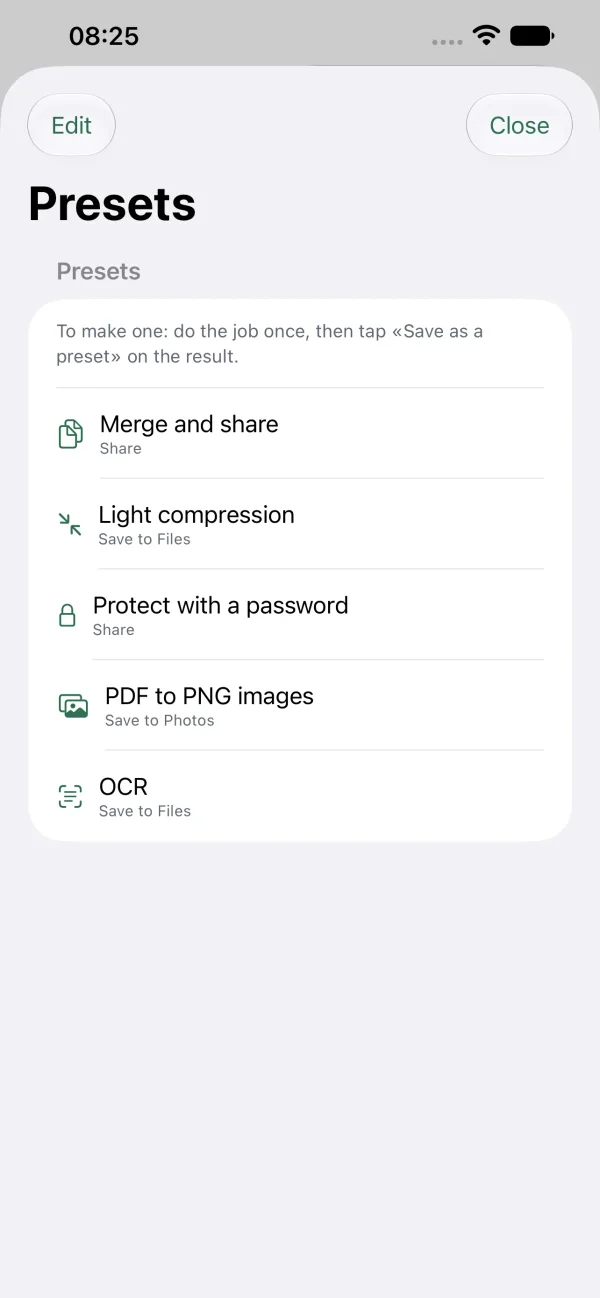
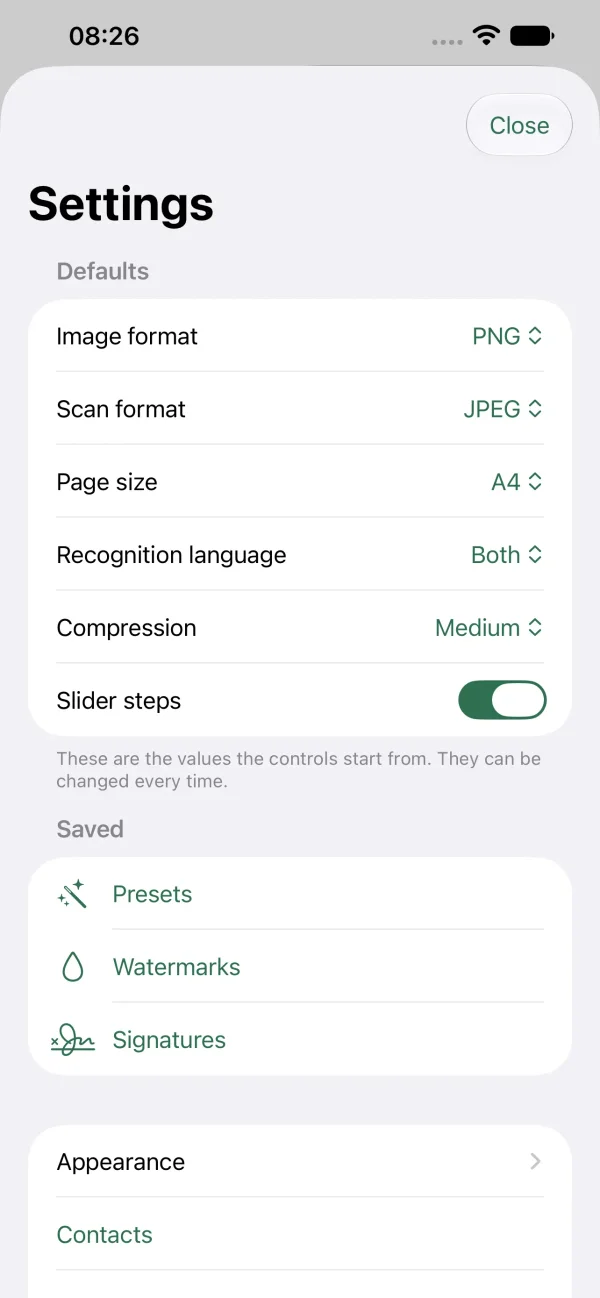
A combination you repeat can be saved with a name and used from four places: the pills at the top of the app, the share sheet, the items under a long press on the icon, Shortcuts and Siri.
ON IPHONE AND IPAD
On iPad there are two columns, documents can be dragged in from Files, Mail and Safari, the result can be dragged out, and there are fifteen keyboard shortcuts. And you can print, from both.
WHAT IT DOES NOT DO
It does not use the network. It collects nothing. It has no analytics. Documents stay on your phone and are not kept: what comes out lives in a temporary folder that is emptied at launch.
The signatures and watermarks you save, and your presets, live in your own private iCloud. Whoever wrote the app cannot see them.
Italian and English. iOS 18 or later. Free, with no in-app purchases and no advertising.
Novidades
Versão 1.118 · 21/11/2026
In Settings, you can now choose the app's language: the same as your device, Italian, or English. If your device is set to a language that the app doesn't support, the text used to appear in Italian, but now it appears in English. The language you choose takes effect when you reopen the app.
Privacidade do app
O que Roberto Bonfa declara na App Store sobre como este app lida com os dados.
-
Dados não coletados
O desenvolvedor não coleta nenhum dado deste app.
As práticas de privacidade podem variar, por exemplo, com base nos recursos que você usa ou na sua idade.
Informações
- Vendedor
- Roberto Bonfa
- Categoria
- Produtividade
- Versão
- 1.118
- Atualizado
- 21/11/2026
- Lançamento
- 15/09/2026
- Tamanho
- 16,4 MB
- Requer
- iOS 18.0 ou posterior
- Classificação etária
- 4+
- Preço
- Grátis
- Idiomas
- Inglês, Italiano
- Copyright
- © 2026 Roberto Bonfa'
Você também pode gostar
-
 Executive OS: DecisõesChefe de Gabinete com IA
-
 Simple To-Do List & TasksProdutividade
-
 PromptSense - Smart AI LibraryProdutividade
-
 JoeNoteCrie a sua nota
-
 Prompo: AI Prompt LibraryProdutividade
-
 OCR AI: Image to Text & QRProdutividade
-
 Glass Notes: Notas privadasTarefas, listas e widgets
-
 ArtigianotecaProdutividade
-
 Cloudreve: Easily manage filesProdutividade
-
 addy.ioProdutividade