- Classificação etária4+
- CategoriaFoto e vídeo
- DesenvolvedorRoberto Bonfa
- IdiomasInglêse mais 1
- Tamanho25,0 MB
Leva à página oficial na App Store
O Download.org não hospeda nenhum arquivo de EveryProCam. O botão abre a página do app na App Store, onde Roberto Bonfa o publica. Página verificada pela última vez em 26/11/2026.
Capturas de tela
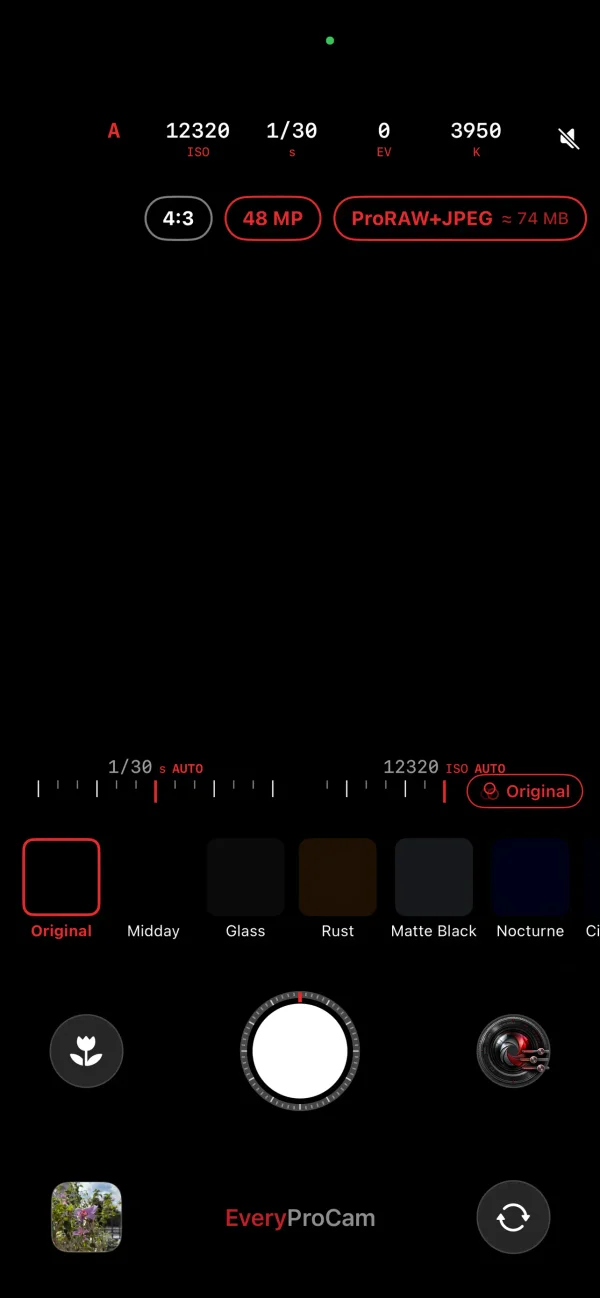
Sobre
O desenvolvedor não forneceu este texto no seu idioma.
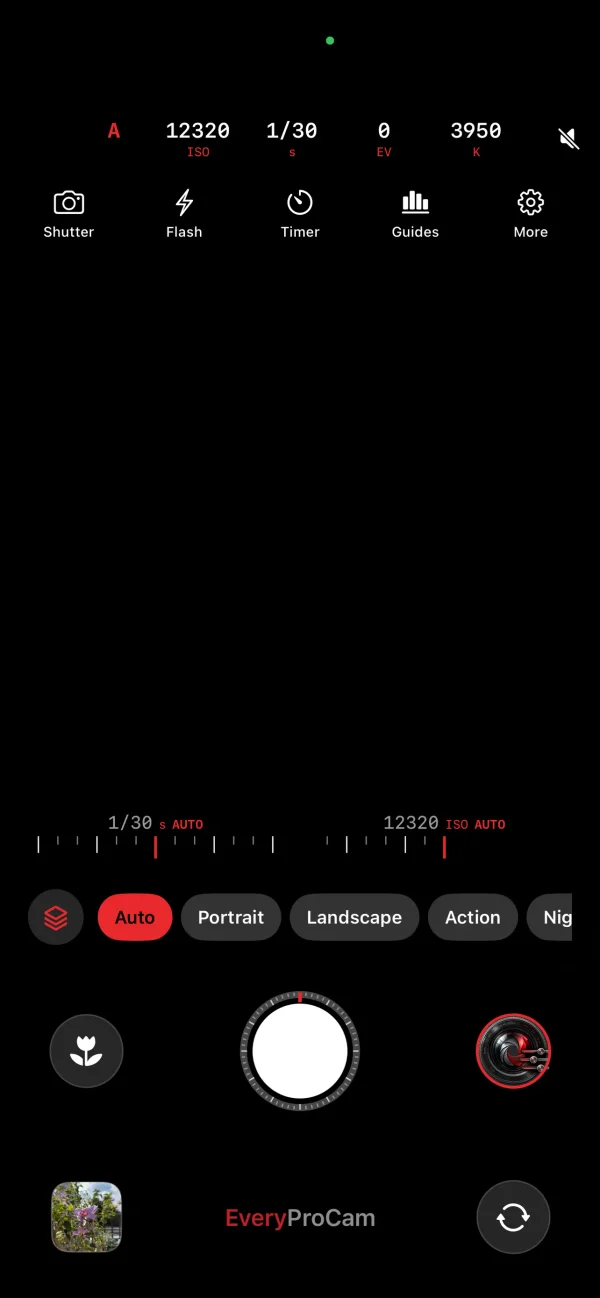
EveryProCam is a camera for people who want to make the call. The screen is as simple as any camera's; underneath there is real manual control, RAW and a Lab to edit your photos without ever touching the original.
MANUAL CONTROL
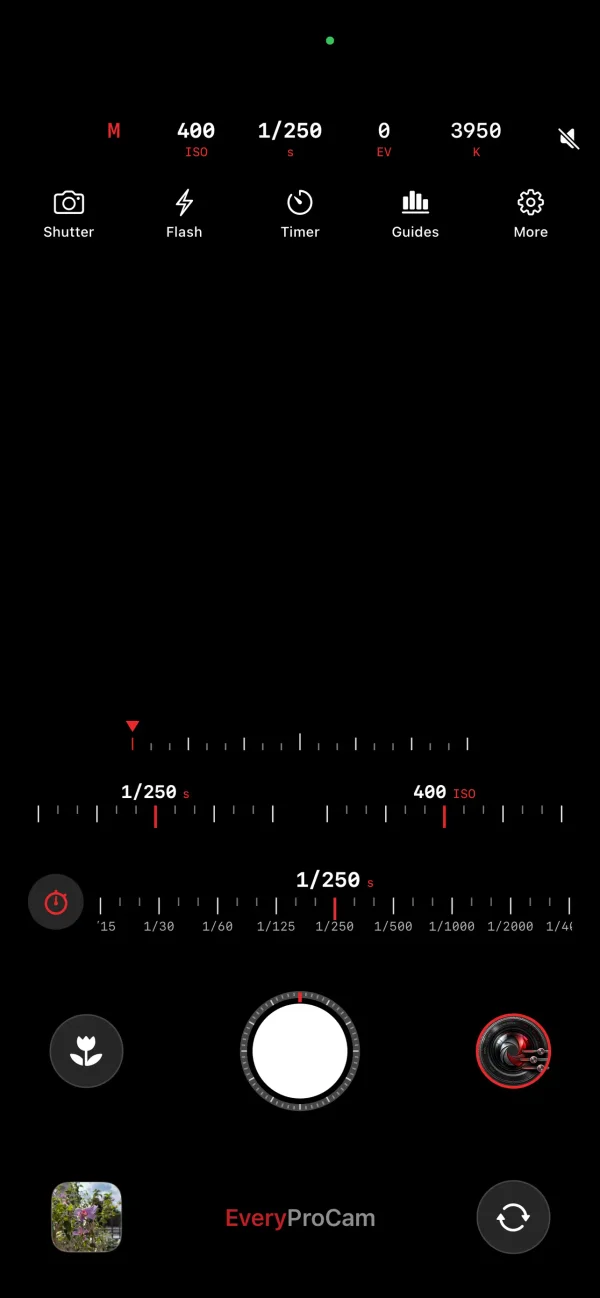
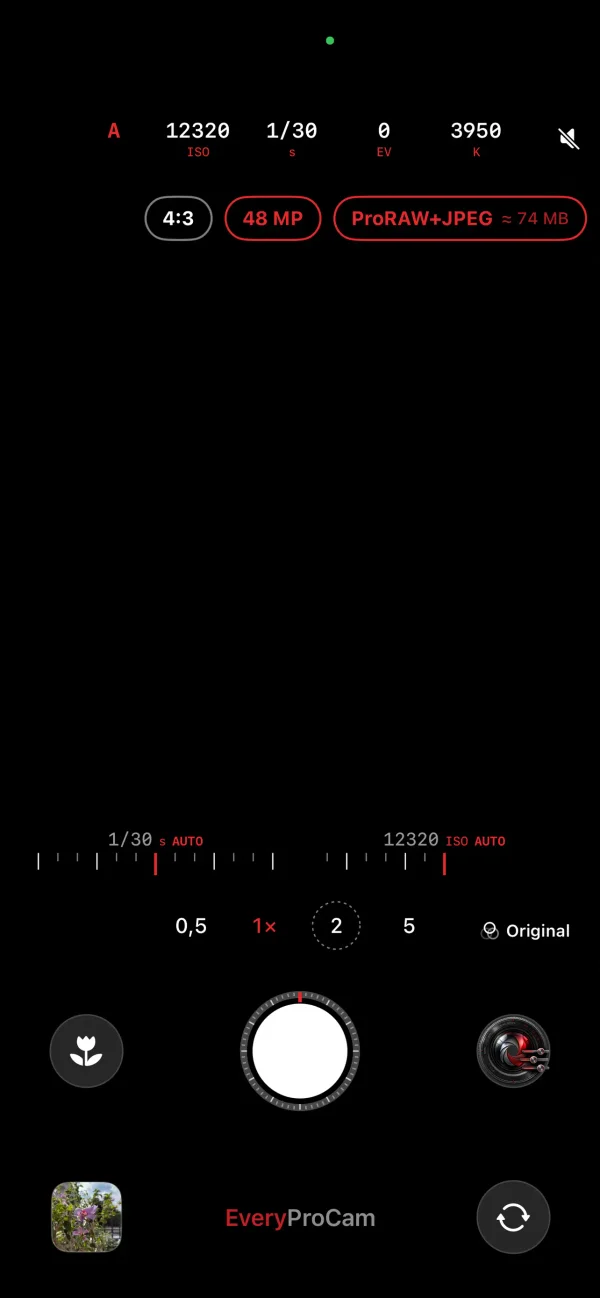
- Four modes: auto, shutter priority, ISO priority and manual. A photo at 1/250 comes out at 1/250.
- Metering, exposure compensation, exposure and focus lock.
- Autofocus or manual focus, with in-focus edges highlighted and a magnifier.
- White balance in auto, in kelvin and tint, with eight presets, a grey card and an eyedropper.
- Two dials always above the shutter button, picked by you.
LENSES AND FORMATS
- Every rear lens, the 28 and 35 mm crops, macro, the front camera.
- Sensor RAW (DNG) and ProRAW, also paired with a JPEG or a HEIF, at 12 or 48 MP where your iPhone has them.
- HEIF, JPEG, 8-bit and 16-bit TIFF; HDR photos.
- Six framing formats, from square to 65:24 panoramic.
LIVE ANALYSIS
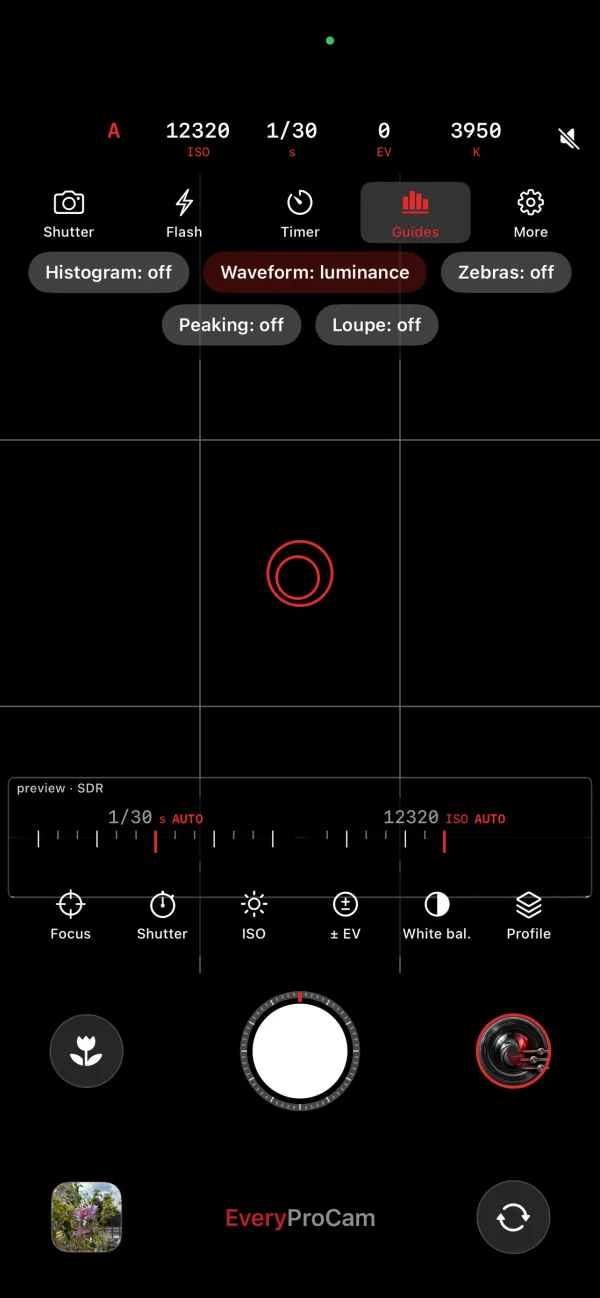
Histogram, waveform, zebras on blown highlights, in-focus edges, composition grids and a level, all on the viewfinder without slowing it down.
SHOOTING
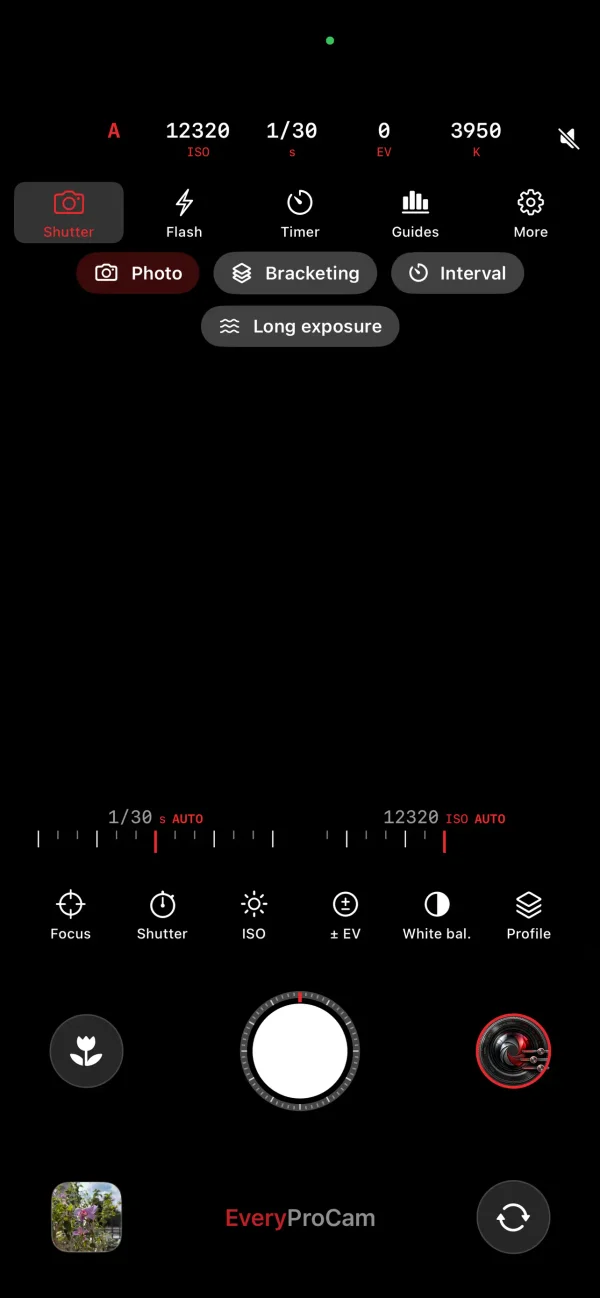
- Burst, bracketing, self-timer, intervalometer, flash and torch.
- Long exposure up to 30 seconds: silky water, light trails and night, with the photo building up on the viewfinder.
- Thirteen shooting profiles (portrait, landscape, night, moon, architecture, food and more) plus your own.
- Seven Looks for the colour of the photo, the same in the viewfinder and in the photo.
- Watermark and date stamp, if you want them.
THE LAB
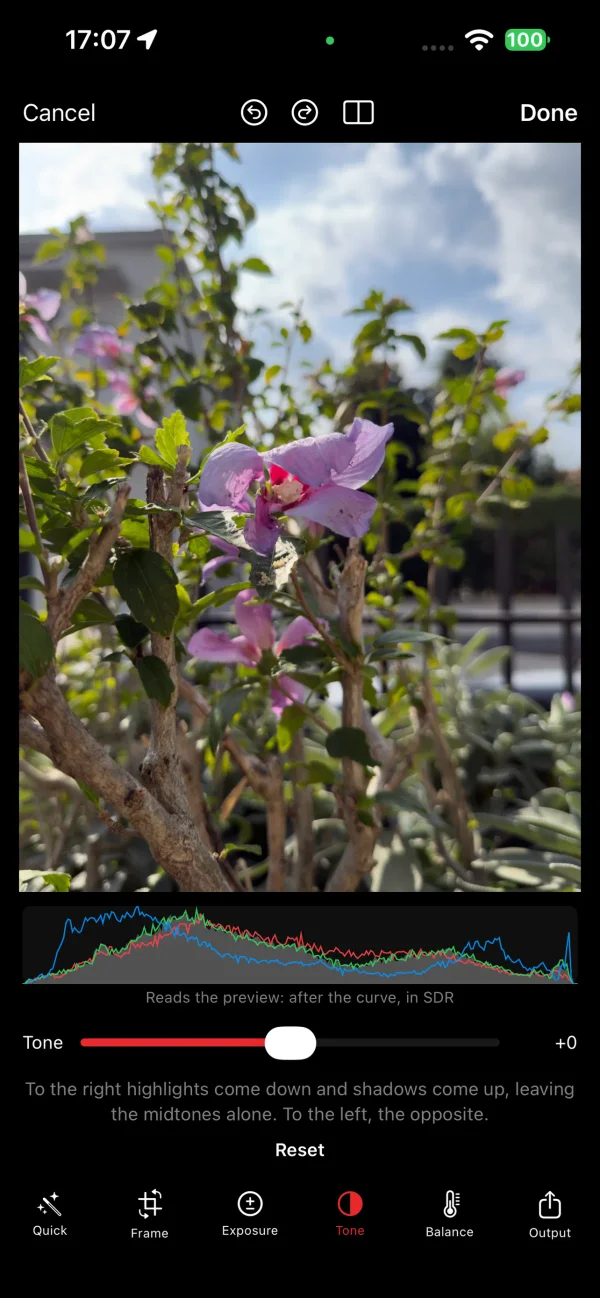
Open it from the photos you took and from the rest of your library too. Every edit is a recipe stored next to the photo in Photos: you can reopen it, change it, undo it, and it travels with iCloud Photos. "Revert" in Photos brings the photo back as it was.
- From the RAW negative: three stops of exposure either way, white balance redone by the decoder, blown highlights that come back.
- Framing, rotation, perspective, crop to a format.
- Tone with a histogram, before and after with a slider.
- Background blur on portraits with depth.
- Export to HEIF, JPEG, TIFF or the DNG as it is, with the size, quality and metadata you choose.
- RAW files from other cameras, opened from Files or Photos or shared from another app, AirDrop included.
YOUR PHOTOS
An EveryProCam album in Photos, a gallery with filters for RAW and favourites, bursts in stacks. If the app closes while a photo is saving, the photo reaches Photos on its own when you reopen it.
WITH IPHONE
The Camera Control where there is one, the Action button, Control Center, the Lock Screen, widgets, Siri and Shortcuts.
TEN LESSONS
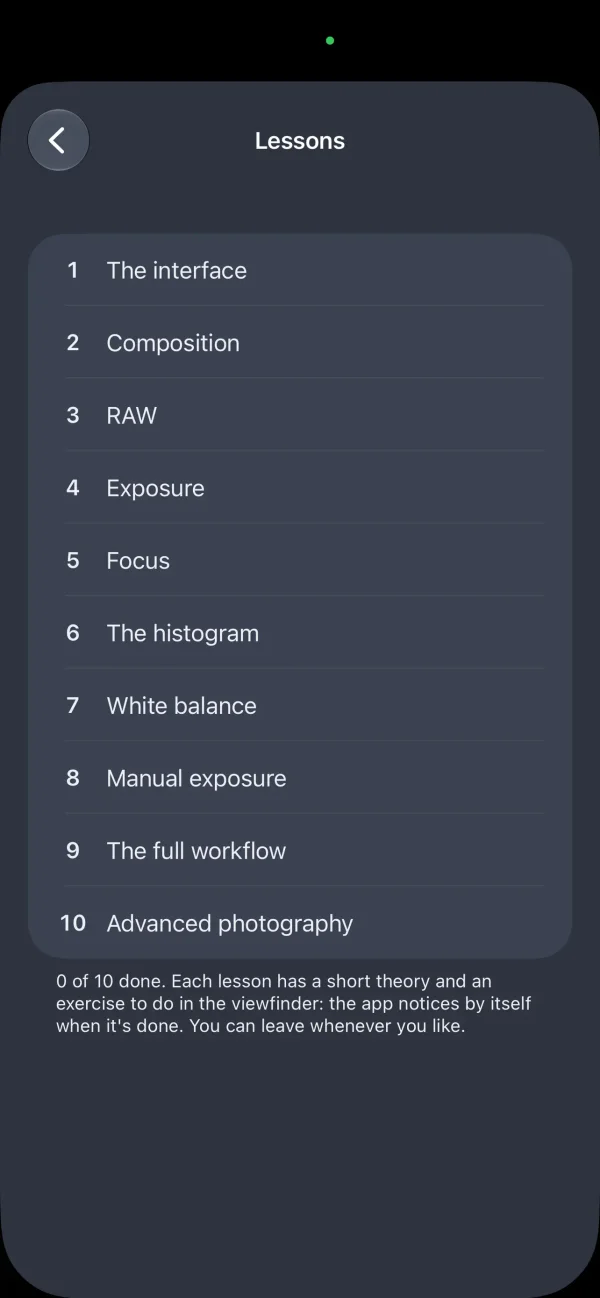
If you are starting out: ten lessons, from the interface to manual shooting, each with an exercise in the real viewfinder. The app notices on its own when you have done it.
PRIVACY
No account, no ads, no network. Your photos stay on your iPhone and in Photos. Location in photos is off by default.
iPhone only.
Novidades
Versão 2.1.2 · 25/11/2026
Two requested features:
Continuous focus on the tapped spot
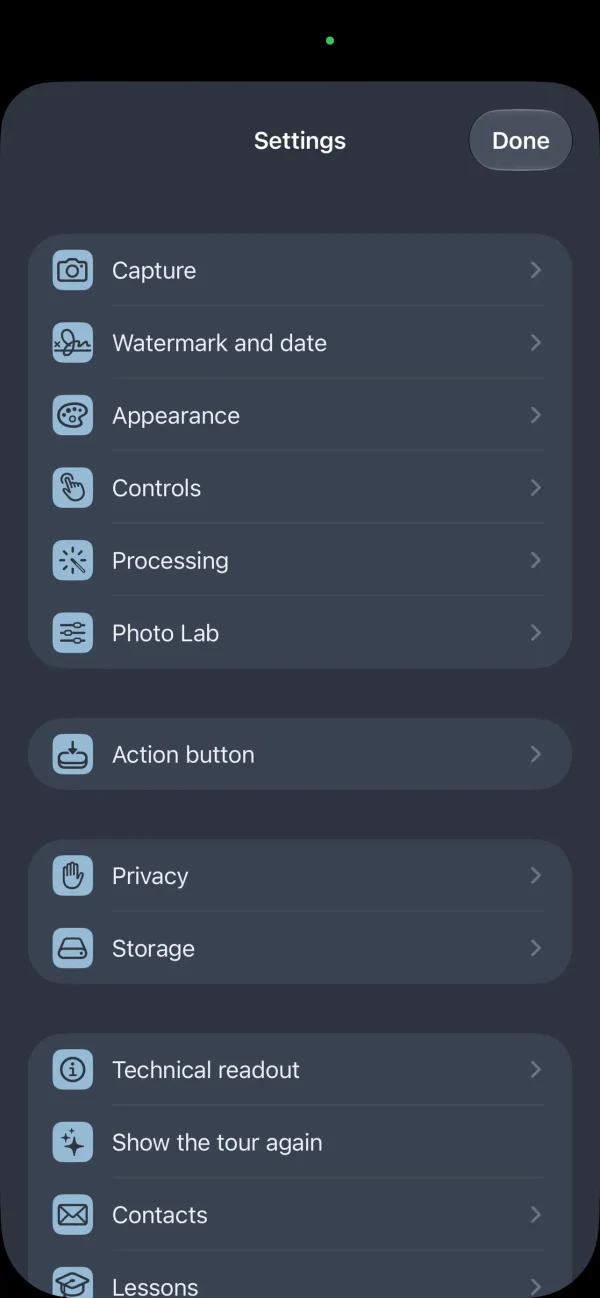
- In Settings → Controls → Tap on viewfinder you can choose continuous focus (AF-C). Single focus (AF-S) remains the default, as before.
- With AF-C the square stays where you tap and focus keeps adjusting there, even as the subject moves closer or farther away. In automatic mode exposure is metered on that spot too.
- Tap another spot to move the square. Tap the square to remove it and focus returns to the center.
- The square goes away on its own when you change lens or zoom, or switch to manual focus.
Uncropped RAW
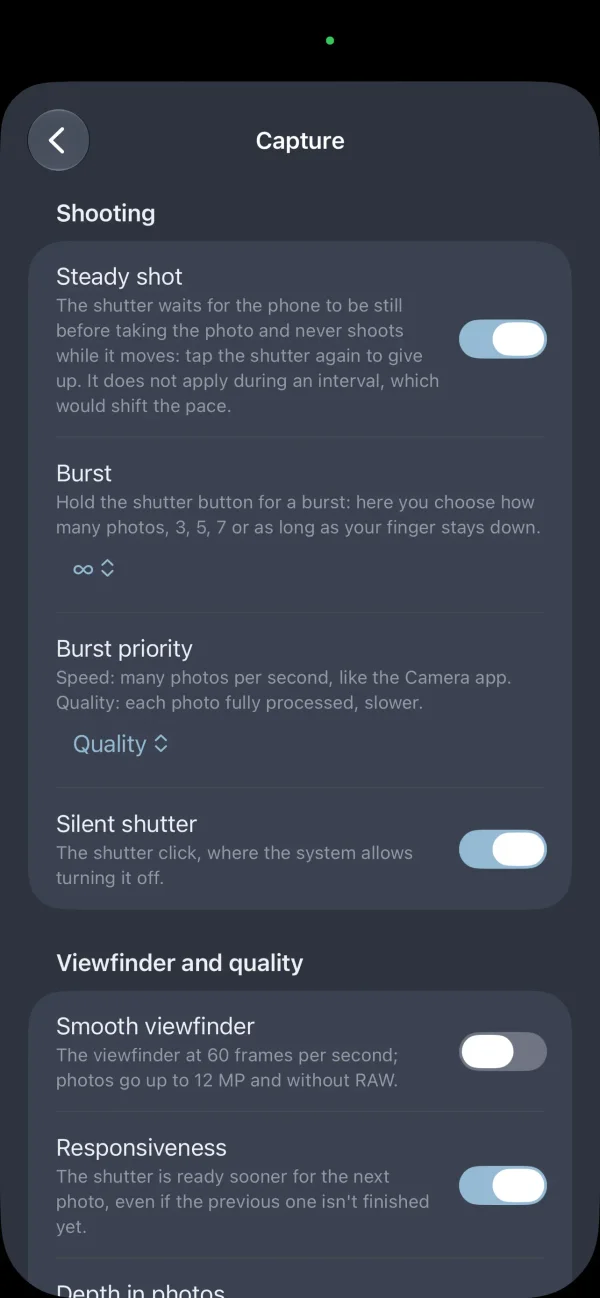
- In Settings → Capture → Uncropped RAW the DNG is saved whole in 4:3 even with 1:1, 3:2, 16:9 or any other framing, ready to crop later in the app of your choice.
- JPEG, HEIF and TIFF photos are still cropped as usual. The option is off by default, so the DNG opens already cropped, with all the pixels still kept.
- Both options also work when shooting from the Lock Screen.
Language
- In Settings → Language you can choose Same as device, Italiano or English. The choice takes effect when you reopen the app.
- If your device uses a language the app doesn't have, EveryProCam now opens in English instead of Italian.
Other fixes and code improvements.
Privacidade do app
O que Roberto Bonfa declara na App Store sobre como este app lida com os dados.
-
Dados não coletados
O desenvolvedor não coleta nenhum dado deste app.
As práticas de privacidade podem variar, por exemplo, com base nos recursos que você usa ou na sua idade.
Informações
- Vendedor
- Roberto Bonfa
- Categoria
- Foto e vídeo
- Versão
- 2.1.2
- Atualizado
- 25/11/2026
- Lançamento
- 09/10/2026
- Tamanho
- 25,0 MB
- Requer
- iOS 18.0 ou posterior
- Classificação etária
- 4+
- Preço
- Grátis
- Idiomas
- Inglês, Italiano
- Copyright
- © 2026 Roberto Bonfa'