HappyMapper
Projection Mapping for iPhone
Projetado para iPhone, iPad
Grátis · Compras no app
- Classificação etária4+
- CategoriaFoto e vídeo
- DesenvolvedorKenny Lu
- IdiomasInglês
- Tamanho12,5 MB
Leva à página oficial na App Store
O Download.org não hospeda nenhum arquivo de HappyMapper. O botão abre a página do app na App Store, onde Kenny Lu o publica. Página verificada pela última vez em 26/11/2026.
Capturas de tela

Sobre
O desenvolvedor não forneceu este texto no seu idioma.
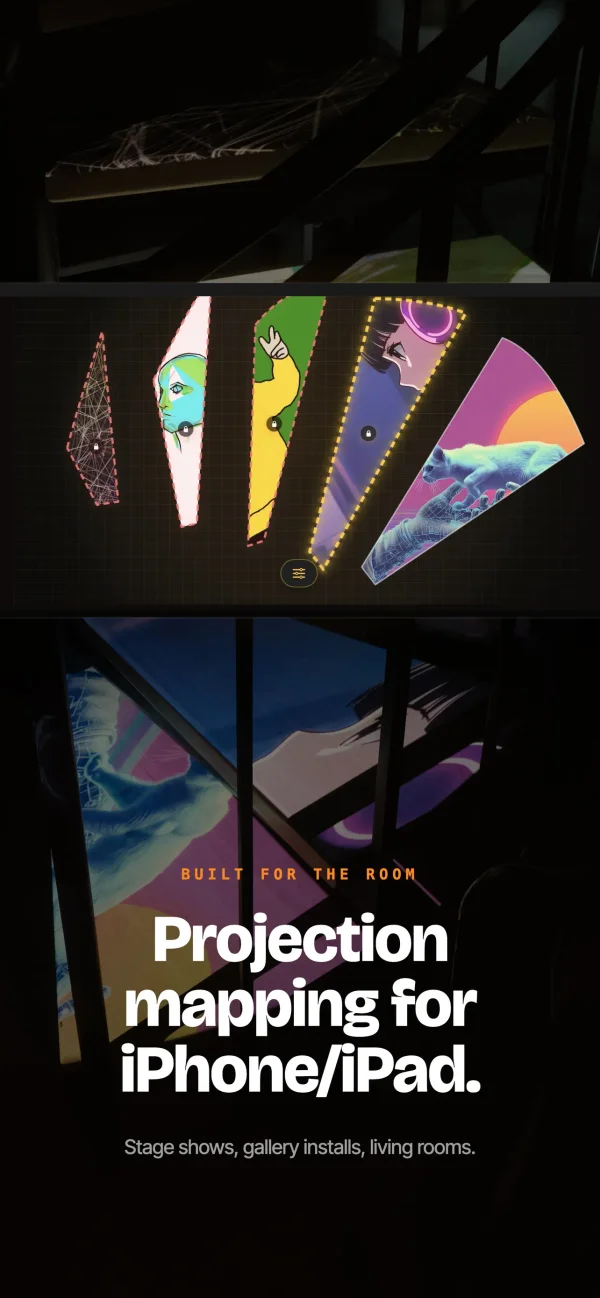
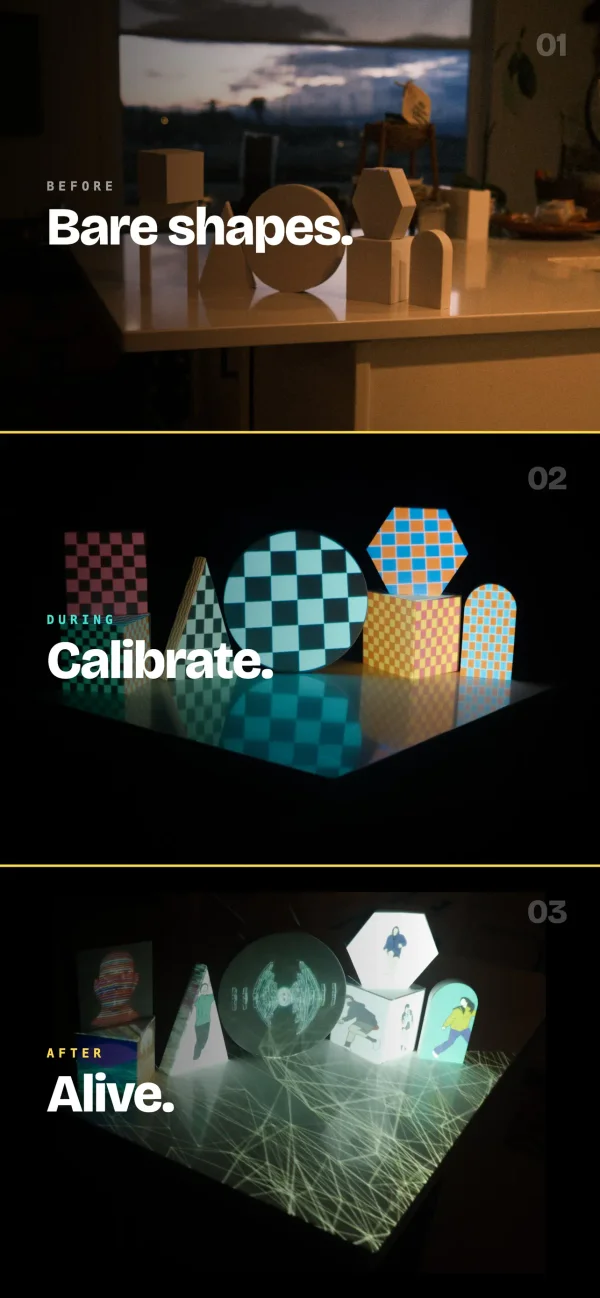
HappyMapper turns your iPhone or iPad and a projector into an art studio without walls.
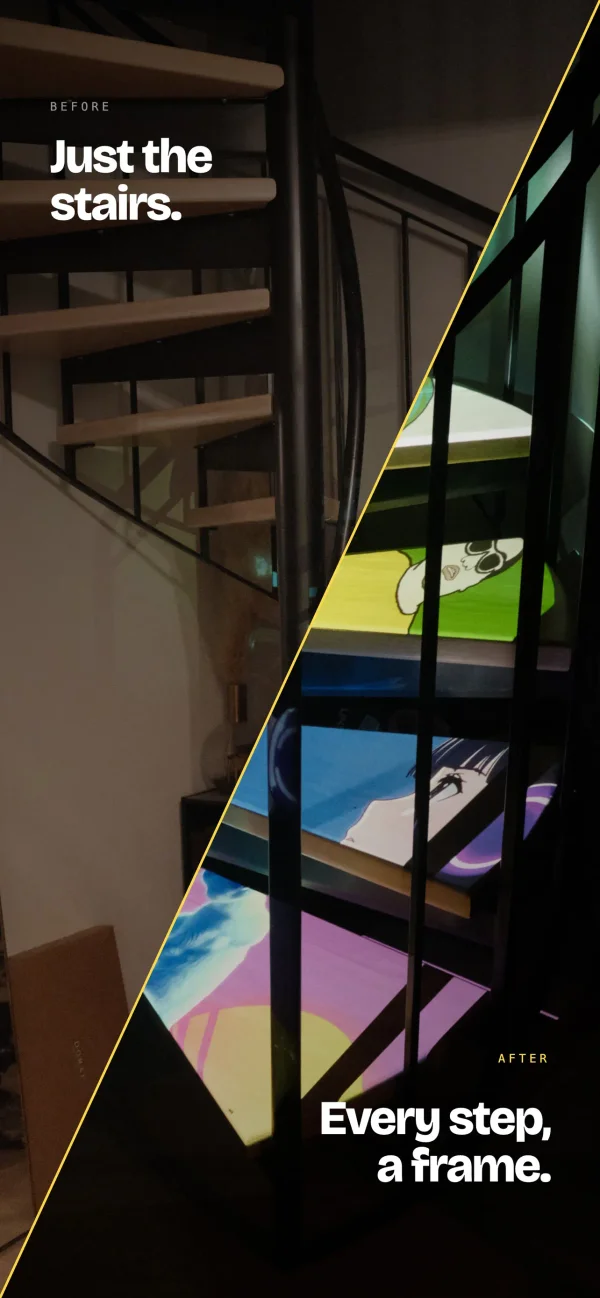
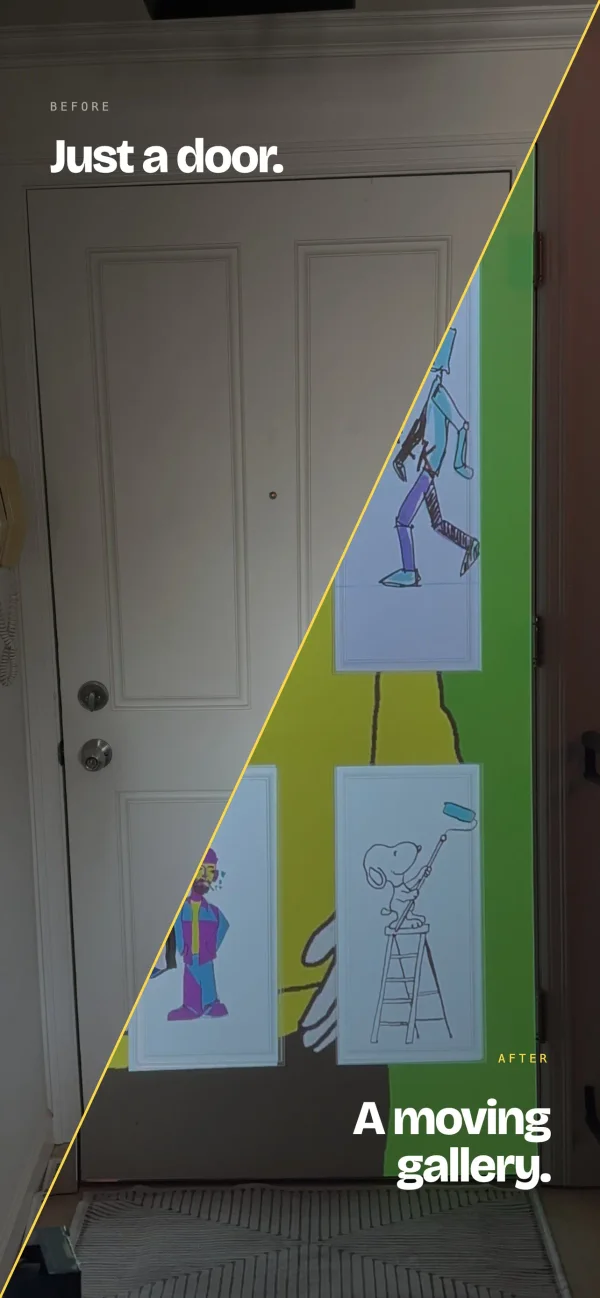
Turn walls, furniture, sculptures, and everyday objects into living art with light, color, and motion. Create stunning projection-mapped installations without design experience or expensive software. Just your device, a projector, and your imagination.
POWERFUL PROJECTION MAPPING, MADE SIMPLE
• Draw to Map: Draw any outline with your finger, and HappyMapper automatically creates a projection-ready shape
• Photo Overlay Mapping: Take a photo of your projection surface and use it as a reference to precisely map curved, complex, and irregular objects
• AirPlay Support: Wirelessly send your creations to an AirPlay-compatible projector or display
• Screen-Off Playback: Keep your projections running with your device's screen off to help conserve battery
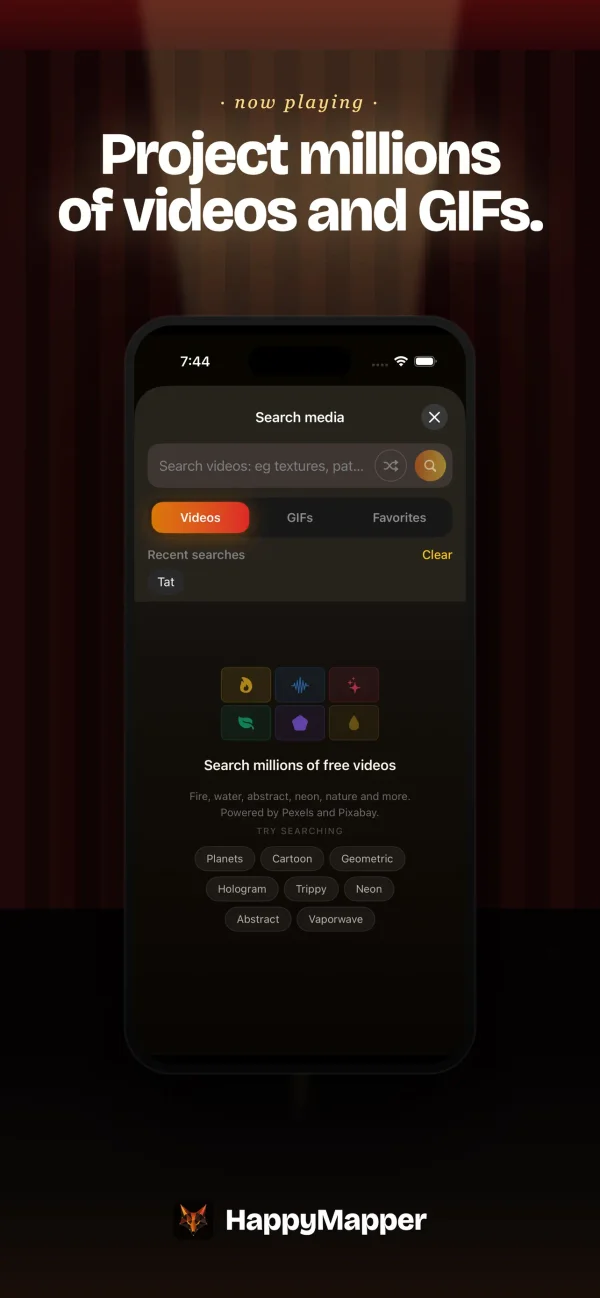
• Unlimited Video Searches: Explore millions of free videos directly inside the app, with no search limits
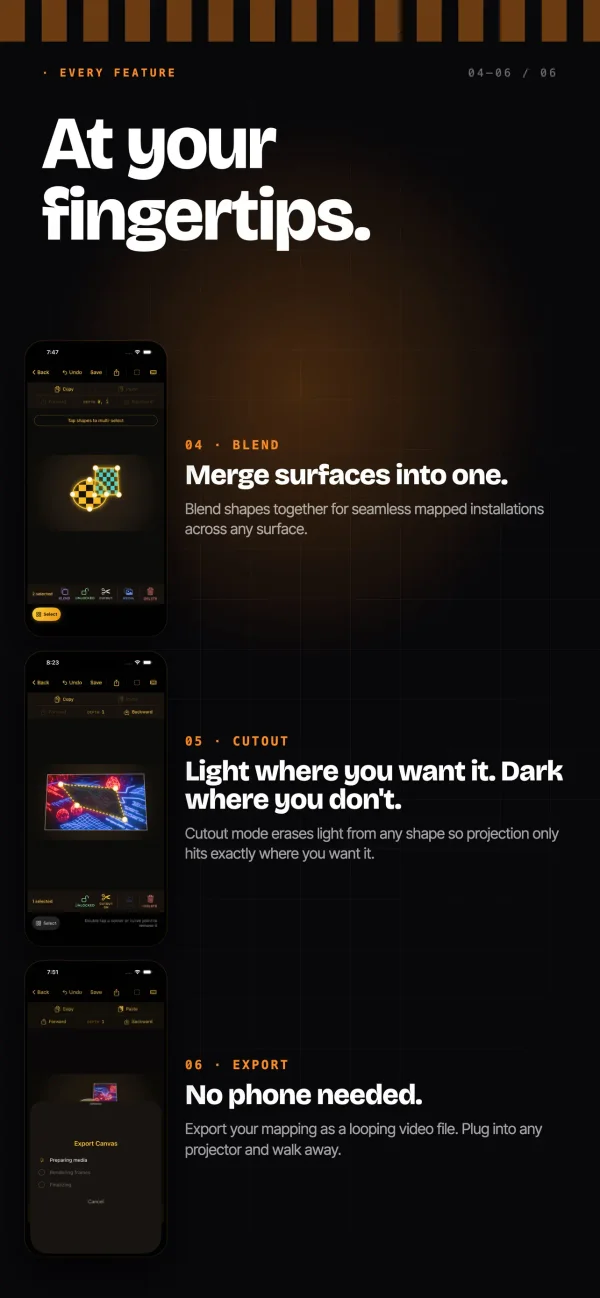
• Video Export: Export your finished projection as a video file for playback without keeping HappyMapper open.
CREATE YOUR OWN LIGHT INSTALLATIONS
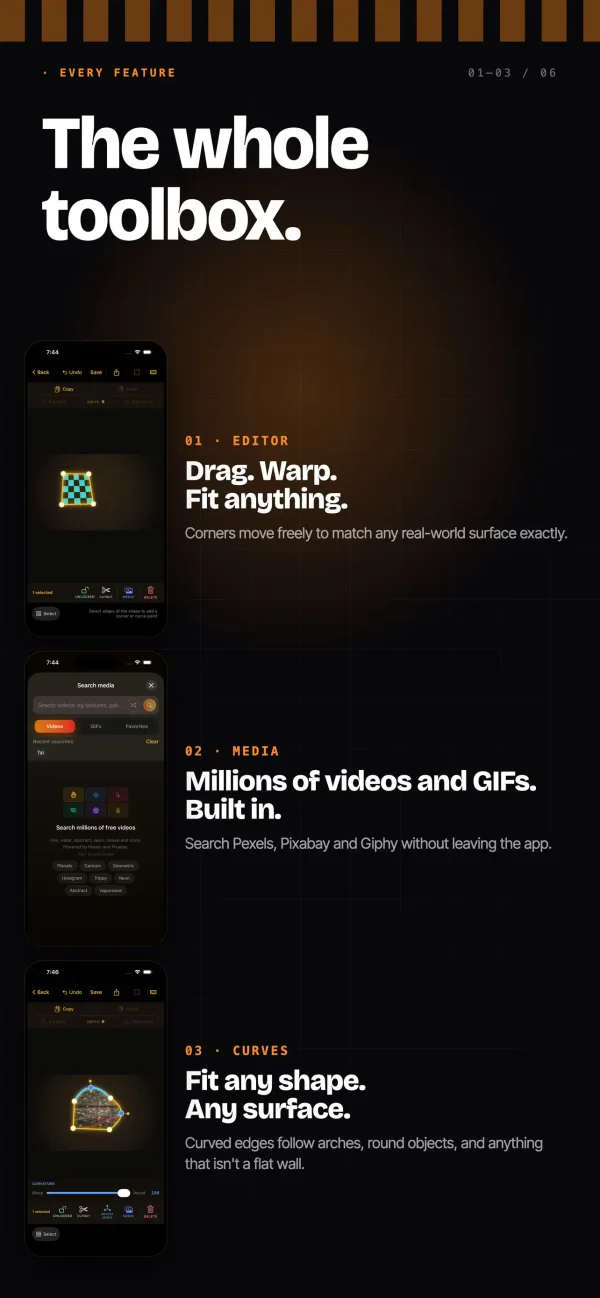
• Add shapes and warp them to fit almost any surface
• Curve edges to follow arches, round objects, and organic shapes
• Layer multiple surfaces for complex, room-filling installations
• Blend shapes together for seamless mapped surfaces
• Block light from specific areas with Cutout mode
• Rotate, resize, and position shapes with intuitive touch gestures
BRING YOUR SPACE TO LIFE
• Find ready-to-use visuals from multiple built-in video sources
• Browse millions of GIFs from GIPHY for looping animations and memes
• Import your own photos and videos
• Pan, rotate, and zoom media within each shape for precise placement
MADE FOR CREATORS
• Intuitive touch controls make projection mapping accessible to beginners
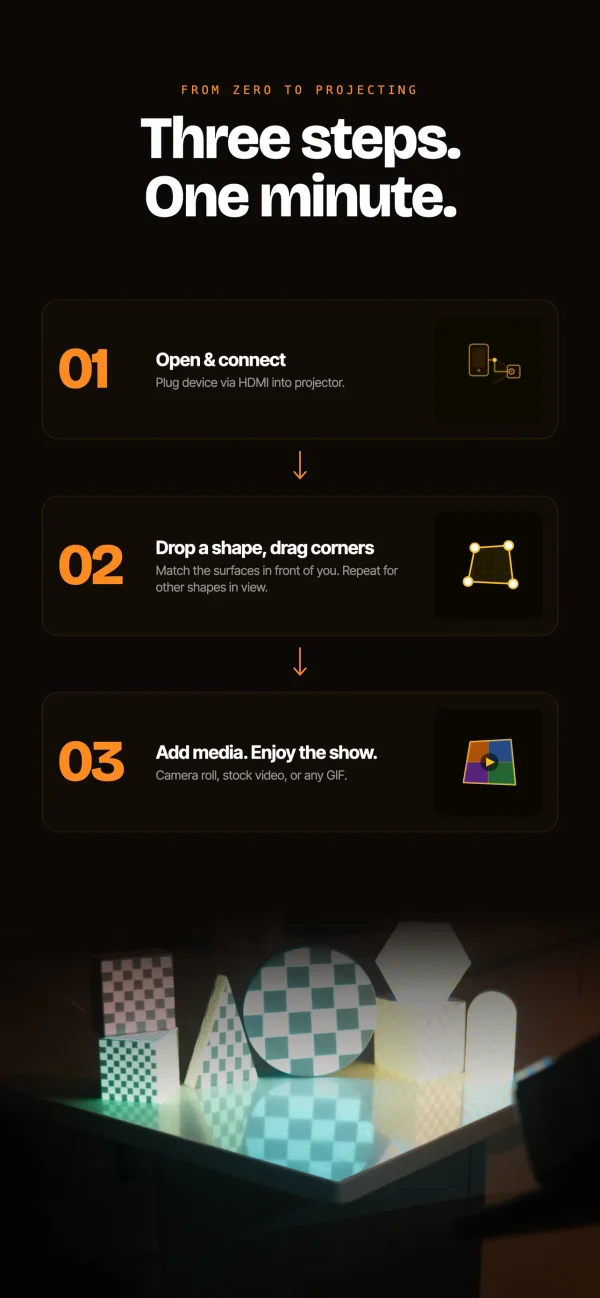
• Built-in quick start guide gets you mapping in minutes
• Save your setups and reload them anytime
• Your last session is automatically saved so you can pick up where you left off
INSPIRE YOUR SPACE
Set the mood for a dinner party. Create personalized wedding projections. Transform your bedroom into an immersive art installation. Film unique social media content. Light up your home for the holidays. Bring visual art to the stage.
From simple decorations to elaborate installations, HappyMapper makes projection art accessible to everyone.
TRY FREE. UNLOCK FOREVER.
Start creating with one fully featured shape for free. Unlock unlimited shapes with a one-time purchase of HappyMapper Pro. No subscriptions.
Novidades
Versão 2.02 · 25/11/2026
Transform any surface into living art with HappyMapper: powerful projection mapping made simple for iPhone and iPad.
Turn walls, furniture, sculptures, buildings, and everyday objects into stunning displays of light, color, and motion. Simply connect your projector, create shapes, and bring your surroundings to life.
No computer, expensive software, or design experience required.
All features are free for one shape. Unlock unlimited shapes with a one-time lifetime purchase. No subscriptions.
POWERFUL PROJECTION MAPPING, MADE SIMPLE
• Draw to Map: Draw any outline with your finger and automatically create a projection-ready shape
• Photo Overlay Mapping: Use a photo of your projection surface as a reference to precisely map complex and irregular objects
• Wired & Wireless Projection: Connect your projector via HDMI or AirPlay
• Screen-Off Playback: Keep your projections running with your device's screen off
• Unlimited Video Searches: Explore millions of free videos directly inside the app
• Video Export: Export your finished projection as a video file for playback without keeping HappyMapper open
CREATE YOUR OWN LIGHT INSTALLATIONS
• Add shapes and warp them to fit almost any surface
• Curve edges to follow arches, round objects, and organic shapes
• Layer multiple surfaces for immersive installations
• Blend shapes together for seamless projections
• Block light from specific areas with Cutout mode
• Rotate, resize, and position shapes with intuitive touch gestures
BRING YOUR SPACE TO LIFE
• Discover ready-to-use visuals from built-in video libraries
• Browse millions of GIFs from GIPHY
• Import your own photos and videos
• Pan, rotate, and zoom media within each shape for precise placement
PERFECT FOR ANY OCCASION
• Christmas decorations and holiday light displays
• Halloween house projections
• Personalized wedding projections
• Immersive room decorations
• Parties and special events
• Stage visuals and artistic installations
• Creative photography and social media content
MADE FOR EVERYONE
• Intuitive touch controls designed for beginners and experienced creators
• Built-in quick start guide gets you mapping in minutes
• Save and reload your projection setups anytime
• Automatically resume your last session
Privacidade do app
O que Kenny Lu declara na App Store sobre como este app lida com os dados.
-
Dados não coletados
O desenvolvedor não coleta nenhum dado deste app.
As práticas de privacidade podem variar, por exemplo, com base nos recursos que você usa ou na sua idade.
Informações
- Vendedor
- Kenny Lu
- Categoria
- Foto e vídeo
- Versão
- 2.02
- Atualizado
- 25/11/2026
- Lançamento
- 04/06/2026
- Tamanho
- 12,5 MB
- Requer
- iOS 16.0 ou posterior
- Classificação etária
- 4+
- Preço
- Grátis
- Compras no app
- Sim
- Idiomas
- Inglês
- Copyright
- © Kenzo Apps
Você também pode gostar
-
 Viso - Projection MappingFoto e vídeo
-
 ILW LightMapperFoto e vídeo
-
 One Big Projector: MappingProjecoes para festas e VJ
-
 Modelar - 3D LiDAR ScannerFoto e vídeo
-
 RealityScan MobileFoto e vídeo
-
 Krea: AI Images and VideosFoto e vídeo
-
 AR VideoLabFoto e vídeo
-
 DaVinci Resolve for iPadFoto e vídeo
-
 Luma Dream MachineFoto e vídeo
-
 Atlas Photo – Photo CompanionTake Better Photos