- Classificação etária4+
- CategoriaArtes gráficas e design
- DesenvolvedorSeyed Mahmoud Hodaeenia
- IdiomasInglês
- Tamanho4,4 MB
Leva à página oficial na App Store
O Download.org não hospeda nenhum arquivo de HarmonicArt. O botão abre a página do app na App Store, onde Seyed Mahmoud Hodaeenia o publica. Página verificada pela última vez em 17/11/2026.
Capturas de tela


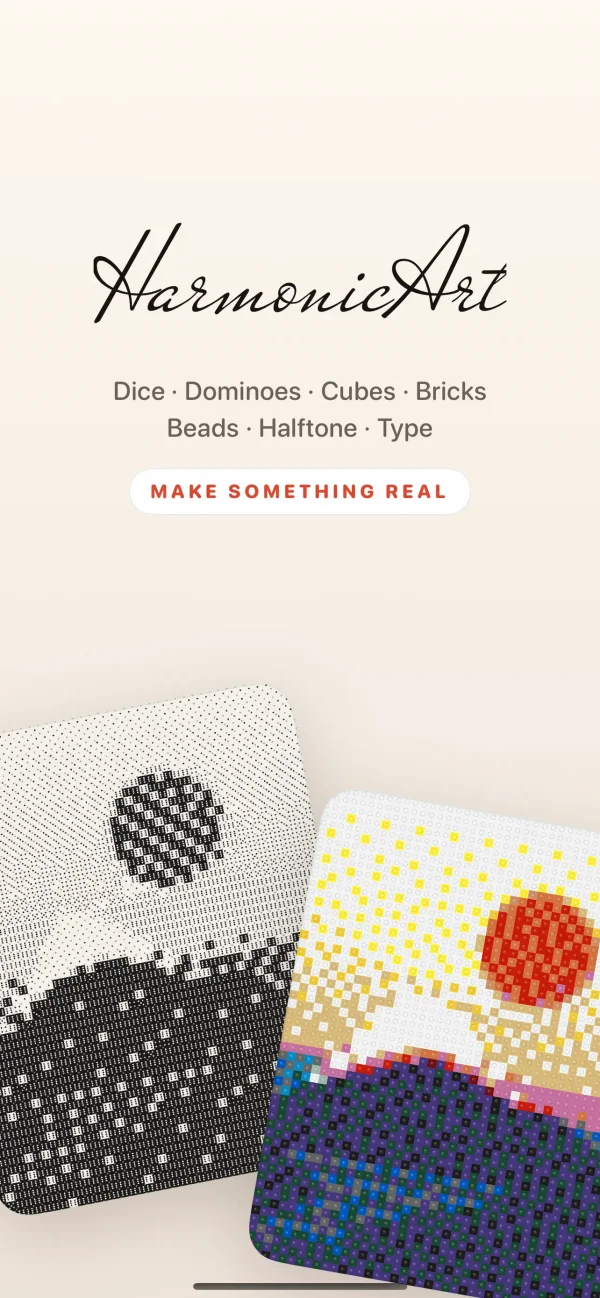
Sobre
O desenvolvedor não forneceu este texto no seu idioma.
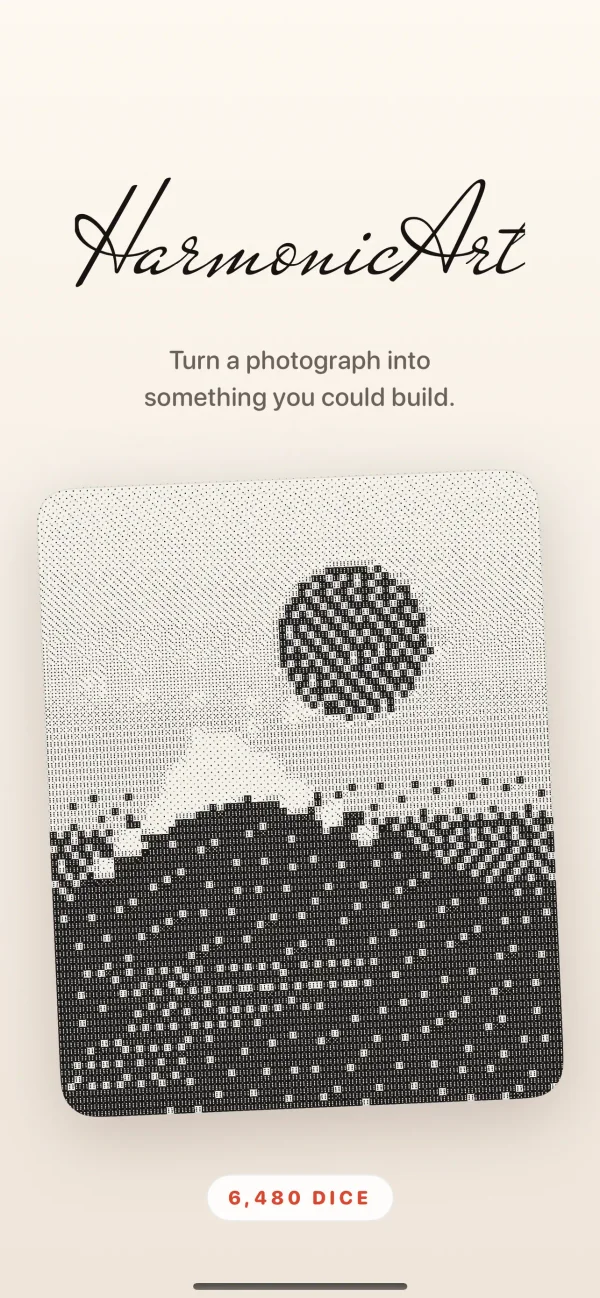
Turn any photograph into a mosaic made of dice, dominoes, bricks or beads, then get the plan to build it for real.
HarmonicArt is not a filter. It is a studio for designing something physical, and it hands you the material list, the finished dimensions and a printable plan to work from.
SEVEN MATERIALS
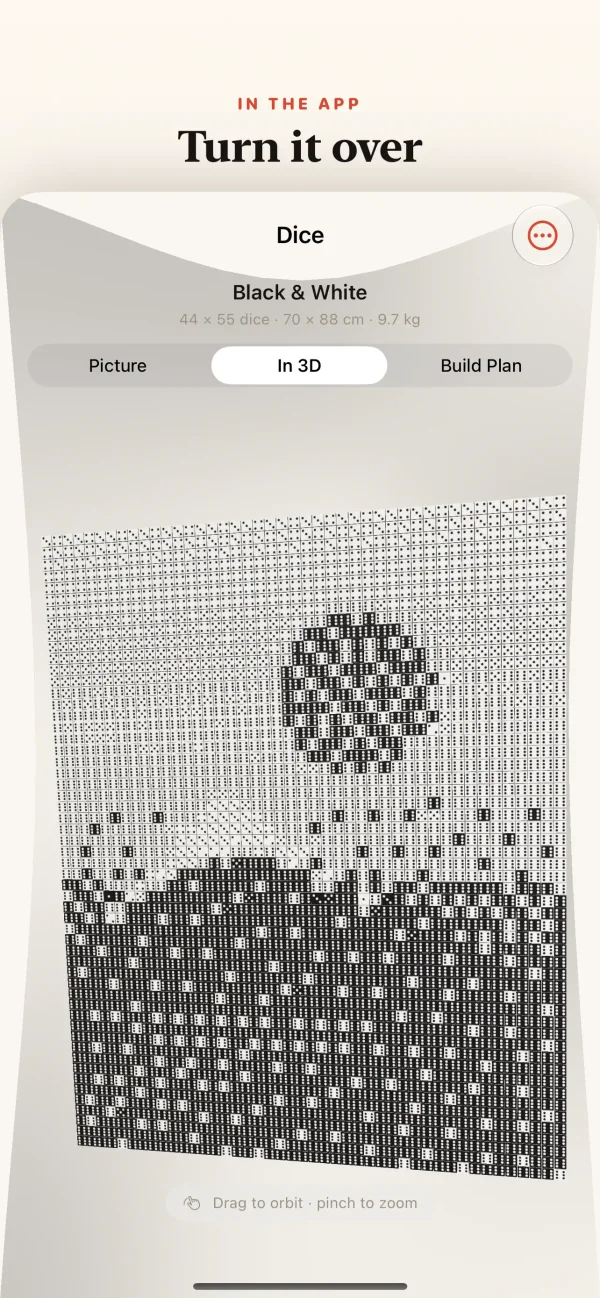
Dice: black and white faces, the classic. Six tones from one set, twelve from two.
Dominoes: seven tones per set, laid end to end.
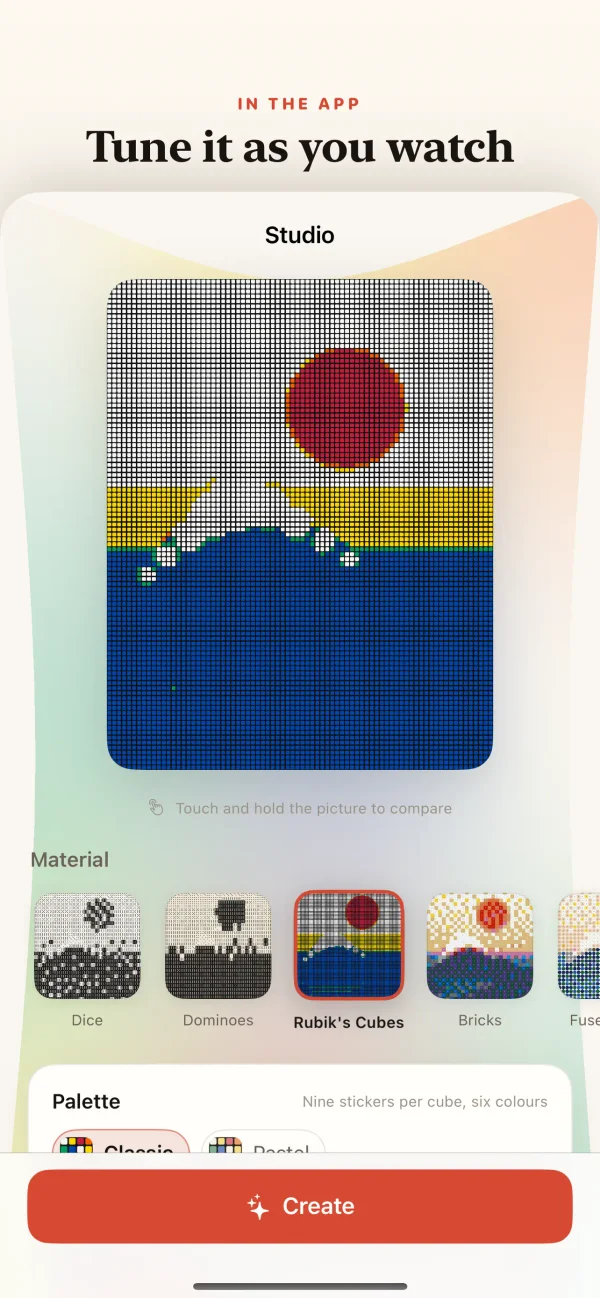
Cubes: nine stickers each, six colours, a wall of puzzle cubes.
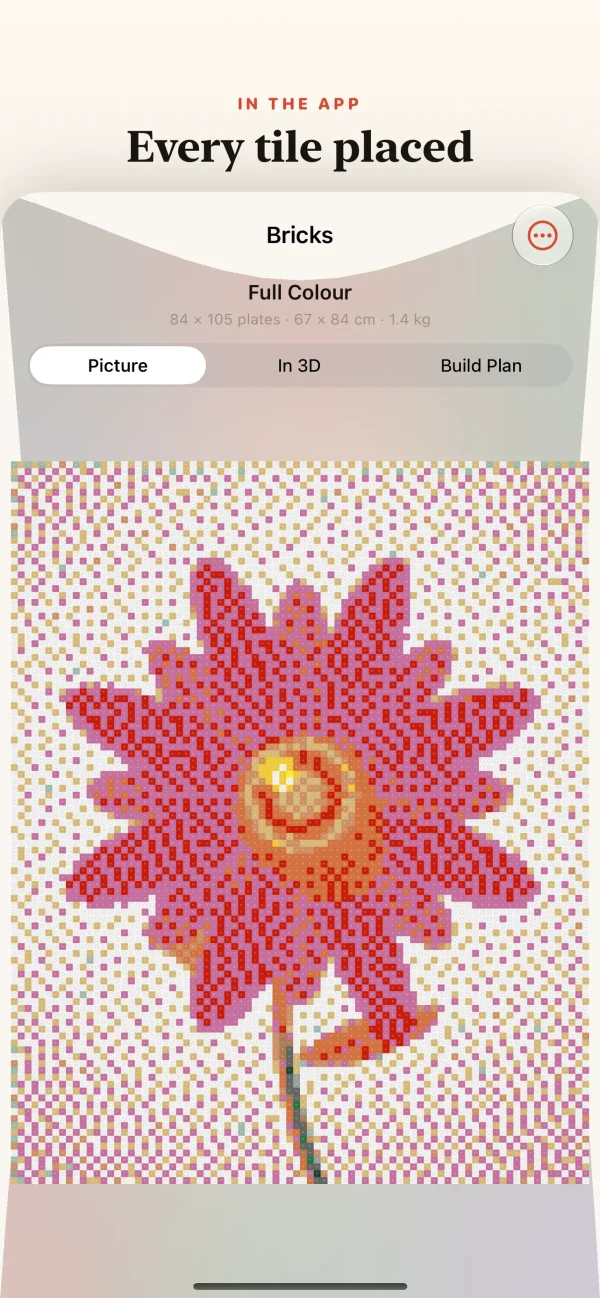
Bricks: studded plates in twenty-two colours on a baseplate.
Fuse beads: ironed pegboard pixels.
Halftone: newsprint dots in the ink of your choice.
Typewriter: glyphs standing in for grey.
Pick one and the whole picture changes. The preview updates as you choose.
A PLAN YOU CAN BUILD FROM
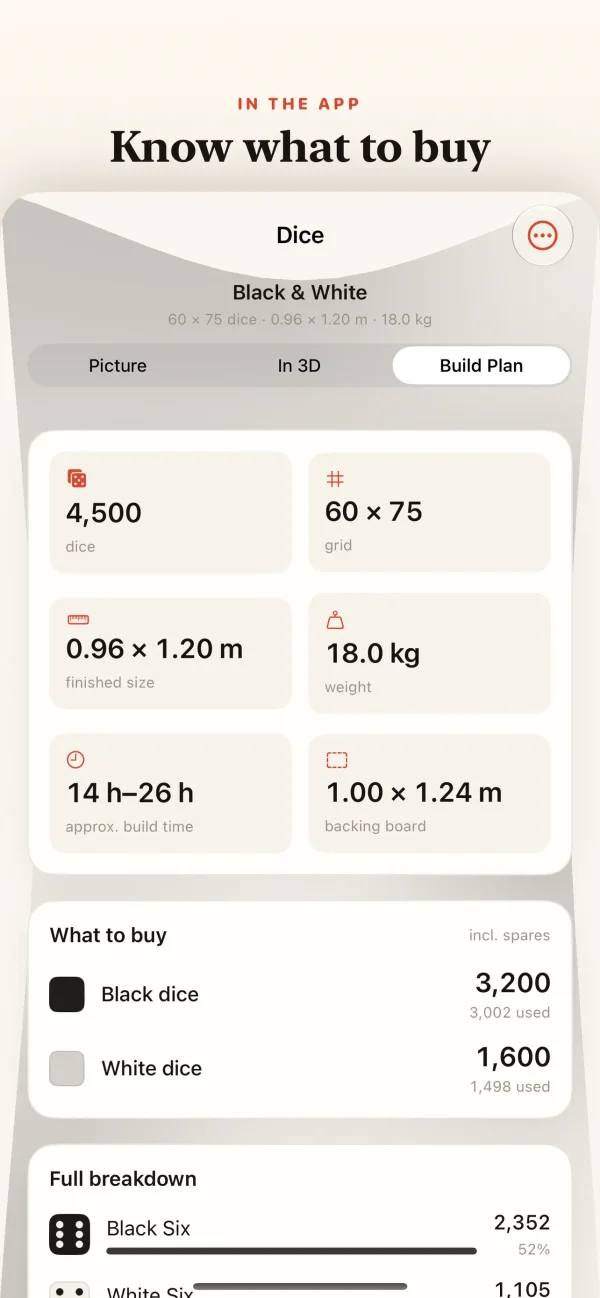
Every piece comes with the part nobody else gives you:
• What to buy, by the item, "3,200 black dice, 1,600 white", not a list of color codes
• Finished size and weight, before you commit to anything
• An estimate of how long the placing will take
• The backing board you will need
• A printable PDF: a shopping list, a method page, a section map with progress boxes, and numbered section pages with coordinates on all four edges and a per-page material tally
Print it, take it to the table, and work through it a section at a time.
A STUDIO, NOT A BUTTON
• A live preview that redraws as you move a slider, no guessing, no waiting
• Touch and hold to compare against your original
• Detail from a few dozen tiles to tens of thousands
• Several palettes per material, from full colour to greyscale
• Three ways to handle tone: flat, diffused or screened
• Brightness and contrast, when a photo needs a hand
Colours are matched in a perceptual colour space, so faces land on believable skin tones instead of drifting green.
SEE IT IN THREE DIMENSIONS
Orbit a finished piece as real objects, dice with real pips, cubes with real stickers, bricks with studs, lit and shadowed, before you have bought a single one.
KEEP AND SHARE
• Save to Photos, or export up to 8192 pixels for a gallery print
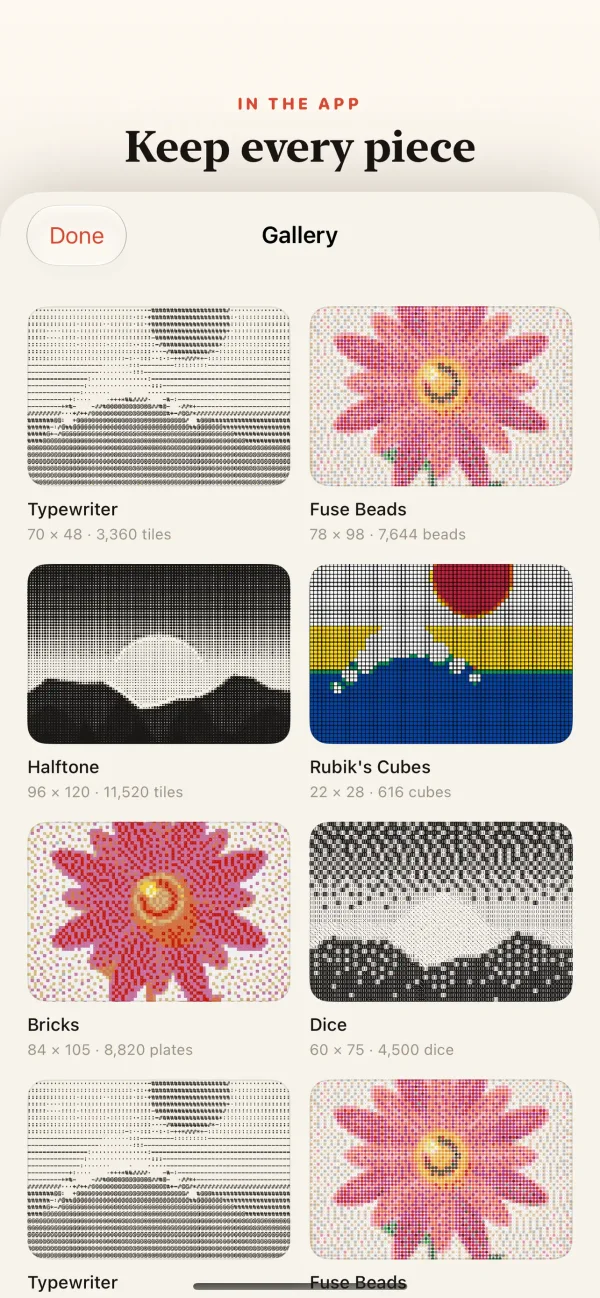
• A gallery that remembers every piece with its settings, so you can reopen one, push the detail up, switch materials and export it again
• Share the picture or the build plan
PRIVATE BY DESIGN
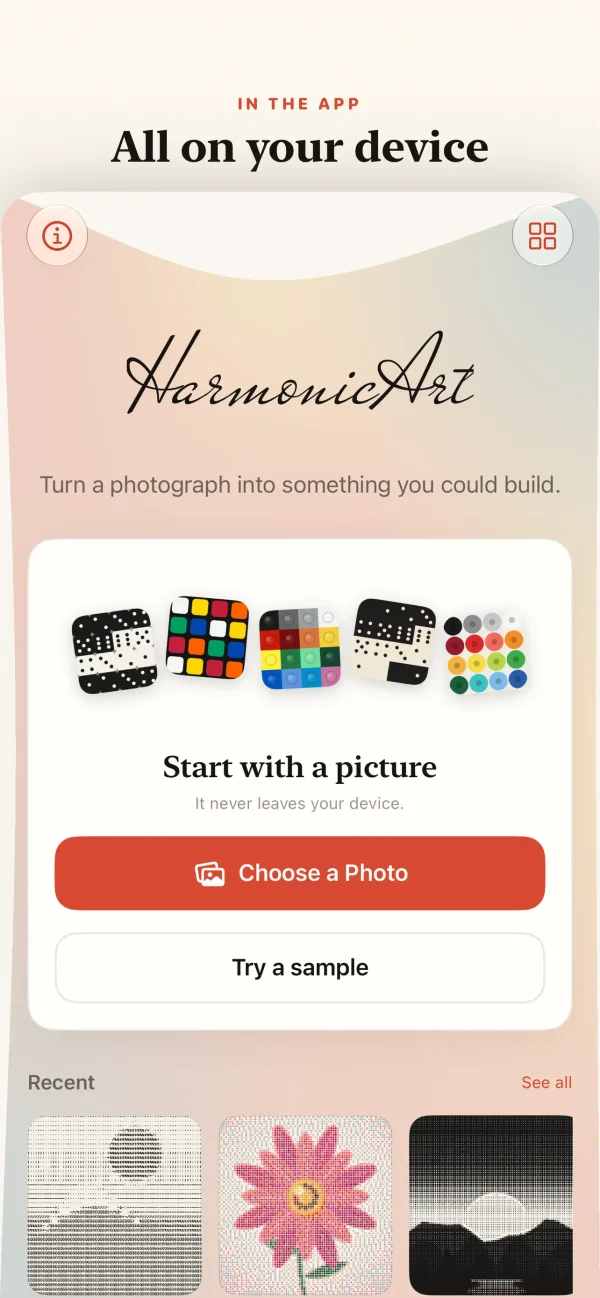
Your photos are read, mosaicked and saved entirely on your device. There is no account, no server, and nothing is uploaded. Diagnostics are optional and can be switched off in one tap.
Novidades
Versão 2.0.0 · 20/09/2026
A rebuild, top to bottom.
FIVE NEW MATERIALS
Dominoes, bricks, fuse beads, halftone and typewriter join dice and cubes, seven in all.
BUILD PLANS
Every piece now comes with what to buy by the item, its finished size and weight, an estimate of how long it takes, and a printable PDF: shopping list, method, a section map with progress boxes, and numbered pages with coordinates and a per-page tally.
A LIVE STUDIO
The preview redraws as you move a slider instead of after. Touch and hold to compare with your original. New palettes, dithering options, and brightness and contrast.
A GALLERY
Pieces are kept with their settings, so you can reopen one, change it and export it again.
FASTER AND SHARPER
The 3D view is rebuilt on Metal and now handles tens of thousands of tiles smoothly. Colour matching moved to a perceptual colour space, so photographs come out truer. Exports go up to 8192 pixels.
Privacidade do app
O que Seyed Mahmoud Hodaeenia declara na App Store sobre como este app lida com os dados.
-
Dados não coletados
O desenvolvedor não coleta nenhum dado deste app.
As práticas de privacidade podem variar, por exemplo, com base nos recursos que você usa ou na sua idade.
Informações
- Vendedor
- Seyed Mahmoud Hodaeenia
- Categoria
- Artes gráficas e design
- Versão
- 2.0.0
- Atualizado
- 20/09/2026
- Lançamento
- 22/01/2024
- Tamanho
- 4,4 MB
- Requer
- iOS 18.0 ou posterior
- Classificação etária
- 4+
- Preço
- Grátis
- Idiomas
- Inglês
- Copyright
- © MHN
Você também pode gostar
-
 Kostka PixelMosaicos de dados
-
 tone+Authentic halftone print
-
 Blocked—Block MosaicsArtes gráficas e design
-
 Genie CrystalsArtes gráficas e design
-
 Brick Art InstructorArtes gráficas e design
-
 Editor de mosaico - MosaicPixelize e oculte fotos
-
 Stencil Maker: TattooStencils de tattoo com IA
-
 Halftone dot artArtes gráficas e design
-
 Cromáticos IAPaleta de Cores.Harmonia
-
 String Art Color - Pin ThreadColor by Number & Draw