Koodo Reader
Ebook Reading Made Easy
Projetado para iPhone, iPad, iPod touch
Grátis · Compras no app
- Classificação etária17+
- CategoriaLivros
- Desenvolvedor亮 郭
- IdiomasInglês
- Tamanho71,5 MB
Leva à página oficial na App Store
O Download.org não hospeda nenhum arquivo de Koodo Reader. O botão abre a página do app na App Store, onde 亮 郭 o publica. Página verificada pela última vez em 24/11/2026.
Capturas de tela
Sobre
O desenvolvedor não forneceu este texto no seu idioma.
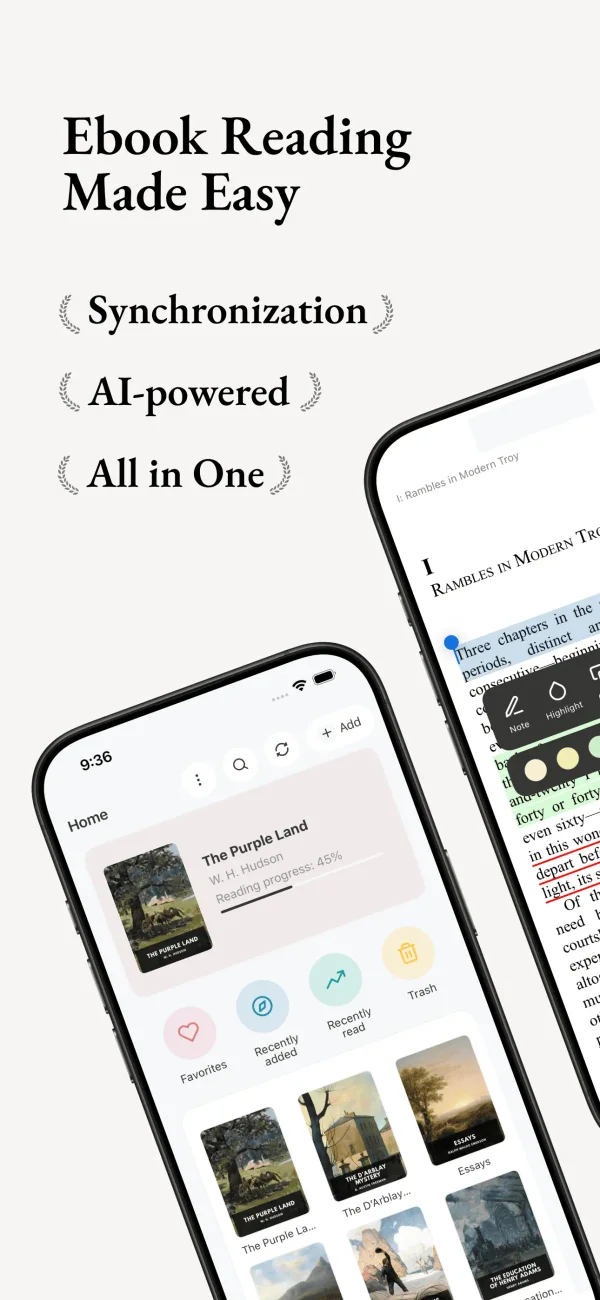
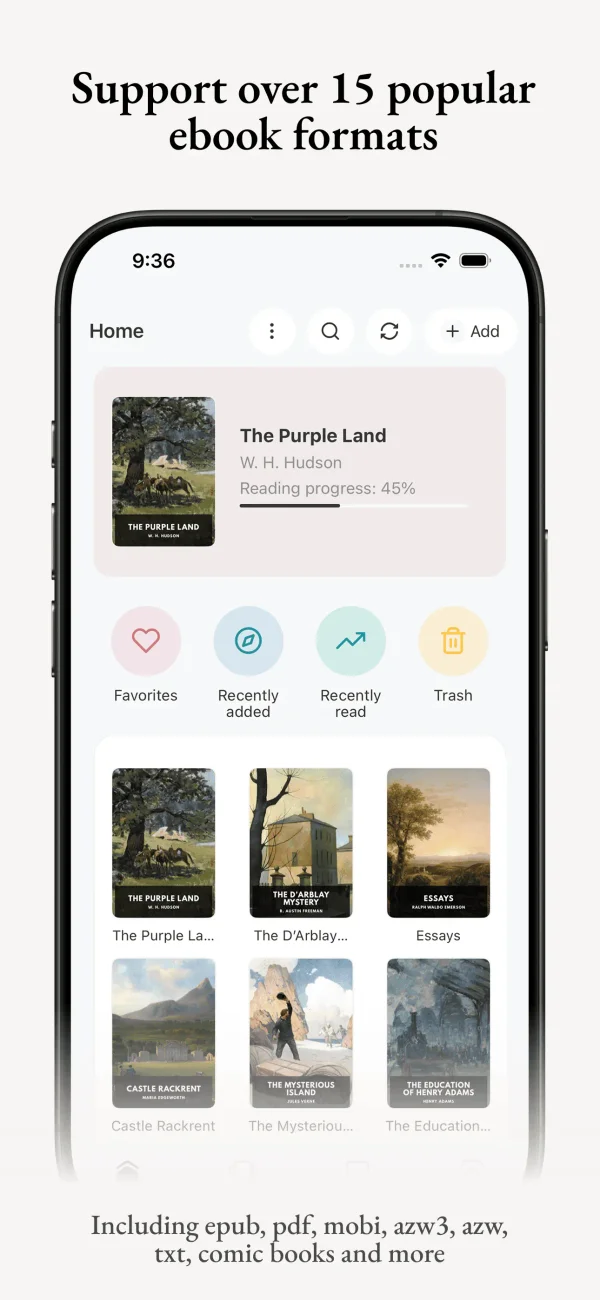
Koodo Reader is a powerful e-book reader designed for managing and reading local e-books. It supports a wide range of popular formats, including EPUB, PDF, MOBI, AZW3, TXT, Comics and more. It integrates seamlessly with personal NAS and cloud storage for a smooth cross-platform experience.
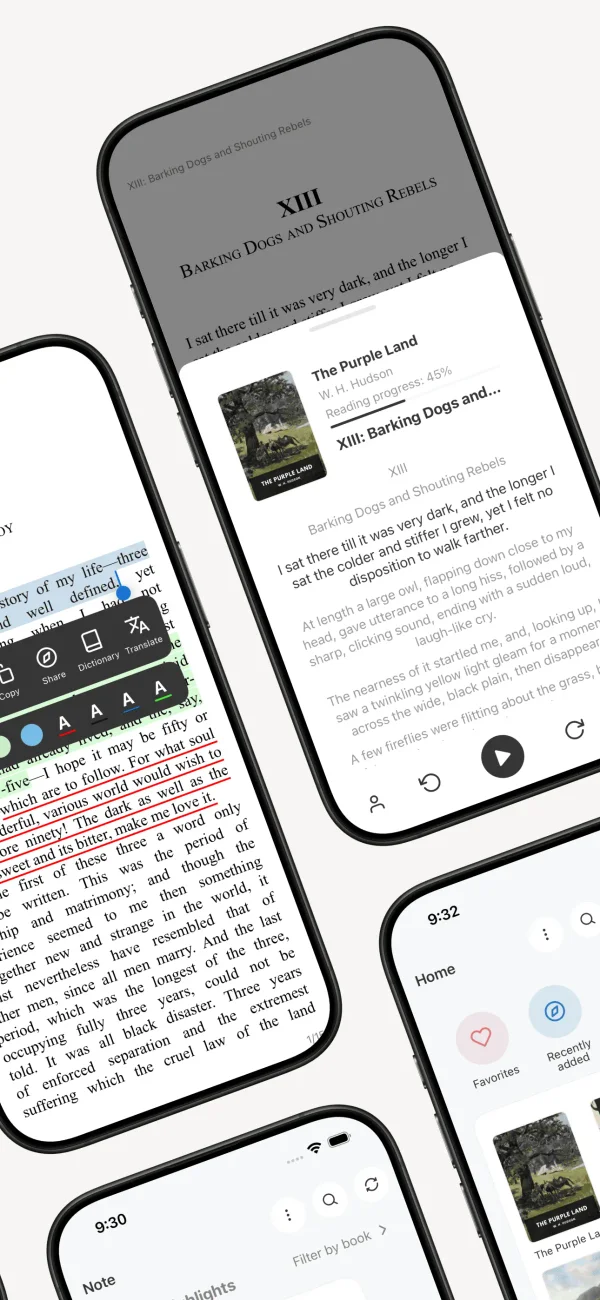
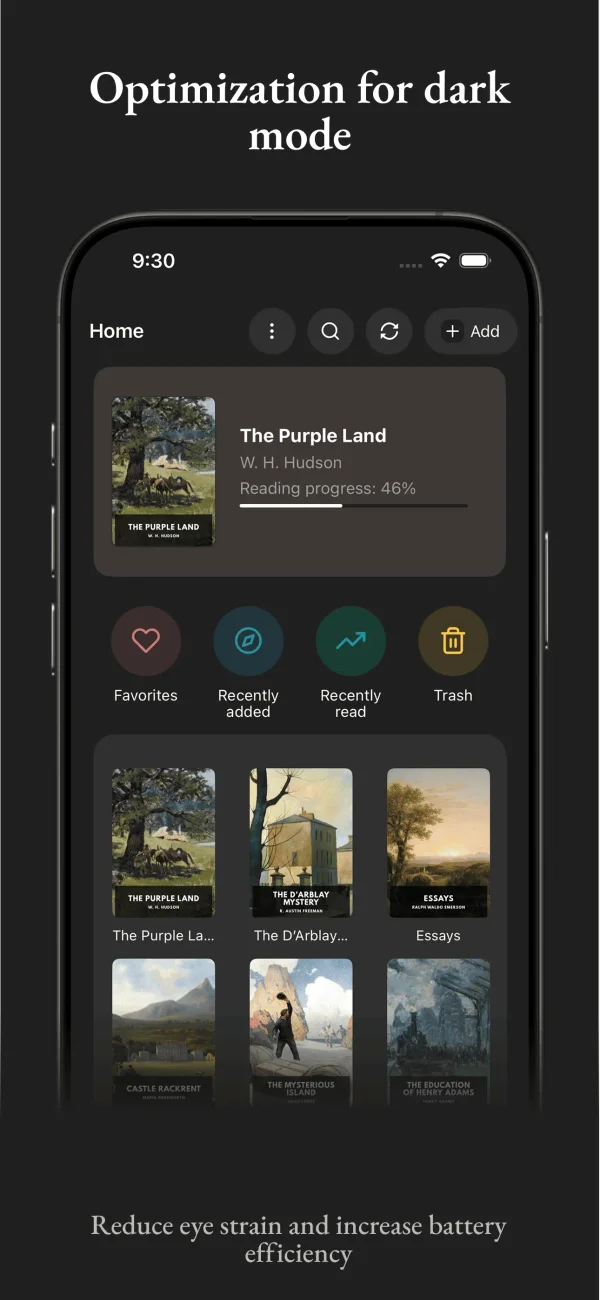
With a fully customizable interface, you can adjust fonts, switch between multiple themes, enable night mode, and enjoy optimized layouts for any screen size.
Key Features:
Broad Format Support: EPUB, PDF, MOBI, AZW3, AZW, TXT, FB2, CBR, CBZ, CBT, CB7, MD, DOCX, HTML, XML, XHTML, MHTML, HTM
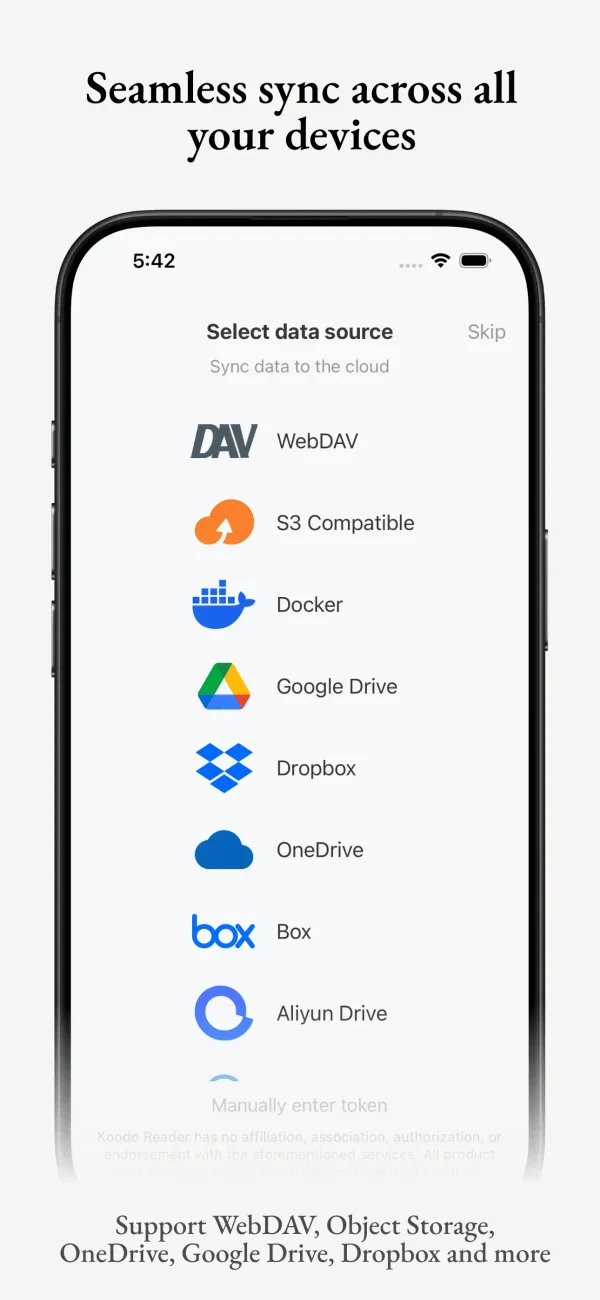
Cloud Integration: Works with OneDrive, Google Drive, Dropbox, pCloud, Baidu Netdisk, 115 Netdisk, Aliyun Drive, Yandex Disk and Box
Network Protocol Compatibility: WebDAV, Self-hosted Docker, SMB, FTP, SFTP and S3-Compatible Object Storage
Sync Across Devices: Automatically keeps your library, reading progress, bookshelves, notes, and highlights up to date
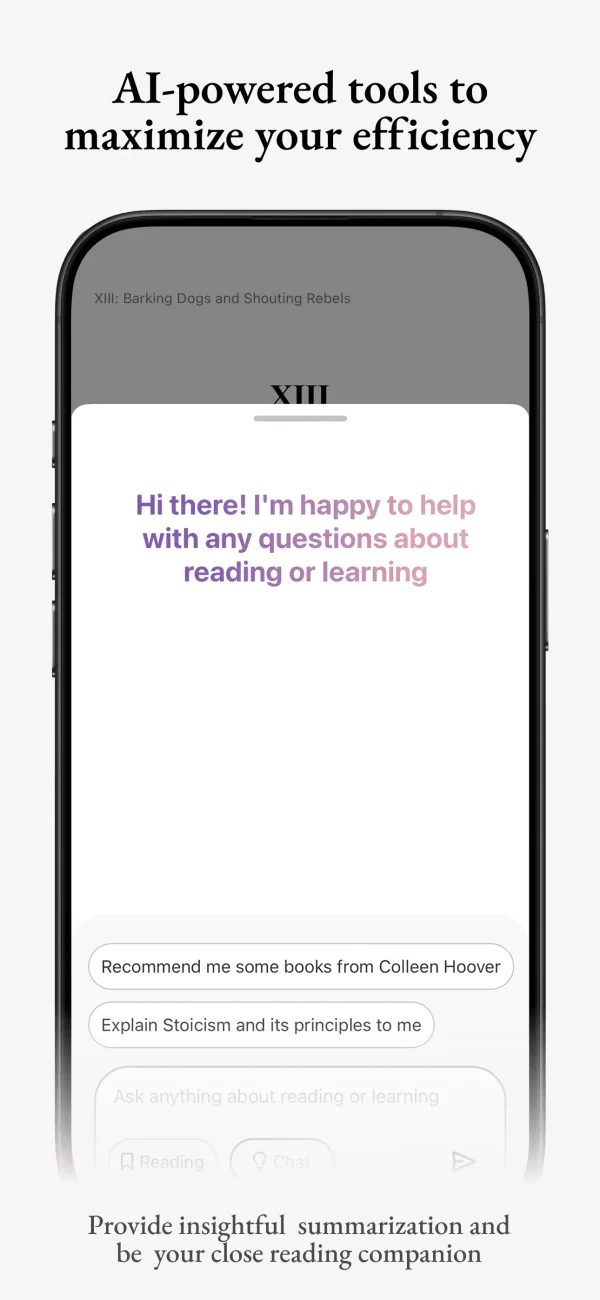
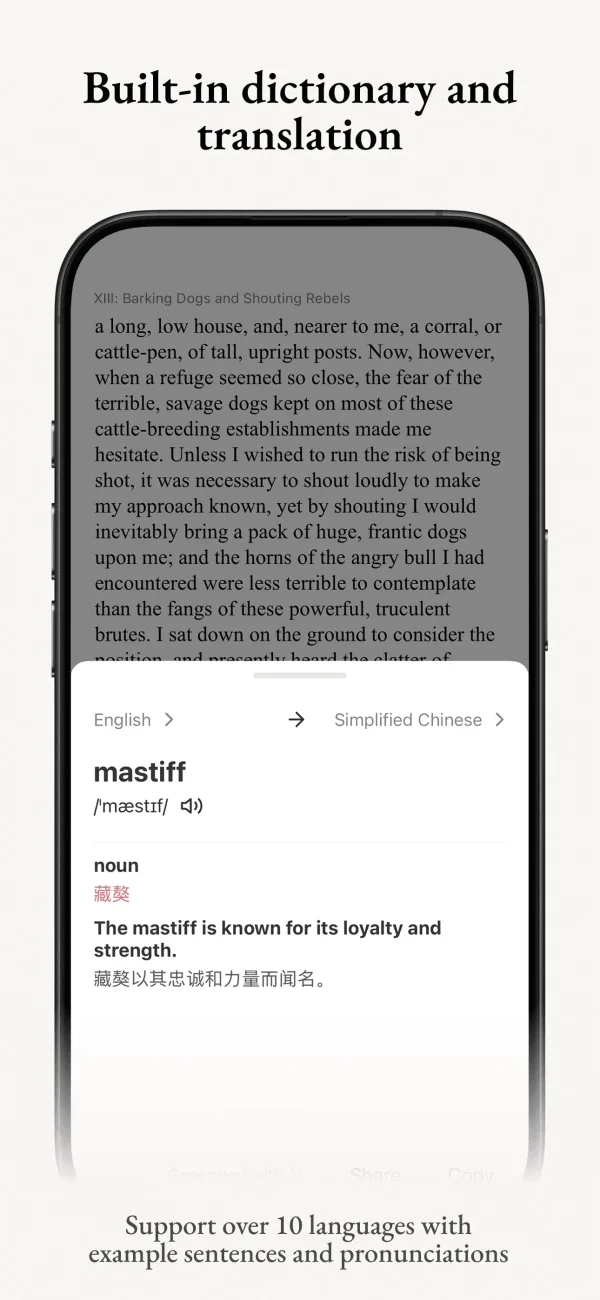
AI-Powered Tools: Built-in dictionary, translation, and smart summarization
Novidades
Versão 2.4.6 · 11/10/2026
NEW FEATURES
· Added a feature to resync all book covers; go to Settings > Sync options
· Added an option to download images in CBZ comic mode
· The iOS version now supports accessing the system dictionary, system translation, and system OCR; go to Settings > Third-Party Services
· Added a dedicated comic mode for CBZ format, supporting streaming rendering
· Added support for batch downloading books; tap the three dots at the top of the home screen and select “Batch Operations”
· Support for custom translation and TTS APIs; go to Settings > API Settings
· Added a “Return” button after navigating to a section via the in-book table of contents
· Expanded the font size adjustment range
· Support for adjusting the paragraph spacing threshold and title size threshold for text-based PDFs when converting to texts
· Support for using AI to extract book titles and author names from filenames; long-press a book and select “Edit”
· Support for using AI to extract book titles and author names from filenames when importing books; go to Settings > General Options
· Support for caching full-text translation and OCR results; books will be loaded directly from the cache the next time they are opened
· Added Paragraph Mode, Reading Ruler, and Speed Reading Mode; enable these in Settings on the book page
· Online book metadata matching now includes publication date, ISBN, ratings, and other information
· Added 100 curated book background images
· Support for searching books using a book key
· Experimental support for total page count; go to Settings > Reading Options
· Page numbers are now displayed in the book table of contents, please enable total page count first
· The official AI dictionary now supports more target languages
· Adapted to the iOS 26 Liquid Glass effect
· The iOS version now supports importing folders
· Supports custom app icons; go to Settings > Appearance
· The app now supports 10 additional languages
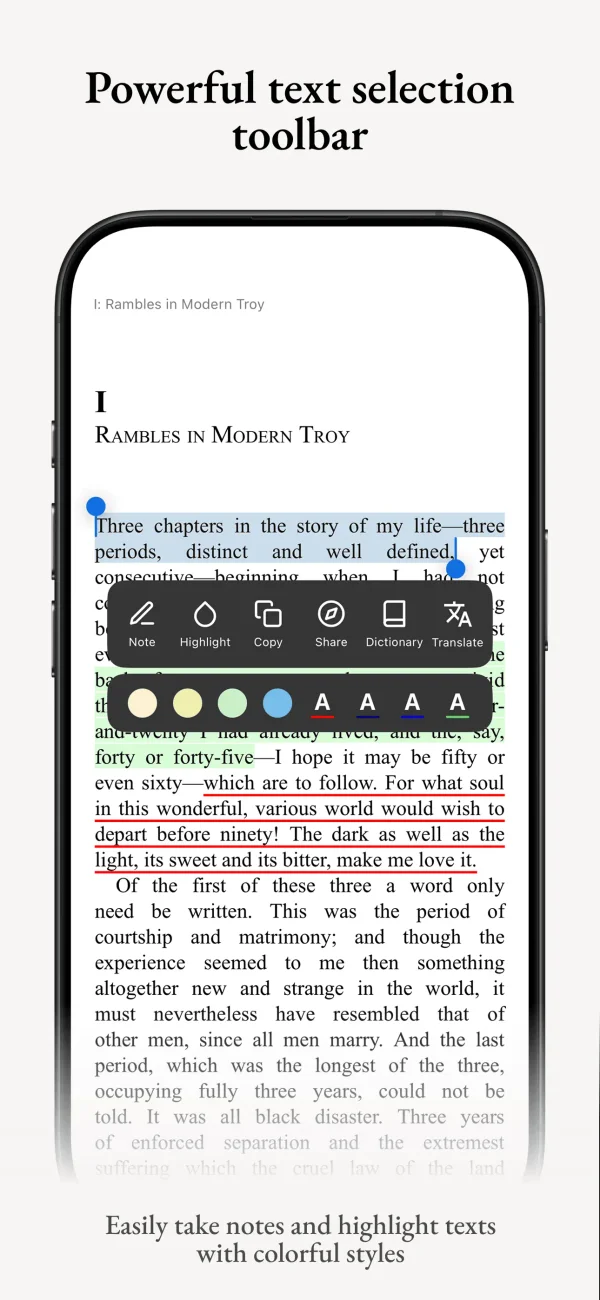
· Added highlight rule feature to text rules, allowing you to highlight specific text in books
· Added support for clearing chat history in AI chat
· Upgraded to the new React Native architecture to improve overall app performance
· Automatically keeps the screen on during synchronization to prevent interruptions caused by the screen locking
OPTIMIZATIONS
· Optimized the smoothness of page-turning animations
· Optimized the smoothness of certain app animations
· Optimized import and opening speeds for large CBZ files
· Optimized the chart UI for reading statistics
· Optimized rendering speed for books with extensive notes and highlights; stuttering issues have been resolved
· Optimized performance and frame rate for smooth and simulated page-turning animations
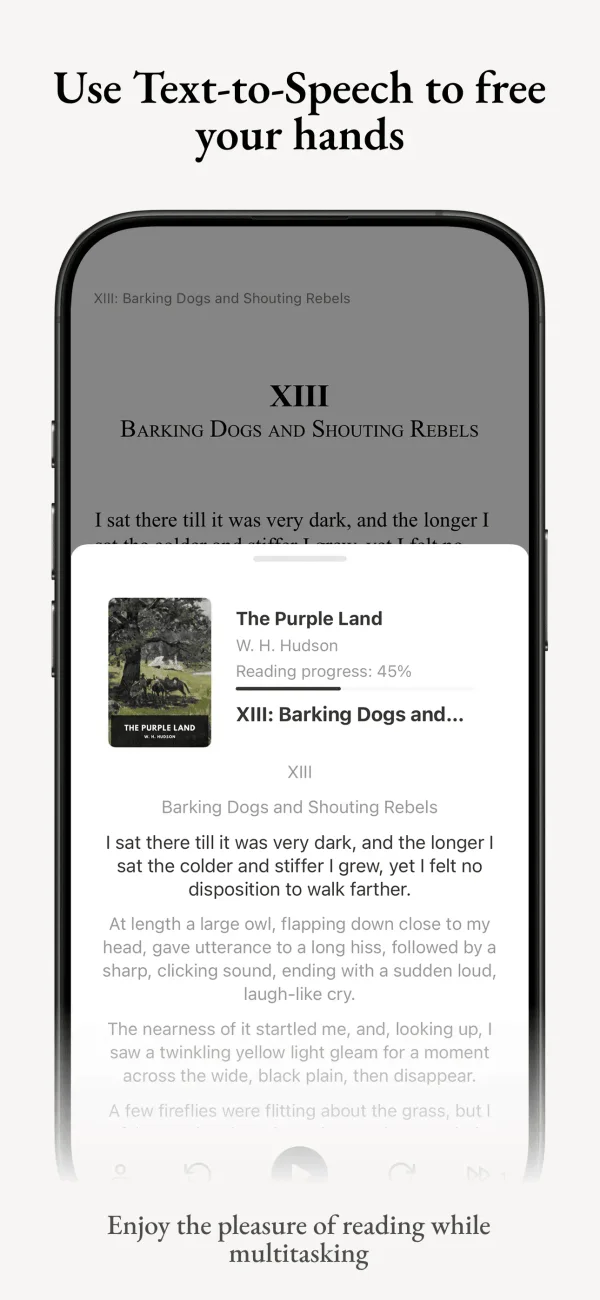
· Optimized the TTS feature for PDFs, supporting more natural sentence breaks
· Optimized error messages for the sync feature
· Optimized the list performance of AI chat; now only the last three rounds of conversations are displayed by default
FIXES
· Fixed known issues and improved stability. Welcome to report any problems you encounter during use.
Privacidade do app
O que 亮 郭 declara na App Store sobre como este app lida com os dados.
-
Dados vinculados a você
Podem ser coletados e vinculados à sua identidade.
- Informações de contato
- Identificadores
-
Dados não vinculados a você
Podem ser coletados, mas não são vinculados à sua identidade.
- Diagnóstico
As práticas de privacidade podem variar, por exemplo, com base nos recursos que você usa ou na sua idade.
Informações
- Vendedor
- 亮 郭
- Categoria
- Livros
- Versão
- 2.4.6
- Atualizado
- 11/10/2026
- Lançamento
- 04/07/2025
- Tamanho
- 71,5 MB
- Requer
- iOS 15.5 ou posterior
- Classificação etária
- 17+
- Preço
- Grátis
- Compras no app
- Sim
- Idiomas
- Inglês
- Copyright
- © 2025 App by Troye